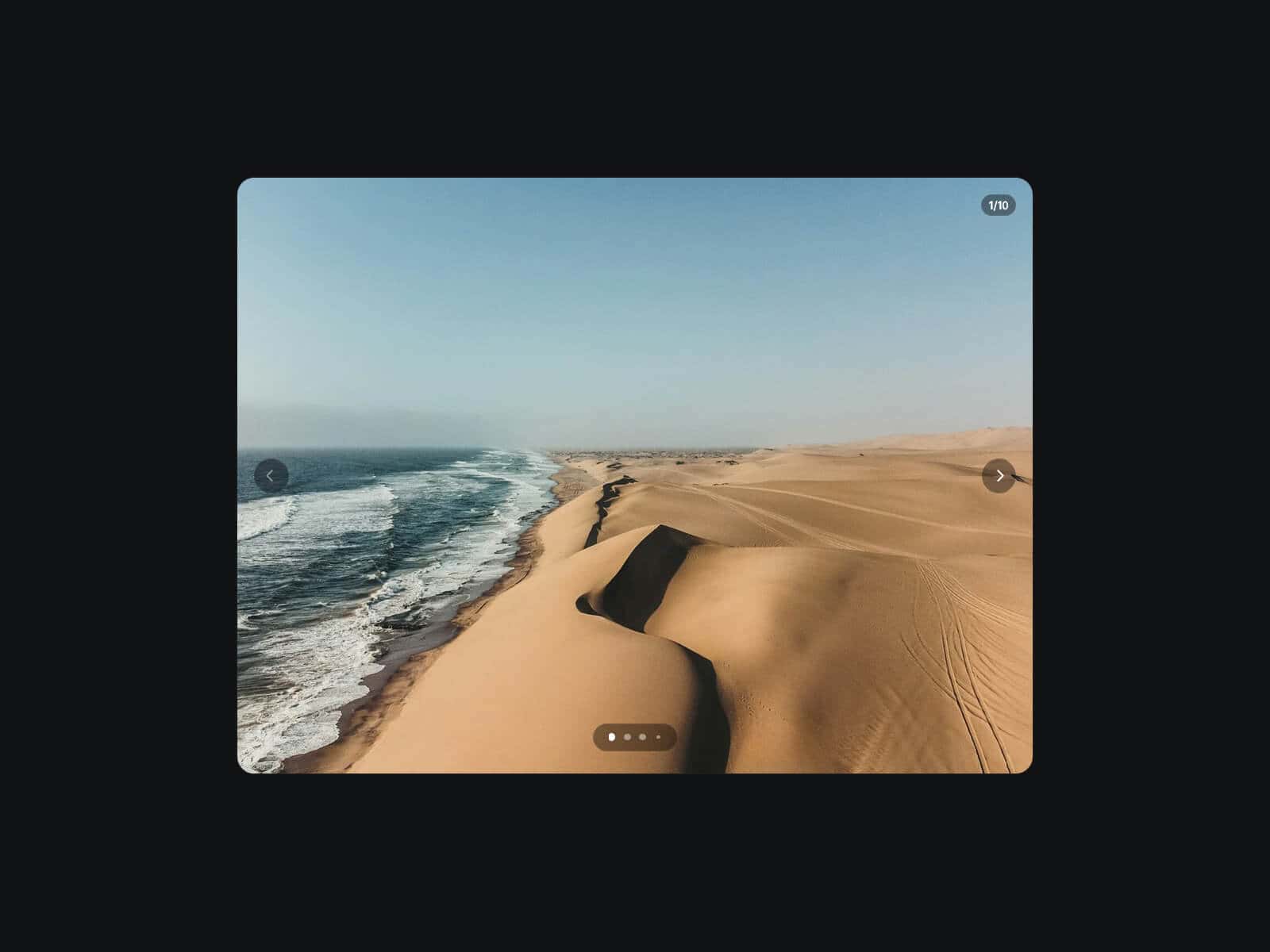
About Ambient Slideshow
Ambient Slideshow is a customizable image slideshow designed to keep the focus on photography and visual storytelling. It adapts to any layout, size, or aspect ratio.
Combining fade transitions, integrated thumbnails, progress indicators, captions, and optional scale animations.
All interface elements can be styled and positioned independently, and properties can be adjusted across Framer breakpoints to create different experiences for desktop, tablet, and mobile.
The component also supports Framer CMS, allowing images and captions to be connected directly from CMS collections (up to 10 images).
Key Features
Content & CMS
Manual slides or CMS Mode (up to 10 images)
Supports image uploads and image URLs
Individual captions for each slide
Playback & Animation
Autoplay when entering the viewport
Duration and fade transition controls
Optional Scale To or Scale From animation
Adjustable zoom intensity
Thumbnails
Show or hide thumbnails
Alignment, inset, size, ratio, gap, and radius controls
Border and active border customization
Optional thumbnail strip with fill, blur, radius, padding, and border
Progress Bar
Single or Per-Slide mode
Alignment and inset controls
Custom progress and track colors
Adjustable width, height, and radius
Play / Pause Button
Show or hide controls
Default or custom icons
Corner mode or Follow Cursor mode
Full styling controls (size, fill, blur, border, opacity, etc.)
Captions & Vignette
Show or hide captions
Top or bottom positioning
Full typography customization
Optional text shadow
Vignette modes: Top, Bottom, or Around
Adjustable color and intensity
How to Set Up
Drag Ambient Slideshow onto your canvas
Add images manually or enable CMS Mode
Configure autoplay and animations
Customize thumbnails, captions, and progress indicators
Publish
Refund Policy
All sales of digital products are final and non-refundable.
Questions? Contact hellonostromostudio@gmail.com before purchasing.
Enjoy!