About Flex Carousel
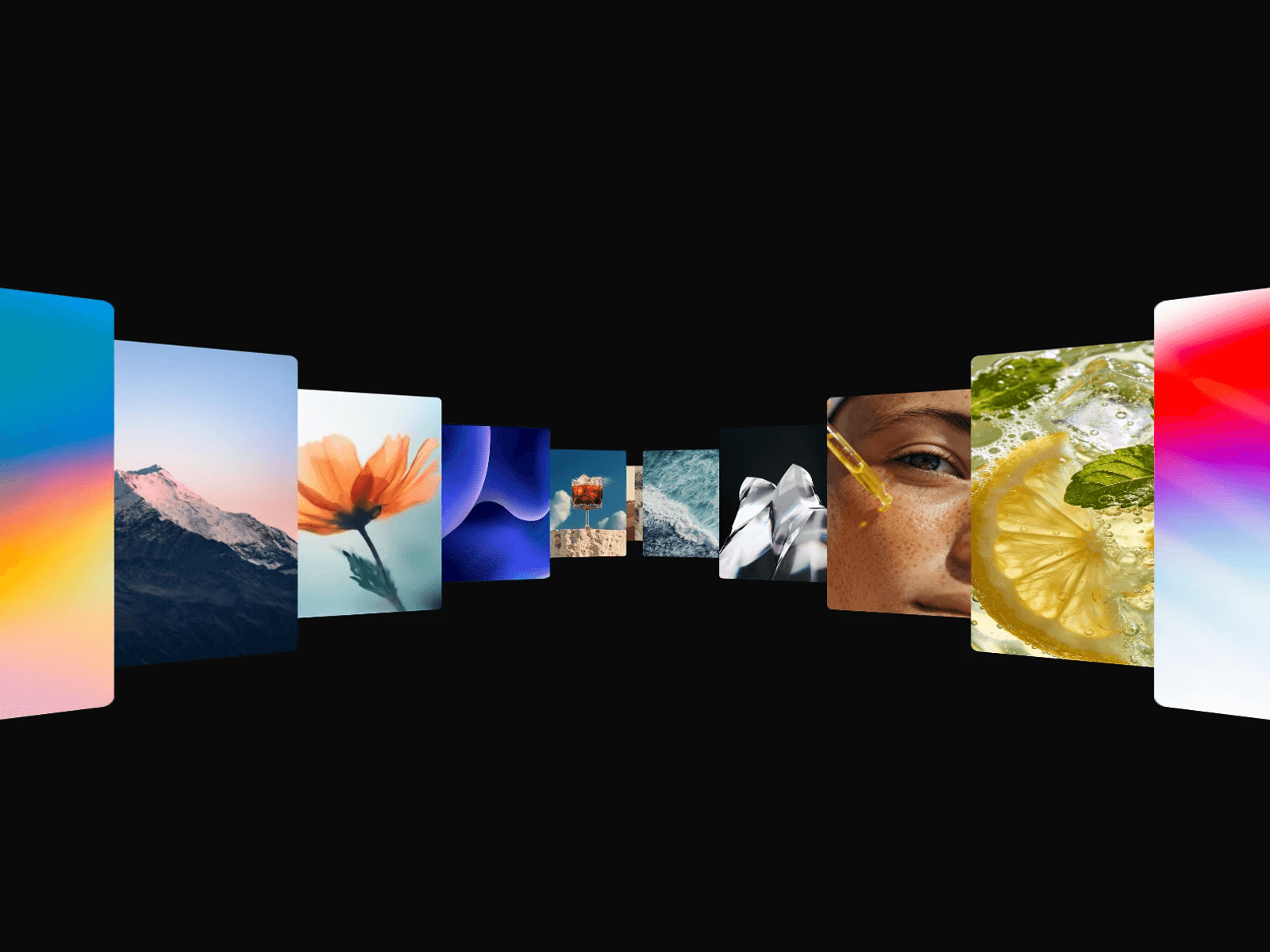
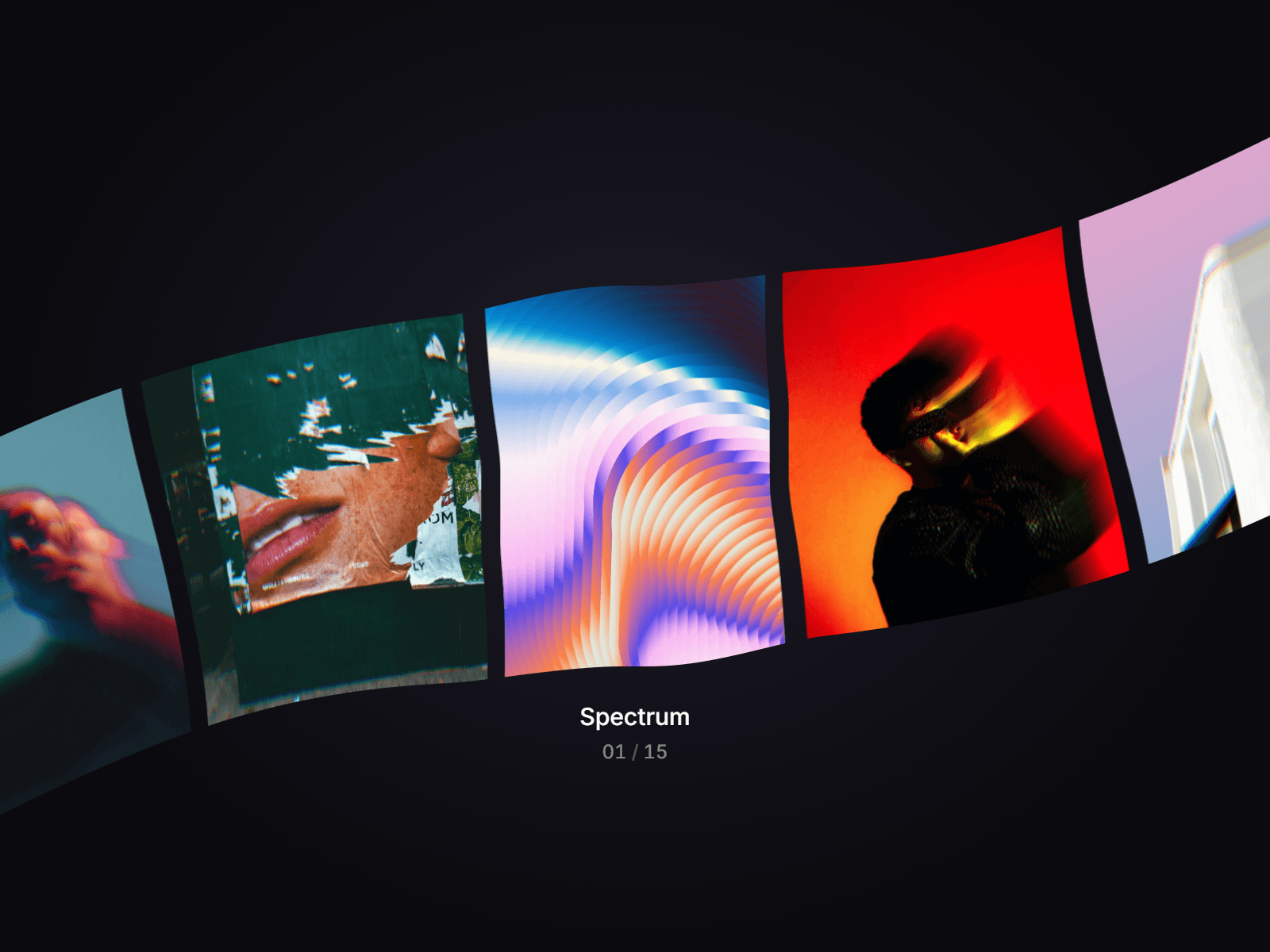
Flex Carousel bends an endless row of images through an invisible glass lens. Drag, scroll or use the arrow keys and the row flexes where it crosses the edge of the glass, with a soft rainbow split of light along the curve. Click a card and it opens in focus: the others part, the bend melts away and the image grows.
Shape the Glass
Start from a preset (Liquid, Ribbon, Vortex, Arch) or switch to Custom and shape the lens yourself: width, height, tilt, roundness, bend, reach and dispersion. Pick which way the ends curl, let the glass wobble like a liquid, or let it drift after the cursor like a loupe.
Key Features
Motion
Four entrance animations: Rise, Bloom, Spin and Deal
Endless loop with spring snapping and drag with momentum
Three scroll modes: Capture, On Page (scrolling the page spins the row, perfect for a hero) or Off
Cards squeeze slightly while the row moves fast
Optional autoplay that pauses on hover, focus and interaction
Images
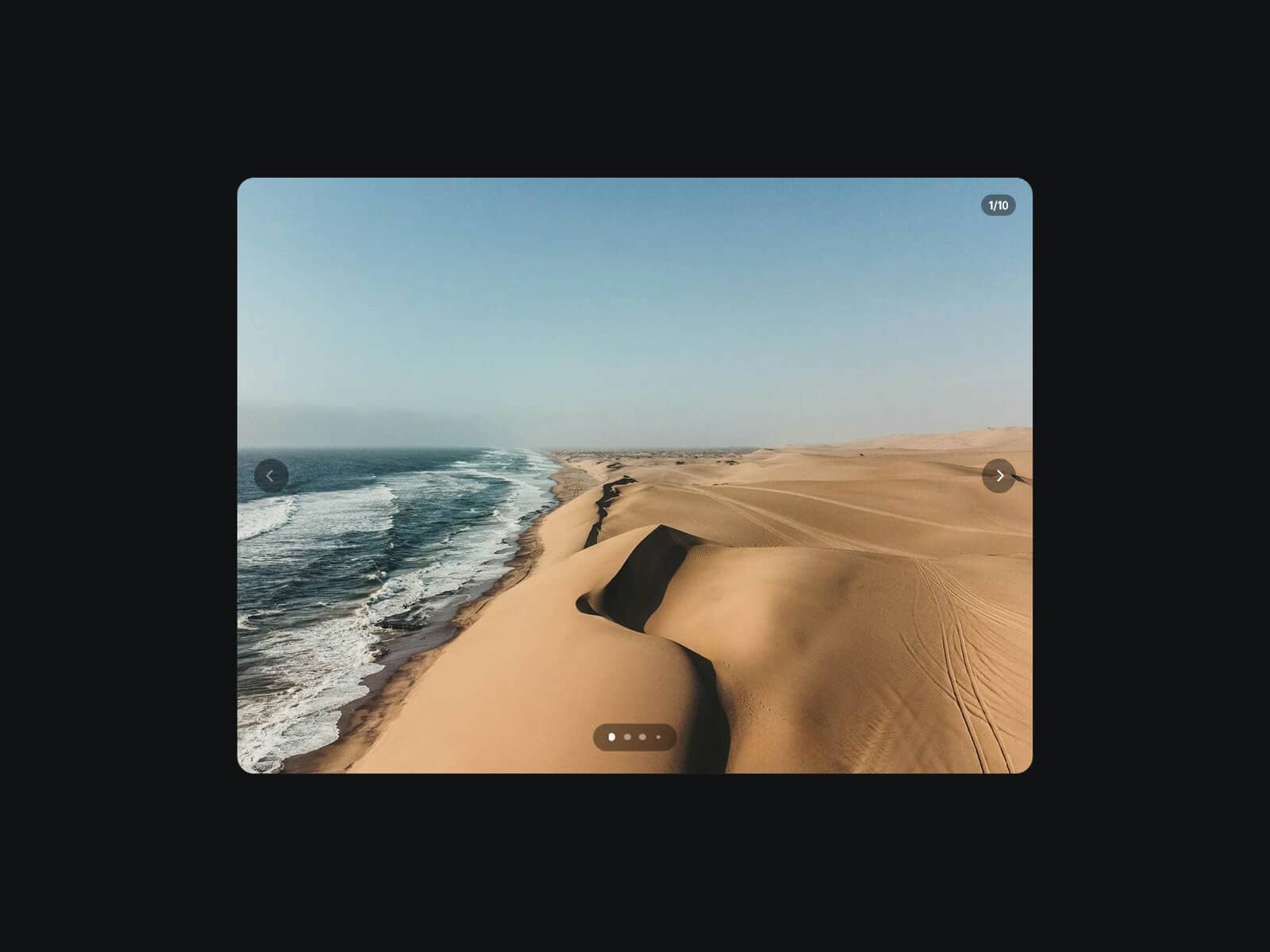
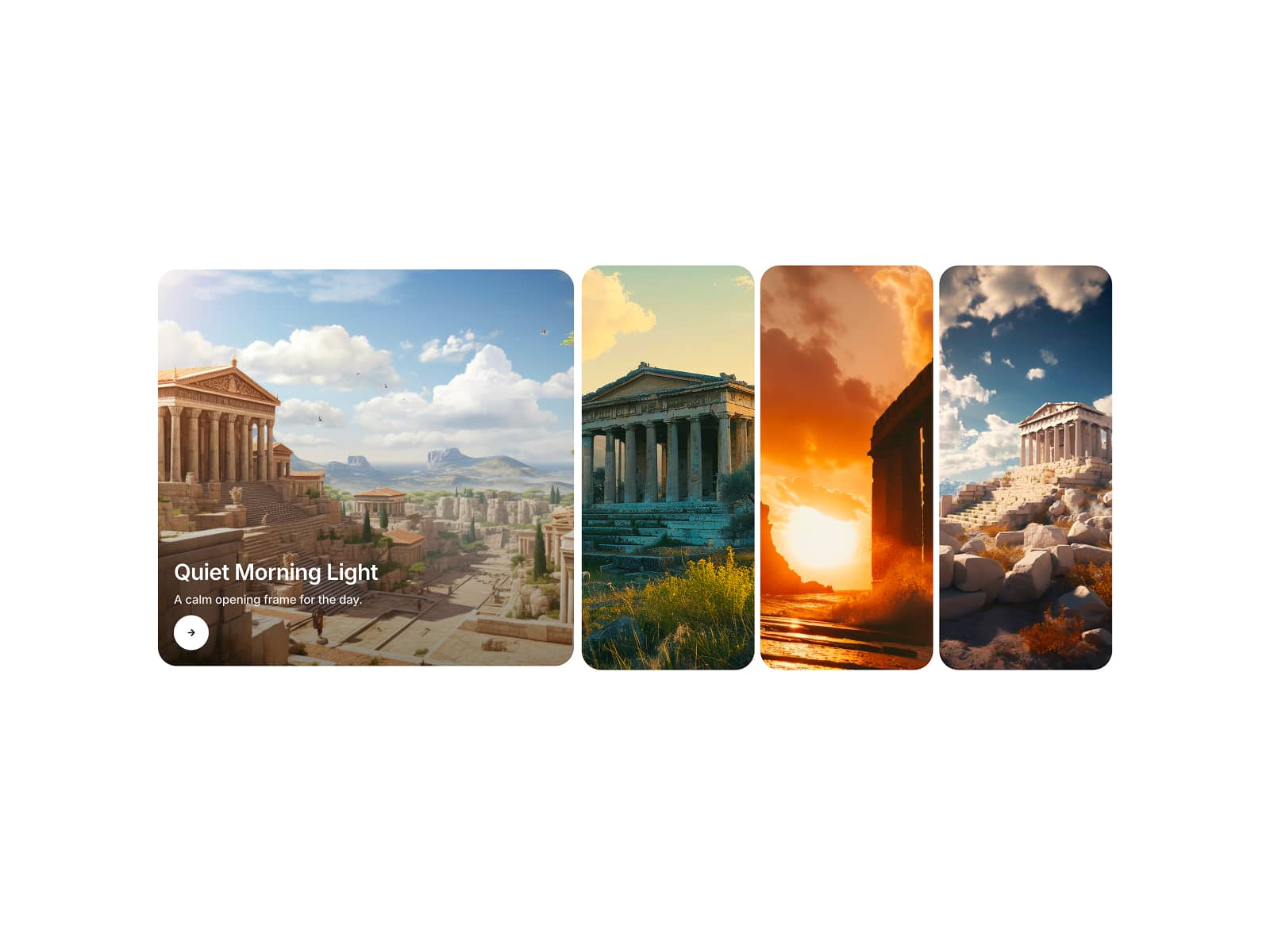
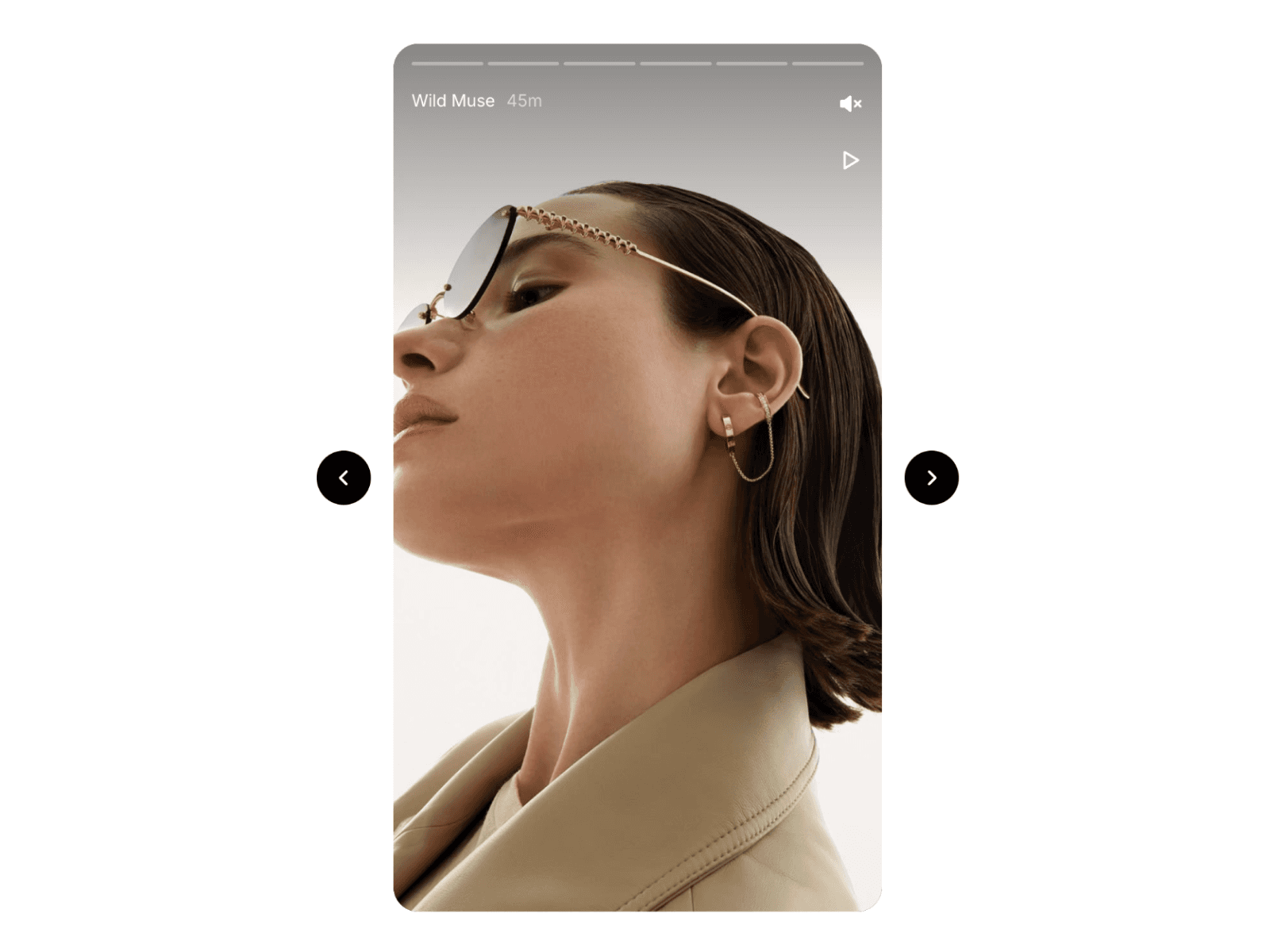
Natural ratio, or crop every card to Portrait, Square or Landscape
Adjustable card height, gap and corner radius
Title and subtitle per image, with an animated counter below the row
Custom fonts and text color for the captions
Interaction
Click to focus a card, click, drag, scroll or Escape to close
Full keyboard support: arrows, Home, End, Enter
On Change and On Select events to trigger your own interactions
Performance
GPU rendered with WebGL, no external libraries
Rendering pauses when the carousel is off screen
Respects reduced motion settings
Still preview on the canvas
How to Set Up
Drag Flex Carousel onto your canvas and give it a size
Add your images, titles and subtitles under Images
Pick a Preset, or Custom to shape the glass
Adjust intro, fit and captions, then publish
Refund Policy
All sales of digital products are final and non-refundable. Questions? Contact hellonostromostudio@gmail.com before purchasing. Enjoy!