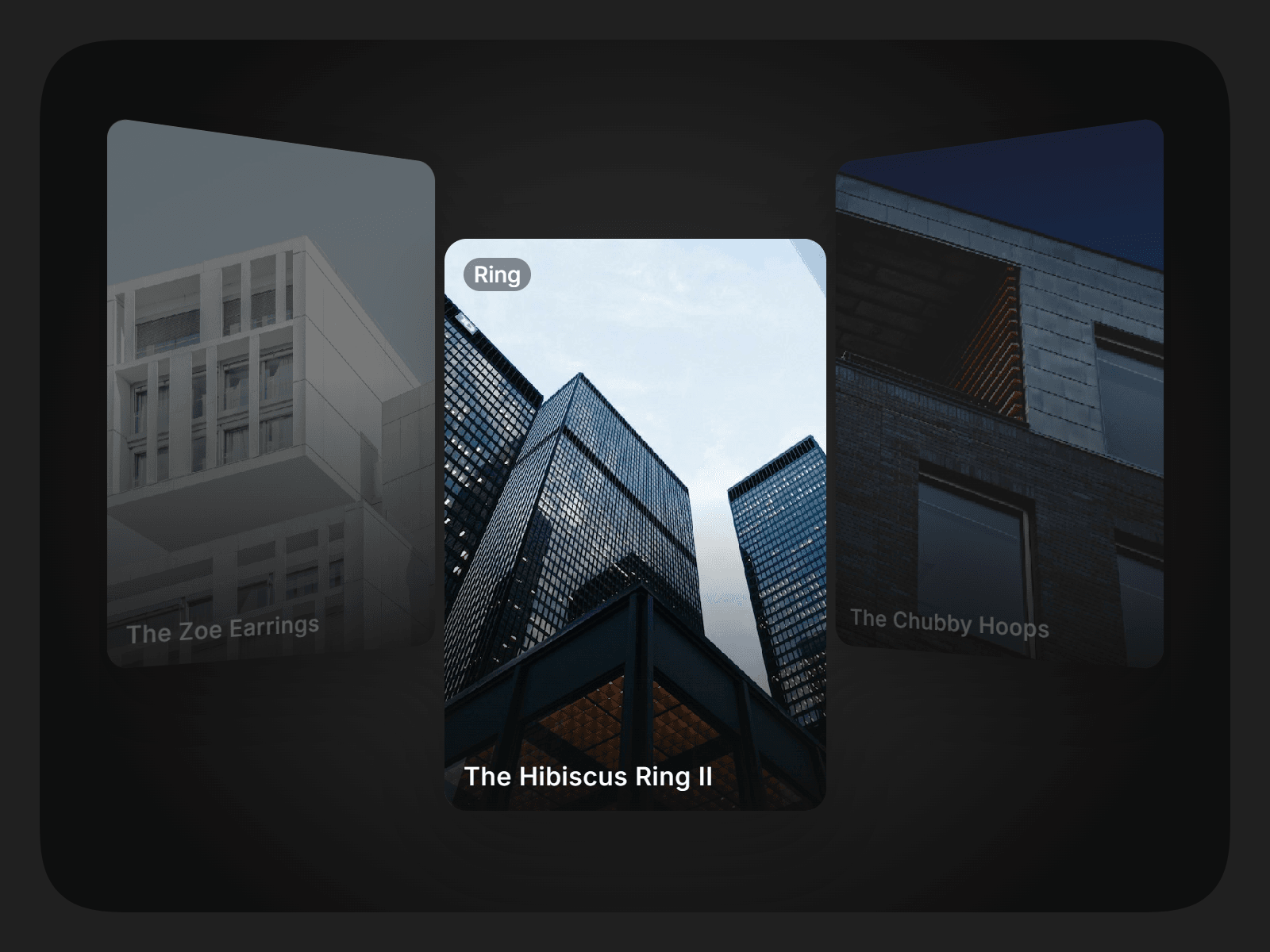
About Coverflow Slideshow
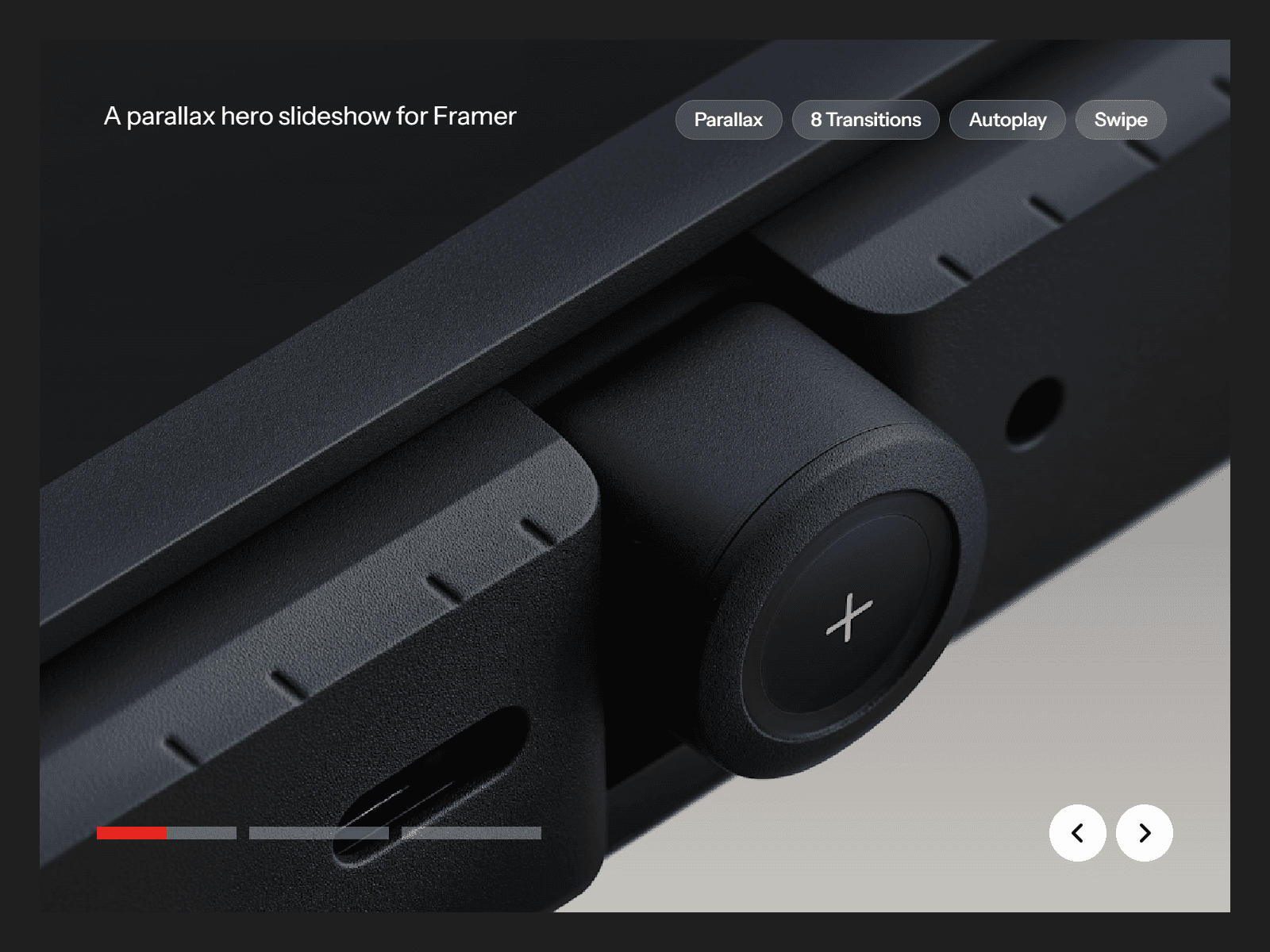
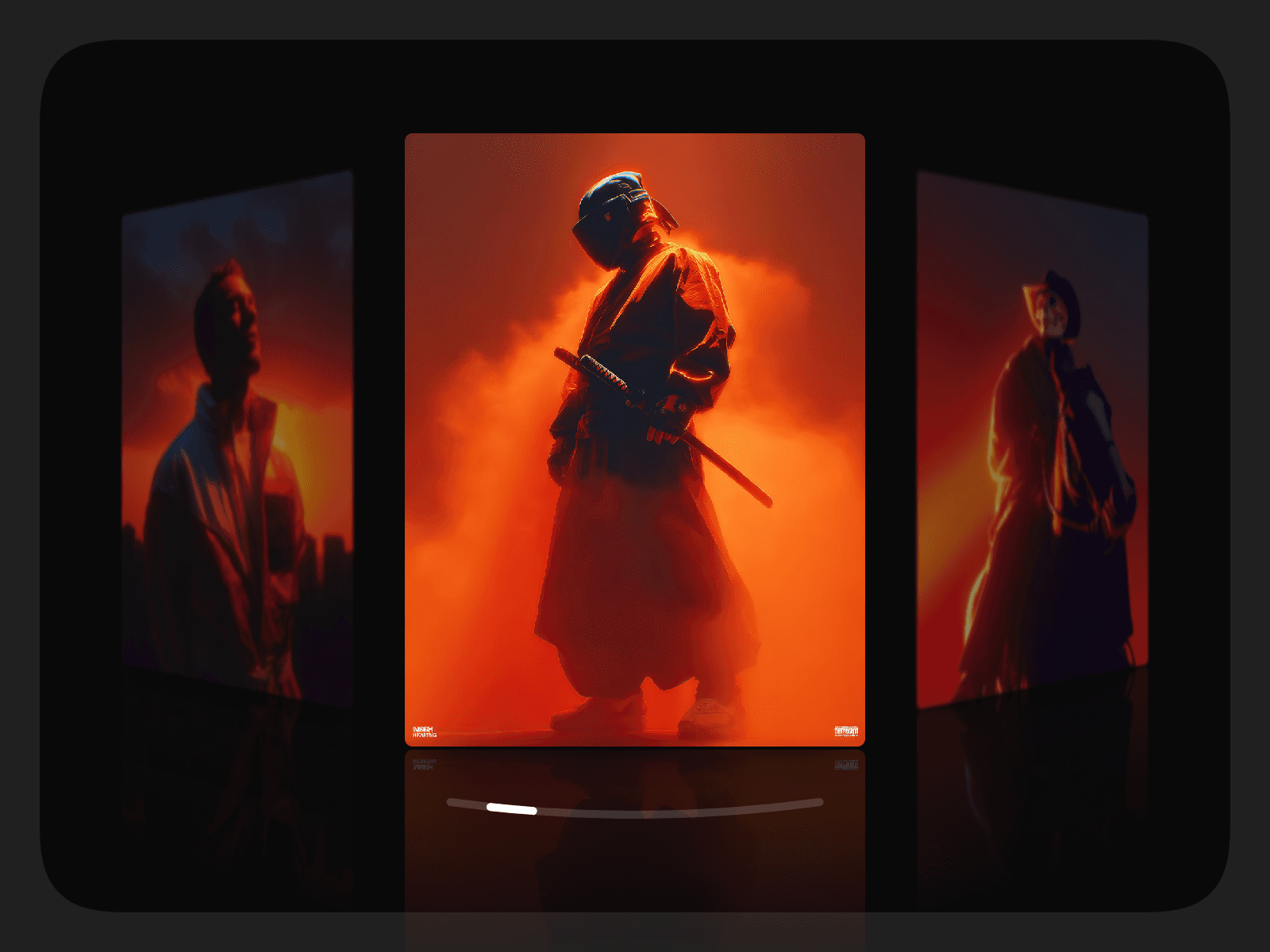
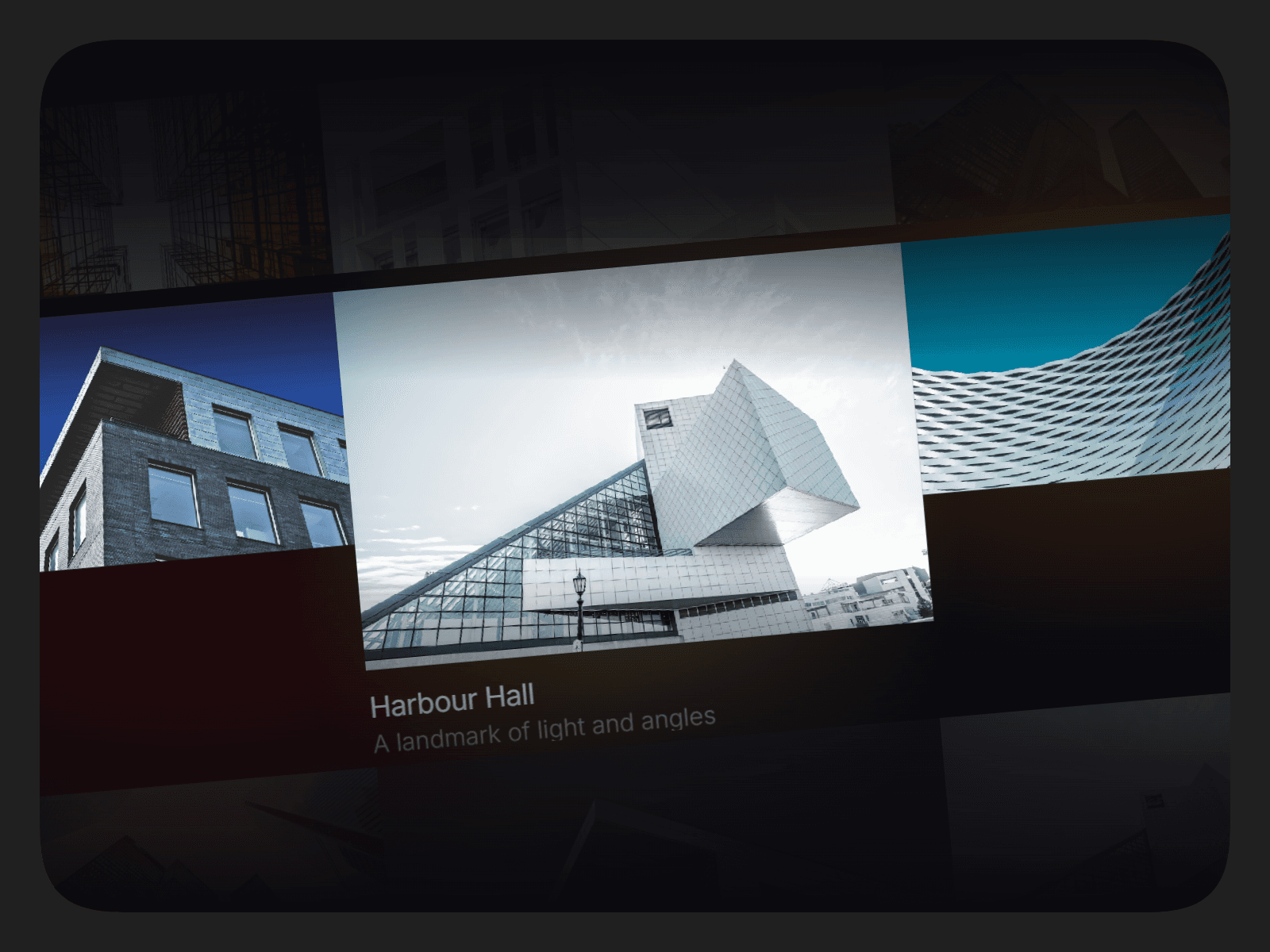
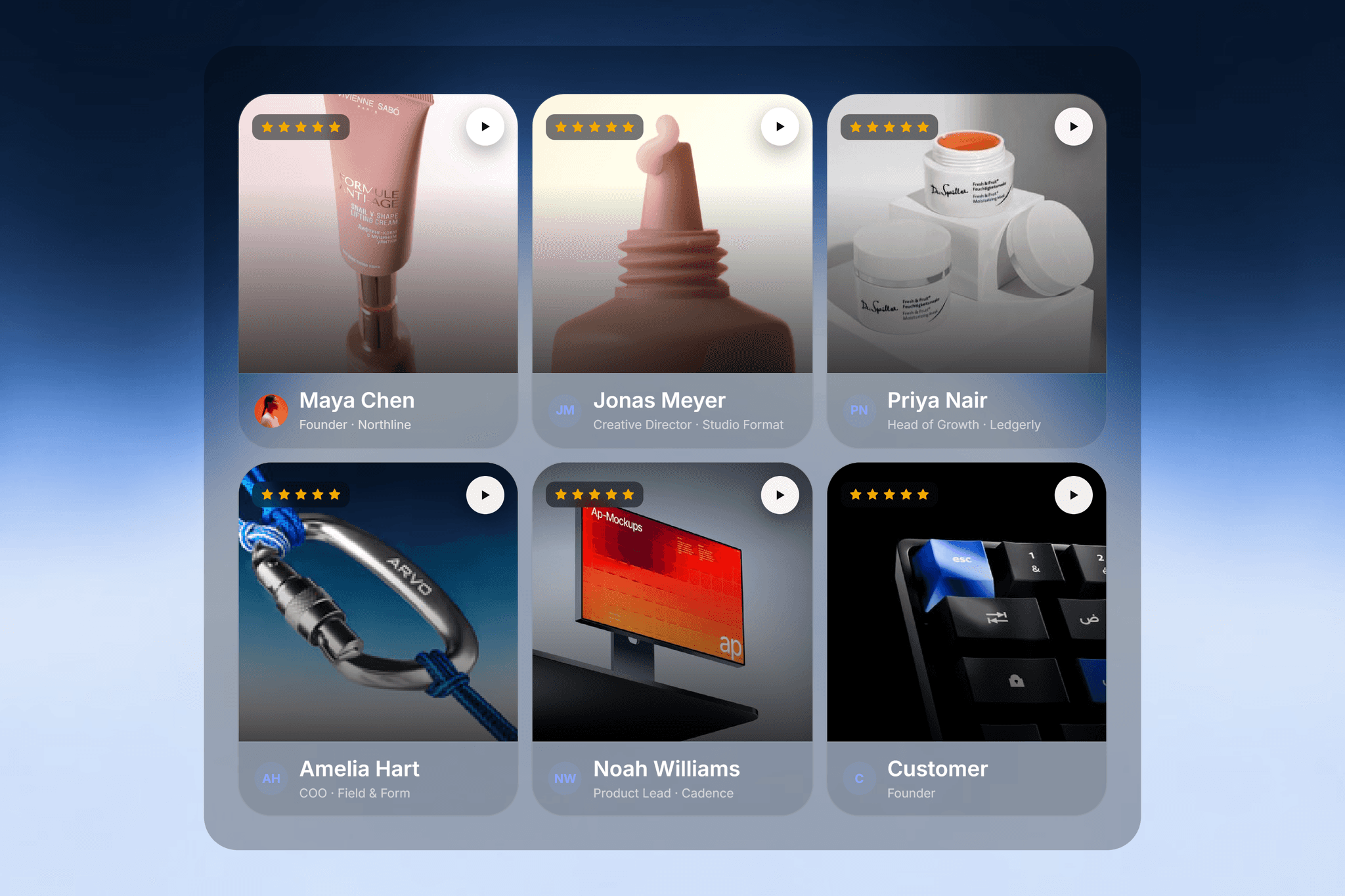
Coverflow Slideshow brings a cinematic, focus-first presentation to your Framer projects. Create layered 3D carousels using images or videos, either manually or directly from a Framer CMS Collection. Build dynamic galleries, portfolios, case studies, product showcases, and visual stories without manually adding every card.
With responsive layouts, smooth animations, autoplay, drag interactions, captions, navigation, and customizable depth effects, you can adapt the component to fit almost any visual style.
Features
3D coverflow card layout
Framer CMS Collection support
Dynamically display CMS images and videos
Supports both images and videos
Smooth spring or easing animations
Drag, swipe, click, and keyboard interactions
Autoplay with adjustable timing
Hover zoom and parallax effects
Captions and tags
Navigation controls
Responsive across desktop, tablet, and mobile
Custom aspect ratios and card layouts
Customization options
Card size, ratio, radius, and spacing
3D tilt and perspective
Side card scale and falloff
Depth, shadow, and dimming
Caption and tag visibility
Navigation placement and visibility
Animation style and parallax
Autoplay interval
Drag and click-to-focus behavior
Hover zoom intensity
Usage
Add the Coverflow Slideshow component to your Framer project.
Add images or videos manually, or connect it to a Framer CMS Collection.
Map your CMS fields to the relevant card content.
Customize the layout, depth, motion, and interaction settings.
Adjust captions, navigation, and autoplay to match your design.
Publish and use the carousel anywhere in your website.