About Exit Intent Popup
You're finally getting traffic to your website.
But what happens when visitors are about to leave?
Most websites simply let them go.
Exit Intent Popup gives you one last opportunity to capture attention before they leave the page.
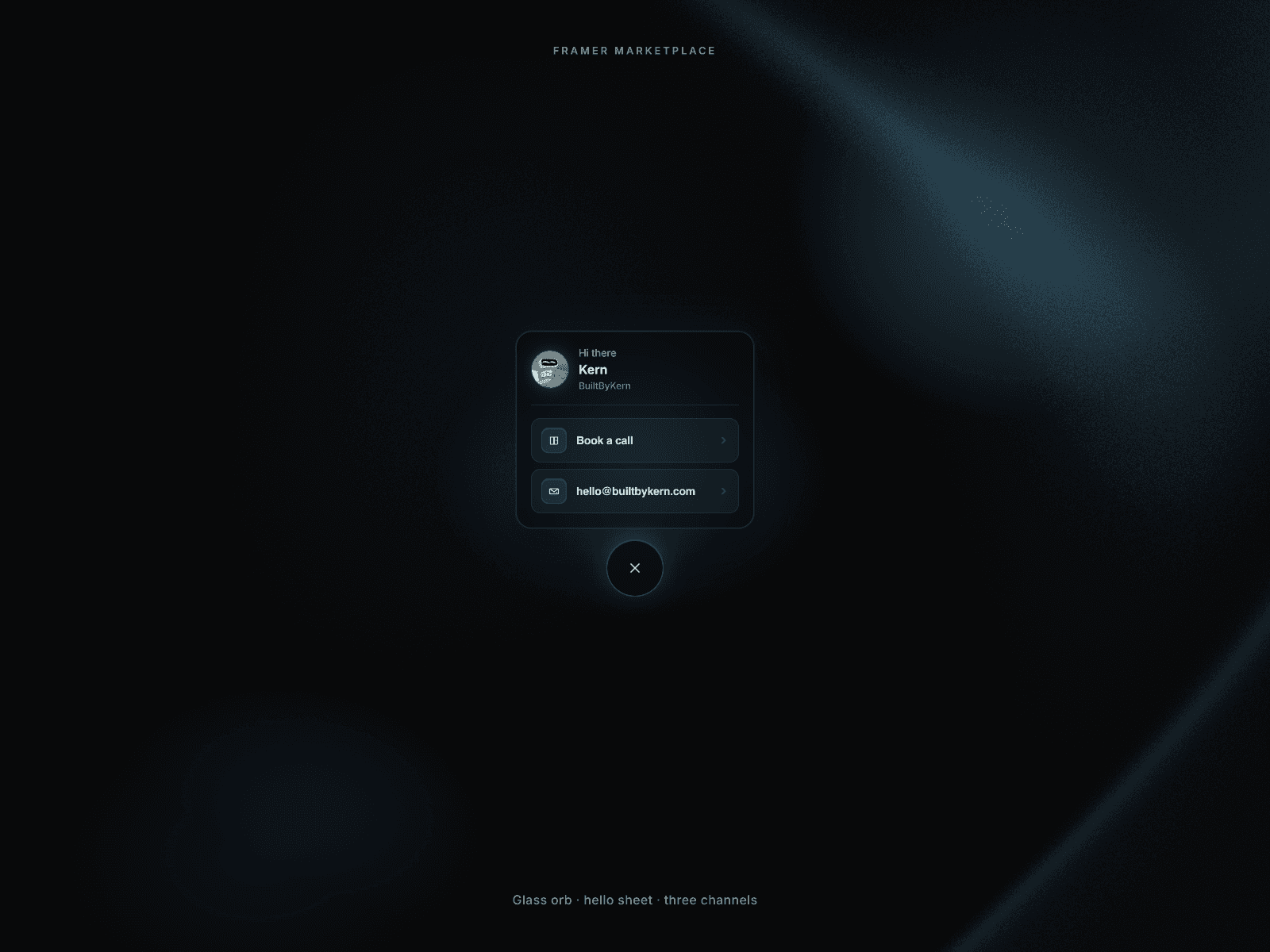
Whether you want to offer a discount code, collect newsletter subscribers, promote a limited-time offer, or encourage visitors to book a call, Exit Intent Popup automatically appears when users show signs of leaving your website.
Built 100% natively for Framer, it gives you complete control over design, placement, animations, frequency, and behavior directly from the right-hand panel.
No code.
No custom scripts.
No complicated setup.
Just connect your popup design and start recovering lost visitors.
🎁 Bonus Included
All popup demos shown in the preview are included with your purchase.
Simply remix, customize, and launch.
Instructions
Getting started is simple:
Copy the component URL provided after purchase.
Paste it into your Framer project and place it under your Desktop frame.
Set the component position to "Absolute."
Set both "Top" and "Left" values to "0".
Remove the default Framer Z-Index styling and manage layering through the built-in Popup Layout controls.
Connect your popup design using the Popup Card slot.
Optionally connect a custom Close Button design.
Configure exit intent behavior, animations, placement, frequency rules, and display settings from the right-side panel.
Preview or publish your website.
That's it.
The popup will automatically appear when visitors show exit intent.
What Makes This Different
Most popup components block your design canvas while you're building your website.
Exit Intent Popup includes a built-in Canvas Preview mode.
Turn Preview On when positioning and styling your popup.
Turn Preview Off while designing the rest of your page and the popup instantly gets out of the way.
This creates a much cleaner workflow and prevents large popup overlays from blocking content on the Framer canvas.
How It Works
- Popup Card
Connect any popup design including:
Coupon popups
Newsletter forms
Lead generation forms
Announcement banners
Marketing offers
Welcome messages
Cookie notices
Fullscreen overlays
- Exit Intent Trigger
Detects when visitors are about to leave the website and automatically displays the popup.
- Desktop detection:
Mouse exits toward the top of the browser window
- Mobile detection:
Scroll-up intent detection
Tab switching detection
App switching detection
- Frequency Controls
Control how often the popup appears:
Always
Once Per Session
Show Once Ever
Custom Display Rules
- Page View Targeting
Only trigger the popup after visitors view a selected number of pages during their session.
Perfect for highly targeted campaigns.
- Cooldown Controls
Prevent popup fatigue by setting cooldown periods before visitors can see the popup again.
- Close Behavior
Choose how visitors dismiss the popup:
Backdrop Click
Escape Key
Page Scroll
Auto Close Timer
Custom Close Button
- Popup Layout
Choose between:
Modal Popup
Full Width Banner
Customize:
Width
Radius
Scale
Z-Index
- Placement
Position your popup anywhere:
Center
Top Center
Bottom Center
Top Left
Top Right
Bottom Left
Bottom Right
Center Left
Center Right
- Animation Controls
Customize:
Opacity
Scale
Position
Skew
Rotate X
Rotate Y
Rotate Z
Supports independent enter and exit animations.
- Backdrop Controls
Customize:
Color
Opacity
Blur
Backdrop Animation
Features
Exit Intent Detection: Automatically shows the popup when desktop visitors move their cursor toward leaving the page.
Mobile Exit Detection: Includes mobile-friendly fallbacks such as scroll-up intent and app/tab switching detection.
Page View Targeting: Trigger popups only after visitors have viewed a specific number of pages during a session.
Advanced Frequency Rules: Show the popup once per session, once ever, always, or with custom display limits and reset intervals.
Smart Cooldown System: Prevent popup fatigue by controlling how long visitors must wait before seeing the popup again.
Custom Popup Designs: Connect any Framer frame or component as your popup, including coupon offers, newsletter forms, lead magnets, announcements, and more.
9 Placement Positions: Display the popup in the center, corners, edges, top bars, bottom bars, or anywhere in between.
Full-Width Banner Mode: Easily create announcement banners, cookie notices, and promotional strips that span the entire screen width.
Independent Enter & Exit Animations: Create unique opening and closing animations with separate motion settings and transitions.
3D Animation Controls: Customize opacity, scale, position, skew, and Rotate X/Y/Z effects directly from the property panel.
Custom Close Button Support: Use your own Framer-designed close button and place it anywhere around the popup.
Flexible Close Behavior: Close via backdrop click, Escape key, page scroll, auto-close timer, or a custom close button.
Scroll Lock Support: Prevent background scrolling while the popup is visible for maximum focus and engagement.
Canvas Preview Mode: Toggle popup visibility while designing so it never blocks your workflow on the Framer canvas.
Persistent Visitor Memory: Uses local storage and session storage to remember display rules across sessions and page visits.
Fully Responsive: Works seamlessly across desktop, tablet, and mobile devices.
Production Ready: Built with SSR-safe behavior, proper cleanup, and Framer-friendly rendering for reliable performance.
Zero-Code Setup: Connect your design, choose your settings, and launch in minutes.
Use Cases
Coupon Popup: Recover abandoning visitors with last-minute discount offers.
Newsletter Signup Popup: Capture subscribers before they leave your site.
Lead Generation Popup: Offer free consultations, demos, or downloadable resources.
Announcement Banner: Display important updates before visitors exit.
Abandoned Cart Recovery: Encourage shoppers to complete their purchase.
Flash Sale Popup: Show limited-time offers when users attempt to leave.
Portfolio Inquiry Popup: Invite visitors to start a project before exiting.
Product Demo Popup: Offer a demo or free trial before losing potential customers.
Marketing Campaigns: Run targeted exit-intent promotions with advanced display controls.
Made with ❤️ by Soyeb
Refund Policy: Due to the digital nature of these components, all sales are final, and once delivered they cannot be returned, exchanged or refunded. Please review product details and demos before purchasing, and feel free to reach out if anything is unclear.
Have questions or need a custom Framer component? Reach out at heysoyebali@gmail.com