About FAQ Search
🔍 FAQ Search — for Framer
Tired of long FAQ pages nobody reads? 😩 Your visitors scroll, give up, and message support — with a question you already answered.
FAQ Search fixes that. Visitors just type, find, and smile. 😍
✨ What it does
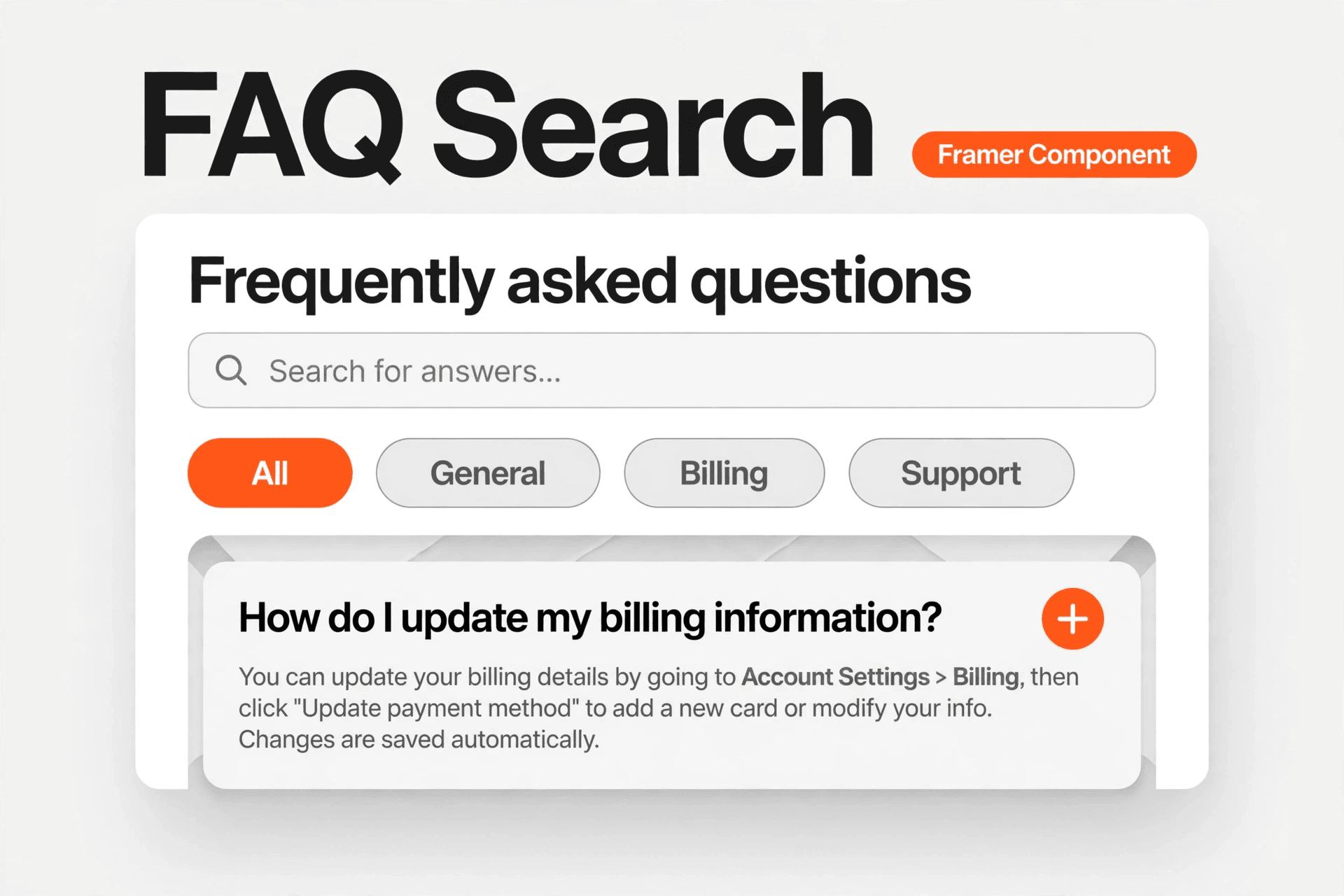
🔎 Live search — filters questions and answers instantly, as you type
✨ Match highlighting — matching words light up in your accent colour
🔢 Smart result count — visitors always know how many answers matched
🏷️ Category filters — one-tap pills to narrow results fast
🔄 Friendly empty state — no matches? A clear message + one-tap reset button
📱 Fully responsive — beautiful on mobile, tablet, and desktop
⚡ Fast & lightweight — no external requests, no tracking, no bloat
🎨 3 beautiful styles in one component
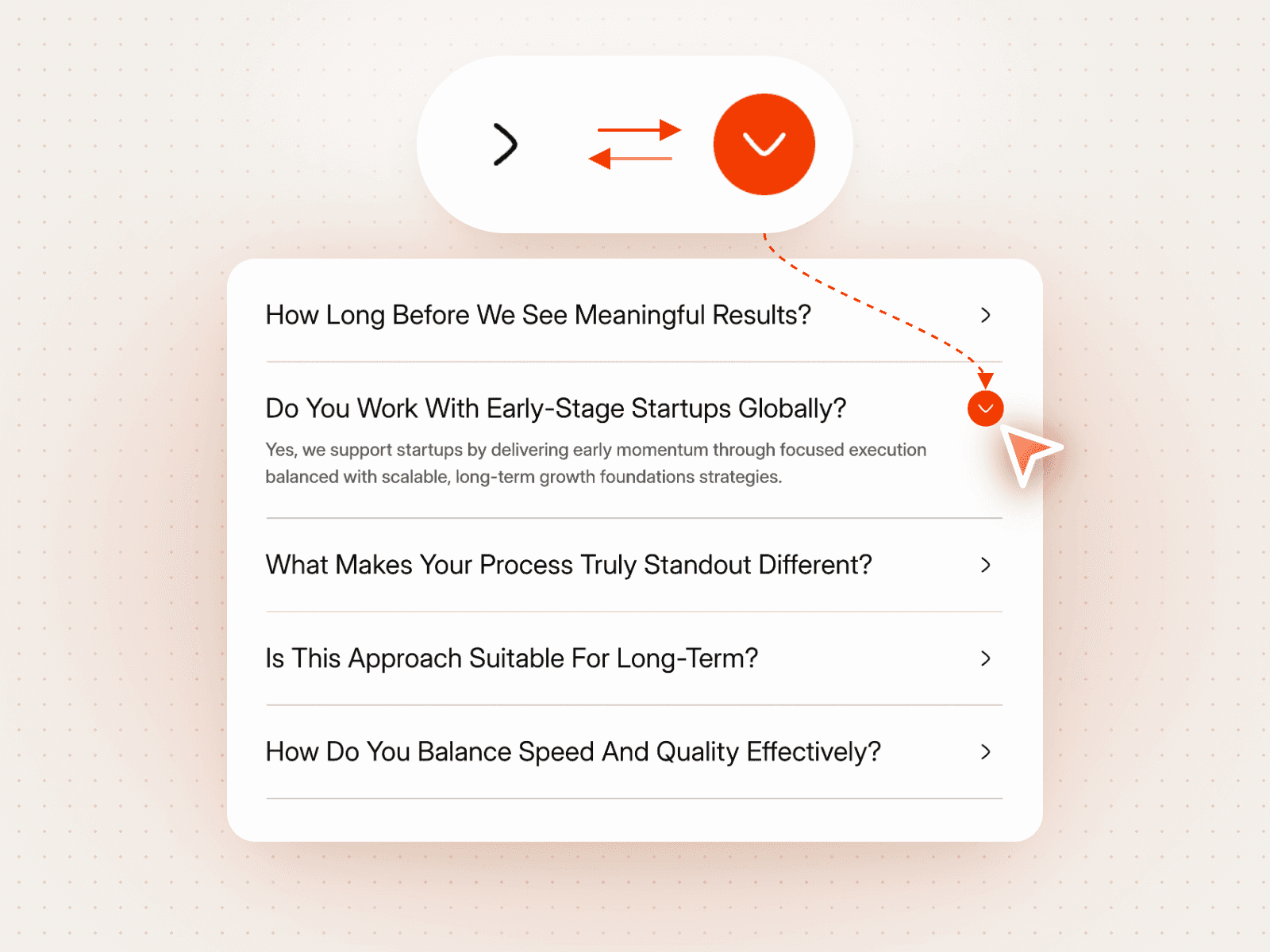
🃏 Cards — soft bordered cards with space to breathe
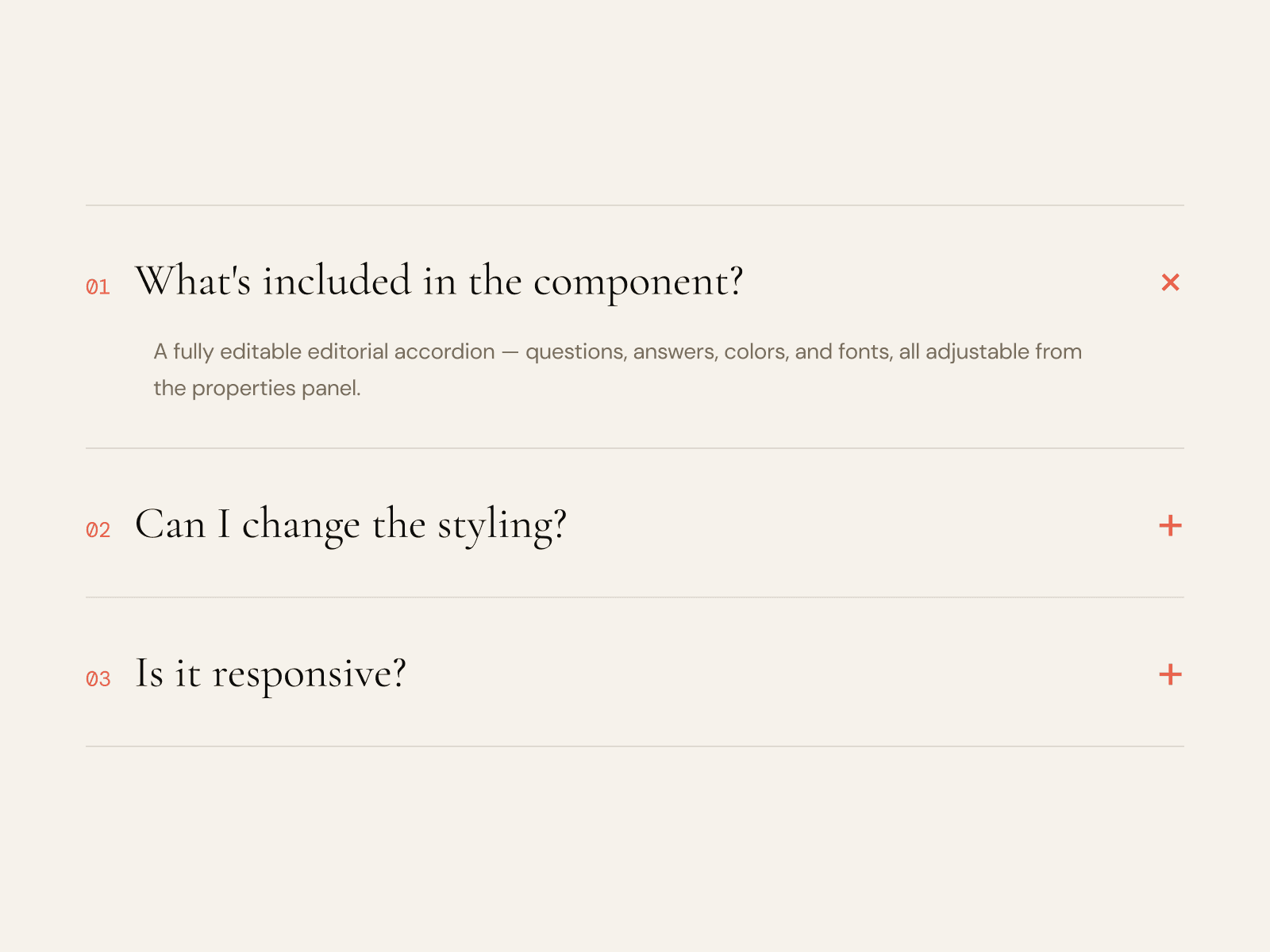
✨ Minimal — clean lines, nothing extra
➗ Divided — a tidy bordered list, perfect for help centres
⚙️ Grouped controls — no canvas struggle!
Everything lives in clean, organised groups in the right-side Properties panel:
📝 Content — Heading, Description, Search placeholder
🎨 Appearance — Style, Accent colour, Corner radius
⚙️ Behaviour — Show search, Show categories, Show result count, Allow multiple open, Open first by default
❓ Questions — Add, edit, or reorder your own questions, answers, and categories — 8 samples included to get you started
No code. No design skills needed. Just drop it in and go! 🚀
💼 Perfect for
🚀 SaaS & startup landing pages
🛍️ E-commerce help & support pages
🏢 Agency client websites
📚 Help centres, docs & knowledge bases
💬 Any site with questions visitors actually ask
🛠️ How to use it
📥 Install the component
🖱️ Drag it onto any page
✏️ Edit your questions in the Properties panel
🎉 Publish — done!
💛 Why buyers love it
✅ Saves support messages
✅ Keeps visitors on your site longer
✅ Looks premium out of the box
✅ Customises in minutes, not hours
✅ Works with any Framer site, any style