About Good Words
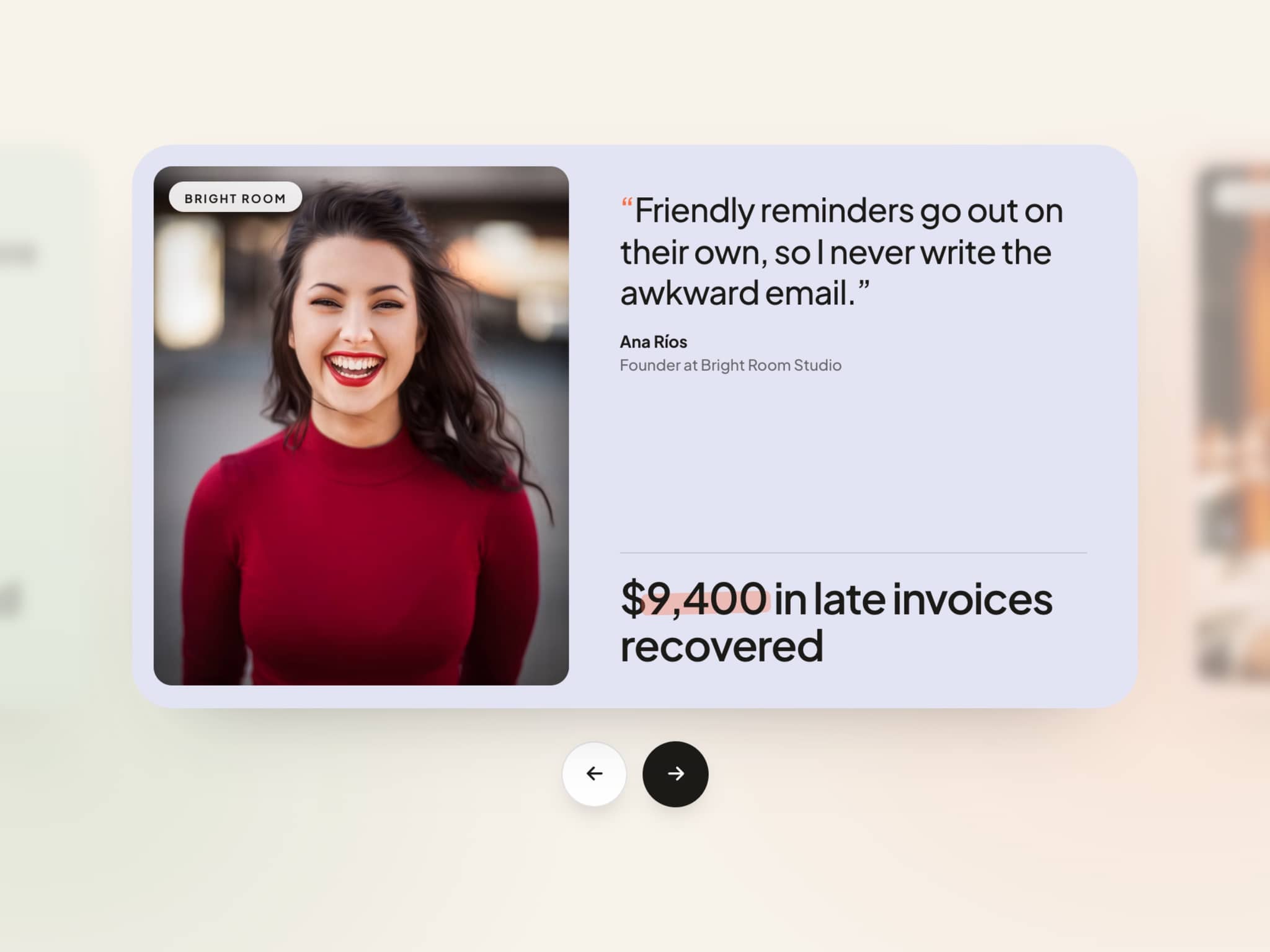
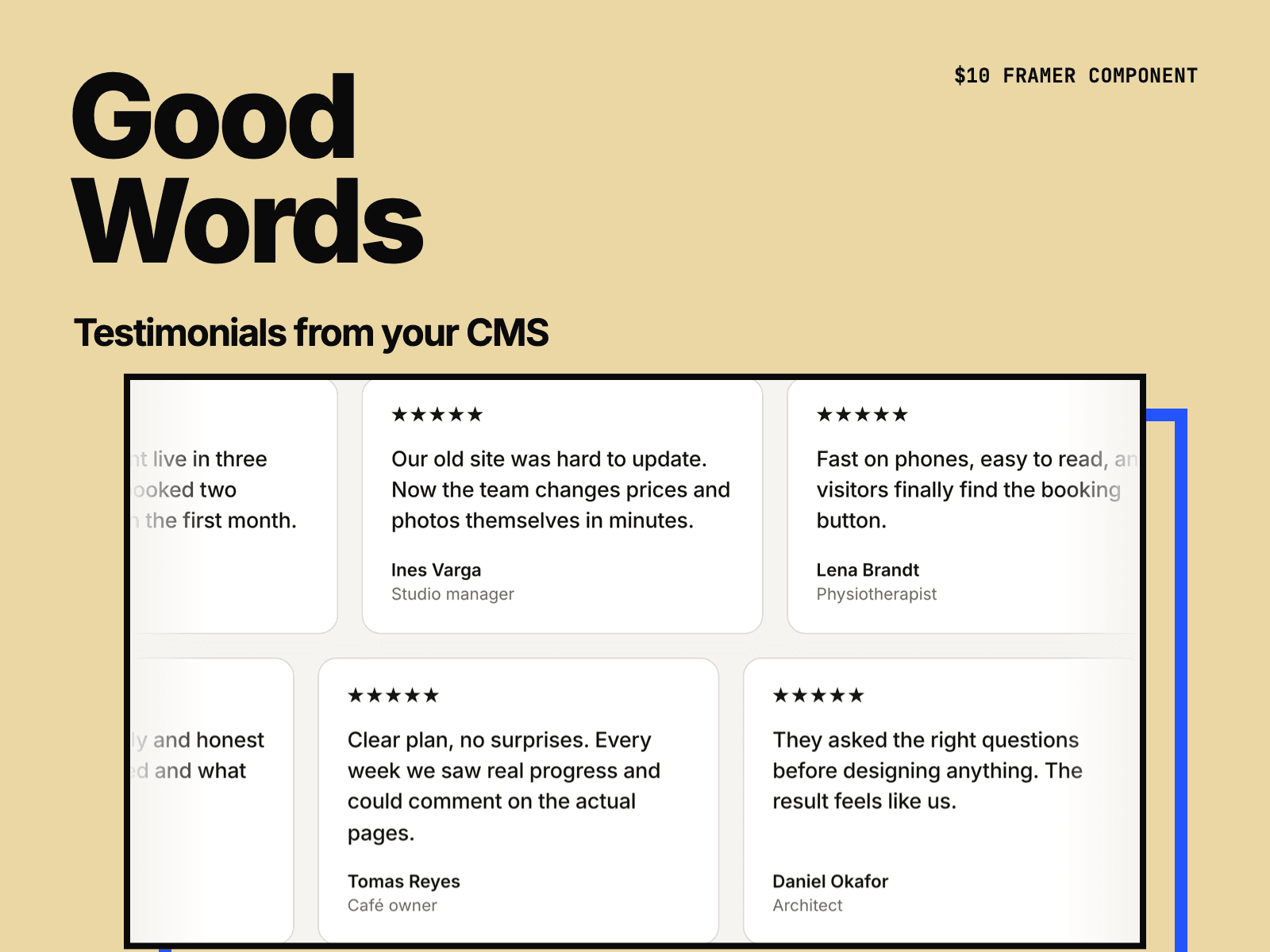
Good Words shows your clients' testimonials on a Framer site. Keep them in the CMS or type them in the right panel, then show them as rows that drift in opposite directions, a stack of cards that turns, or a wall.
From the CMS: pick a Collection List in Content and name its text layers Quote, Name and Role (Photo and Rating are optional). Add or edit a testimonial in the CMS and the cards follow.
No CMS? Type quotes, names, roles, photos and star ratings in the right panel.
Rows: one to three rows that drift in opposite directions at your speed, with soft edges. They pause while the pointer is over them.
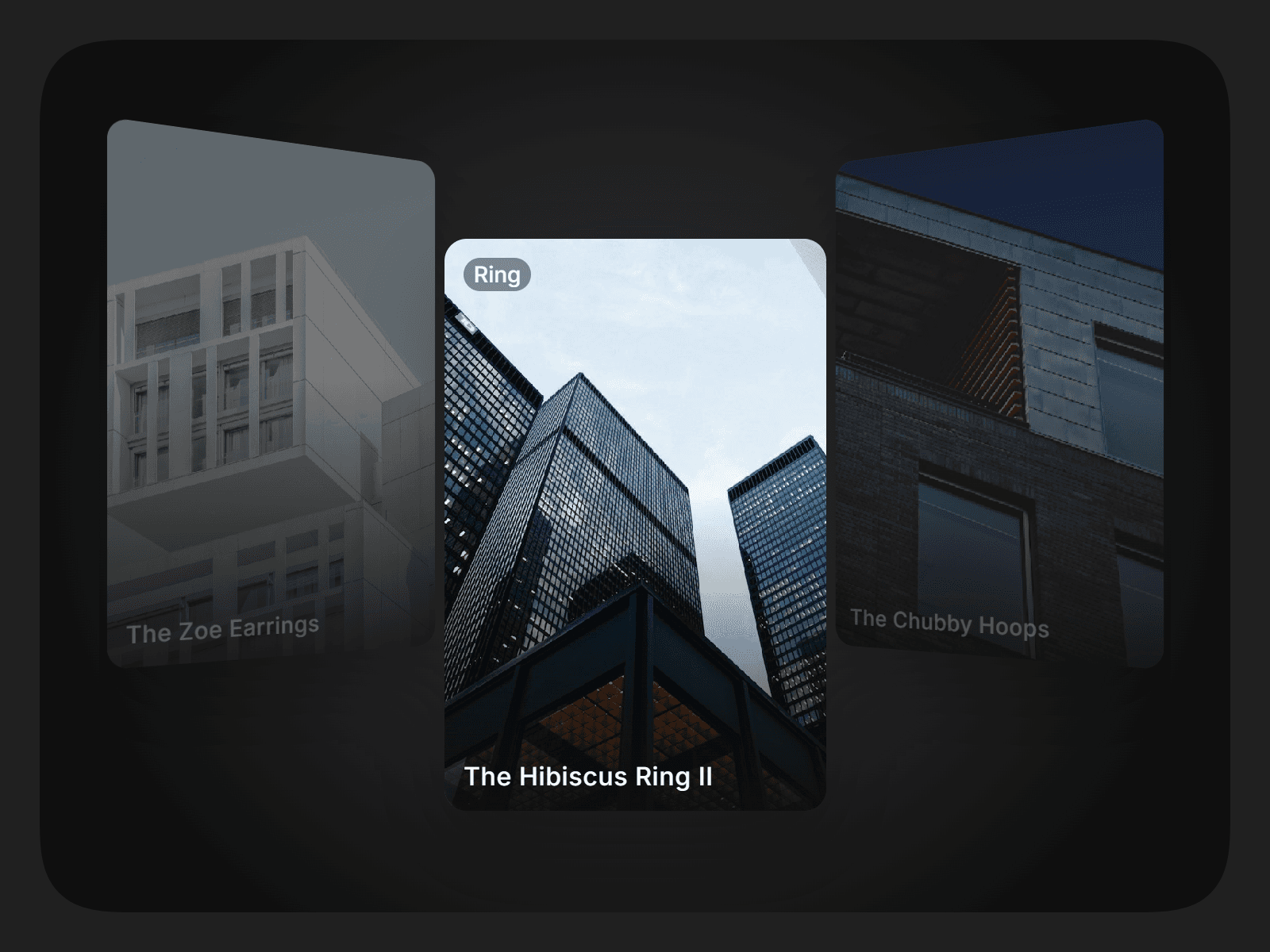
Stack: one card at a time. It turns every few seconds, pauses on hover and focus, and works with the buttons and the arrow keys.
Wall: up to five columns that become fewer on narrow screens.
Style the cards: color, border, radius, padding, fonts and colors for the quote, name and role, stars, and an optional shifted outline.
The Collection List stays in the page, so search engines read every quote. Visitors who turn off motion see a still grid, and screen readers get one readable list.
After you buy, you get the component link on the Polar receipt page and by email. Paste it into your Framer project (⌘V).
License: one project per purchase, for yourself or one client (Framer Single-Use Commercial License). Please don't share the component link, or resell or redistribute the component or its code.
Made by H SHIFT WORKS. Our Framer templates: https://www.framer.com/@hshiftworks/