About Curtain Menu
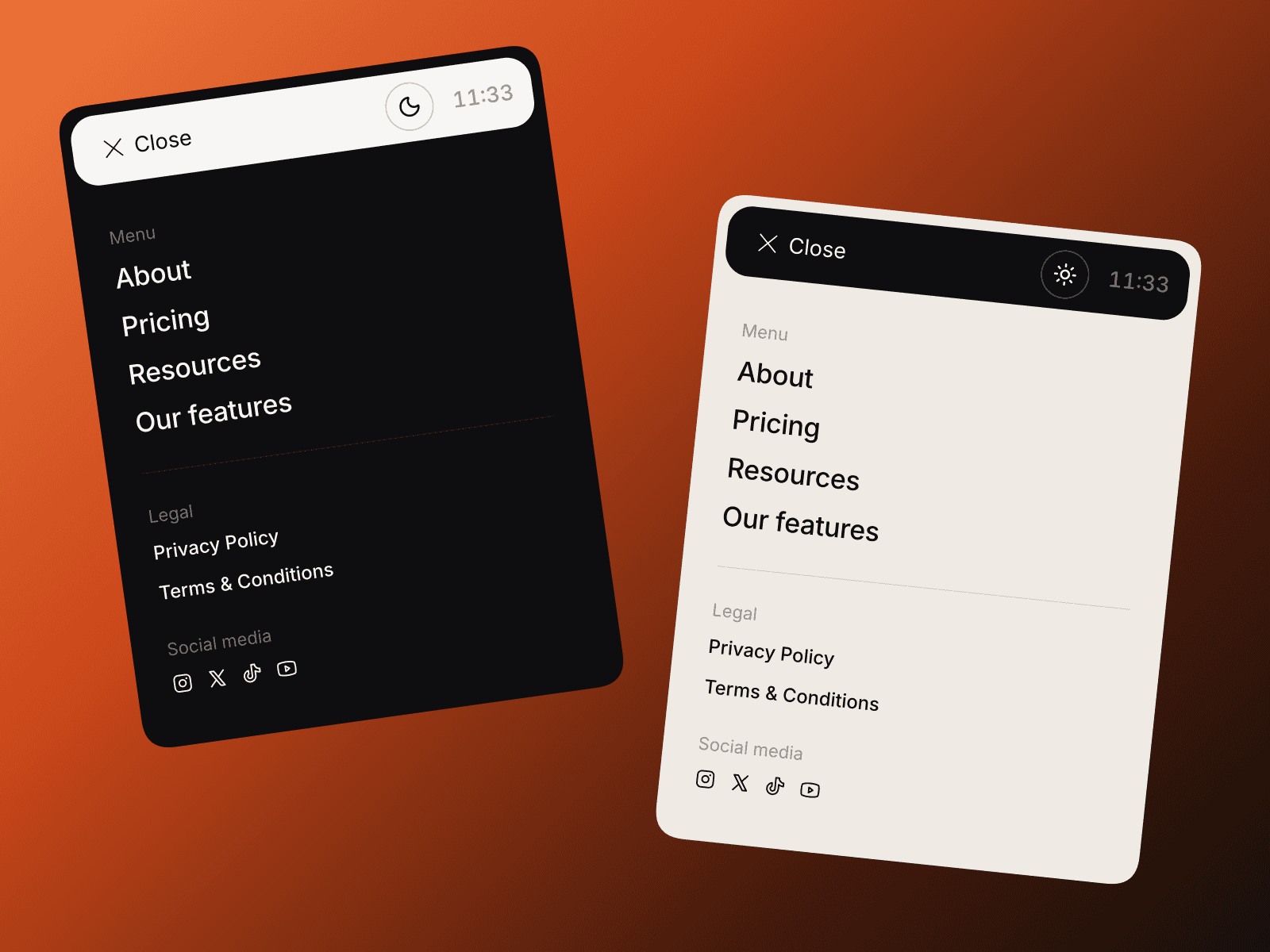
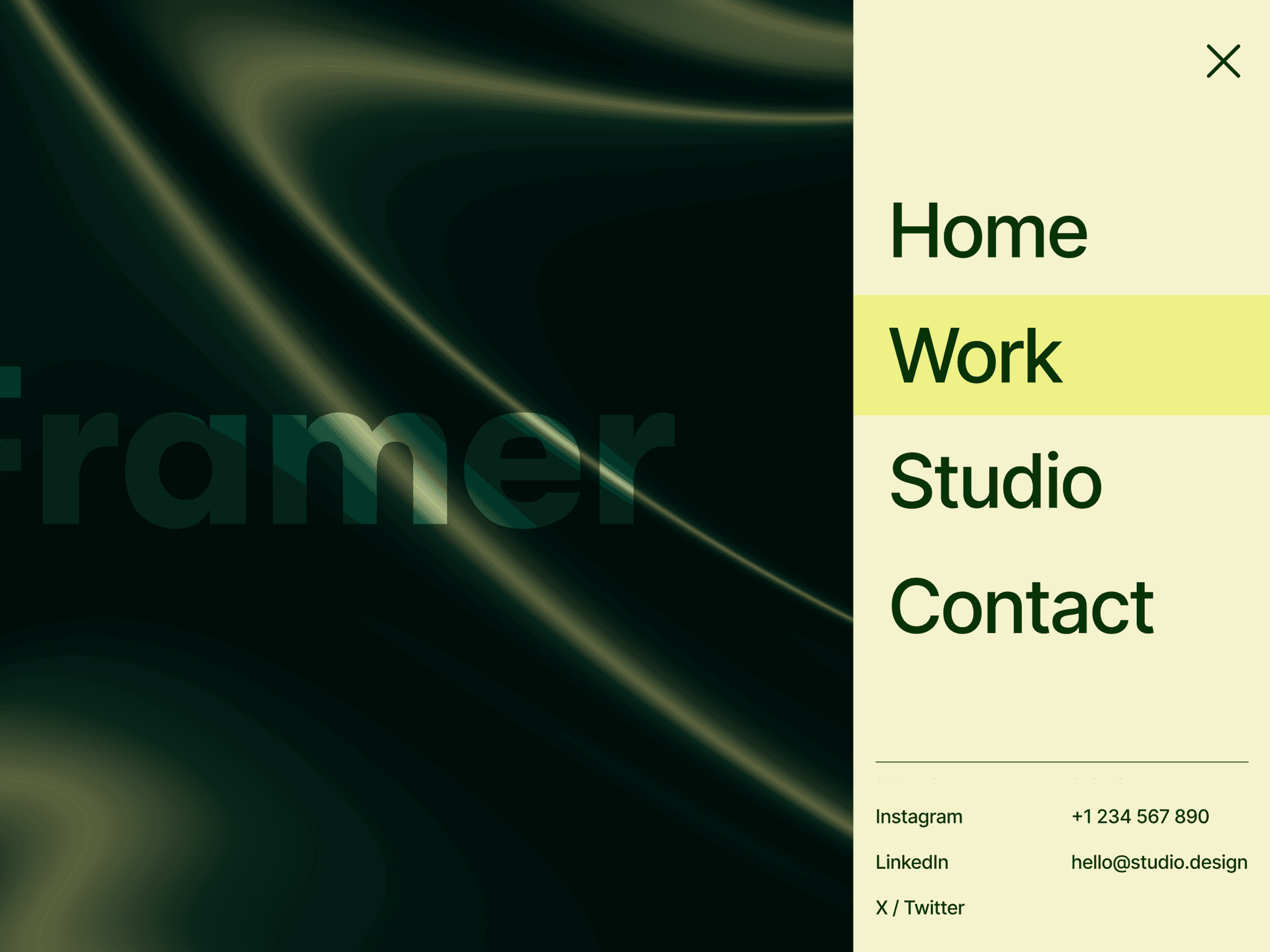
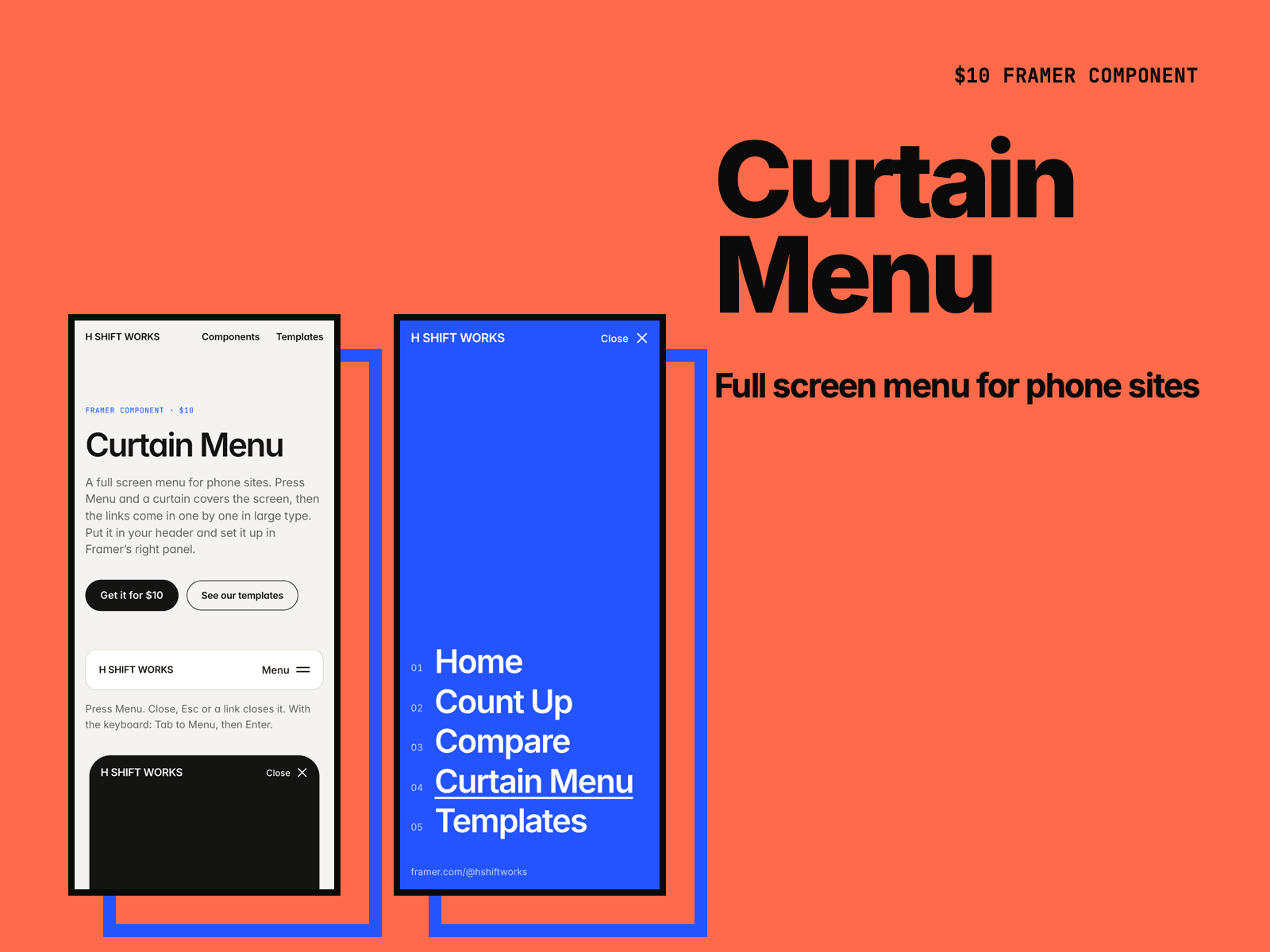
Curtain Menu is a full screen menu for phone sites. Press Menu and a curtain covers the screen, then your links come in one by one in large type. Put it in your header and set it up in the right panel.
The curtain comes from the top, bottom, left or right, grows as a circle from the menu button, or fades in. Visitors who turn off motion get a plain fade.
Turn on Show open to see the open menu on the canvas while you set the fonts, colors and spacing.
It works with the keyboard. Focus moves into the menu and stays there, Esc closes it, and focus goes back to the button.
The page behind stays still while the menu is open.
The link to the current page is underlined. Numbers next to the links are optional.
Add small links under the main ones, such as your email or social accounts.
The button can be text, an icon that turns into a cross, or both.
After you buy, you get the component link on the Polar receipt page and by email. Paste it into your Framer project (⌘V).
Made by H SHIFT WORKS. Our Framer templates: https://www.framer.com/@hshiftworks/