About Kinetic Arc Gallery
Description
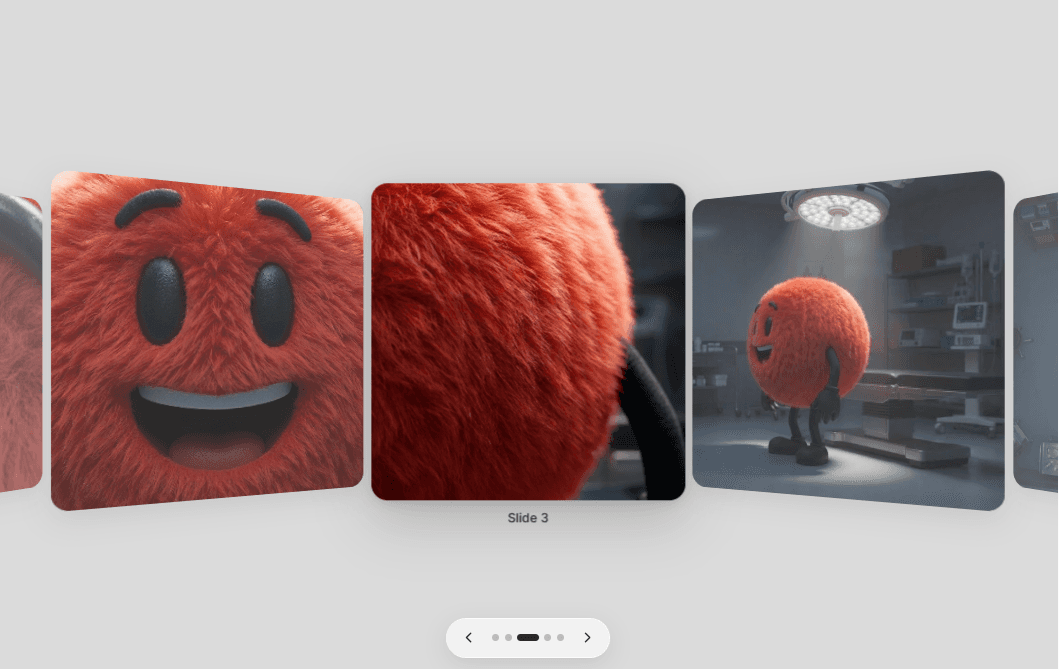
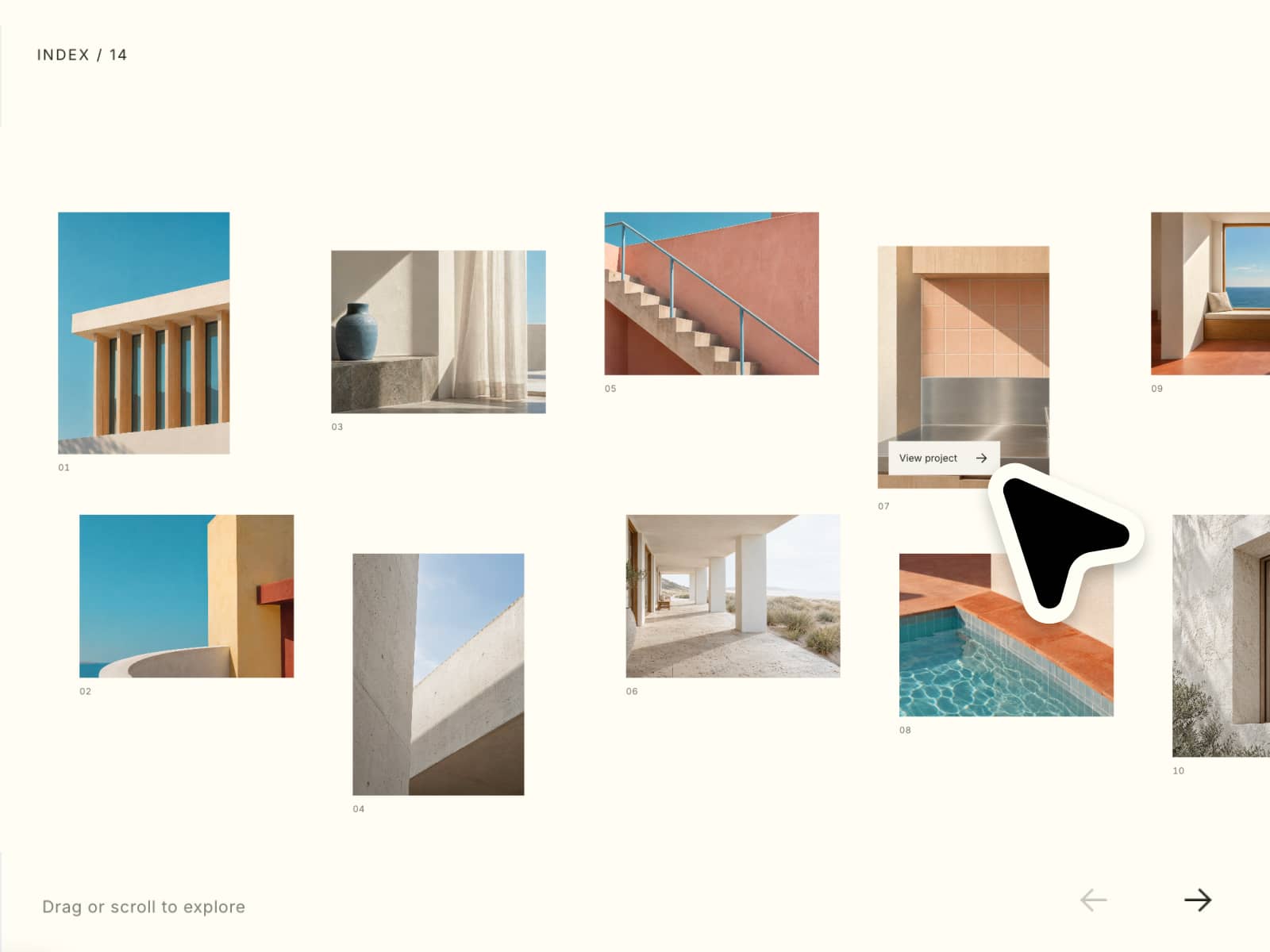
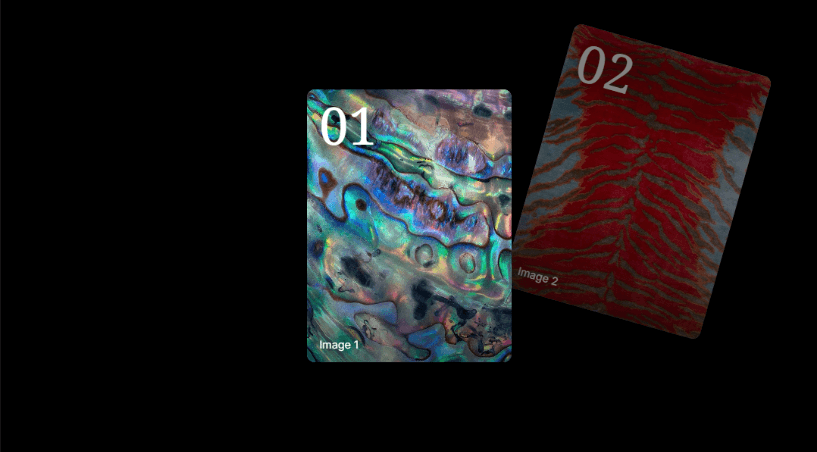
Kinetic Arc Gallery fans project cards diagonally across the frame, giving each position a composed vertical offset, rotation and depth. Choose one interaction model for the page—direct Drag, sticky Page Scroll, visible Arrows or a morphing Back/Next Cursor—while the active card settles squarely into focus.
Every image, number, title, alt text and project link is editable, with controls for card scale, spacing, spread, rotation, typography, overlays and motion.
Features
Up to 12 responsive project cards with image, number, title, alt text and safe link.
Source-derived linear fan positioning, depth order and cubic-bezier transition.
One exclusive Drag, Page Scroll, Arrows or Cursor navigation mode, plus keyboard accessibility.
Adjustable card width, aspect ratio, spacing and explicit number size.
Configurable horizontal/vertical spread, rotation, radius, shadow and overlay.
Clamped edges and selectable starting card.
Sticky first-to-last Page Scroll runway that never traps normal document scrolling.
Morphing Back/Next cursor with left/right click or tap navigation.
Empty and image-error states, reduced motion and static Canvas behavior.
Framer On Change and On Item events with no external runtime dependency.
Setup
Paste the Component URL into a Framer project.
Add project images, titles, numbers, alt text and optional links.
Choose Drag, Page Scroll, Arrows or Cursor, then tune Card, Arc, Typography and Motion controls.
Open Preview to test the chosen interaction in its intended page placement.
For Page Scroll, set Height to Auto/Fit Content and keep ancestor Overflow set to Clip or Visible.