About Mega Menu Pro
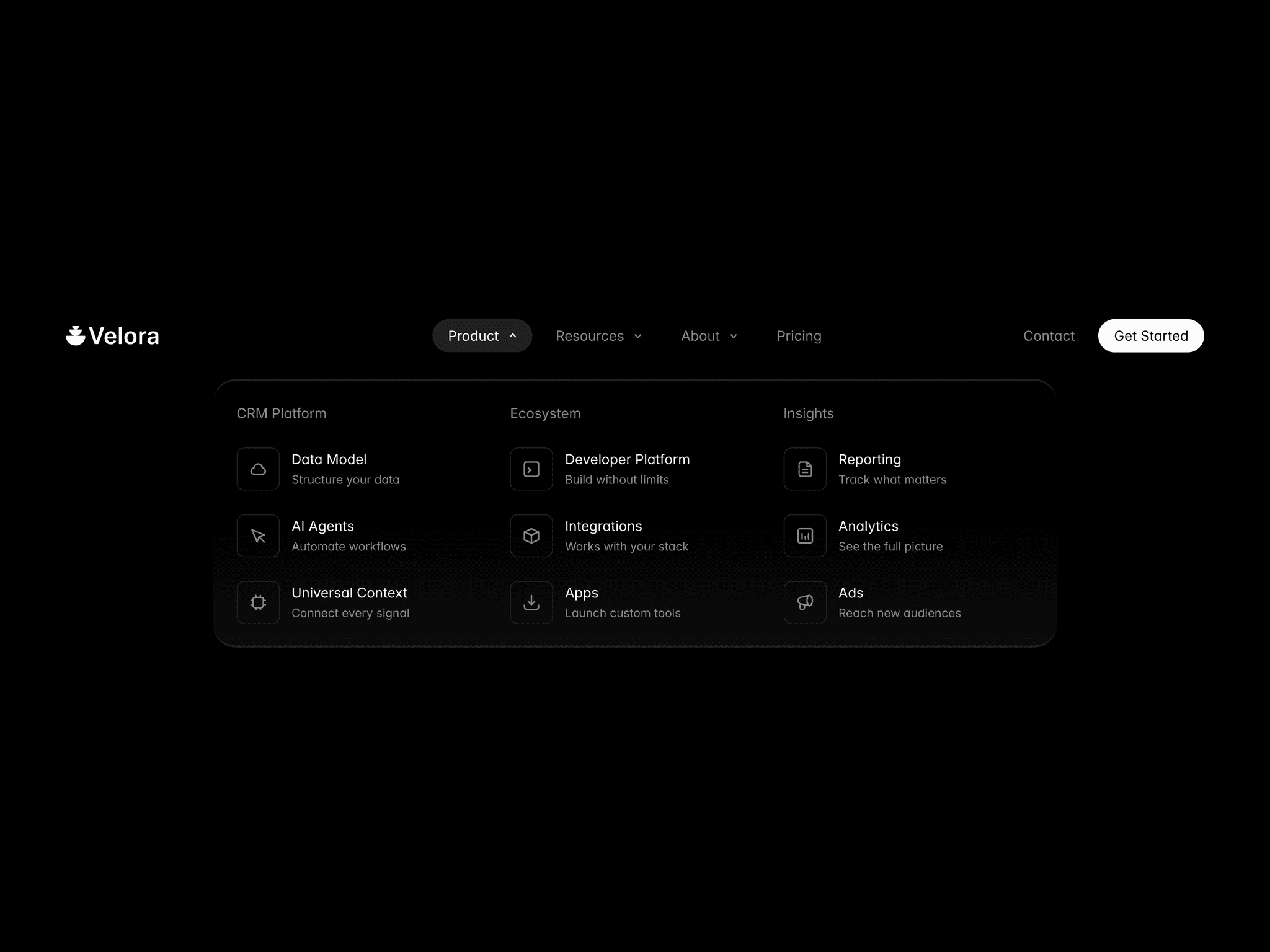
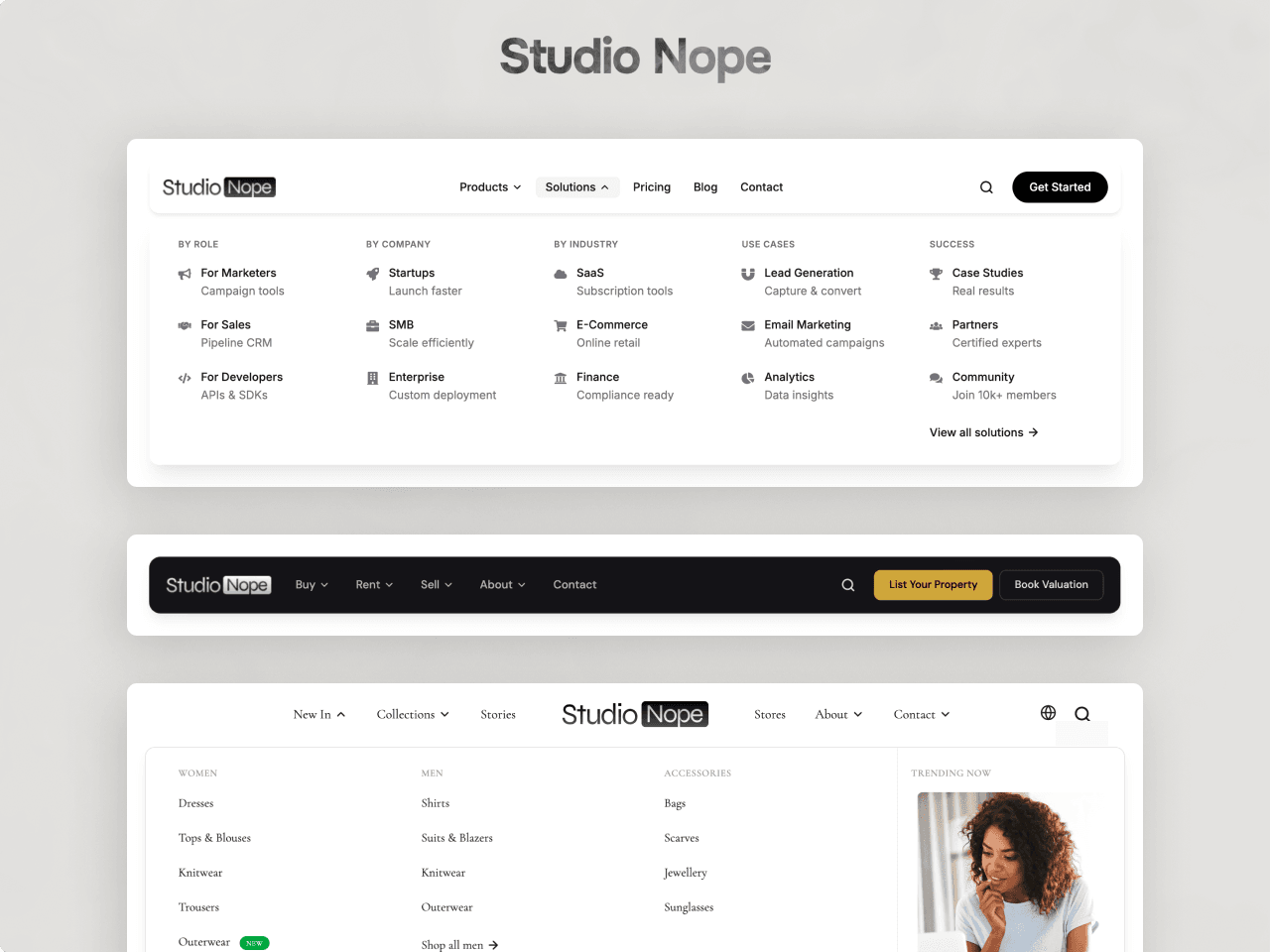
A navigation component for Framer sites that need more than a row of links. Build simple links, dropdown lists and multi-column mega menus from the properties panel. No code.
Drop it on your page, set Width to Fill, and it works straight away with demo items you can edit.
What you can build
Mega menus with up to 5 columns, as a grid or tabs, with featured posts, promo banners, a video, a product carousel or a Framer form in the sidebar.
Transparent or frosted glass headers that shrink on scroll.
Dark navigation with gradient or image backgrounds.
Click-to-open menus for touch screens.
Branded buttons in primary, secondary and ghost styles.
Built for Framer
Icons from Phosphor or Feather, picked from a list. Badges like New, Beta or your own text. Search through Framer's own Search component. A language switcher that reads your Framer Localization locales. Forms through Framer's native forms. Open in new tab and No follow on every link.
Behaviour
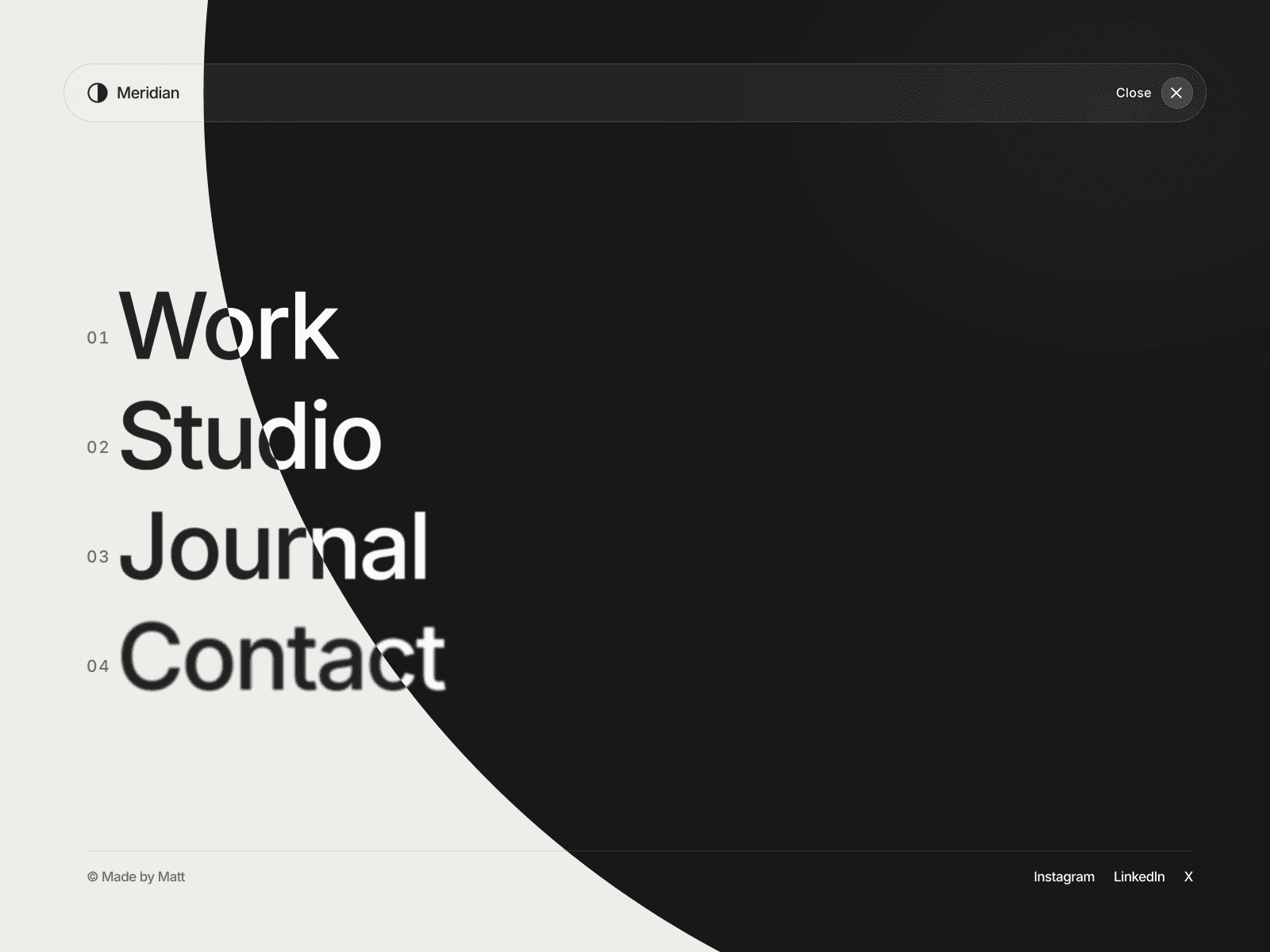
Sticky or static, shrink on scroll, transparent on top. Hover or click to open. Five dropdown animations. Separate tablet and mobile breakpoints and a full mobile panel.
Styling
Every part has its own style group: bar, links, dropdowns, items, columns, sidebar, badges, buttons, mobile panel and global colours, spacing, radius and shadows. Any font via Framer's font picker.
Accessibility
Full keyboard navigation, ARIA states and reduced-motion support. Neutral black, white and grey defaults that fit any brand.
The preview page has the full setup guide and every setting explained.
One licence covers unlimited personal and client sites. Support: hello@studionope.com