About ROI Calculator Kit
Build your own calculator in the properties panel
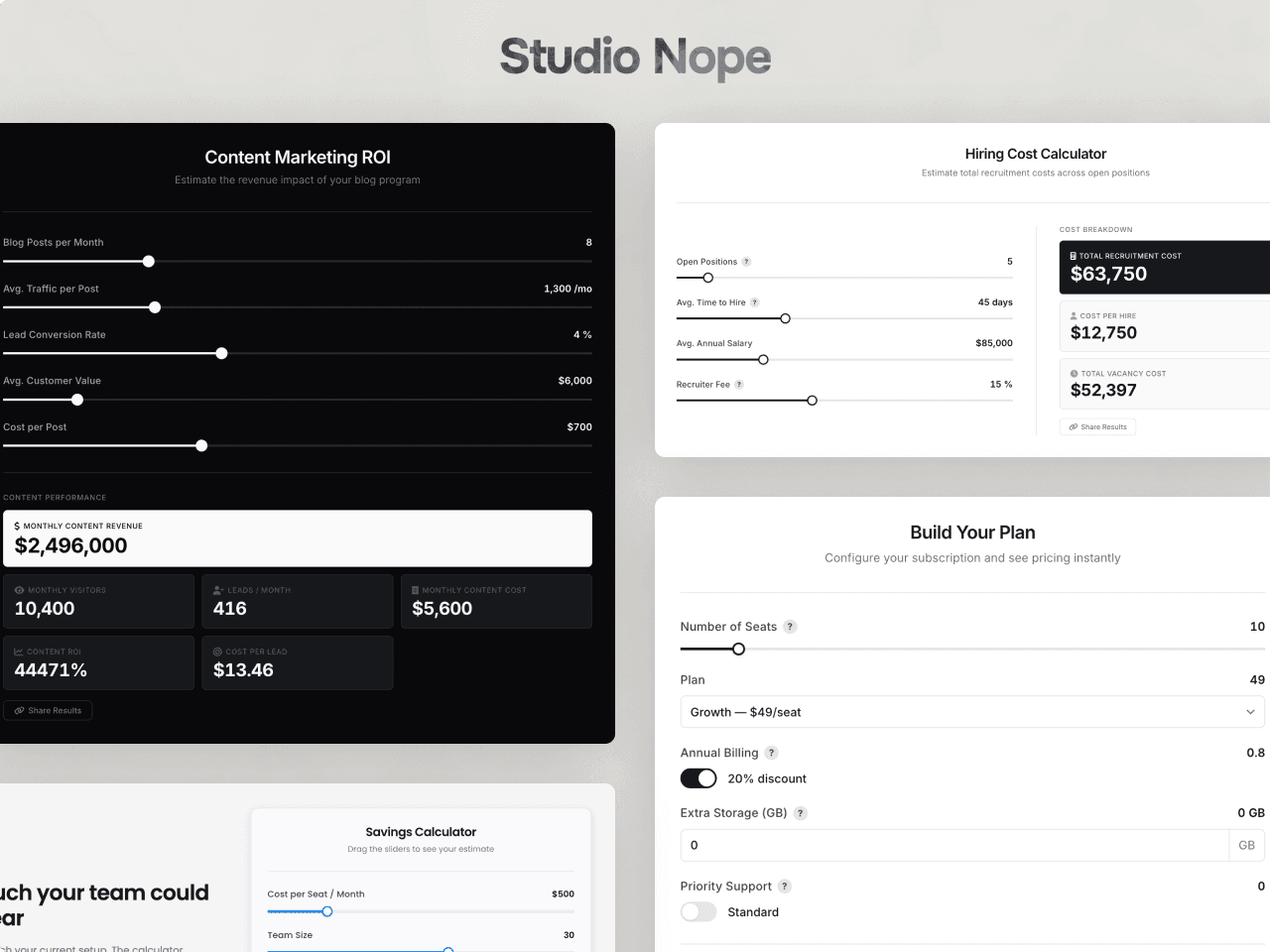
Add sliders, number fields, dropdowns, toggles and read-only values, then write the formulas that turn them into results. Savings, pricing, payback, hiring cost or energy use: the maths is yours.
Formulas
Use {field_id} for any input, constant or earlier result, with + - * / %, parentheses, comparisons, conditions and round, floor, ceil, abs, min, max and if. Results can build on each other, so one calculator can run a whole chain. A parser reads the formulas; nothing runs as code.
Results
Each result has its own format: currency with your symbol, number, percent or decimal, with 0 to 4 decimal places. Values count up when an input changes and appear at once for visitors who prefer reduced motion. Mark one card as primary to highlight it.
Sharing
The page address follows the inputs, and the share button copies a link that opens the calculator with the same values. Several calculators on one page keep their own values.
Lead capture
Connect a Framer form and show it on page load, after the first change or when the visitor clicks a button under the results.
Design
Side by side or stacked, four panel ratios, one to four result columns, section titles for grouped inputs, tooltips, Phosphor and Feather icons, any font, and color and size controls for every part. It adapts to its own width, so it works in a full section or a narrow column.
Six demo layouts and a full setup guide are on the preview page.