About Share Segments
About Share Segments
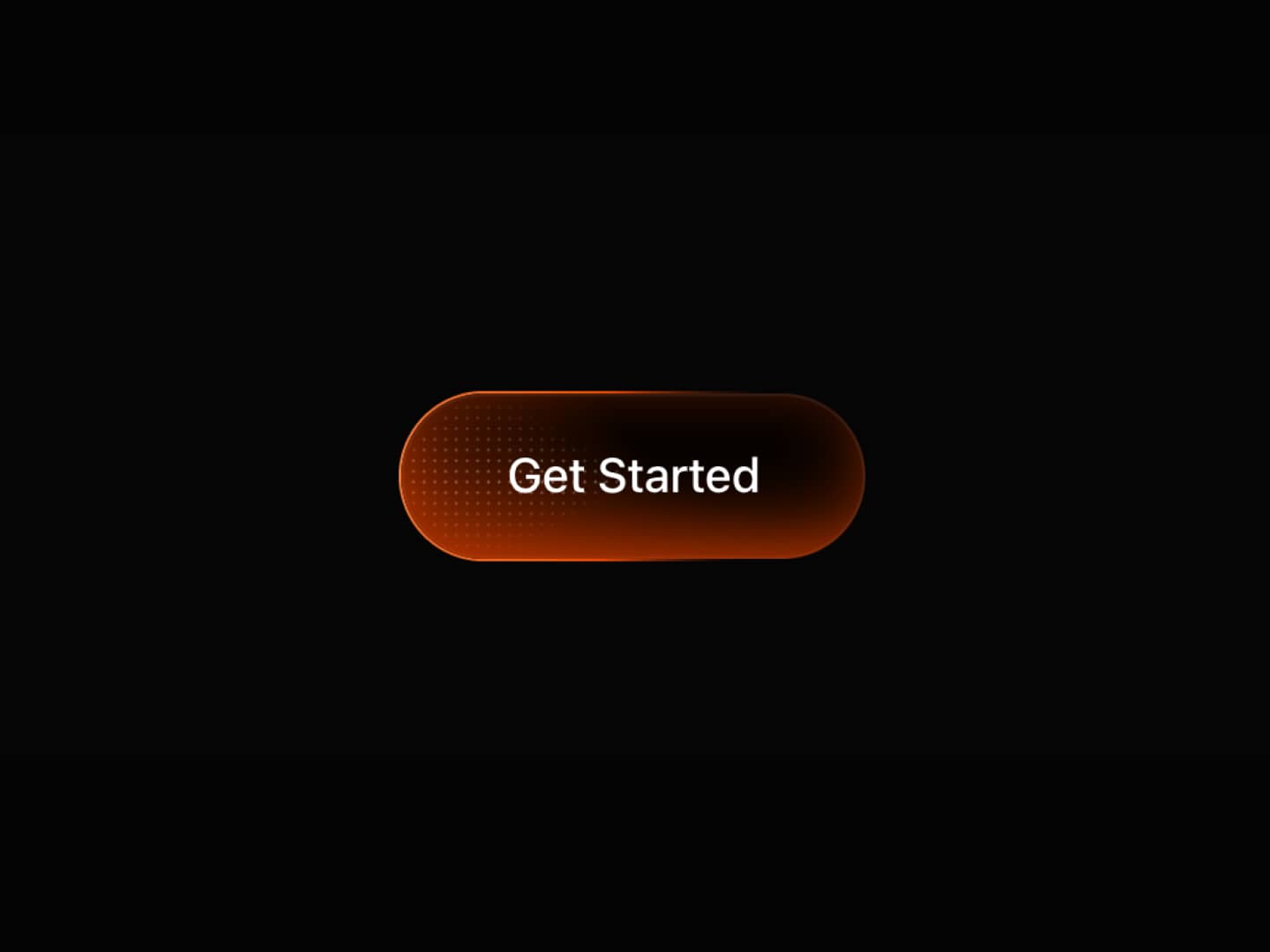
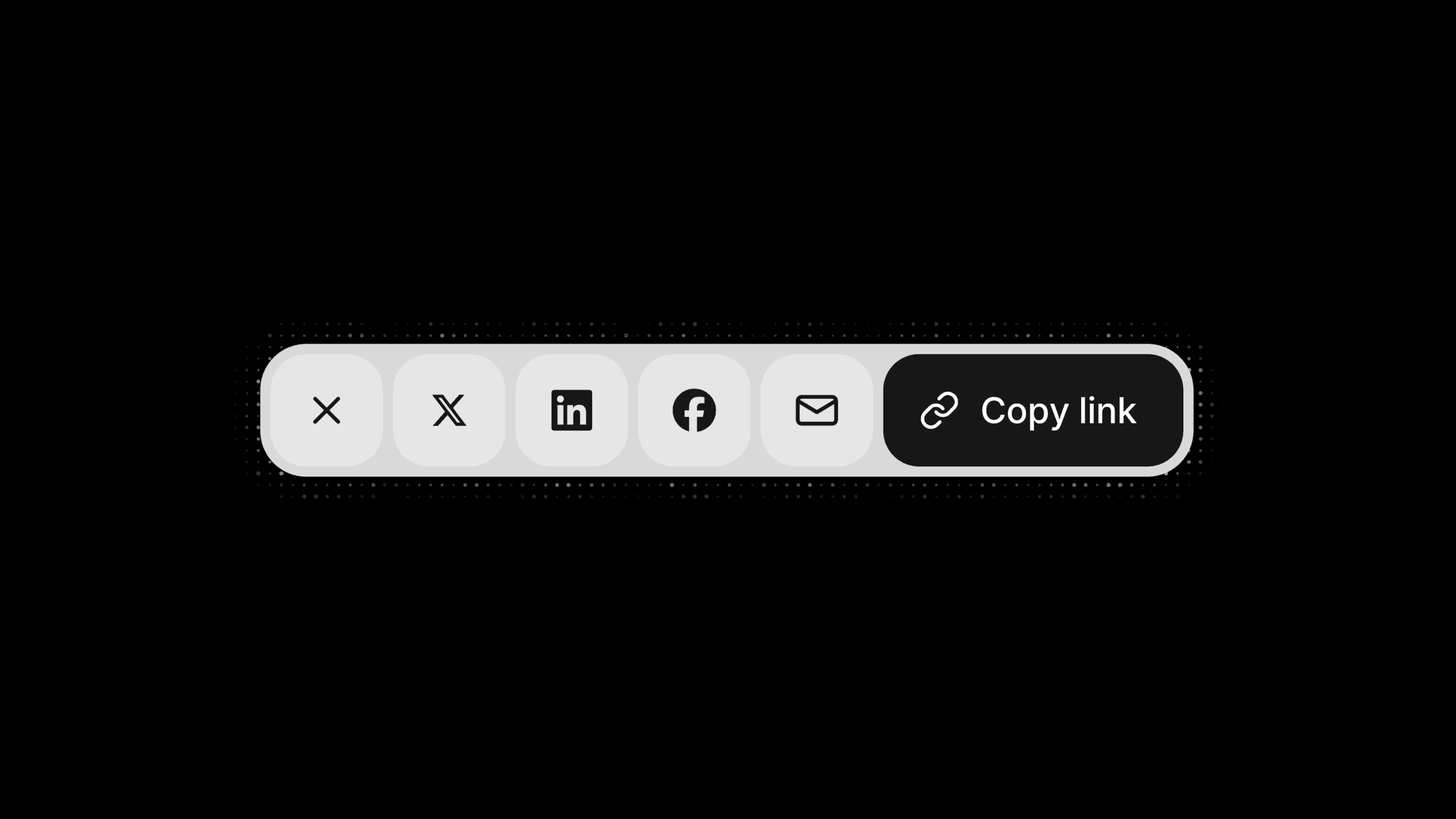
Share Segments brings X, LinkedIn, Facebook, Email, and Copy Link together in an expandable control. Choose which actions to include, or keep just one enabled to turn the component into a direct action button. An optional animated dot effect adds detail to the interaction, while editable confirmation text gives feedback after copying a link.
What you can customize
Choose the enabled buttons, edit the Share label, and use the current page URL or a custom link. Add shared Text, then customize the post text for X and LinkedIn, X hashtags and attribution, and the email recipient, subject, and body. Choose whether X, LinkedIn, and Email include the link.
Edit action labels and the Copied confirmation. Enable Native Share for the native sharing sheet on supported touch devices when multiple actions are enabled. Customize colors, font, height, spacing, corner radius, and transition, along with the dot effect's colors, size, spacing, reach, and twinkle. With one action enabled, choose Accent or Subtle styling.
How to use
Copy the component from the Marketplace and paste it onto the canvas
Open Buttons to enable the sharing actions you want
Leave Link empty to use the current page, or enter a custom URL
Add Text for X, LinkedIn, or Email, or supply their content in the individual groups
Set Add Link for each action where that option is available
Edit action labels, email settings, and the Copied confirmation as needed
Customize Colors, Sizing, Font, Dots, and Transition
Preview the page to test each enabled action and the copy confirmation
Great for
Sharing articles and editorial stories
Promoting portfolio projects
Sharing products, resources, and events
Adding a compact copy-link action