
About Calculator
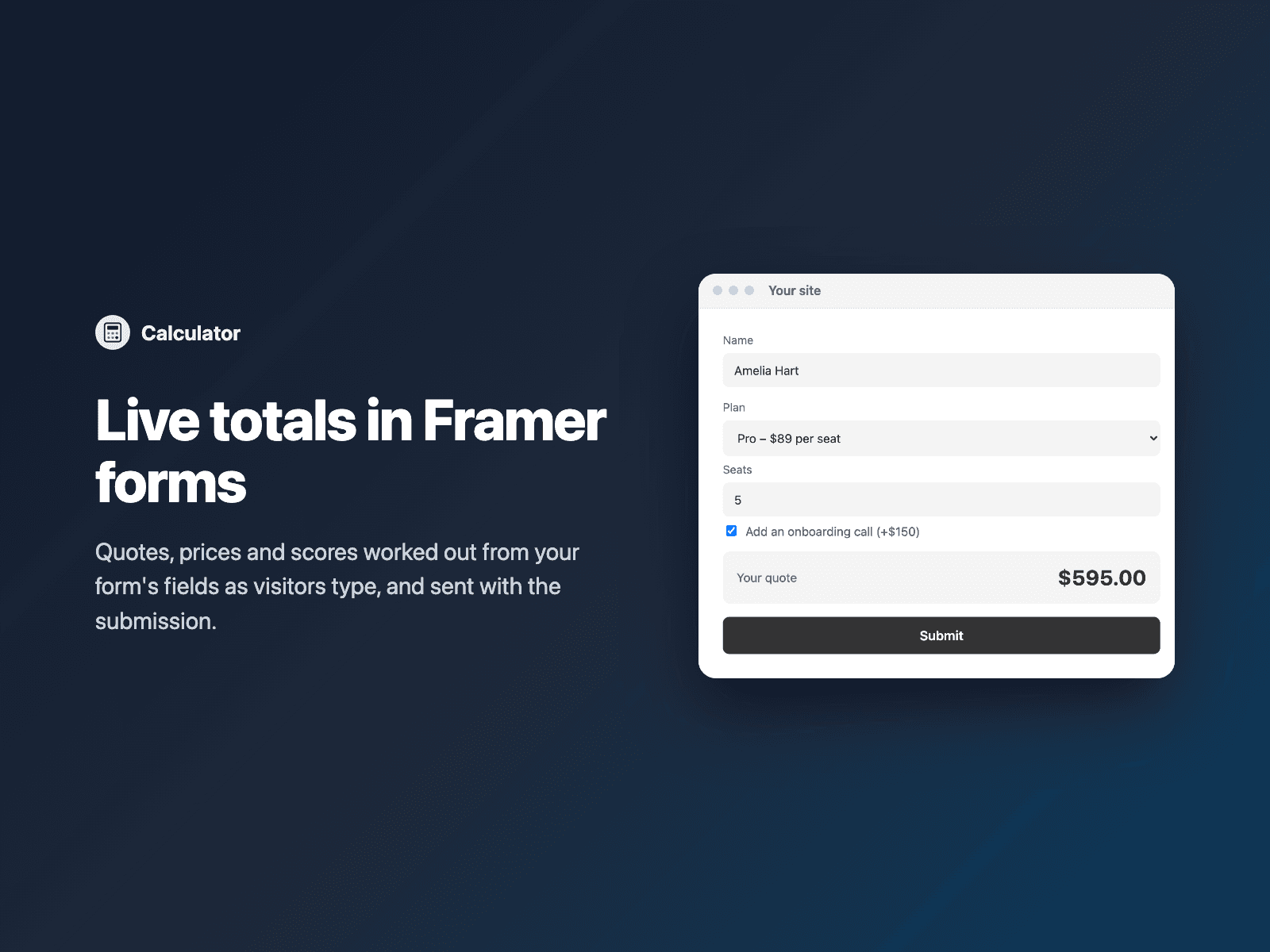
Add a live calculated value to your native Framer form: a price, a quote, a total or a score.
Write a formula with your field names in braces, and the value updates as visitors type, tick and pick. For example:
{Quantity} * 25
{Seats} * {Plan} + ({Onboarding} == "yes" ? 150 : 0)
max(0, {Budget} - {Spent})
round({Weight} * 1.2, 1)
Formulas can use numbers, + - * / %, parentheses, comparisons (== != < <= > >=), and / or / not, "if ? then : else", and min, max, round, ceil, floor and abs. Text values work too: {Size} == "Large".
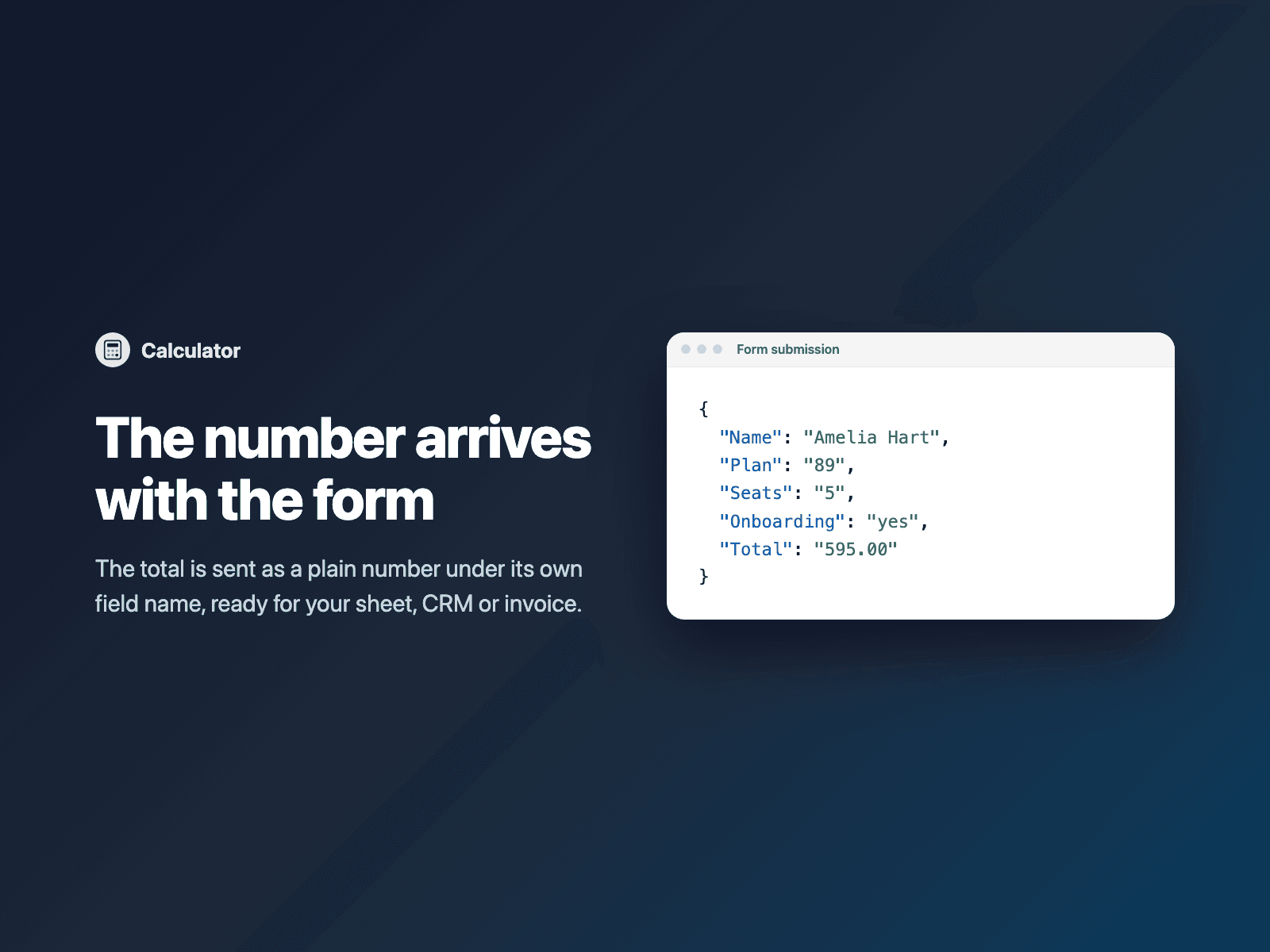
The result is sent with the form as a plain number under its own field name (for example "Total": "595.00"), so it lands in its own column in Google Sheets or your CRM. Until the fields are filled in it shows "–" and sends an empty value.
How it works:
Select your Form on the canvas.
Open Calculator and click Insert calculator. It is added above the submit button.
In the right panel, write your formula.
Reads every kind of field: text and number inputs, dropdowns, radio buttons (the picked option's value), checkboxes (their value when ticked, so a group of ticked extras adds up), and other FramerSend fields such as Range Slider or Star Rating.
Options: field name ("Total", or "Total 2" when the form already has one), label, formula, format (currency, number or percent), currency code, locale (1,250.00 or 1.250,00), decimals, thousands separator, prefix and suffix, the text shown while empty, row or stacked layout, a preview value for the canvas, padding, radius, fill, border, label and value colors and fonts.
The field is a code component written into your project. Formulas are read by the component itself (no eval). It loads no external scripts and makes no network requests on your site.
Pricing: included in every FramerSend plan. Free for 14 days with no card, then from $5/month. Details at framersend.com/pricing.