About Calendly Booking
Calendly Booking, Calendly Integration for Framer
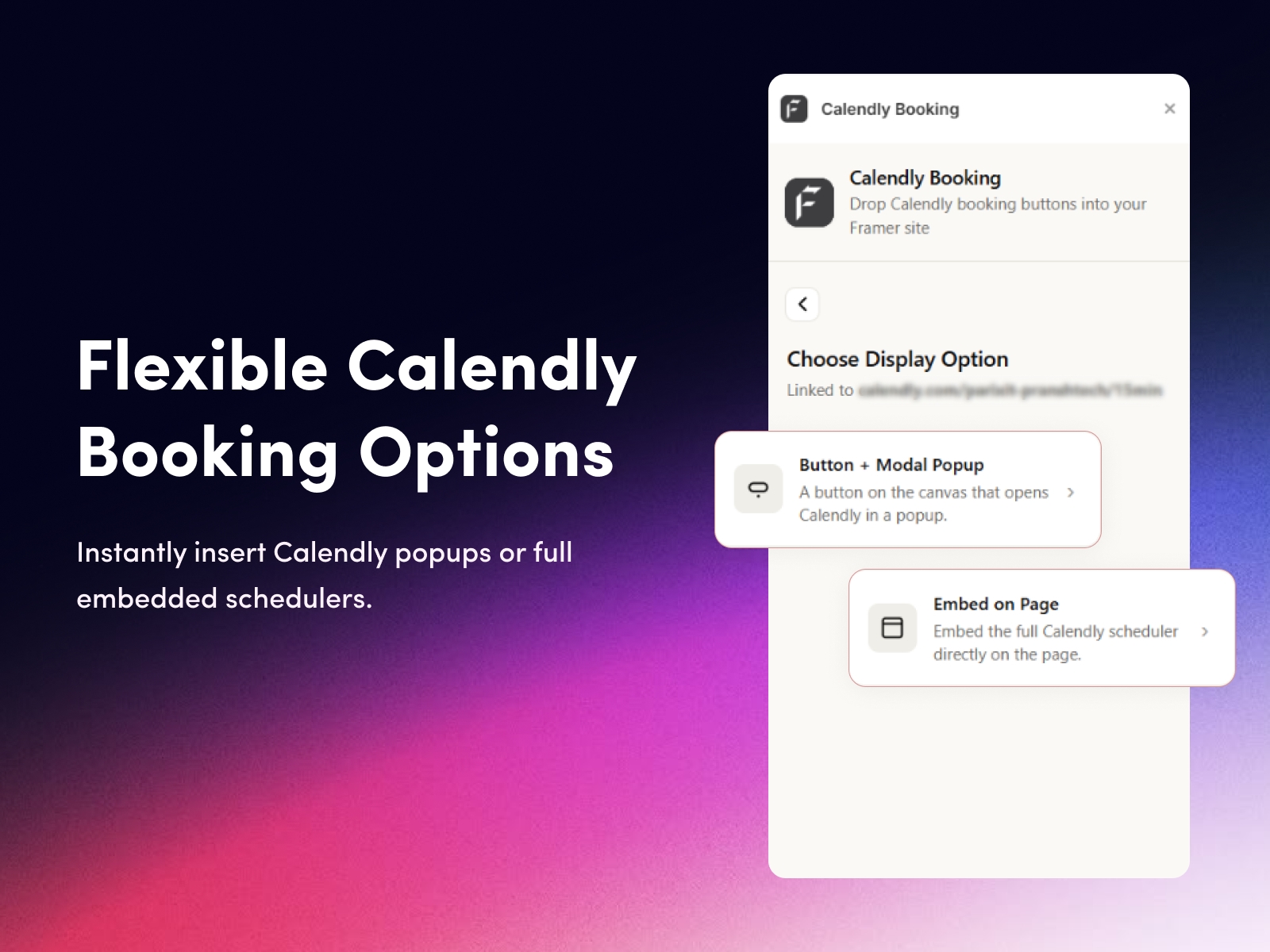
Add Calendly to your Framer site in under a minute. Calendly Booking makes the Framer Calendly integration simple. Paste your Calendly event link, pick how it shows up, and drag a ready-made booking component onto your canvas. Visitors book meetings without ever leaving your site. There are no APIs, no OAuth, no code, and no developer needed.
Scheduling built for Framer
Most people wiring up Calendly get stuck copying embed snippets and fighting popup z-index settings. This plugin skips all of that. If you can paste a link and drag a component, you can take bookings. It works right away with just your Calendly URL, so there are no tokens, no webhooks, and no backend to manage.
Why creators pick Calendly Booking
No code required, so you just paste your Calendly link and you are live.
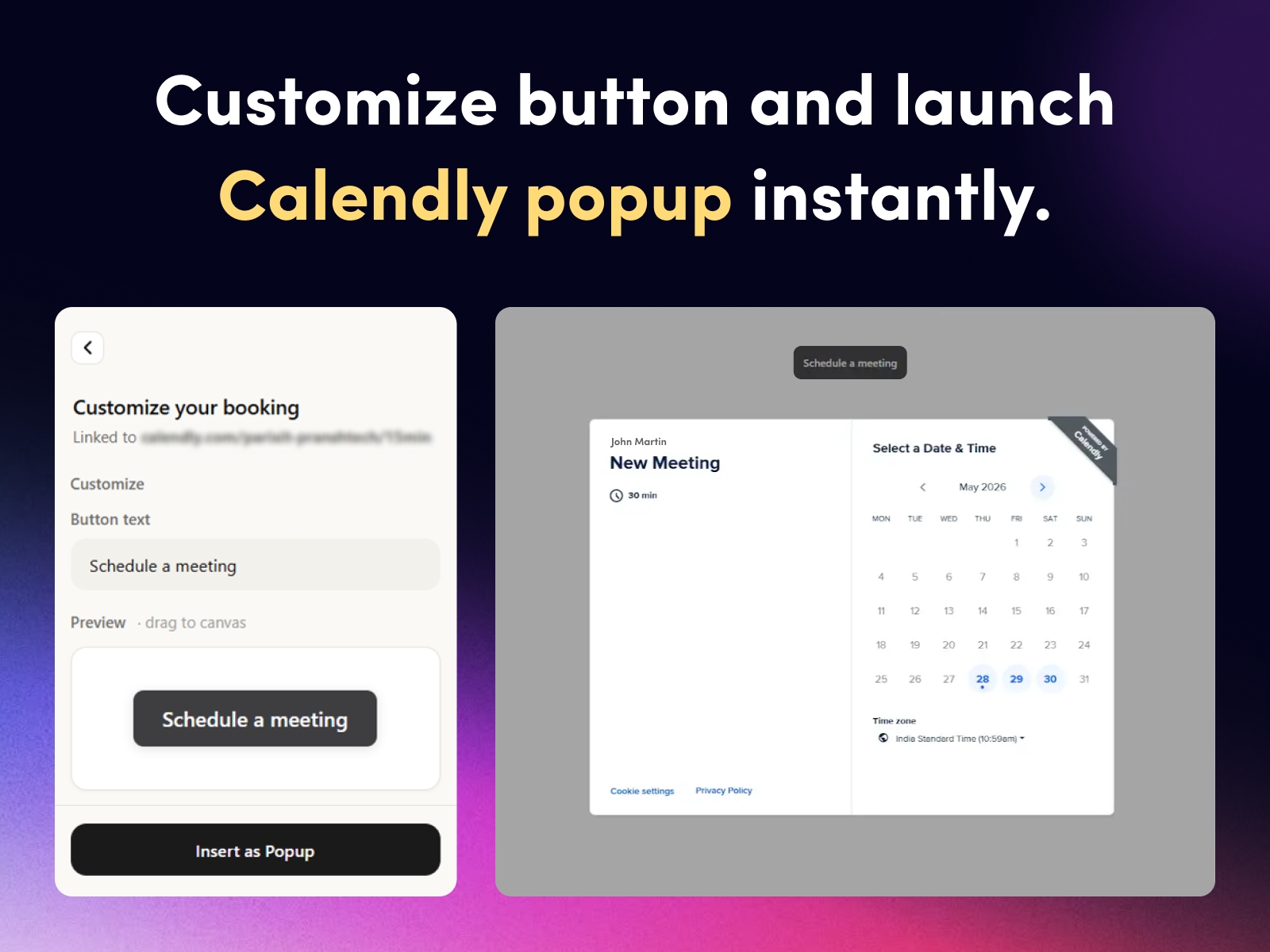
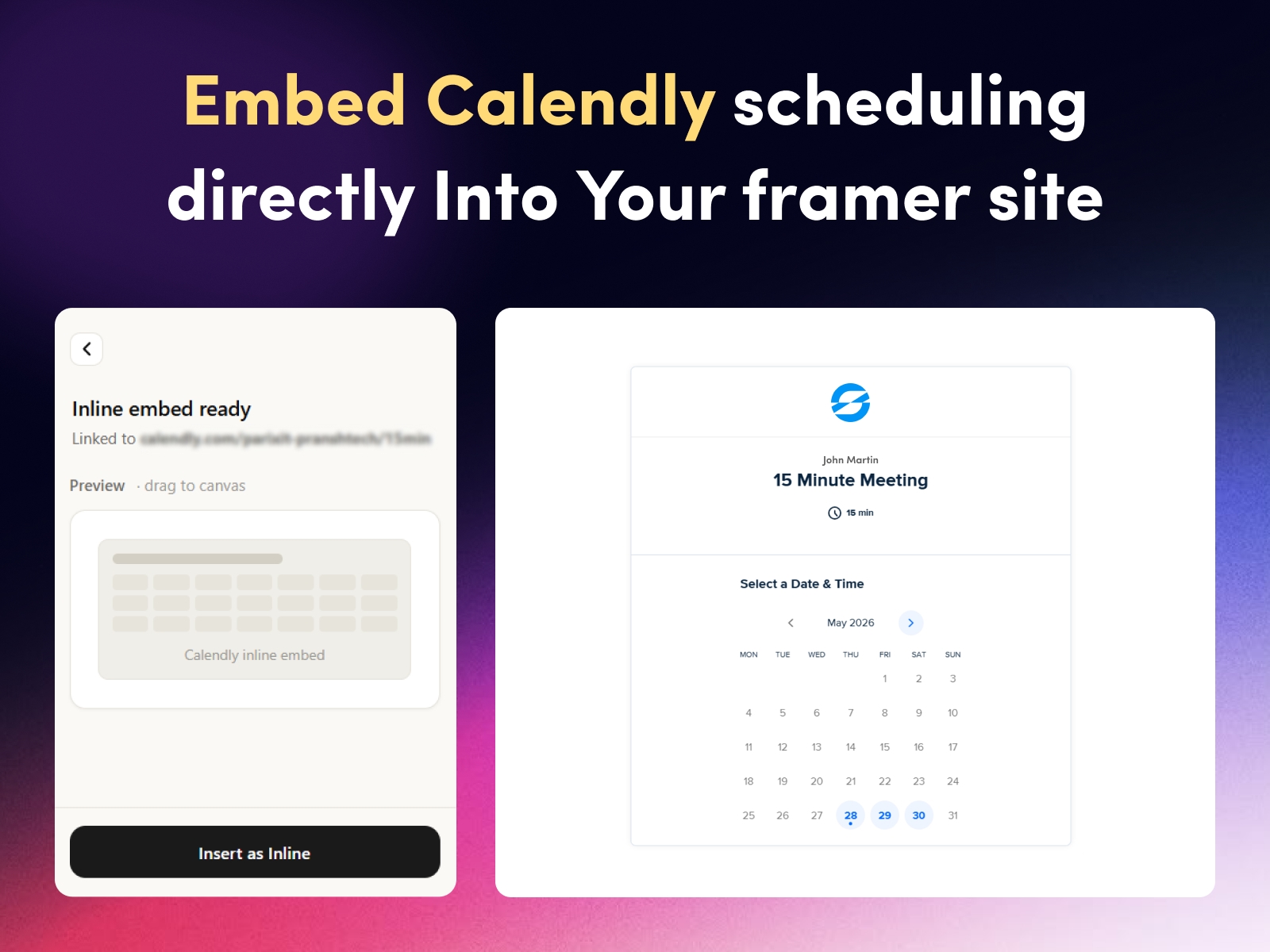
Two display styles, a Button plus Popup or a full Inline Embed scheduler.
Real drag-and-drop Framer components, not fragile iframes.
Customizable button text and styling to match your brand.
Resizable inline scheduler with sensible defaults.
Live preview inside the plugin panel while you style.
Light and dark theme support built in.
Lightweight, since the popup loads on click, Core Web Vitals and SEO stay healthy.
What is inside
Set up a booking button like "Book a Call" or "Schedule a Meeting," or drop an inline appointment scheduler straight onto the page. Add multiple Calendly links per page, such as a 15-minute discovery call, a 30-minute consultation, and a paid strategy session, with no limit on buttons. Everything stays fully editable once it is on your canvas.
Who is it for
Coaches, consultants, and freelancers. Sales and demo booking pages. Agencies, studios, and salons. SaaS founders running discovery calls. And anyone on Framer who needs meeting scheduling on portfolios, landing pages, or contact pages.
Free to use. All you need is your existing Calendly link.
Support: connect@fecommerce.co