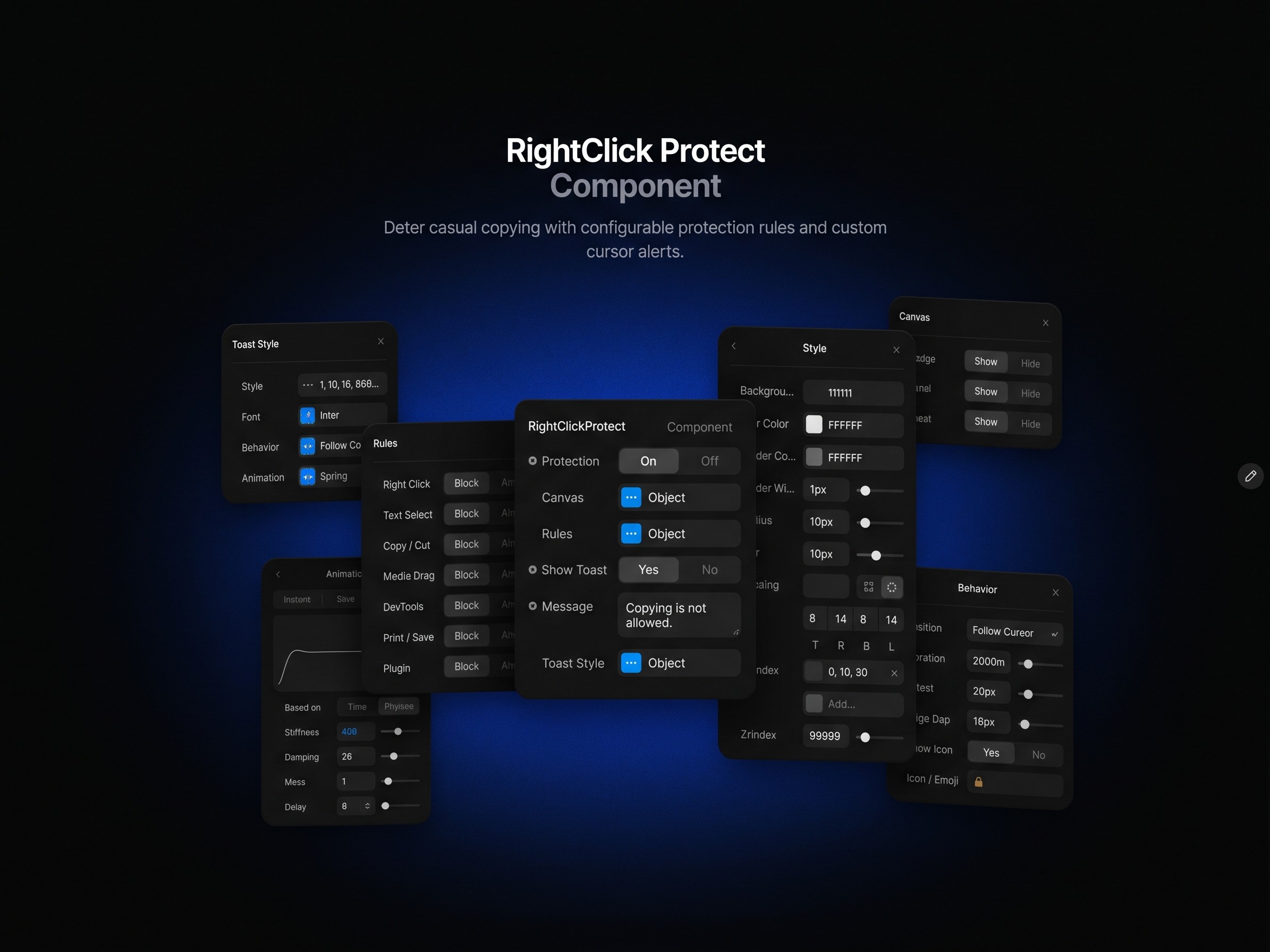
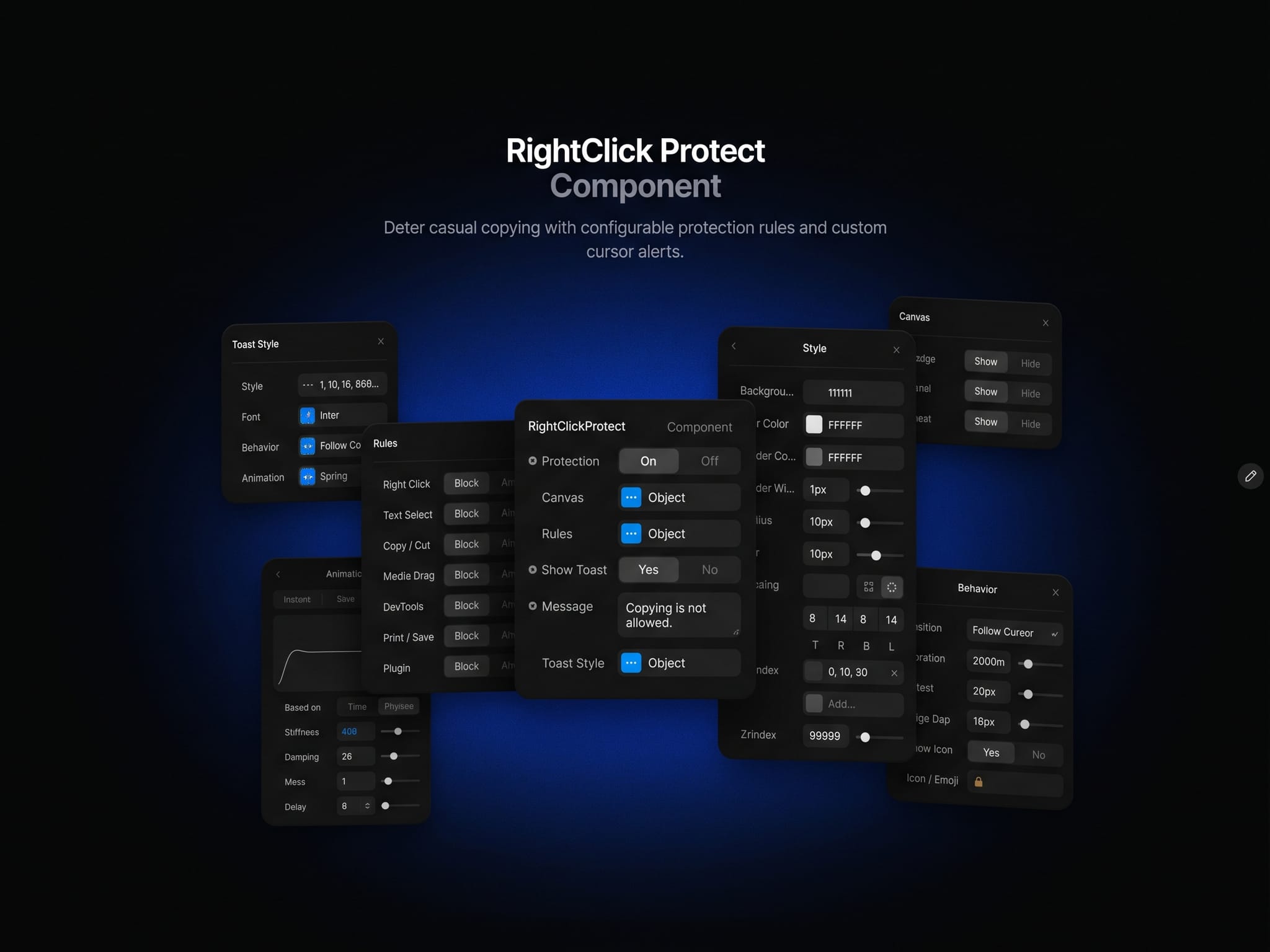
RightClickProtect
Smart Protect for Framer site.
Content Protection – Control Settings:
🔒 Protection – Enable or disable protection, 🖱️ Right Click & Text Selection – Restrict context menus and text selection, 📋 Copy / Cut & Media Drag – Discourage copying text and dragging images, ⌨️ Keyboard Shortcuts – Restrict common DevTools, view-source, print, and save shortcuts.
Custom Alerts – Adjustable Elements:
💬 Message – Display your own notification when a restricted action is attempted, 🎨 Style & Font – Customize colors, typography, borders, radius, spacing, and shadow, 📍 Behavior – Adjust toast position, duration, and cursor offset, 🌊 Animation – Fine-tune the toast transition and spring response, ✨ Icon – Show or hide the notification icon and use your own emoji.
Editor Preview – Canvas Controls:
🏷️ Badge – Show or hide the protection status, 🎛️ Rules Panel – Preview enabled rules while editing, 👁️ Toast Preview – Show or hide the sample notification on the Canvas.