Hi everyone,
I'm trying to recreate a hover animation in Framer and would appreciate some guidance.
What I want to achieve:
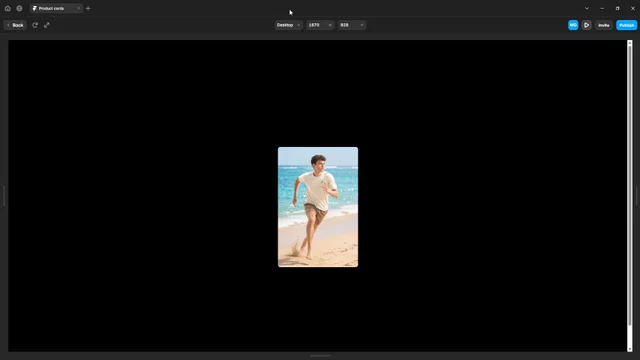
By default, only the first image is visible.
When I hover over the component, the images should start scrolling horizontally.
Each image should remain visible for 2 seconds, then smoothly transition to the next image.
After the last image is shown, it should seamlessly continue from the first image without reversing or jumping back. The animation should loop infinitely while the cursor remains over the component.
When I move the cursor away, the animation should stop and smoothly return to the default (first) image.
Current issue: So far, I've only managed to make it work one image at a time. To show the next image, I have to move the mouse out of the component and hover over it again. In other words, I need to repeatedly mouse enter → mouse leave → mouse enter for each image to change, instead of having the animation continue automatically while the cursor remains over the component.