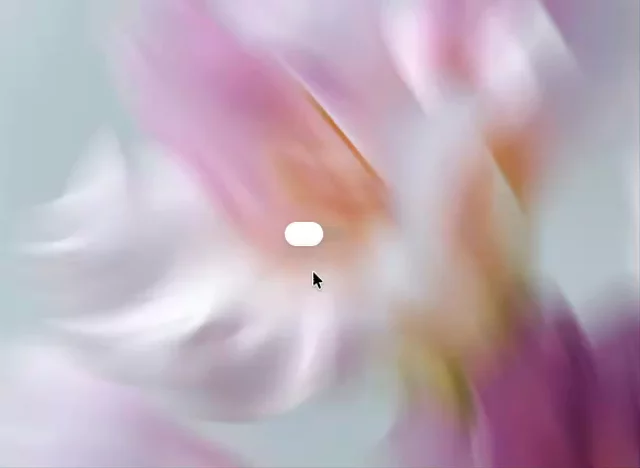
Glass Toggle in Framer
Made a quick glass-style toggle in Framer. The trick is keeping it simple: translucent layers, blur, soft borders, and smooth variants.
How to build it:
Create a Frame for the toggle track.
Set the fill to a transparent white, like rgba(255,255,255,0.18).
Add backdrop-filter: blur(16px) if using custom CSS/code.
Add a subtle border: 1px solid rgba(255,255,255,0.35).
Add a small knob inside with a soft gradient and shadow.
Make two variants: Off and On.
Move the knob left/right between variants.
Add a tap interaction to switch variants with a spring transition.
Small details matter here: keep the shadows soft, avoid heavy opacity, and let the background show through. That’s what gives it the glass feel.