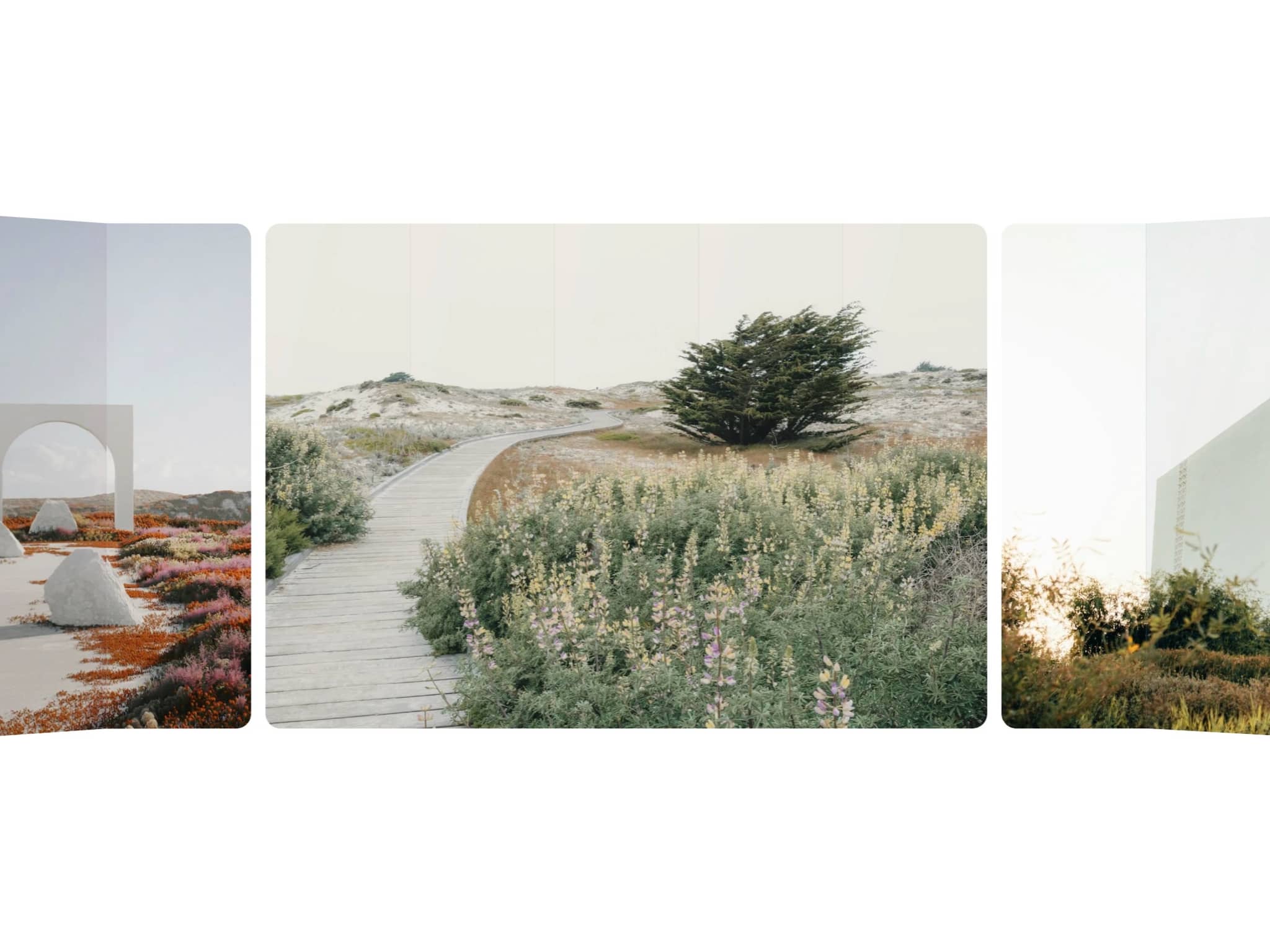
About CMS Focus Carousel
The middle slide large and sharp, the sides stepping back. Put a Focus Slide in a Collection List and every item of your collection becomes a slide: projects, shoots, products or rooms. A new item in the CMS shows up on its own.
How to use
Paste CMS Focus Carousel into your Framer project
Add a Collection List of any collection with an image and put a Focus Slide inside its item
Connect the image, title, subtitle, category, video and the item's page
Tune the focus: slide width, how many at each side, scale, opacity, blur, grey and dim
Key features
Reads any CMS collection; the list's own filters, sort and limit still apply
Side slides that step back with scale, opacity, blur, grey, dim and offset, changing smoothly as they move
1, 2 or 3 slides at each side, any aspect ratio, round slides
Drag and swipe with momentum, trackpad, arrow keys, click a side slide to bring it to the middle
Loop, and autoplay that pauses on hover, on focus, off screen and with its own button
Video in the middle slide only
Text below, split or over the photo, with a counter and a progress line
Full-screen viewer with zoom, thumbnails, swipe and keys
No WebGL and no network requests, responsive images, reduced motion, keyboard and screen reader friendly
Full documentation: miguelrecio-components.framer.website/cms-focus-carousel/docs
One-time payment. Single-Use licence: one website or project per licence. Questions: info@miguelrecio.es.