About Google Recaptcha V1
This component is Part of the Essential Components plugin. Browse and insert 40+ components directly in Framer. Start for free
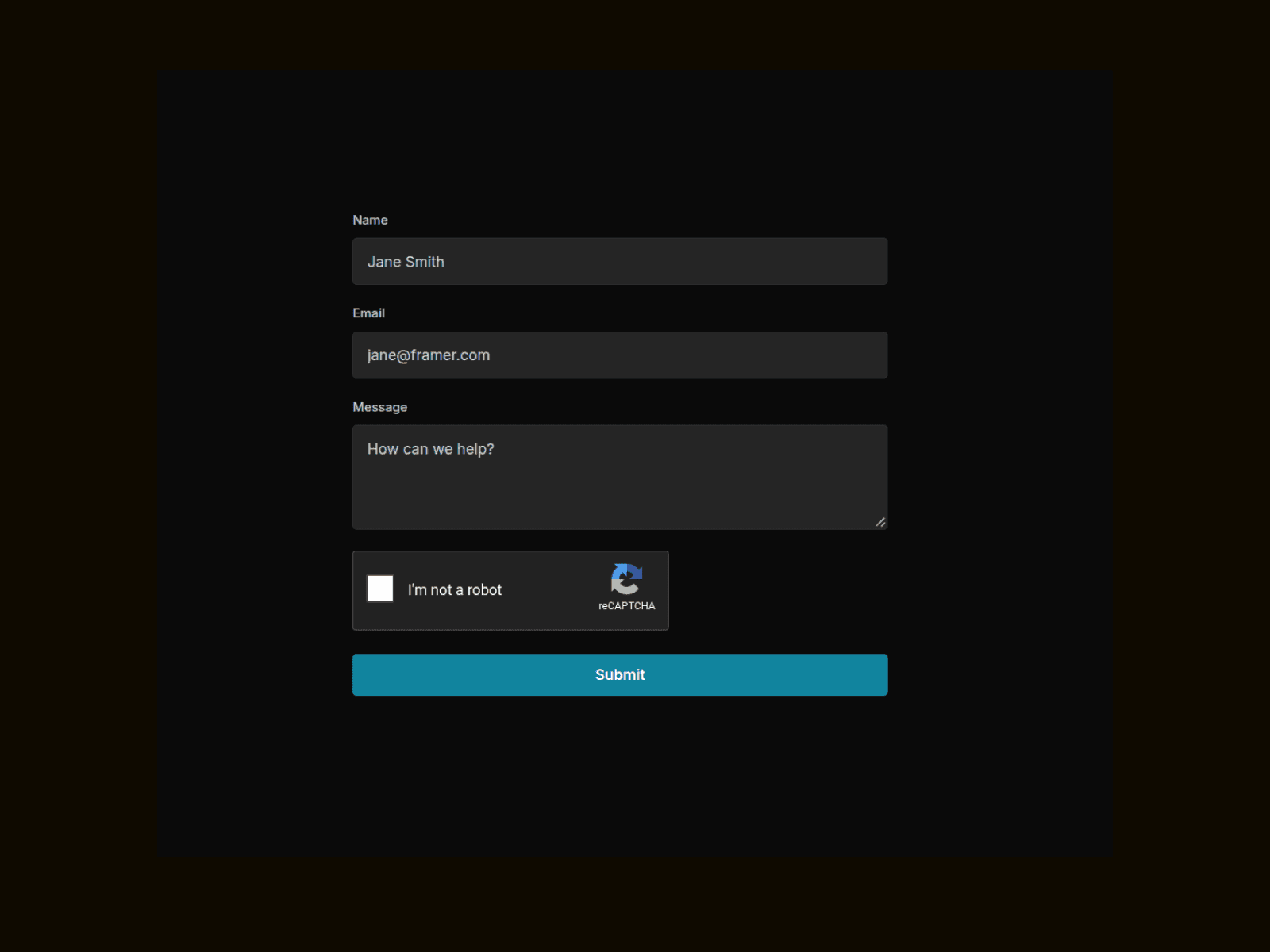
Add Google's "I'm not a robot" checkbox to any Framer Form with zero custom code. Drop the component above your Submit button, paste in your Site Key, and it handles the rest — token injection, submit-blocking until verified, Light/Dark theme, Normal/Compact size, and validation text that auto-translates to match your reCAPTCHA language. Shows a safe static placeholder on canvas so it never fires real requests from the editor domain.
How to Setup
Create a reCAPTCHA v2 site — Go to google.com/recaptcha/admin and register a new site. Choose "reCAPTCHA v2 → 'I'm not a robot' Checkbox" as the type.
Add your domains — List your published Framer domain(s).
Copy your Site Key — From the admin console, copy the Site Key (not the Secret Key — that one stays server-side and isn't needed here).
Place the component in your Form — Drag RecaptchaComponentV1 inside a Framer Form component, positioned above the Submit button.
Paste the Site Key — Add it to the "Site Key" field in the properties panel. The real widget renders as soon as this is set.
Adjust optional settings — Set Theme, Size, and Language to match your site, and toggle Required on if submissions should be blocked until verified.