James Hicks1moBest test for your @Framer templates?Use it yourself.Let's see how fast I can launch my new website.101022
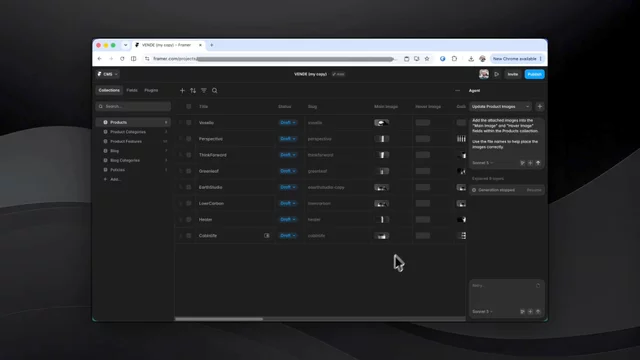
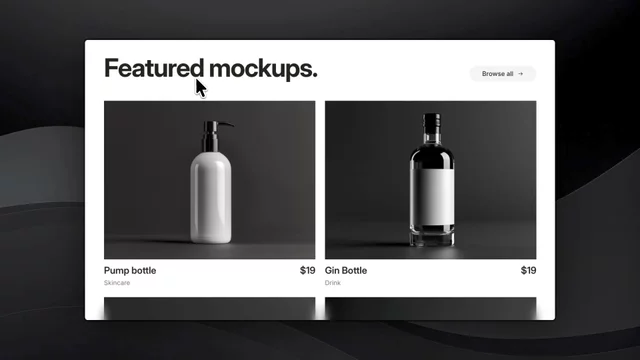
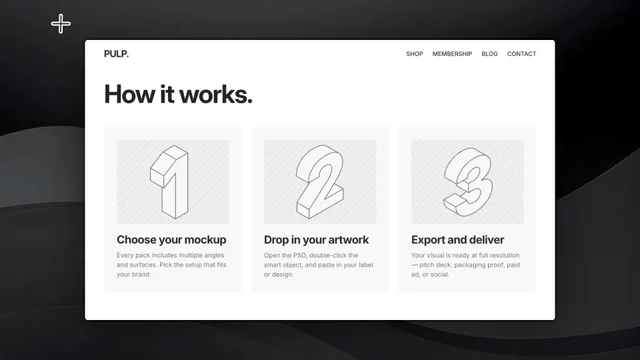
James Hicksin Marketplace·1moIntroducing my 10th template — VENDEA ready-made storefront built for creators who sell digital products.Includes a full guide on customising your template with AI agents.VENDE·TemplateBuy for $792020
James Hicks1moUnderrated @Framer feature:→ Variables in Layout TemplatesDon't duplicate templates for small layout variations.Add switches so you can toggle sections on and off.It's cleaner, simpler to maintain, and easier for your users to understand.Read more7722
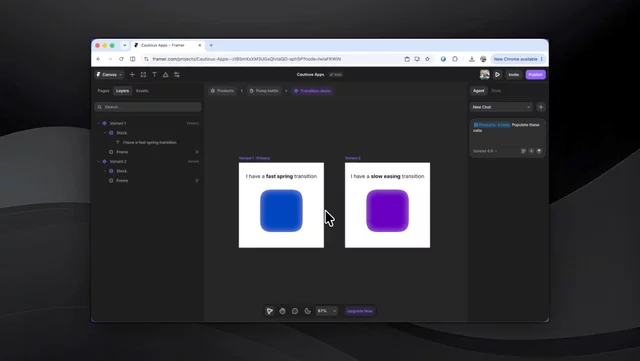
James Hicks1moSubtle but important thing to know about Components:Variant transitions set the animation curve into that variant, not out of it.Understanding this unlocks complex animation sequences.99
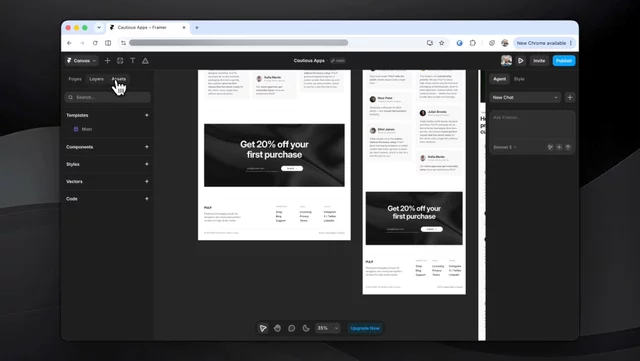
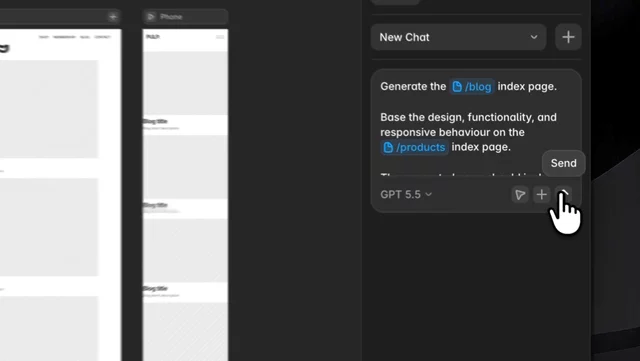
James Hicks1moIf you want @framer agent to work seriously well:1. Create one polished page2. Feed it to the agent for the next page3. Refine what comes back4. Repeat Your design is the best prompt.Read more7722
James Hicks1moDon't waste your @framer agent credits.Use this underrated resource instead: The Framer Dictionary- Every term - Clearly defined - Organised by categoryGet specific. Use language your new designer helpers understand.👇Read moreframer.com · This glossary of design and AI terms helps you…7711
James Hicks1moUsing this @framer agent prompt constantly:“Create a component from [Item] and then replace the other frame-based items in this [List] with new component instances.”Anything with a repeating pattern.What's working well for you?6644
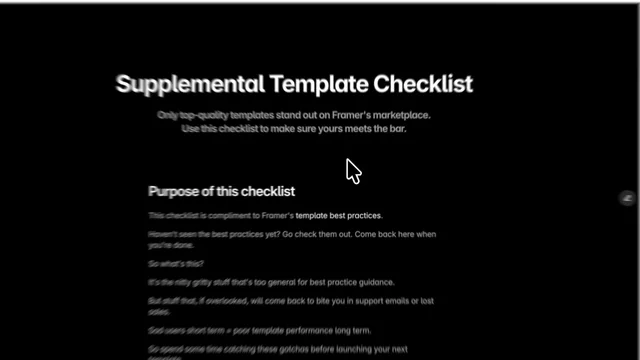
James Hicks2moThe new @framer marketplace dropped its formal review.Now your own quality bar matters more than ever.It's the difference between getting featured and disappearing into obscurity.I published a checklist I use. One-click now copies it straight into your agent workflow.Read more16161313
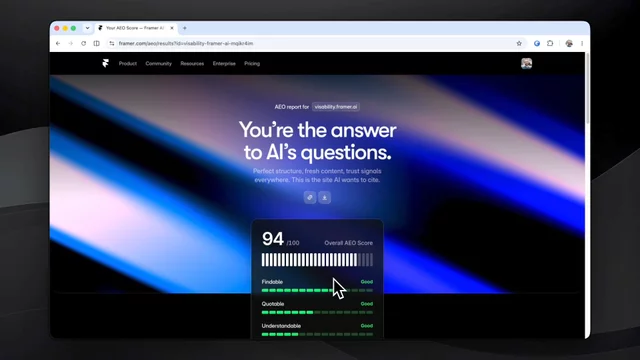
James Hicks2mo100/100 on the @framer AEO checker.Built into every key page of my latest template, Visability.I also included guidance for buyers.That way they can customise the site and keep their high score intact 🙌🏻.7711
James Hicks2moWho else would love this feature?→ Choose template order on your own marketplace profile.1313
James Hicks2moI woke up today to see my latest template featured front and center here on @Framer's new marketplace.Grateful for the nod from the team. Motivated to make my next even better!15151111
James Hicks2moQuick question for the CommunityAbout "Preview" mode on "Design" pages.I swear I used to be able to scroll down the design in preview mode, but now I can't.Has this changed?9922
James Hicksin Marketplace·2moHello new Framer Community 👋Kicking off my activity here by launching my 9th template.Visability - a Framer template for AEO agencies.Spent a bunch of time on this one and I'm happy with how it's turned out.Take a look!Read moreVisability·TemplateBuy for $7989891717