Spark Studio0
Spark Studio0

Spark Studio0

Frontend UI Designer crafting clean, responsive Framer & Webflow websites with a focus on modern interactions and user experience.

Creator7 Components
Spark Studio0
Spark Studio0in Marketplace·1w

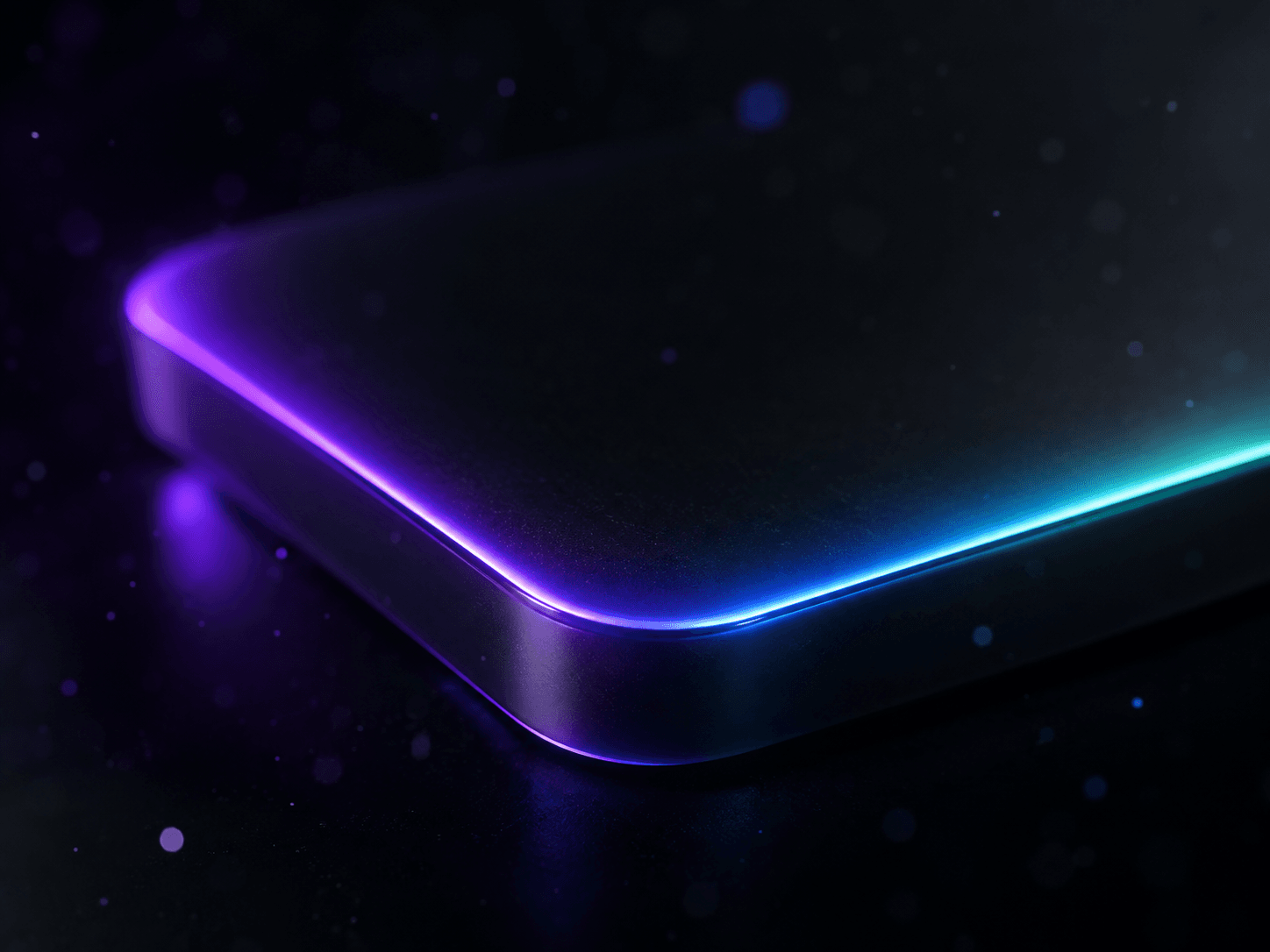
Most "3D tilt card" components on the market are dead on mobile. Yeah, really.

They only listen to your mouse position, so the second you open the site on your phone — which is most of your traffic — the tilt effect just... doesn't happen.

So I built one that actually works everywhere: Gyro Tilt Card, free on the Framer Marketplace.

→ Desktop: smooth, spring-based mouse tilt → Mobile: real device-orientation tilt, with proper iOS permission handling done right → No mouse, no gyro? A gentle idle-sway animation keeps it alive instead of going flat → A rotating border-beam plays while idle and fades out the instant you engage it

It's a wrapper, not a fixed layout — drop in any card, image, or component and it just tilts.

Free, link in comments. Try it on your phone, not just your laptop — that's the whole point.

\#framer #webdesign #uidesign #interactiondesign #mobiledesign
Spark Studio0
Spark Studio0in Marketplace·1w

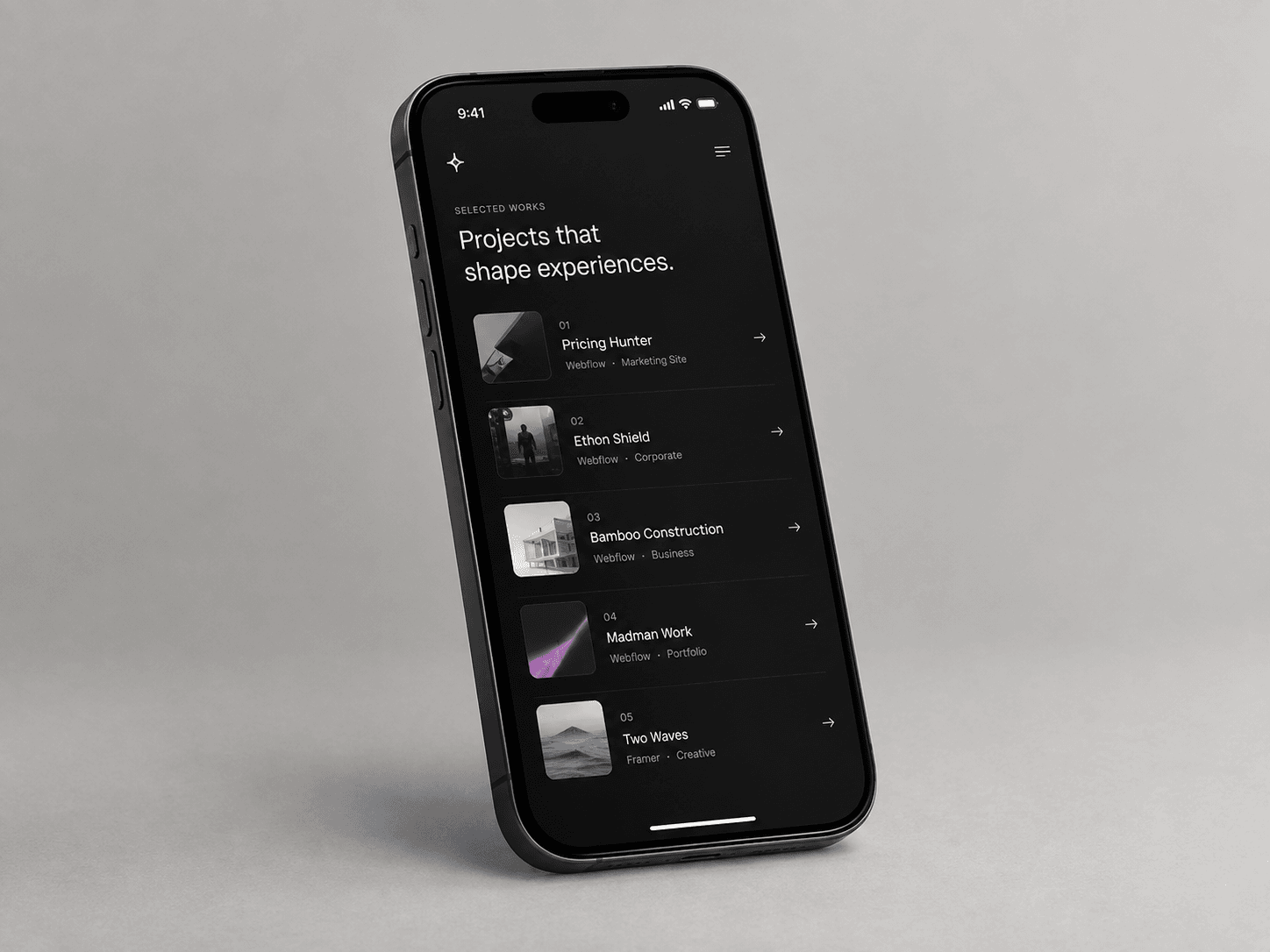
I just shipped a free Framer component: Project Hover List.

It's the case-study-index interaction you've seen on every high-end agency site — hover a project, and a preview image floats next to your cursor and follows it around. Move fast between rows and the image tilts slightly, just like the real thing.

A few details I cared about while building it:

→ Spring-smoothed cursor tracking, not raw mouse coordinates → Velocity-based tilt on the preview image → Fully responsive — on mobile it automatically switches to inline thumbnails instead of trying to "float" an image with no cursor → Respects reduced-motion and renders clean on the Framer Canvas

It's free on the Framer Marketplace — link in comments. Drop your site below if you use it, I'd love to see it in the wild.

## How to Use

1. In Framer, create a new Code Component and paste in the component file.

2. Drag it onto the canvas inside a frame with enough height for your list (roughly 90px per row).

3. Open the Properties panel and edit the Projects array — add a title, category, image, and link for each row.

4. Set Font, Text, Accent, and Divider colors to match your site's design system.

5. Adjust Preview W / Preview H to size the floating image, and Radius for corner rounding.

6. Leave Compact Below at 680px, or raise/lower it depending on where your layout should switch to the mobile thumbnail view.

7. Test in Preview (not Canvas) — the cursor-follow effect only runs in Preview and on the live site.

\#framer #webdesign #uidesign #interactiondesign #nocode

Spark Studio0
Spark Studio0in Marketplace·1w

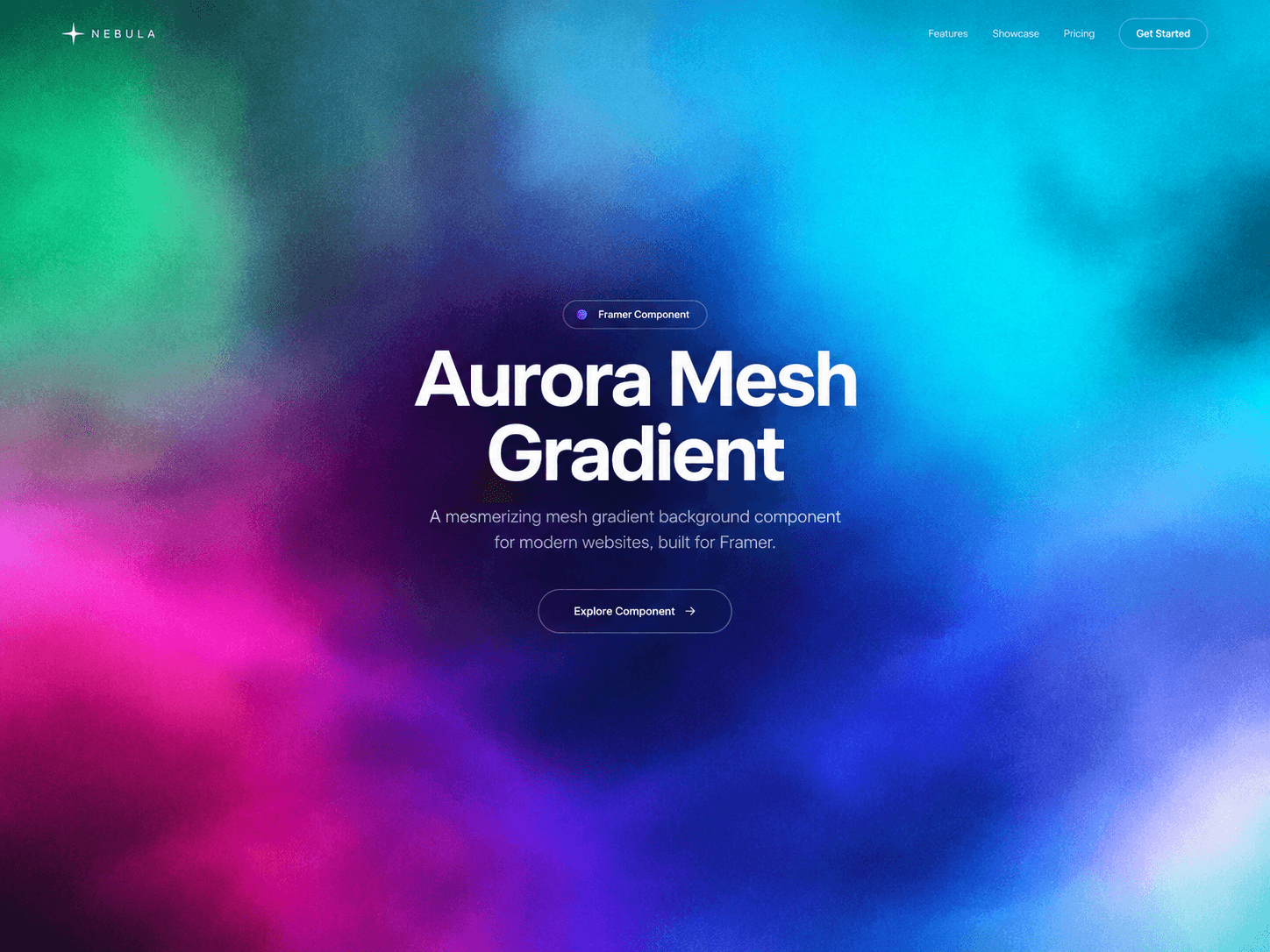
Meet the new Gradient Theme Switcher ✨

A flexible Framer component with 6 beautifully crafted themes + 1 fully customizable theme.

Choose from:

🌌 Aurora 🌅 Sunset 🌊 Ocean 🍬 Candy 🔥 Lava 🖤 Mono 🎨 Custom — create your own look

Built for designers and creators who want to add a polished visual theme system without starting from scratch.

Fully customizable. Easy to use. Ready for Framer.

Spark Studio0
Spark Studio0in Marketplace·1w

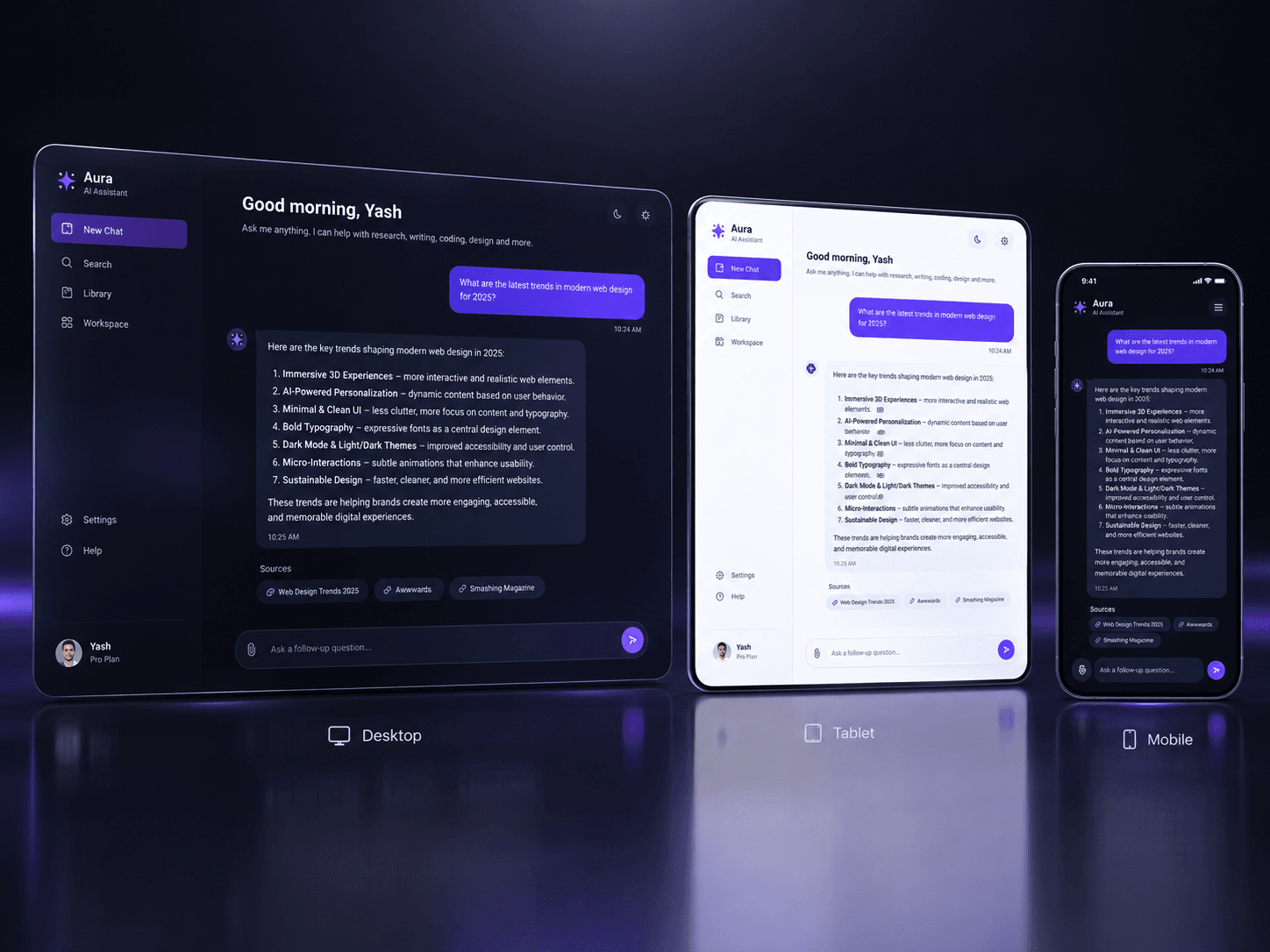
Your AI product deserves better than a screen recording.

AI Chat Demo Pro is a Framer component that plays your product conversation live on the page: the question types itself, the assistant works through visible reasoning steps, and the answer streams in word by word. You write the script in the properties panel and drop your own Framer layers into the reply, so visitors see your interface - not a stock chat bubble.

Lighter than video, readable on mobile, indexable by search, and editable in seconds when your copy changes. Now on the Framer Marketplace.

Spark Studio0
Spark Studio0in Marketplace·2w

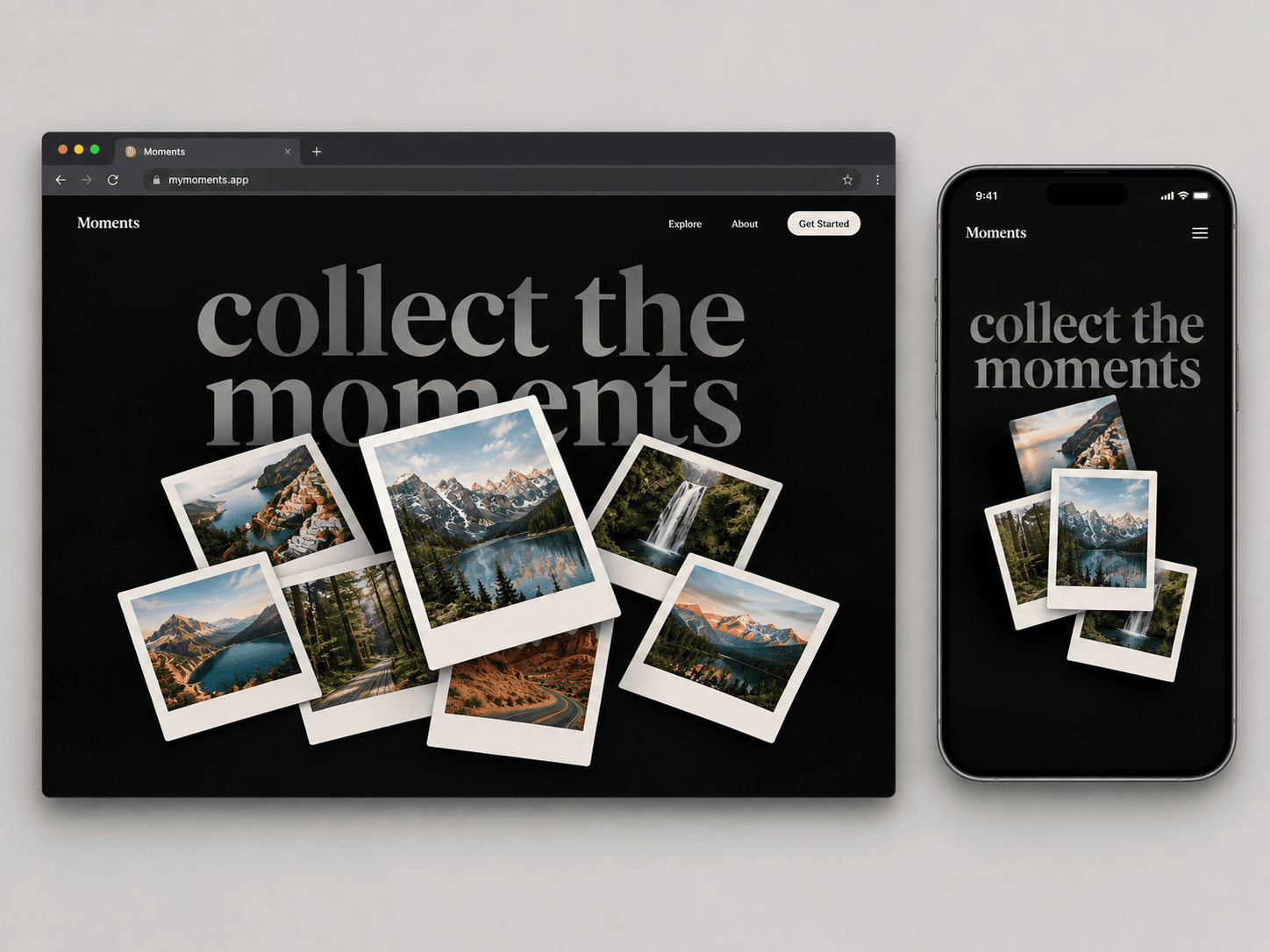
Collect the moments. ✦

A playful Polaroid-style gallery for Framer — designed to make images feel tactile, layered, and interactive.

Drag, explore, and bring your favorite moments to life.

Built for travel sites, portfolios, creative studios, and visual storytelling.

#Framer #FramerComponent #WebDesign #InteractionDesign

Spark Studio0
Spark Studio0in Marketplace·2w

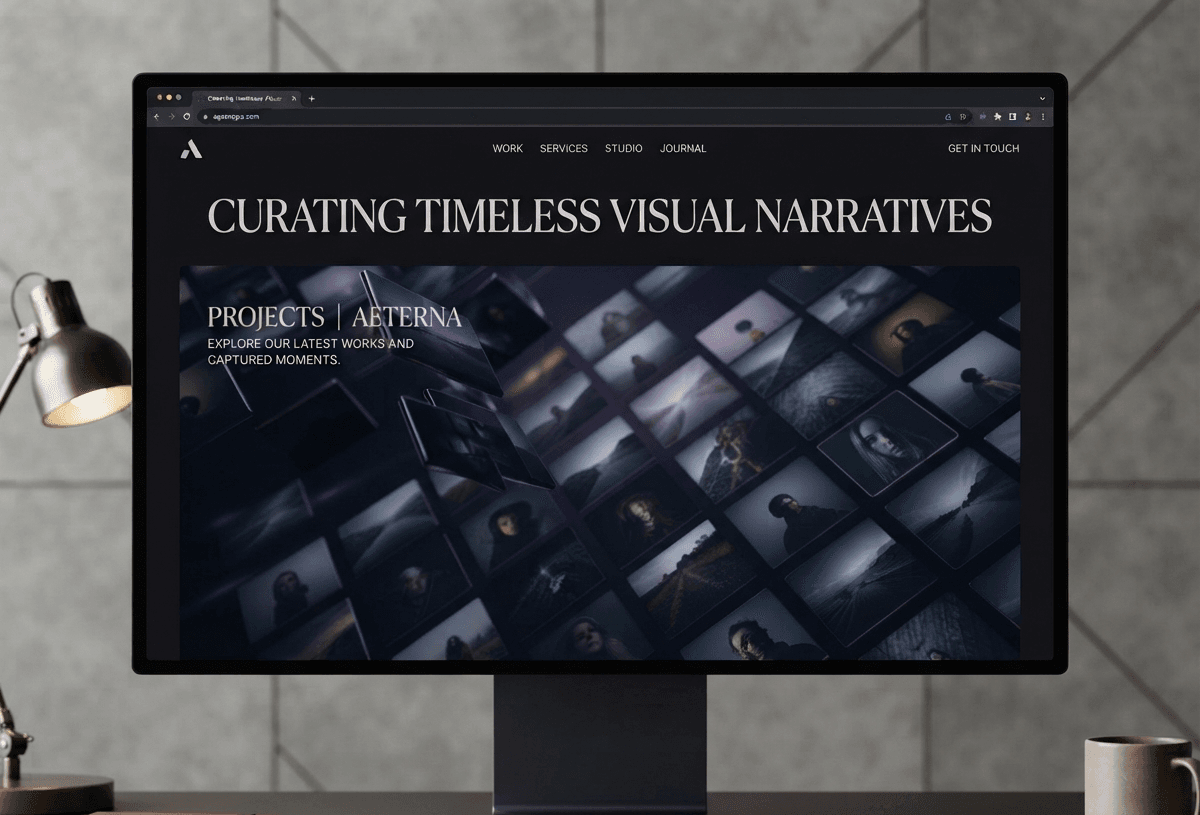
An infinite 3D image wall for Framer with smooth scrolling, subtle depth, premium hover interactions, and responsive performance.

Built to feel clean, fast, and production-ready.

#Framer #NoCode #WebDesign #UI #MotionDesign

Spark Studio0
Spark Studio0in Marketplace·2w

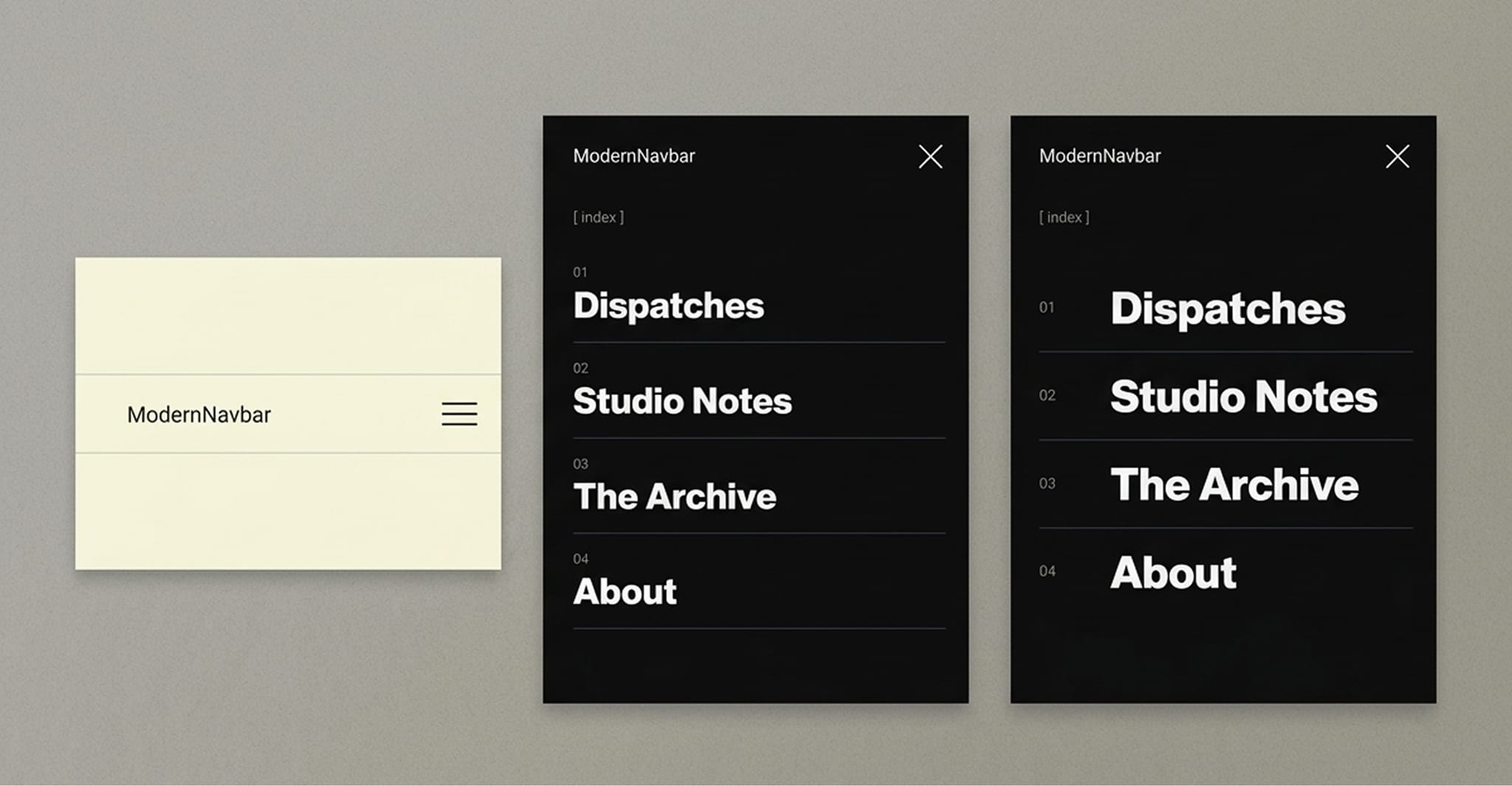
Just launched — Modern Navbar for Framer 🚀

A responsive fullscreen navigation component with smooth menu transitions, customizable typography, colors, menu items, and content width.

Built for portfolios, agencies, studios, SaaS and modern landing pages.

Available now on the Framer Marketplace.