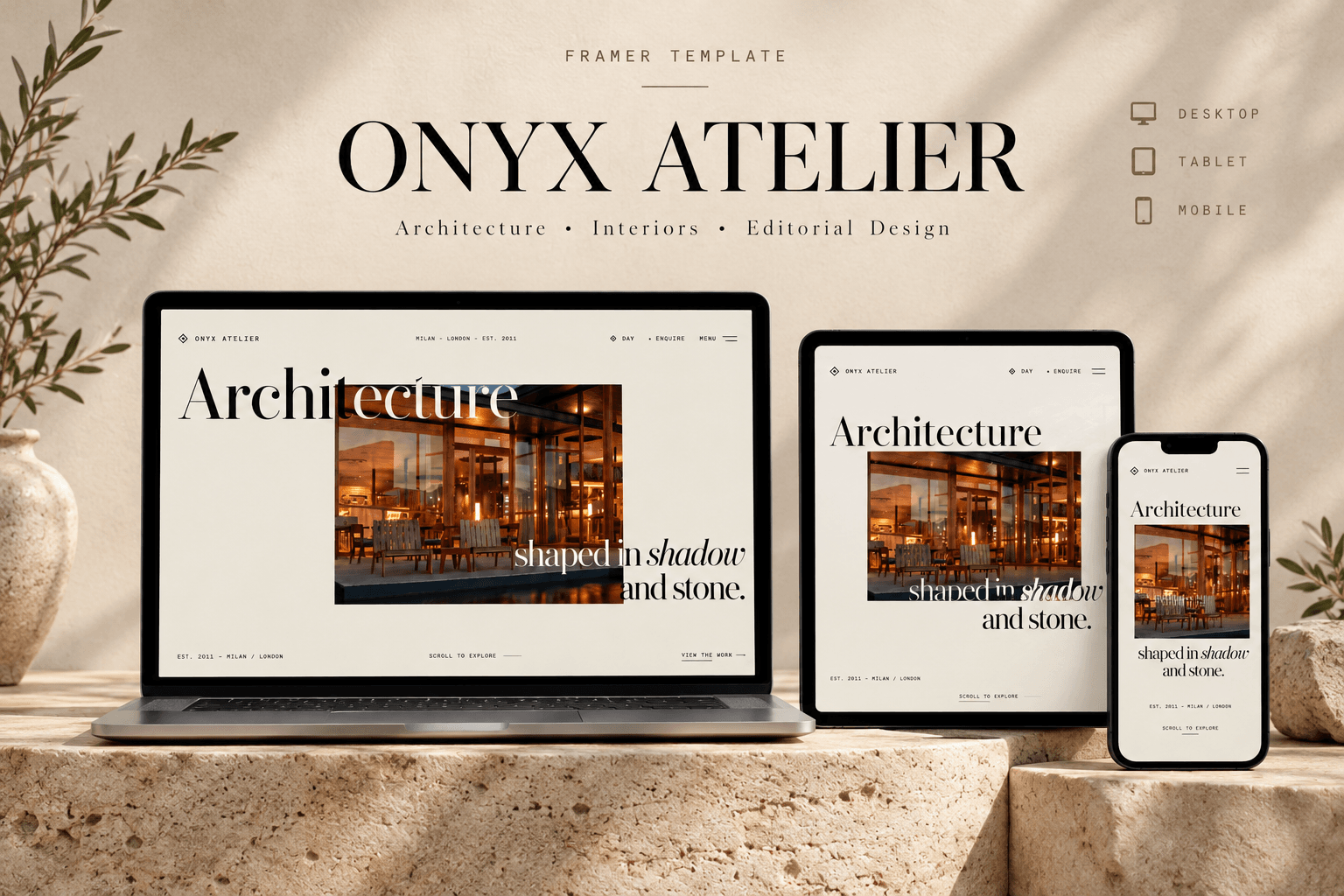
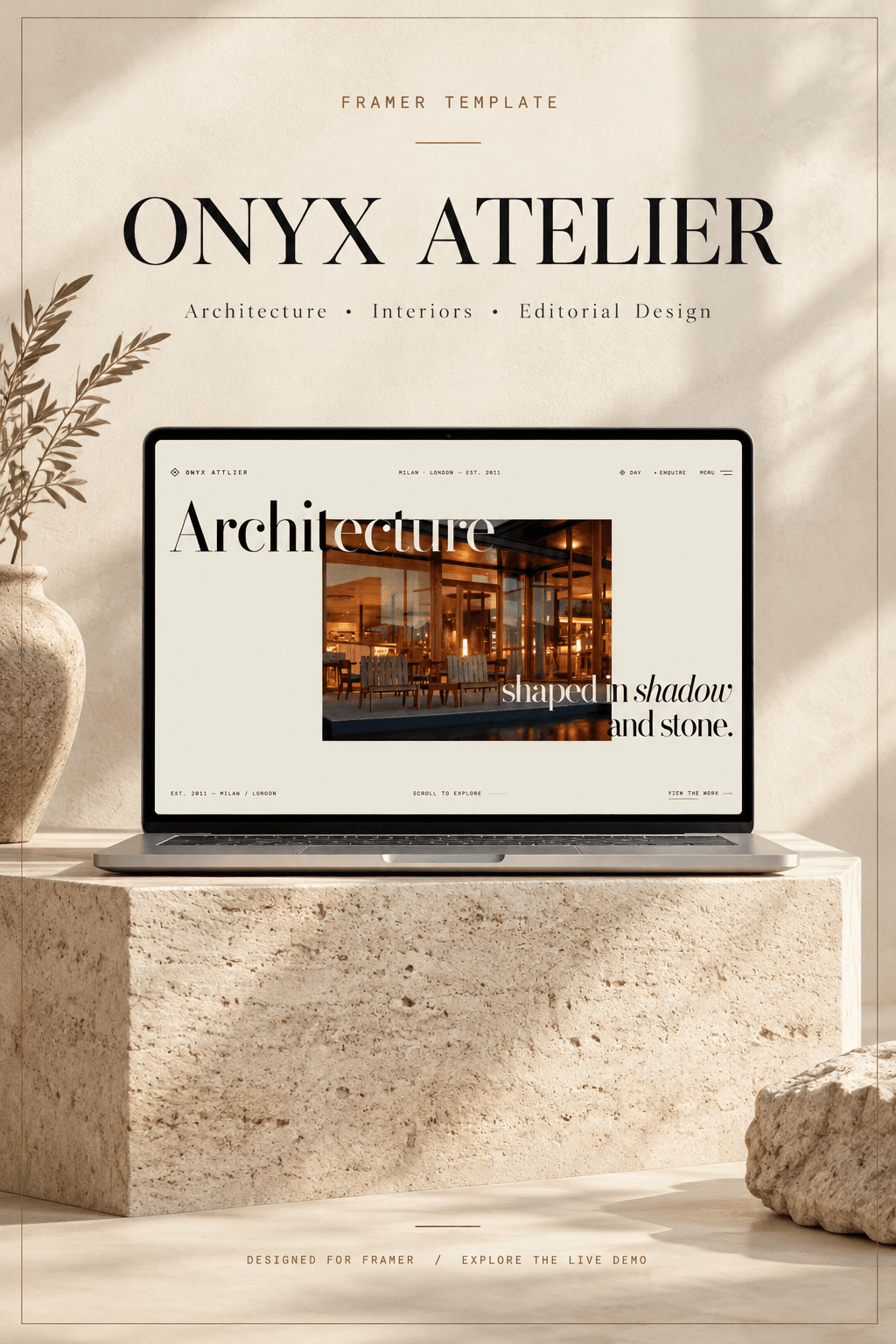
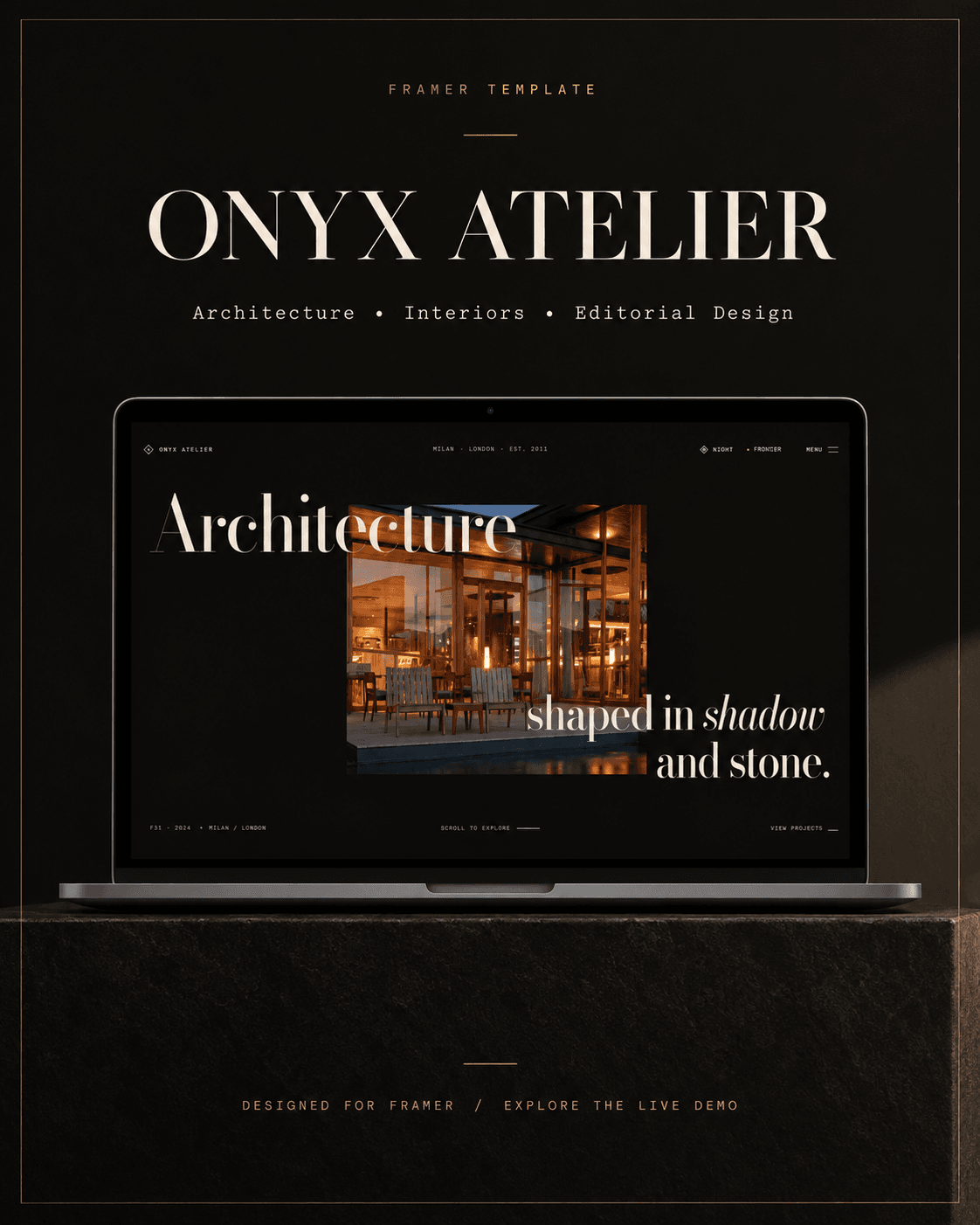
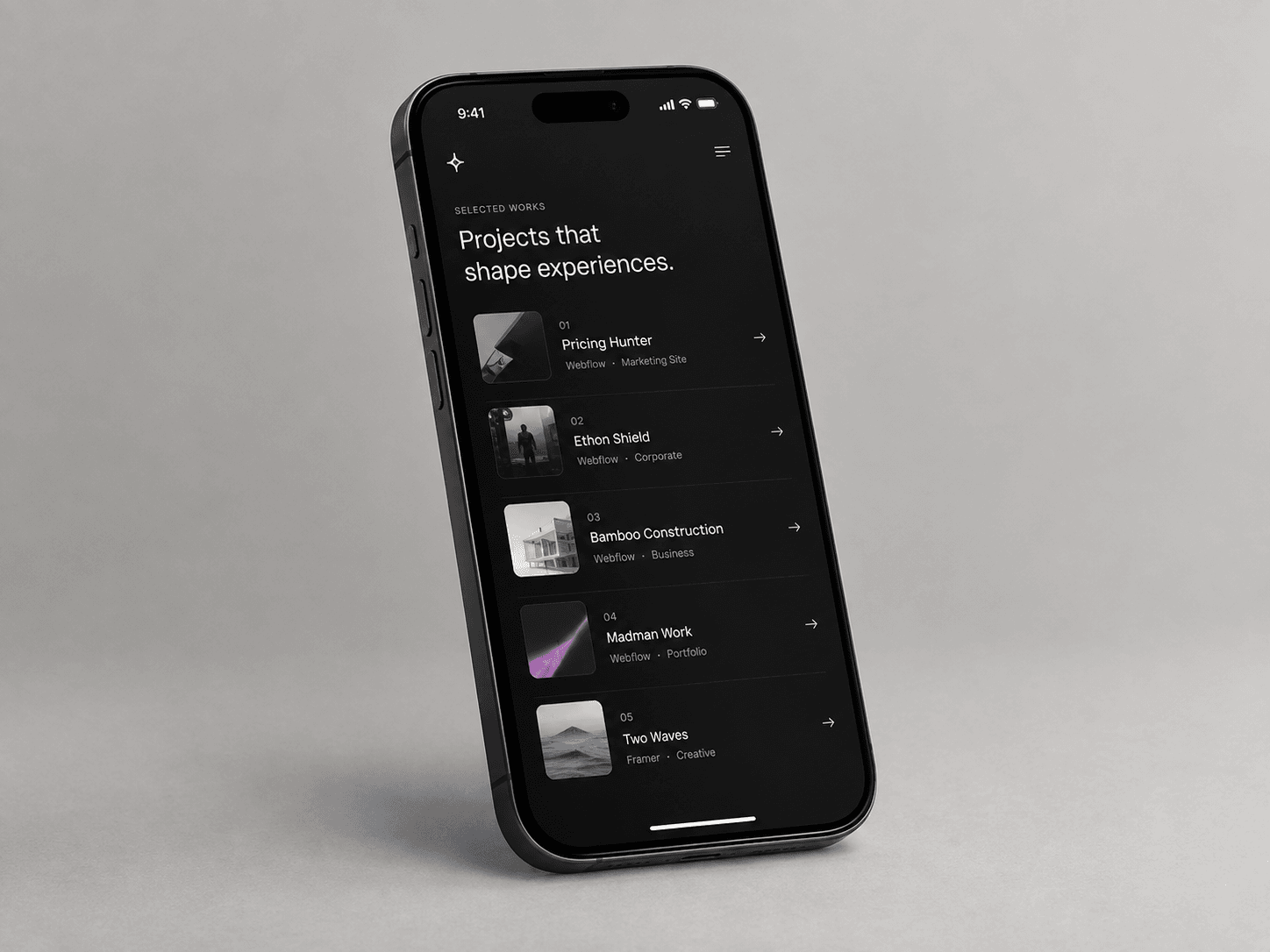
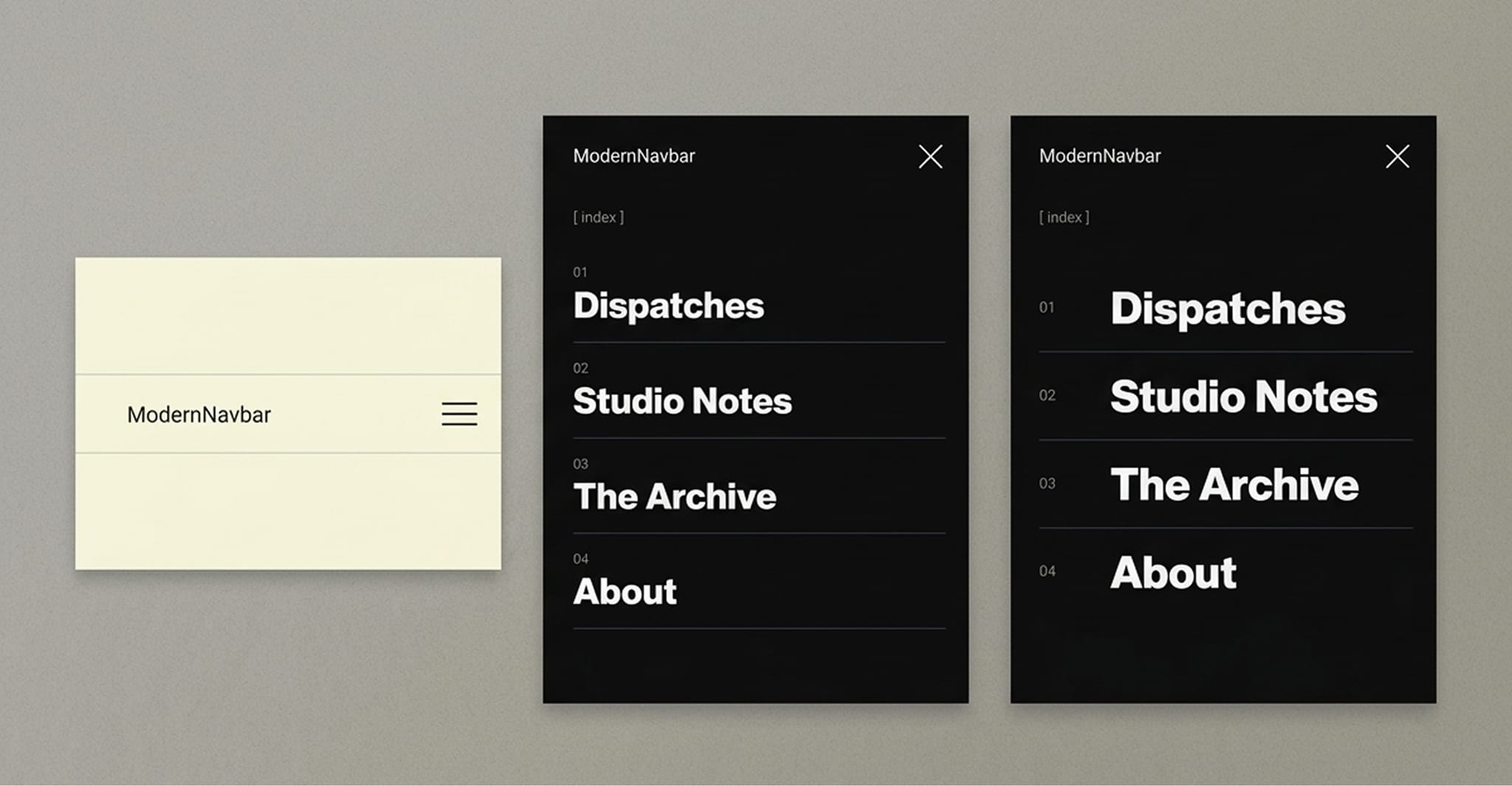
Introducing Onyx Atelier — Architecture in shadow and stone. A minimalist architecture and design portfolio template crafted for studios, architects, and multidisciplinary practices. Built with tactile editorial layouts, dark mode monograph aesthetics, and seamless CMS project casework. Live preview: https://active-strengthening-218427.framer.app/ #framer #architecture #design #portfolio #templates
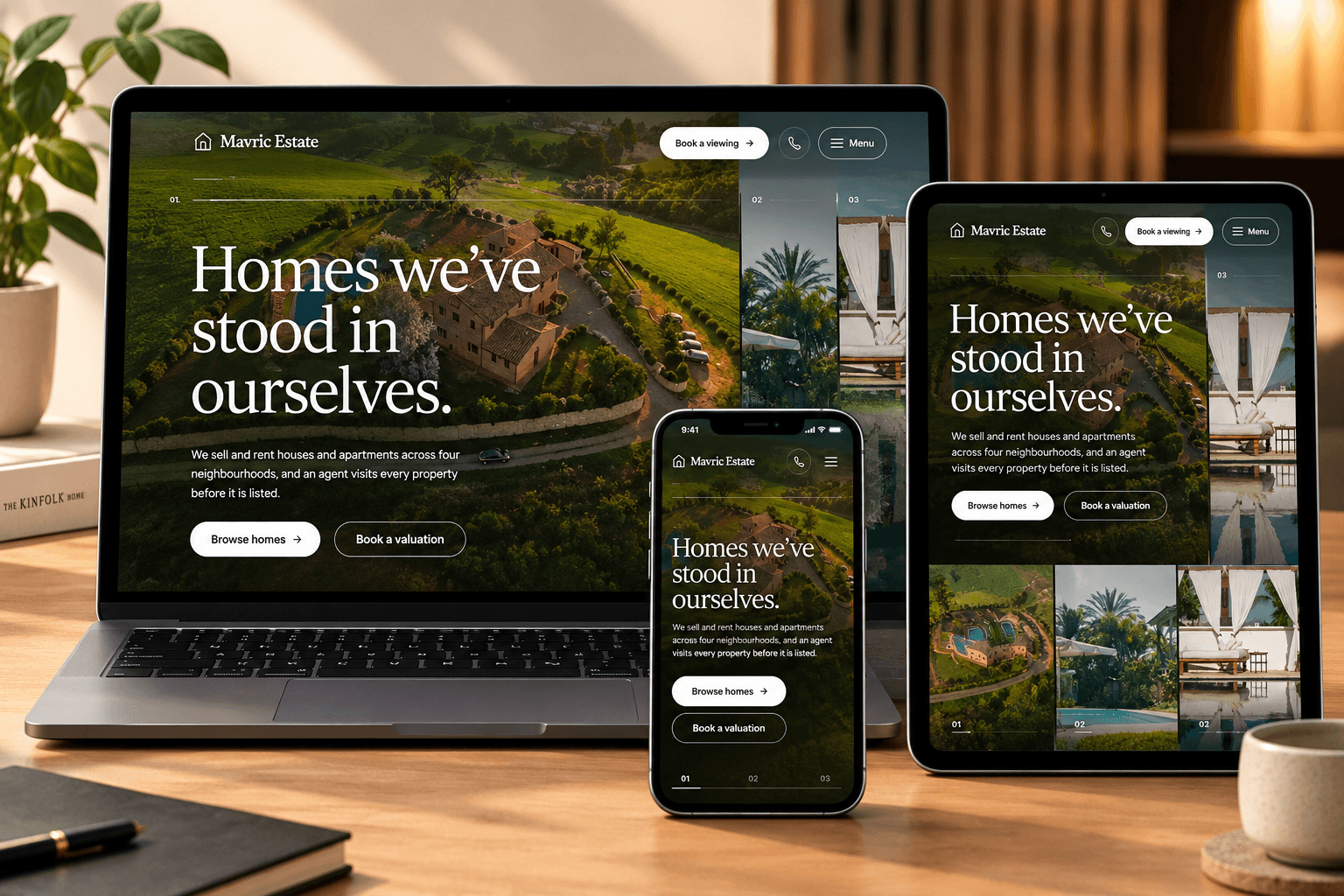
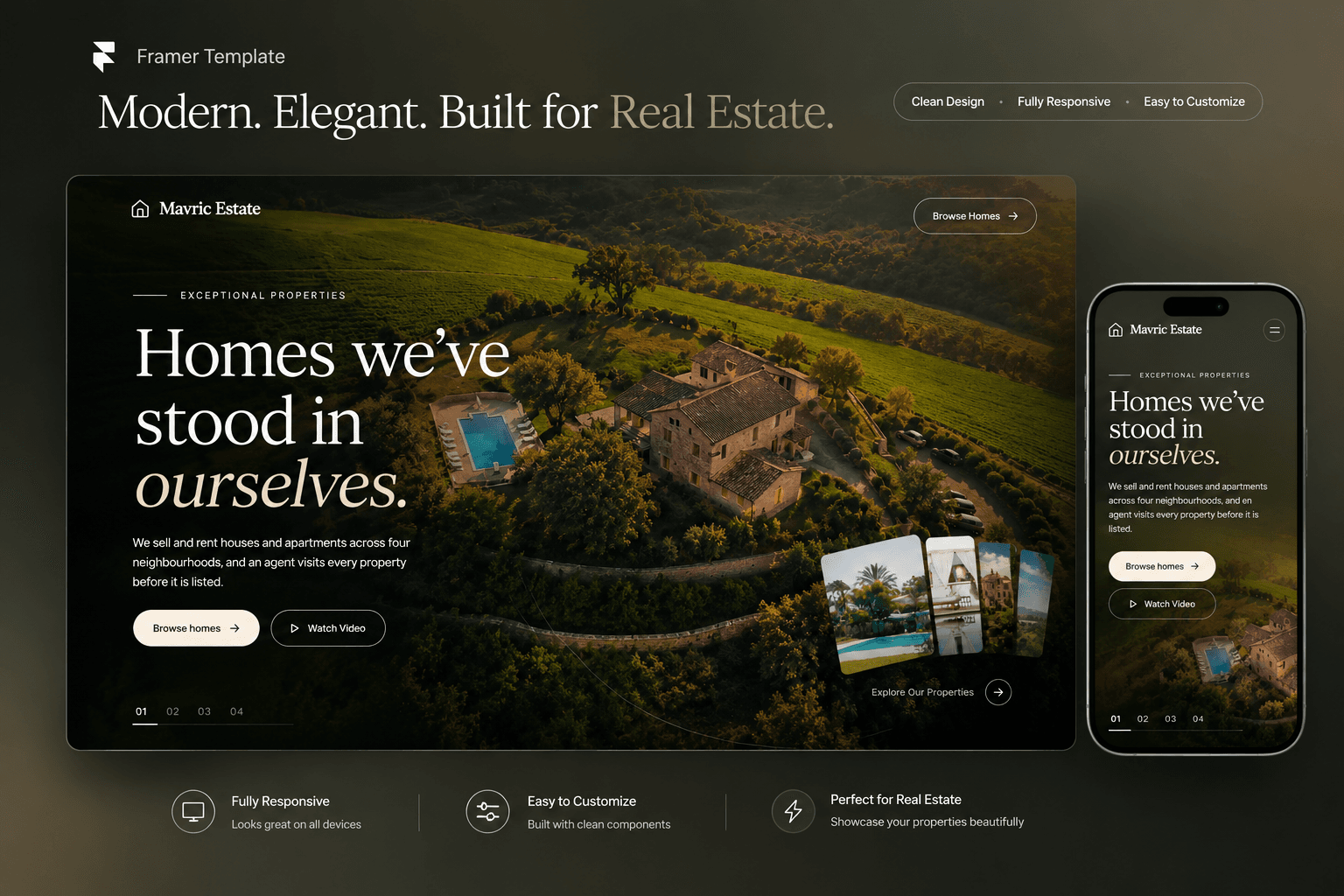
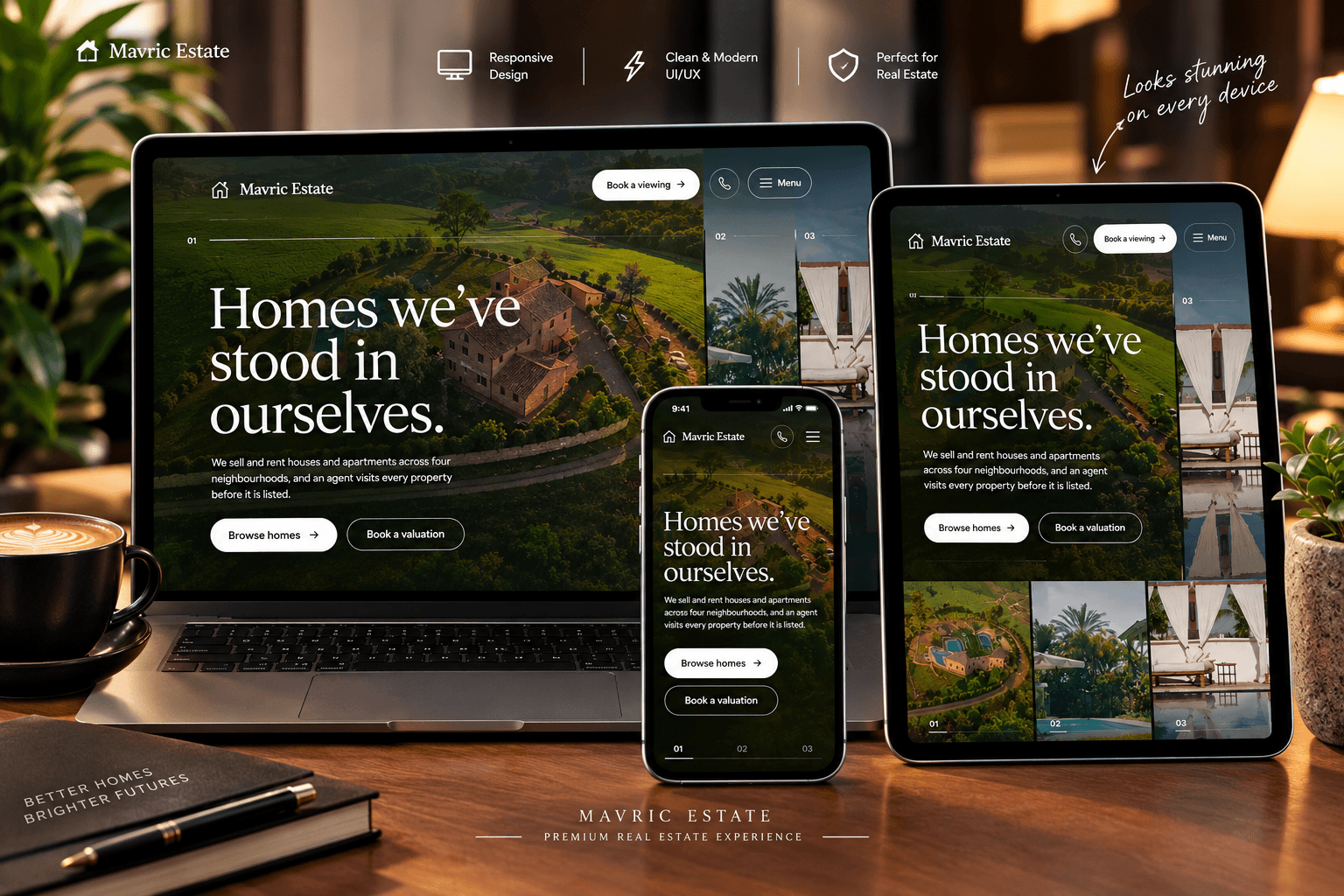
Mavric Estate — Luxury Real Estate Experience
A refined digital experience for modern real estate.
Mavric Estate is a premium real estate website concept designed to make property discovery feel effortless, personal, and sophisticated. Combining cinematic imagery, elegant typography, and immersive layouts, it helps real estate agencies present their properties with confidence while creating a seamless journey from browsing to booking a viewing.
Key Highlights
Editorial-inspired design with premium typography
Immersive property imagery and interactive galleries
Dedicated property listings and detail pages
Buying, selling, and renting service sections
Client testimonials and frequently asked questions
Clear calls to action for viewings and enquiries
Responsive layouts for desktop, tablet, and mobile
Ideal For: Real estate agencies, independent property agents, luxury property brands, and residential developers.
## Easy to use
1. Start with the guide
Open the "Start Here: Template Guide" design page. Eight short cards walk you through the whole site.
2. Rebrand in minutes
Change the colours in Assets > Colors and the fonts in Assets > Text Styles. Buttons, cards, forms, the loader and page transitions follow automatically.
3. Add your listings Open CMS > Properties. Each item becomes a card on the home and Properties pages and gets its own detail page. Do the same for Areas, Agents, Reviews and FAQs.
4. Personalise the loader and hero
In the Main Layout template, select "Site Loader" to change the name, tagline, logo, colours and timing. Turn on "Preview on Canvas" while editing. On the home page, select "Video Reel" to swap in your own videos and poster images.
5. Connect your forms
Select each form (contact, newsletter, viewing request) and choose where submissions go in Send To: email, Google Sheets or a webhook.
6. Update links and publish
Add your social links in the Header (menu) and Footer components, set your domain and publish.
Most "3D tilt card" components on the market are dead on mobile. Yeah, really.
They only listen to your mouse position, so the second you open the site on your phone — which is most of your traffic — the tilt effect just... doesn't happen.
So I built one that actually works everywhere: Gyro Tilt Card, free on the Framer Marketplace.
→ Desktop: smooth, spring-based mouse tilt → Mobile: real device-orientation tilt, with proper iOS permission handling done right → No mouse, no gyro? A gentle idle-sway animation keeps it alive instead of going flat → A rotating border-beam plays while idle and fades out the instant you engage it
It's a wrapper, not a fixed layout — drop in any card, image, or component and it just tilts.
Free, link in comments. Try it on your phone, not just your laptop — that's the whole point.
\#framer #webdesign #uidesign #interactiondesign #mobiledesign
I just shipped a free Framer component: Project Hover List.
It's the case-study-index interaction you've seen on every high-end agency site — hover a project, and a preview image floats next to your cursor and follows it around. Move fast between rows and the image tilts slightly, just like the real thing.
A few details I cared about while building it:
→ Spring-smoothed cursor tracking, not raw mouse coordinates → Velocity-based tilt on the preview image → Fully responsive — on mobile it automatically switches to inline thumbnails instead of trying to "float" an image with no cursor → Respects reduced-motion and renders clean on the Framer Canvas
It's free on the Framer Marketplace — link in comments. Drop your site below if you use it, I'd love to see it in the wild.
## How to Use
1. In Framer, create a new Code Component and paste in the component file.
2. Drag it onto the canvas inside a frame with enough height for your list (roughly 90px per row).
3. Open the Properties panel and edit the Projects array — add a title, category, image, and link for each row.
4. Set Font, Text, Accent, and Divider colors to match your site's design system.
5. Adjust Preview W / Preview H to size the floating image, and Radius for corner rounding.
6. Leave Compact Below at 680px, or raise/lower it depending on where your layout should switch to the mobile thumbnail view.
7. Test in Preview (not Canvas) — the cursor-follow effect only runs in Preview and on the live site.
\#framer #webdesign #uidesign #interactiondesign #nocode
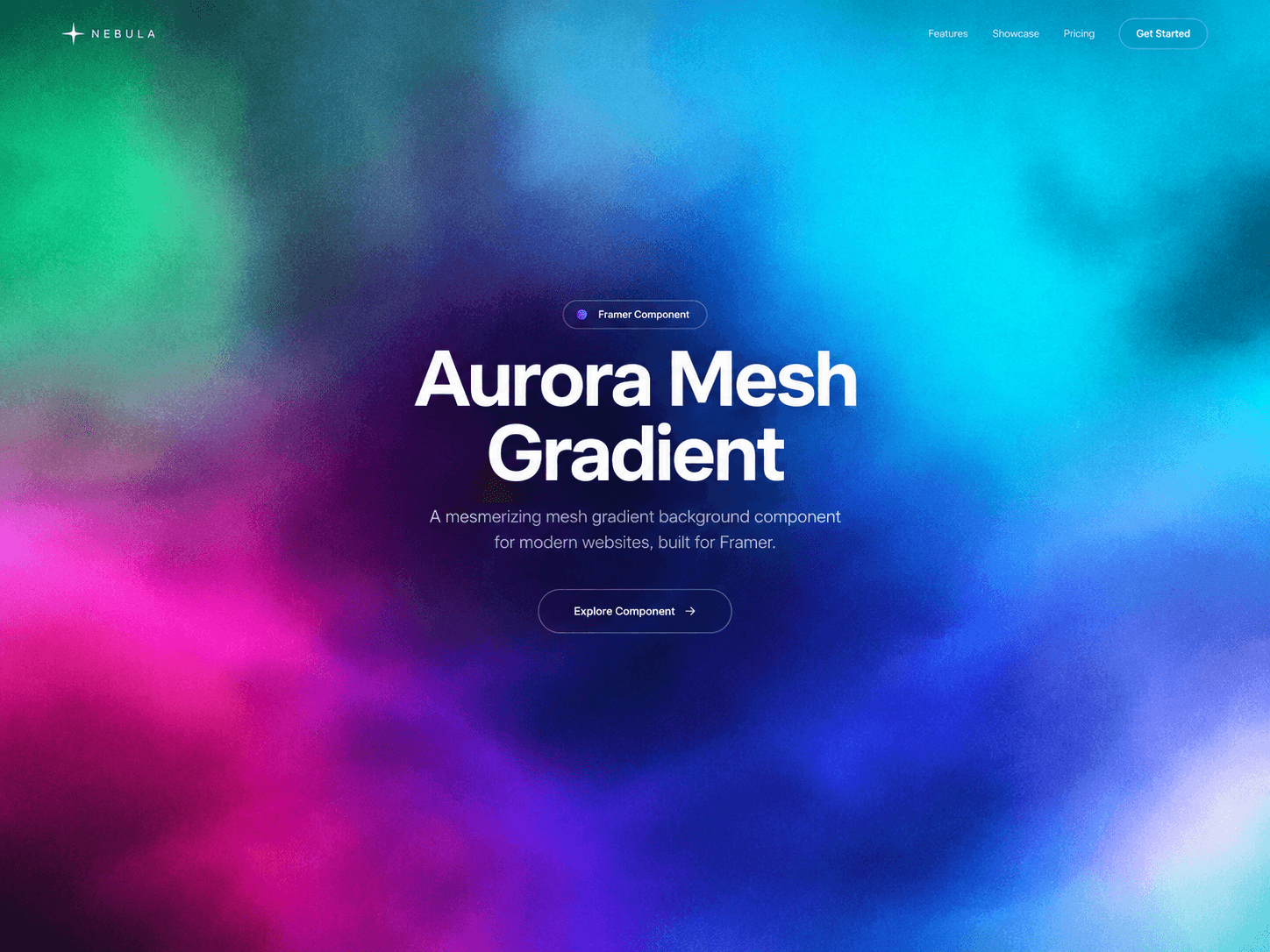
Meet the new Gradient Theme Switcher ✨
A flexible Framer component with 6 beautifully crafted themes + 1 fully customizable theme.
Choose from:
🌌 Aurora 🌅 Sunset 🌊 Ocean 🍬 Candy 🔥 Lava 🖤 Mono 🎨 Custom — create your own look
Built for designers and creators who want to add a polished visual theme system without starting from scratch.
Fully customizable. Easy to use. Ready for Framer.
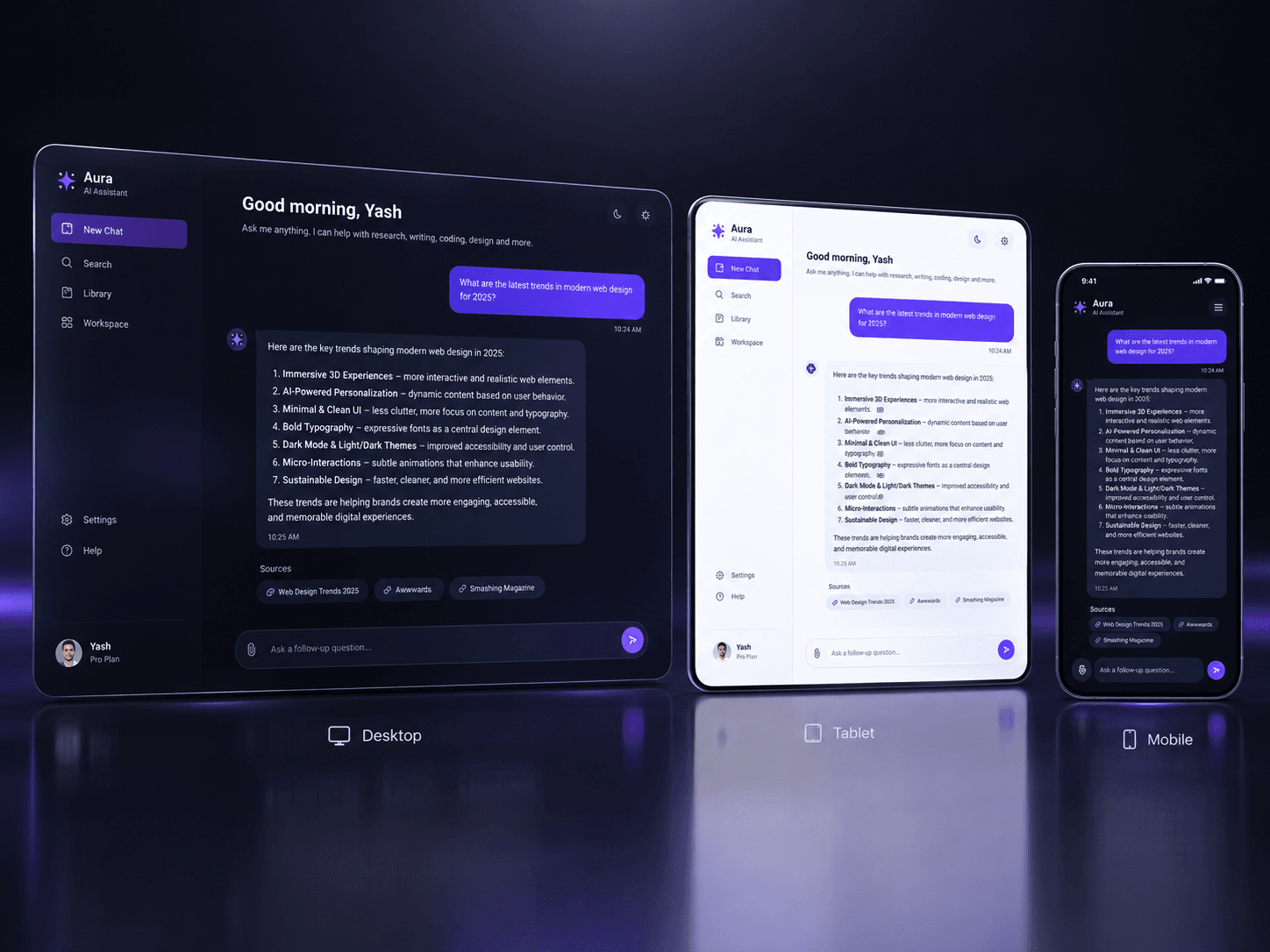
Your AI product deserves better than a screen recording.
AI Chat Demo Pro is a Framer component that plays your product conversation live on the page: the question types itself, the assistant works through visible reasoning steps, and the answer streams in word by word. You write the script in the properties panel and drop your own Framer layers into the reply, so visitors see your interface - not a stock chat bubble.
Lighter than video, readable on mobile, indexable by search, and editable in seconds when your copy changes. Now on the Framer Marketplace.
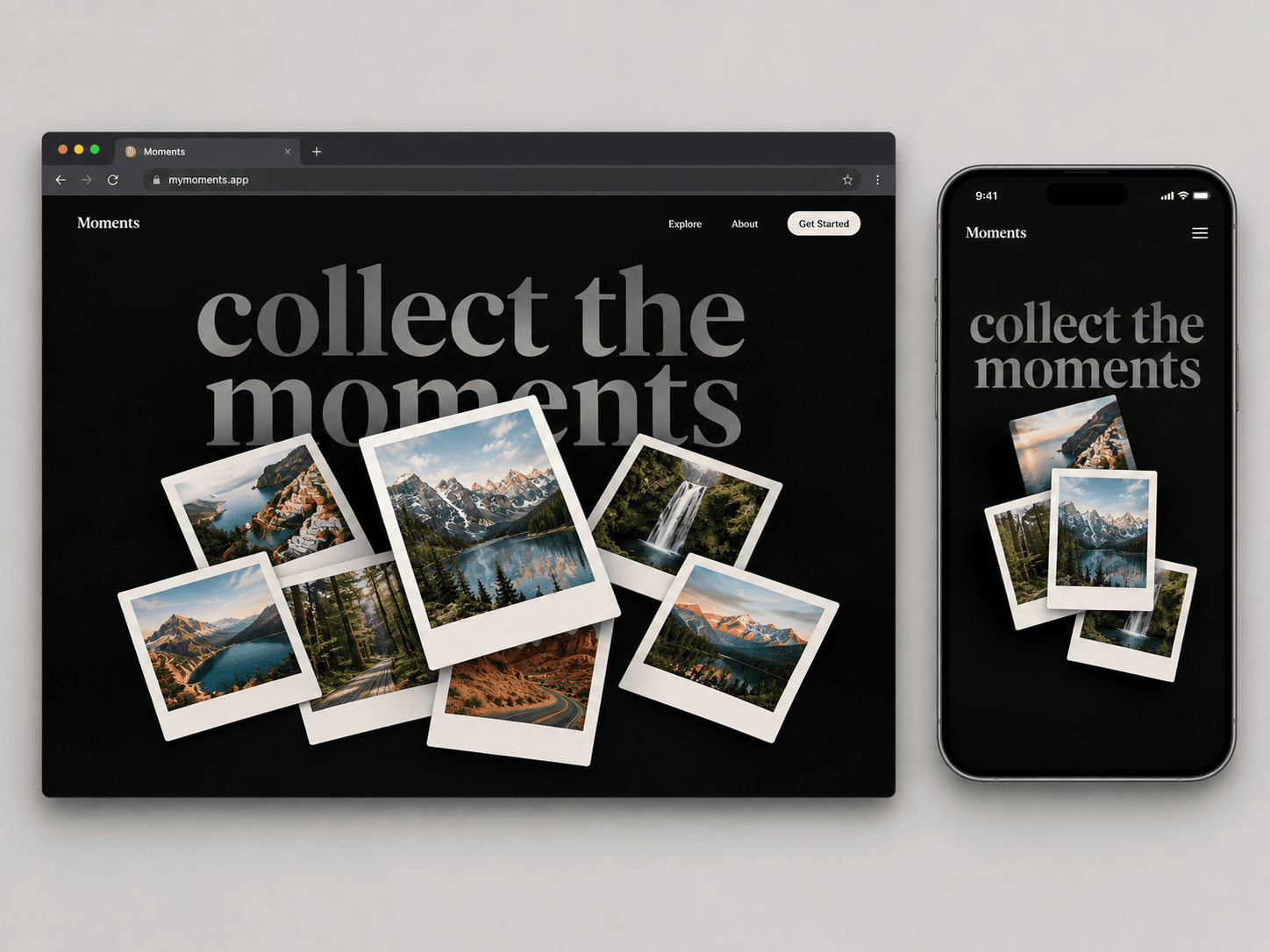
Collect the moments. ✦
A playful Polaroid-style gallery for Framer — designed to make images feel tactile, layered, and interactive.
Drag, explore, and bring your favorite moments to life.
Built for travel sites, portfolios, creative studios, and visual storytelling.
#Framer #FramerComponent #WebDesign #InteractionDesign
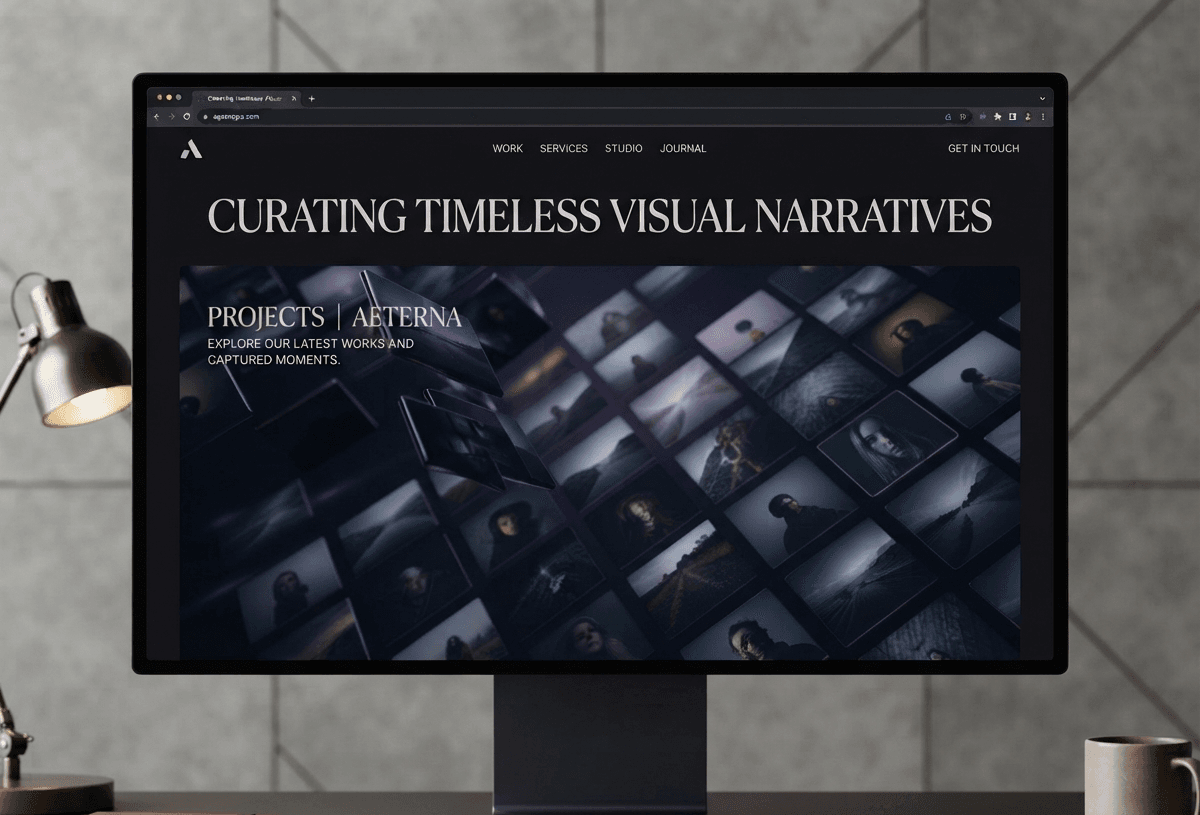
An infinite 3D image wall for Framer with smooth scrolling, subtle depth, premium hover interactions, and responsive performance.
Built to feel clean, fast, and production-ready.
#Framer #NoCode #WebDesign #UI #MotionDesign