FuseTone adds responsive sound feedback to buttons, links, inputs, dropdowns, navigation and forms in Framer.
Connect any Framer component through the Content property, then assign sounds to hover, press, release, click, navigation and form interactions.
Built for isolated and predictable behavior
FuseTone handles interactions only inside its own wrapper and connected content. It does not attach listeners to surrounding page elements or unrelated components.
Supported interactions
• Hover
• Press
• Release
• Click
• Page navigation
• Section links
• External links
• Input focus
• Value changes
• Form submission
• Browser validation
• Success and error states
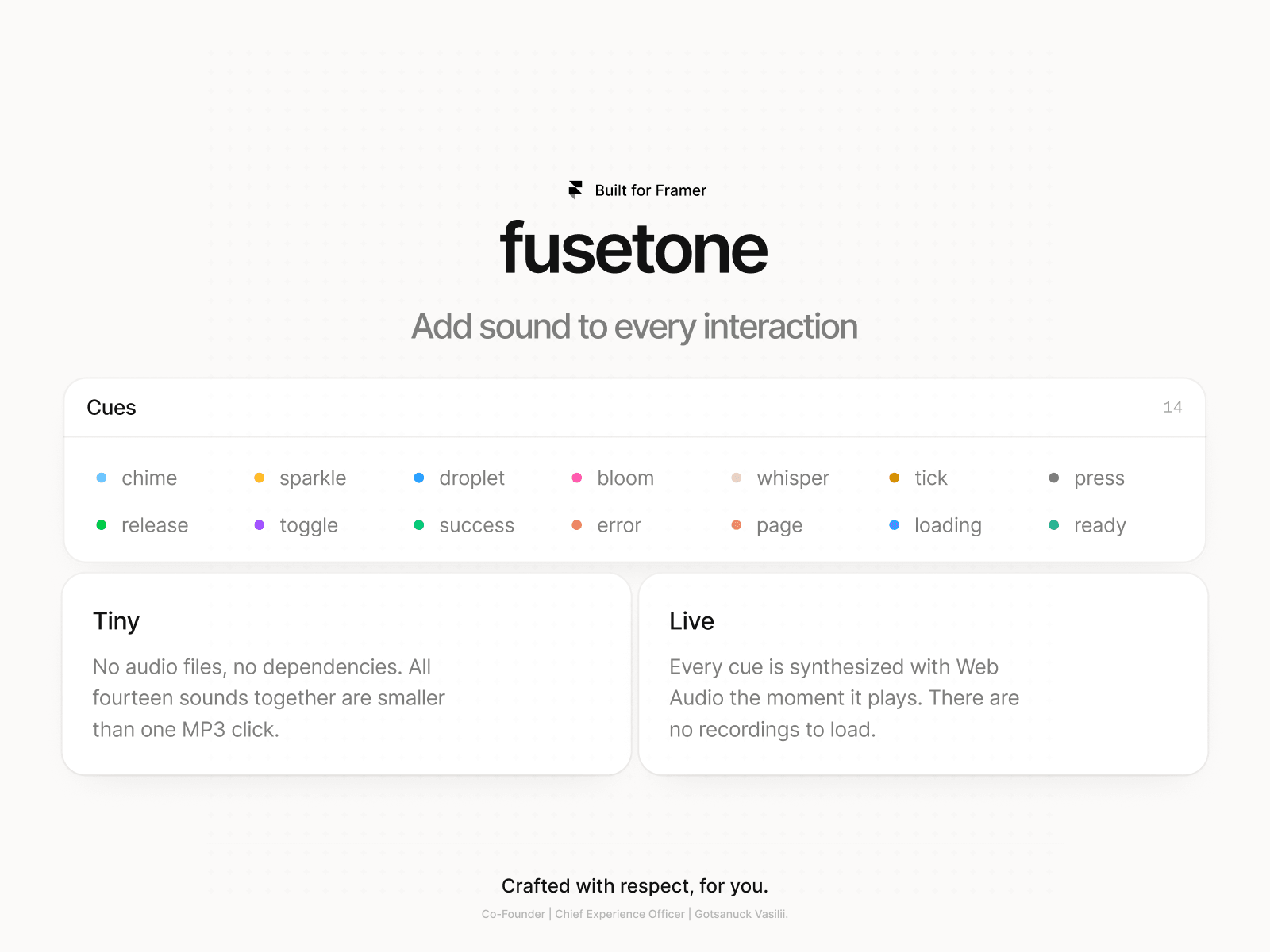
14 included sounds
Chime, Sparkle, Droplet, Bloom, Whisper, Tick, Press, Release, Toggle, Success, Error, Page, Loading and Ready.
No audio files required
Every sound is generated directly in the browser using the Web Audio API. There are no MP3 files, external audio hosting or additional dependencies.
Form-aware behavior
When form result detection is enabled, FuseTone watches only the submitted form for a limited period. Updates are debounced to keep the component lightweight and avoid unnecessary page-wide monitoring.
How to use
1. Add FuseTone to the Canvas.
2. Connect a button, link, input or form through Content.
3. Choose sounds for the interactions you need.
4. Preview or publish the site.
Browser audio note
Browsers require a click, tap or keyboard interaction before Web Audio can start. Hover sounds become available after the visitor’s first interaction with the page.
Perfect for
Interactive landing pages, SaaS websites, portfolios, product demos, forms and polished micro-interactions.
FuseTone is built by InterFuse Agency.

FuseTone adds responsive sound feedback to buttons, links, inputs, dropdowns, navigation and forms in Framer.
Connect any Framer component through the Content property, then assign sounds to hover, press, release, click, navigation and form interactions.
Built for isolated and predictable behavior
FuseTone handles interactions only inside its own wrapper and connected content. It does not attach listeners to surrounding page elements or unrelated components.
Supported interactions
• Hover
• Press
• Release
• Click
• Page navigation
• Section links
• External links
• Input focus
• Value changes
• Form submission
• Browser validation
• Success and error states
14 included sounds
Chime, Sparkle, Droplet, Bloom, Whisper, Tick, Press, Release, Toggle, Success, Error, Page, Loading and Ready.
No audio files required
Every sound is generated directly in the browser using the Web Audio API. There are no MP3 files, external audio hosting or additional dependencies.
Form-aware behavior
When form result detection is enabled, FuseTone watches only the submitted form for a limited period. Updates are debounced to keep the component lightweight and avoid unnecessary page-wide monitoring.
How to use
1. Add FuseTone to the Canvas.
2. Connect a button, link, input or form through Content.
3. Choose sounds for the interactions you need.
4. Preview or publish the site.
Browser audio note
Browsers require a click, tap or keyboard interaction before Web Audio can start. Hover sounds become available after the visitor’s first interaction with the page.
Perfect for
Interactive landing pages, SaaS websites, portfolios, product demos, forms and polished micro-interactions.
FuseTone is built by InterFuse Agency.
 Vasilii Gotsanuck

