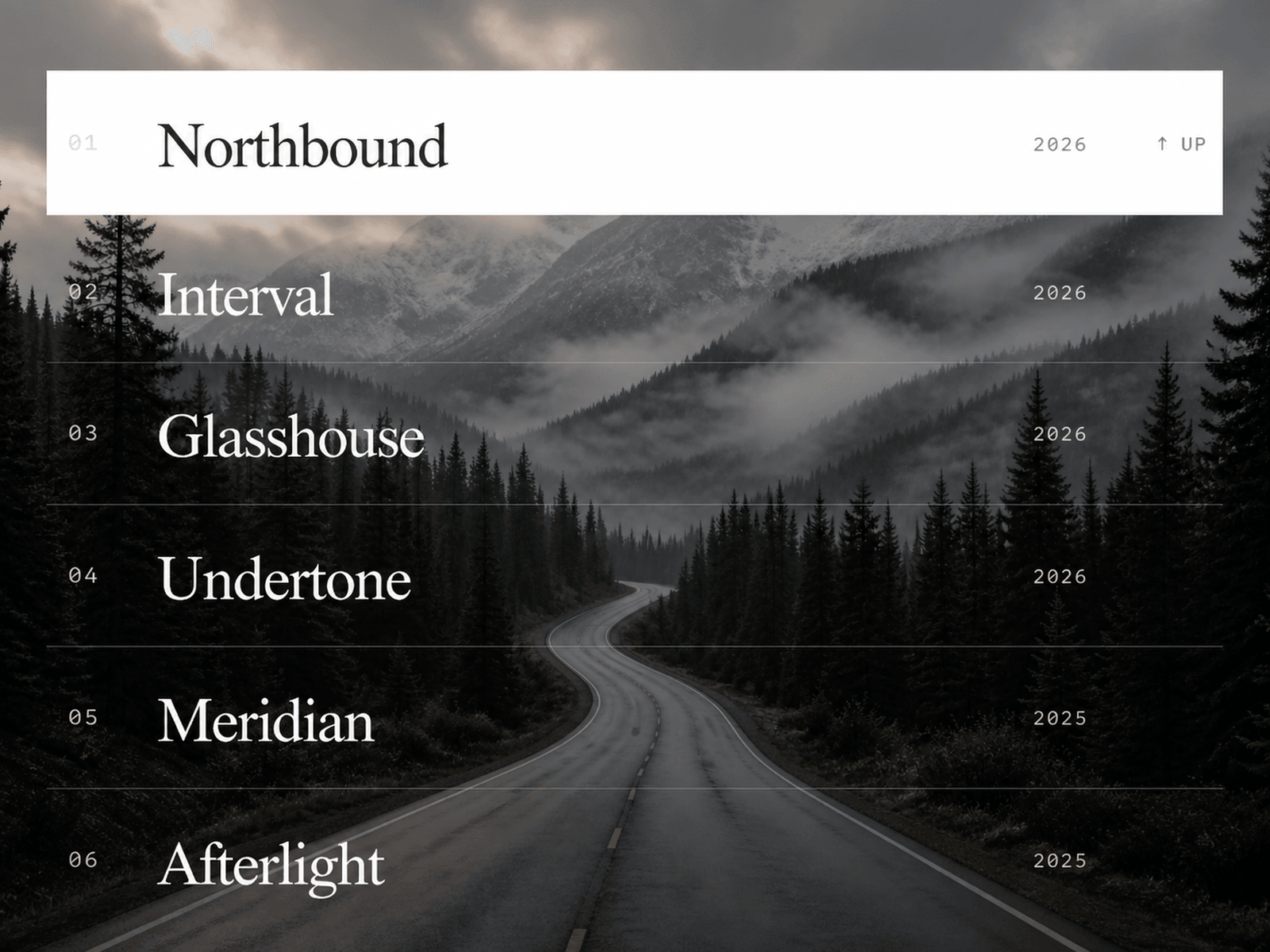
RevealFlow is a responsive image accordion for Framer, designed for portfolios, creative agencies, photographers, architects, artists, and editorial websites.
On desktop, hovering over a row reveals a full-screen background image with a smooth zoom animation, subtle mouse parallax, and a directional sweep effect. Choose from up, down, left, or right transitions for each row.
On mobile, RevealFlow automatically becomes a touch-friendly accordion. Tapping a row expands its image underneath, while opening another closes the previous one.
Customize everything directly from Framer’s properties panel—no coding required.
Features:
Full-screen image reveals
Hover interactions and mouse parallax
Tap-to-expand mobile accordion
Auto, Desktop, and Mobile layout modes
Custom mobile breakpoint
Four sweep directions
Custom images, titles, years, and links
Adjustable fonts, colors, overlay, and radius
Optional indexes, years, and direction labels
Support for unlimited rows
Keyboard and reduced-motion accessibility
No external dependencies
RevealFlow is ideal for project showcases, case-study navigation, selected-work sections, galleries, and creative landing pages.
Simply add your rows, upload an image for each project, choose its animation direction, and customize the styling to match your website. For the best results, use high-quality landscape images with the main subject positioned near the center.

RevealFlow is a responsive image accordion for Framer, designed for portfolios, creative agencies, photographers, architects, artists, and editorial websites.
On desktop, hovering over a row reveals a full-screen background image with a smooth zoom animation, subtle mouse parallax, and a directional sweep effect. Choose from up, down, left, or right transitions for each row.
On mobile, RevealFlow automatically becomes a touch-friendly accordion. Tapping a row expands its image underneath, while opening another closes the previous one.
Customize everything directly from Framer’s properties panel—no coding required.
Features:
Full-screen image reveals
Hover interactions and mouse parallax
Tap-to-expand mobile accordion
Auto, Desktop, and Mobile layout modes
Custom mobile breakpoint
Four sweep directions
Custom images, titles, years, and links
Adjustable fonts, colors, overlay, and radius
Optional indexes, years, and direction labels
Support for unlimited rows
Keyboard and reduced-motion accessibility
No external dependencies
RevealFlow is ideal for project showcases, case-study navigation, selected-work sections, galleries, and creative landing pages.
Simply add your rows, upload an image for each project, choose its animation direction, and customize the styling to match your website. For the best results, use high-quality landscape images with the main subject positioned near the center.