Demo: https://existpopup.framer.website/demo
Overview
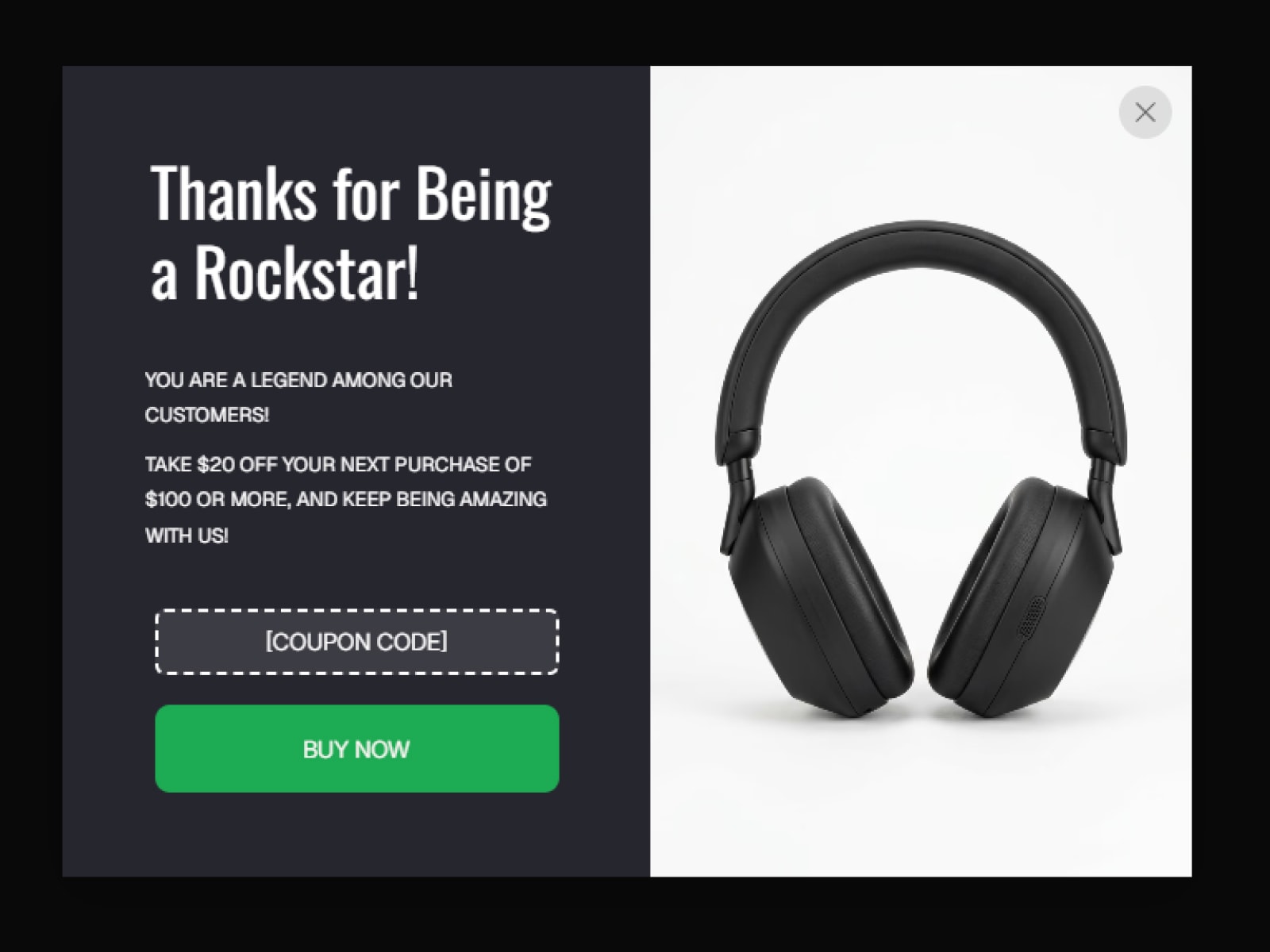
Exit Popup displays your Framer design at the right moment without code. Use a timed trigger, detect desktop exit intent, or wait until visitors reach a chosen scroll depth. Live popups stay fixed to the browser viewport while the page scrollbar remains available.
Features
- Time delay, exit intent, and scroll-depth triggers
- Optional auto-close timer with pause-on-hover progress
- Center overlay or five inset positions
- Fade, zoom, slide-up, and slide-down animations
- Slot support for any Framer design
- Optional connected-component variant name
- Custom backdrop and close-button controls
- Static Canvas and export fallback
Use Cases
- Newsletter and lead-capture forms
- Exit offers and limited promotions
- Scroll-triggered product announcements
- Corner notices and reminders
Properties
- Popup Content / Variant: Connect a design and optionally select its variant
- When to Show: Trigger, delay, sensitivity, scroll distance, and exit warning
- Auto-Close: Duration, progress bar, position, and color
- Position: Overlay or inset placement, edge space, and backdrop
- Animation: Style and speed
- Close Button: Visibility, placement, size, icon, and background
Customization
Connect a frame to Popup Content, choose the trigger and position, then adjust animation, backdrop, timer, and close-button settings in Framer's property panel.
License
Single Use License — Use in one client project with full commercial rights. No redistribution. One license covers one client.
Refund Policy
Digital products are non-refundable. Contact us if you need help.
Version
1.1.0

Demo: https://existpopup.framer.website/demo
Overview
Exit Popup displays your Framer design at the right moment without code. Use a timed trigger, detect desktop exit intent, or wait until visitors reach a chosen scroll depth. Live popups stay fixed to the browser viewport while the page scrollbar remains available.
Features
- Time delay, exit intent, and scroll-depth triggers
- Optional auto-close timer with pause-on-hover progress
- Center overlay or five inset positions
- Fade, zoom, slide-up, and slide-down animations
- Slot support for any Framer design
- Optional connected-component variant name
- Custom backdrop and close-button controls
- Static Canvas and export fallback
Use Cases
- Newsletter and lead-capture forms
- Exit offers and limited promotions
- Scroll-triggered product announcements
- Corner notices and reminders
Properties
- Popup Content / Variant: Connect a design and optionally select its variant
- When to Show: Trigger, delay, sensitivity, scroll distance, and exit warning
- Auto-Close: Duration, progress bar, position, and color
- Position: Overlay or inset placement, edge space, and backdrop
- Animation: Style and speed
- Close Button: Visibility, placement, size, icon, and background
Customization
Connect a frame to Popup Content, choose the trigger and position, then adjust animation, backdrop, timer, and close-button settings in Framer's property panel.
License
Single Use License — Use in one client project with full commercial rights. No redistribution. One license covers one client.
Refund Policy
Digital products are non-refundable. Contact us if you need help.
Version
1.1.0


