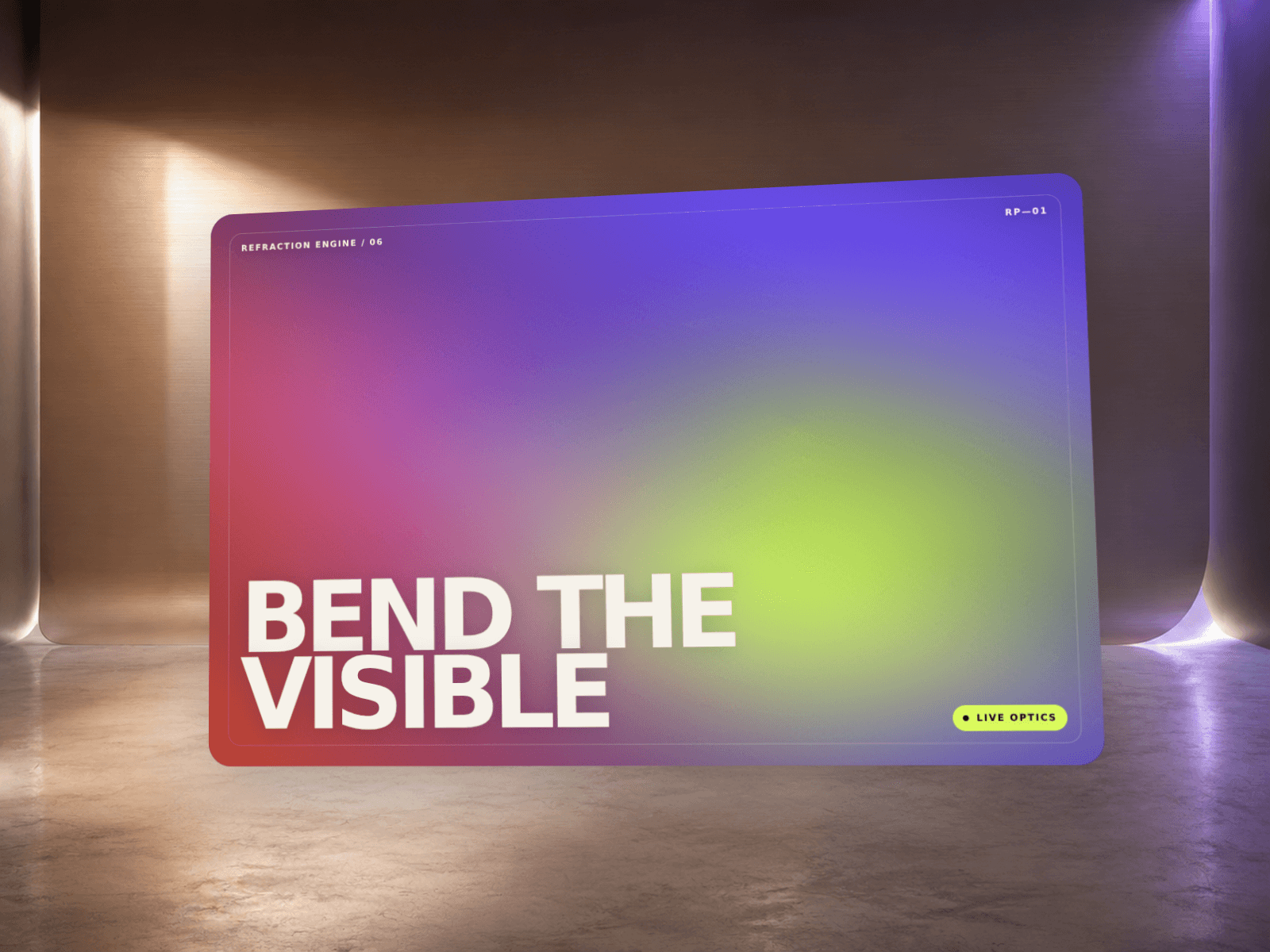
FlowCurrent is a WebGL shader background that renders a soft, continuously flowing color field, like dye drifting through water. Flip one Trigger control and it changes behavior entirely: let it drift on its own, bend it toward your cursor, or tie it to scroll speed. It's built to work as a hero background, a section divider, a card background, or a low-opacity overlay on top of other content, not just a one-off hero visual.
3 color stops for the gradient — any brand palette
Pattern Scale, Speed, and Warp Strength to shape how the flow looks
Trigger: Ambient Drift, Cursor Reactive, or Scroll Reactive
Reactivity to control how strongly cursor/scroll movement pushes the flow
Grain for subtle texture and banding reduction
Opacity and Blend Mode (Normal, Screen, Multiply, Overlay, Soft Light) to layer it over other content
Freeze toggle for a still frame instead of animating
Use it for:
A hero section background that matches your brand colors out of the box
A section divider or full-bleed atmosphere layer between static content blocks
A faint Screen-blended overlay on top of a product shot or photo grid
Trigger modes — Ambient, Cursor, or Scroll reactive, switchable with one control
Color controls — 3 gradient stops, works with any brand palette
Blend mode — Normal, Screen, Multiply, Overlay, or Soft Light, so it can sit on top of other content
Graceful fallback — static CSS gradient in the canvas editor, static exports, and browsers without WebGL
Performance-aware — pauses its render loop when scrolled off-screen

FlowCurrent is a WebGL shader background that renders a soft, continuously flowing color field, like dye drifting through water. Flip one Trigger control and it changes behavior entirely: let it drift on its own, bend it toward your cursor, or tie it to scroll speed. It's built to work as a hero background, a section divider, a card background, or a low-opacity overlay on top of other content, not just a one-off hero visual.
3 color stops for the gradient — any brand palette
Pattern Scale, Speed, and Warp Strength to shape how the flow looks
Trigger: Ambient Drift, Cursor Reactive, or Scroll Reactive
Reactivity to control how strongly cursor/scroll movement pushes the flow
Grain for subtle texture and banding reduction
Opacity and Blend Mode (Normal, Screen, Multiply, Overlay, Soft Light) to layer it over other content
Freeze toggle for a still frame instead of animating
Use it for:
A hero section background that matches your brand colors out of the box
A section divider or full-bleed atmosphere layer between static content blocks
A faint Screen-blended overlay on top of a product shot or photo grid
Trigger modes — Ambient, Cursor, or Scroll reactive, switchable with one control
Color controls — 3 gradient stops, works with any brand palette
Blend mode — Normal, Screen, Multiply, Overlay, or Soft Light, so it can sit on top of other content
Graceful fallback — static CSS gradient in the canvas editor, static exports, and browsers without WebGL
Performance-aware — pauses its render loop when scrolled off-screen
 Artem Kireev