Halftone Engine: turn any image or video into a live field of dots
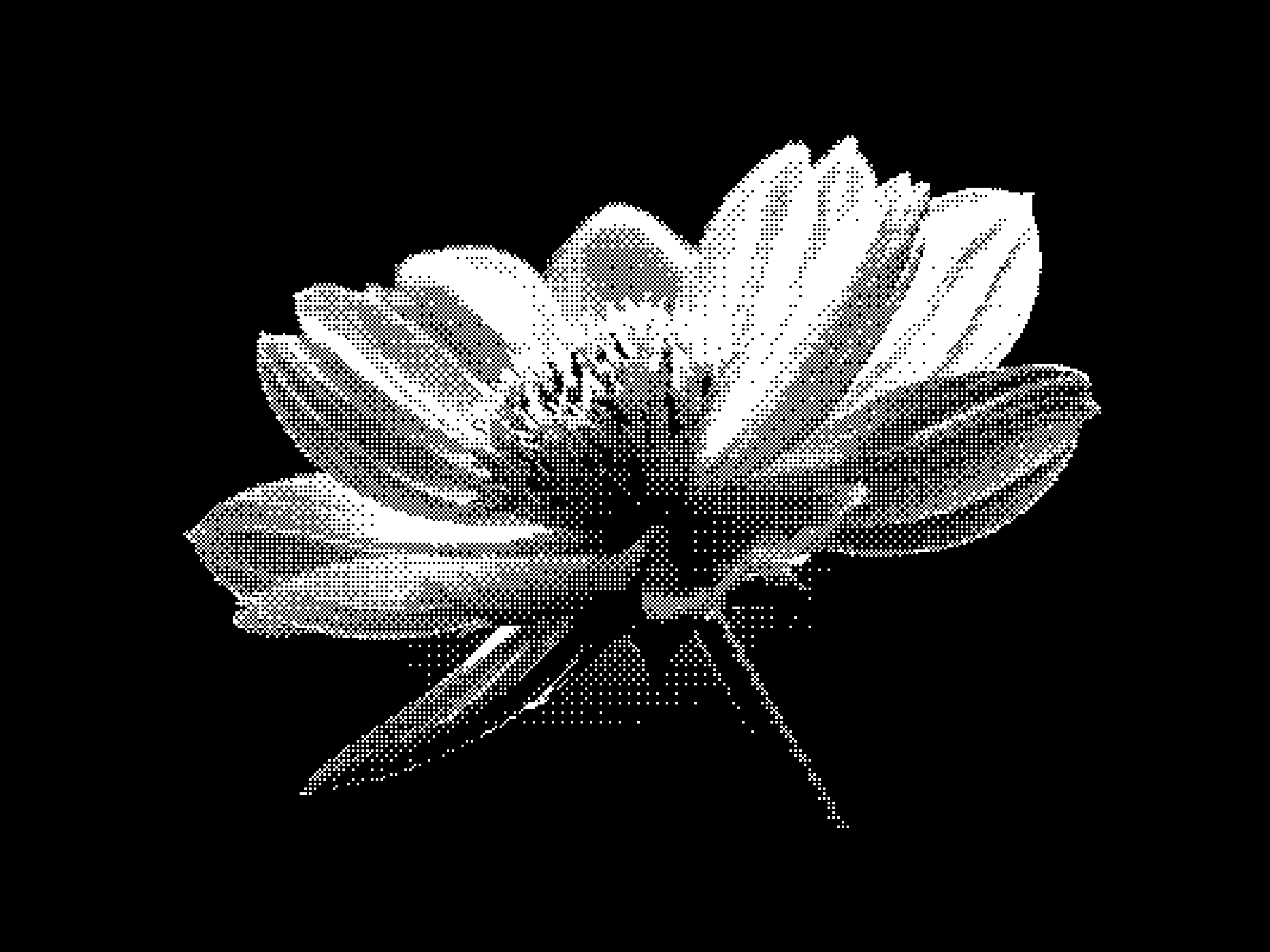
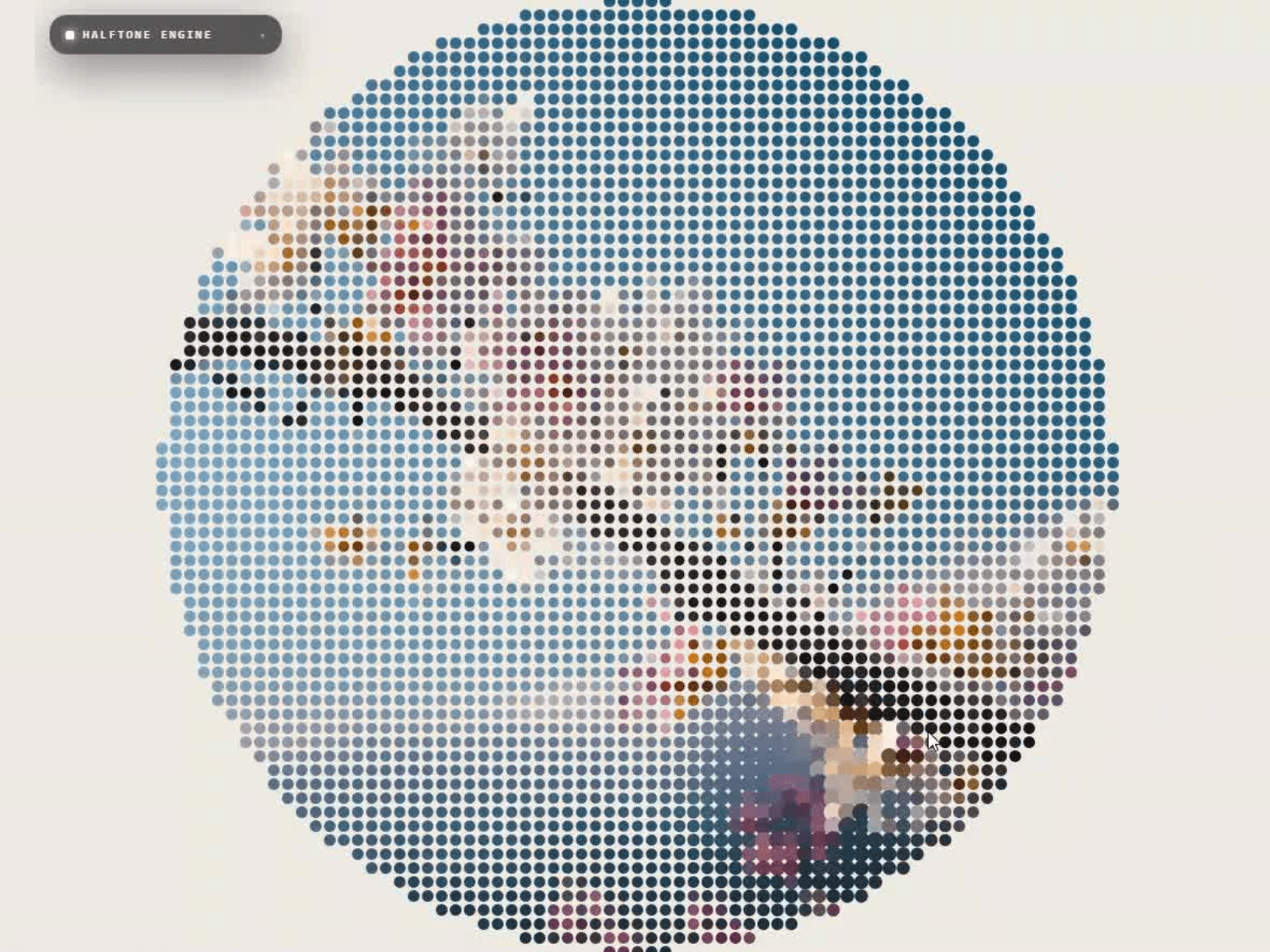
Drop in a photo or a clip and it is redrawn as a grid of dots that take their colour from the footage, clipped to a shape whose edge is built from whole dots. It runs live, so the dots ripple, drift and react to your cursor while a video keeps playing underneath.
What you get
Image or video source, uploaded in the frame or bound in the properties panel.
10 shapes: Circle · Hexagon · Diamond · Square · Triangle · Arch · Blob · Ring · Star · Full Frame
10 presets: Solar · Pasture · Bisect · Press · Badge · Poster · Orbit · Scanline · Pool · Starlight
8 motions: Ripple · Wave · Breathe · Scan · Swirl · Orbit · Drift. Swirl and Orbit turn the picture inside the mask, keeping the silhouette sharp.
4 colour modes: Media · Mono · Duotone · Posterize, plus paper colour, invert and a paper fill toggle for transparency.
5 dot shapes: Circle · Square · Diamond · Ring · Cross, with grid pitch, dot size and contrast sliders.
3 sizing curves: Fixed · Light Big · Dark Big for a true print halftone.
3 entrances: Bloom · Sweep · Scatter with replay. 4 cursor modes: Bulge · Repel · Spotlight with range and force.
Control panel with five placements. Collapse it or hide any menu group per instance. One canvas, no dependencies, and a crisp static frame in the editor.
Use it for a hero portrait, an avatar, a banner, or a card thumbnail.
What's included:
Remix link to the Component.
Free updates. The remix link always carries the latest version
Email support: support@premshandilya.com
License: Single-user license. Use Halftone Engine in unlimited personal and commercial Framer projects, including client work. Reselling, redistributing, or repackaging the component or its source code as your own asset is not permitted.
Refunds: This is a non-refundable digital product, so try the live demo before purchasing. If anything doesn't work as shown, email me and I'll fix it fast.

Halftone Engine: turn any image or video into a live field of dots
Drop in a photo or a clip and it is redrawn as a grid of dots that take their colour from the footage, clipped to a shape whose edge is built from whole dots. It runs live, so the dots ripple, drift and react to your cursor while a video keeps playing underneath.
What you get
Image or video source, uploaded in the frame or bound in the properties panel.
10 shapes: Circle · Hexagon · Diamond · Square · Triangle · Arch · Blob · Ring · Star · Full Frame
10 presets: Solar · Pasture · Bisect · Press · Badge · Poster · Orbit · Scanline · Pool · Starlight
8 motions: Ripple · Wave · Breathe · Scan · Swirl · Orbit · Drift. Swirl and Orbit turn the picture inside the mask, keeping the silhouette sharp.
4 colour modes: Media · Mono · Duotone · Posterize, plus paper colour, invert and a paper fill toggle for transparency.
5 dot shapes: Circle · Square · Diamond · Ring · Cross, with grid pitch, dot size and contrast sliders.
3 sizing curves: Fixed · Light Big · Dark Big for a true print halftone.
3 entrances: Bloom · Sweep · Scatter with replay. 4 cursor modes: Bulge · Repel · Spotlight with range and force.
Control panel with five placements. Collapse it or hide any menu group per instance. One canvas, no dependencies, and a crisp static frame in the editor.
Use it for a hero portrait, an avatar, a banner, or a card thumbnail.
What's included:
Remix link to the Component.
Free updates. The remix link always carries the latest version
Email support: support@premshandilya.com
License: Single-user license. Use Halftone Engine in unlimited personal and commercial Framer projects, including client work. Reselling, redistributing, or repackaging the component or its source code as your own asset is not permitted.
Refunds: This is a non-refundable digital product, so try the live demo before purchasing. If anything doesn't work as shown, email me and I'll fix it fast.