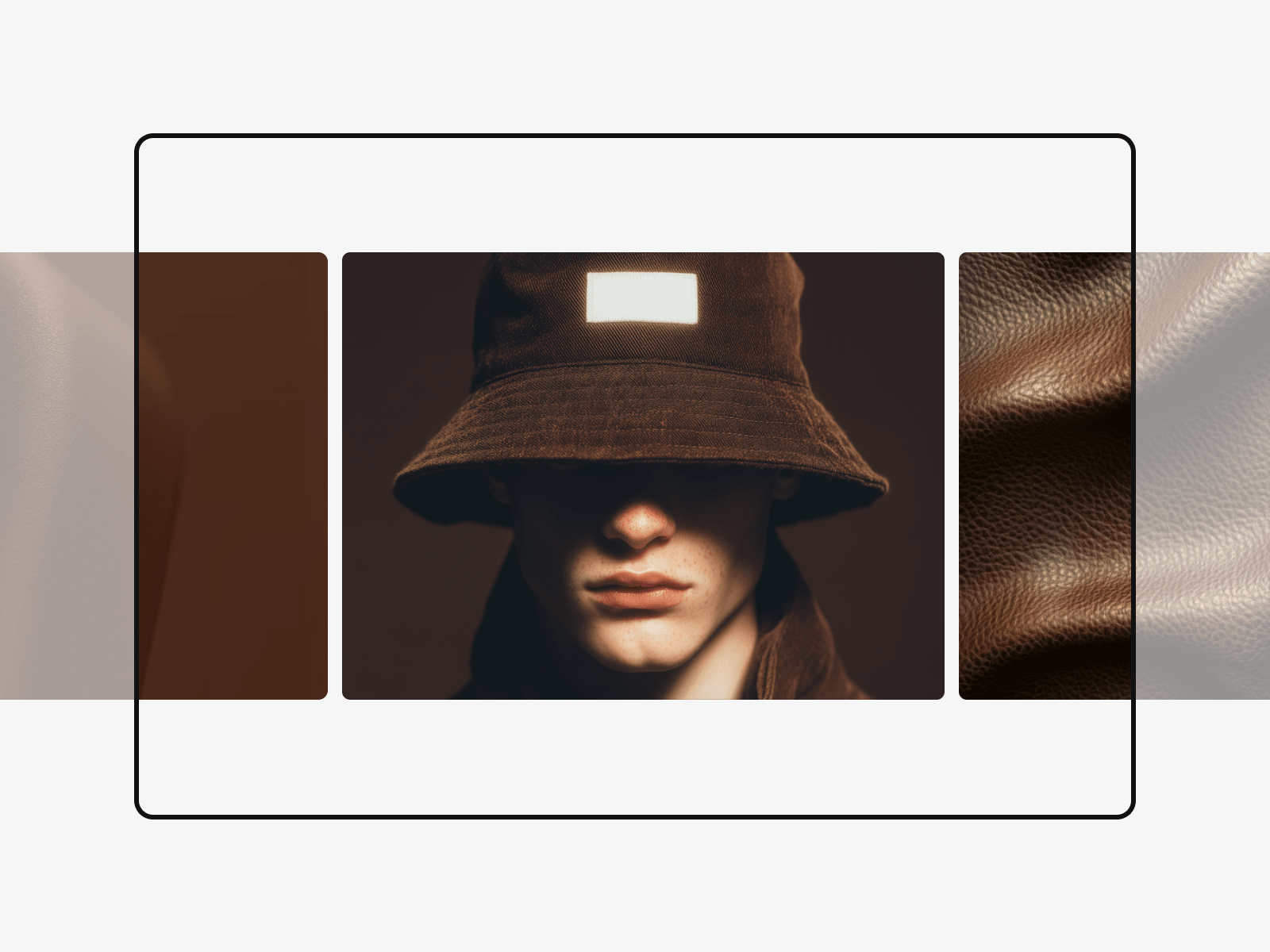
Create immersive full-page sections effortlessly. Drop Horizontal Scroll FX into any layout container to instantly convert regular vertical layout movement into a smooth horizontal scroll track. Perfect for dynamic web portfolios and agency landing pages.
Why Horizontal Scroll FX?
Horizontal Scroll FX provides a native, layout-driven solution. It functions as an intelligent structural conductor that identifies elements within a container, locks them to the viewport grid, and maps them to a seamless side-to-side track alignment. It handles cross-instance layout group coordination automatically, rendering fluid sideways shifts while remaining lightweight and fully accessible. It is the perfect presentation asset for editorial websites, narrative brand showcases, production timelines, and grid portfolios.
100 Viewport Support: Adapts naturally to full screen heights and layout widths, providing a reliable horizontal scroll layout track across variable responsive device contexts.
Direction Control Mapping: Toggle translation tracks instantly to shift elements leftwards or rightwards depending on your structural narrative path.
Smooth Scroll Interpolation: Employs optimized coordinate tracking calculations to eliminate jittery frame transitions, ensuring a premium horizontal scroll user experience.
Smart Container Coordination: Combines multiple container structures into unified calculation groups, preventing layout shifts and flickering on high-refresh screens.
Copy the Component URL.
Paste it directly inside the Frame or layout group containing the track panels you intend to shift.
In the right property interface pane, configure your velocity tracking and ensure Horizontal Scroll options are toggled on.
Set your Direction profile to direct the element movement path as the user progresses through the layout.

Create immersive full-page sections effortlessly. Drop Horizontal Scroll FX into any layout container to instantly convert regular vertical layout movement into a smooth horizontal scroll track. Perfect for dynamic web portfolios and agency landing pages.
Why Horizontal Scroll FX?
Horizontal Scroll FX provides a native, layout-driven solution. It functions as an intelligent structural conductor that identifies elements within a container, locks them to the viewport grid, and maps them to a seamless side-to-side track alignment. It handles cross-instance layout group coordination automatically, rendering fluid sideways shifts while remaining lightweight and fully accessible. It is the perfect presentation asset for editorial websites, narrative brand showcases, production timelines, and grid portfolios.
100 Viewport Support: Adapts naturally to full screen heights and layout widths, providing a reliable horizontal scroll layout track across variable responsive device contexts.
Direction Control Mapping: Toggle translation tracks instantly to shift elements leftwards or rightwards depending on your structural narrative path.
Smooth Scroll Interpolation: Employs optimized coordinate tracking calculations to eliminate jittery frame transitions, ensuring a premium horizontal scroll user experience.
Smart Container Coordination: Combines multiple container structures into unified calculation groups, preventing layout shifts and flickering on high-refresh screens.
Copy the Component URL.
Paste it directly inside the Frame or layout group containing the track panels you intend to shift.
In the right property interface pane, configure your velocity tracking and ensure Horizontal Scroll options are toggled on.
Set your Direction profile to direct the element movement path as the user progresses through the layout.
 Iklil Najma Muqtafa


