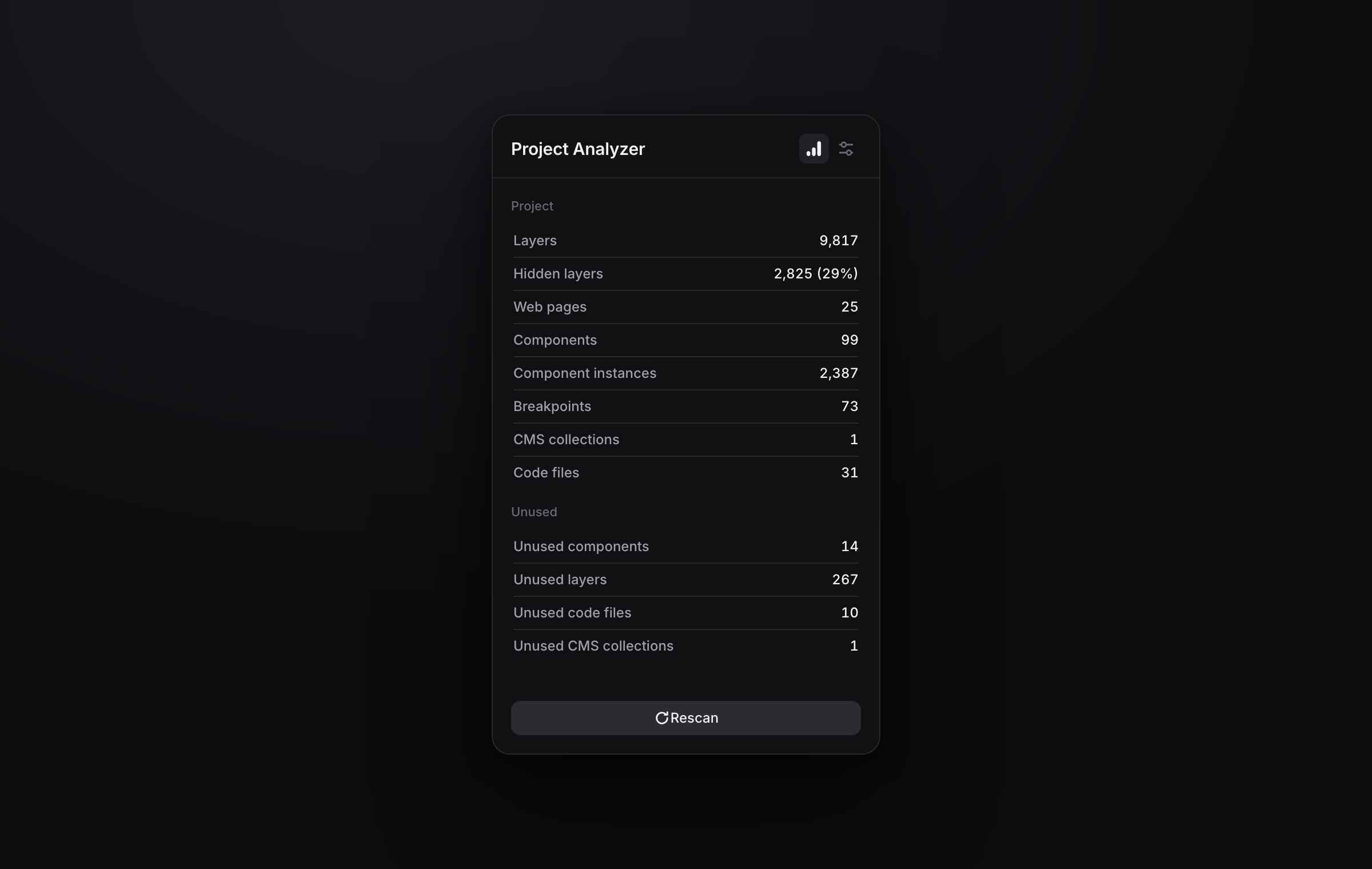
As a Framer project grows, a few pages and components quietly pile up to hundreds or thousands of layers.
Those are exactly the ones that make the editor lag, slow your published site, and turn a small edit into a wait. Project Analyzer finds them for you and helps you clear them out, making optimizing your project easy.
Run a quick health check before publishing or handing a project off.
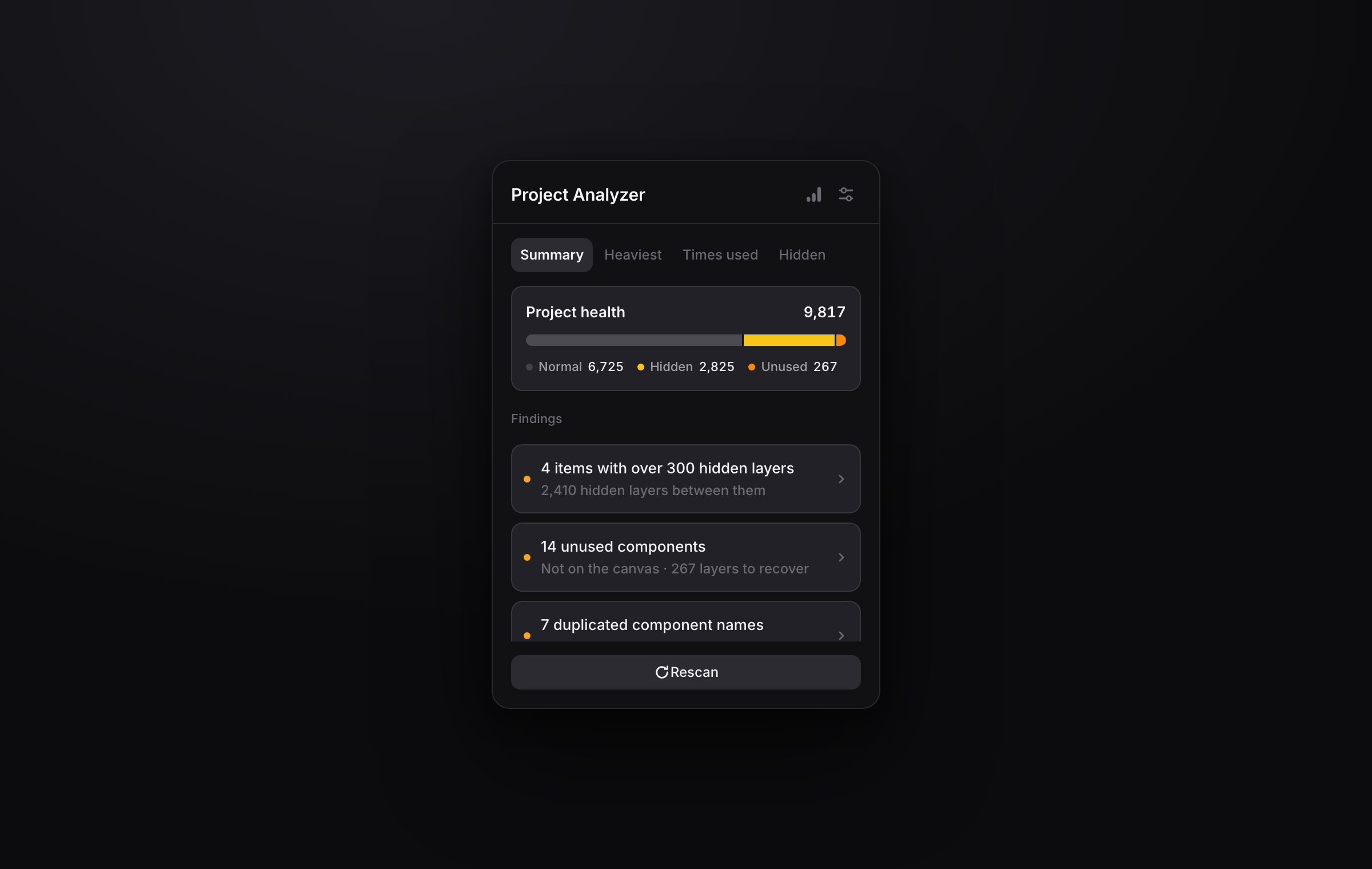
Project health at a glance
One bar splits every layer in your project into normal, hidden and unused, so you can see the shape of the problem before reading a single number.
Findings that tell you what to fix
Quick, plain language insights into what is holding your project back the most.
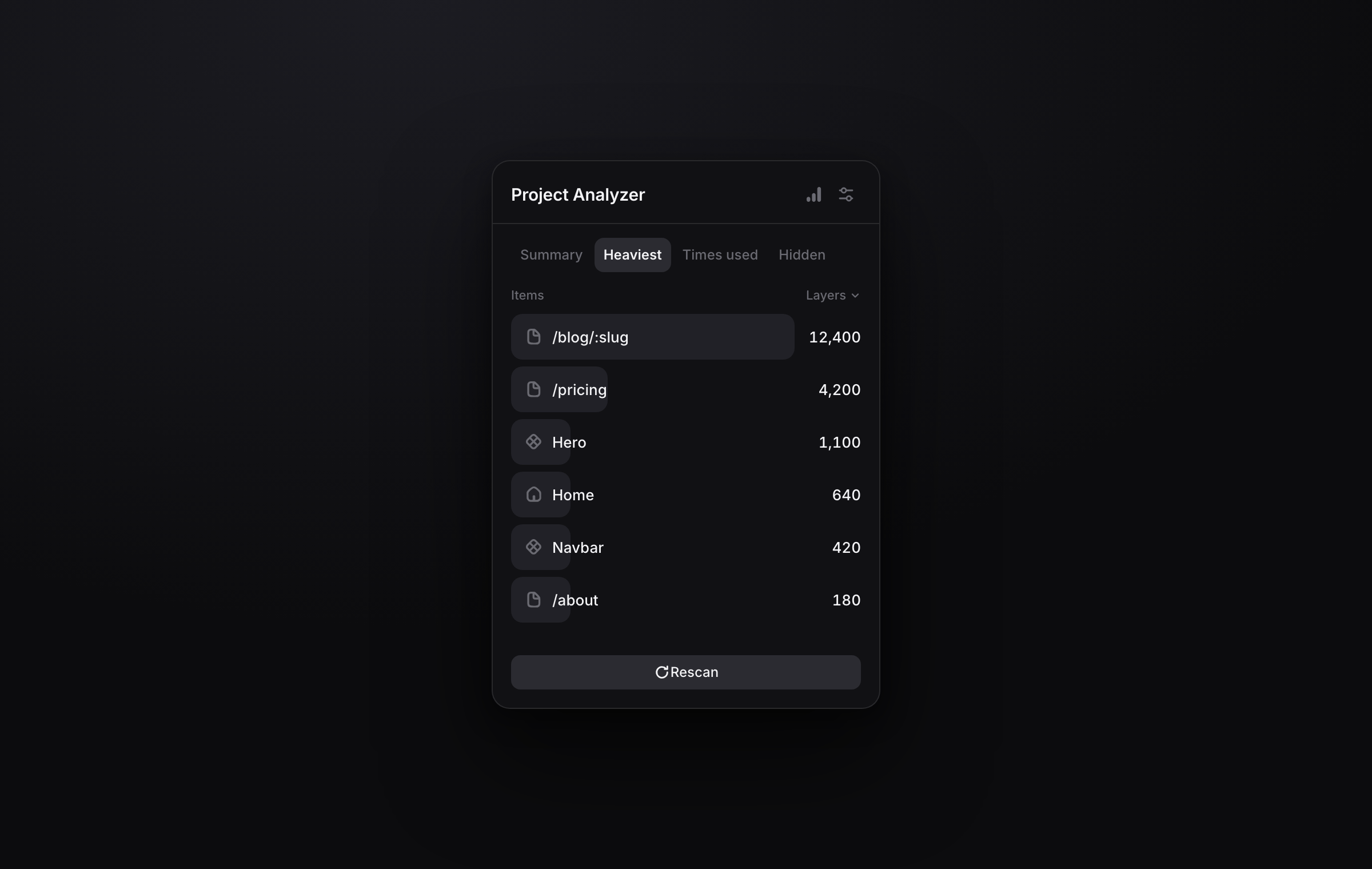
Find what's heavy
See which pages carry the most layers, which components are large on their own, and which small components add up across every instance. A component placed on every page is often the real weight.
Spot hidden layers
Hidden isn't deleted. Those layers still load and still cost you. Project Analyzer shows exactly which pages and components are carrying them, and how many.
Jump straight to the problem
Click any finding to open a filtered list of exactly those items, or go straight to the page, component, code file or collection it is about.
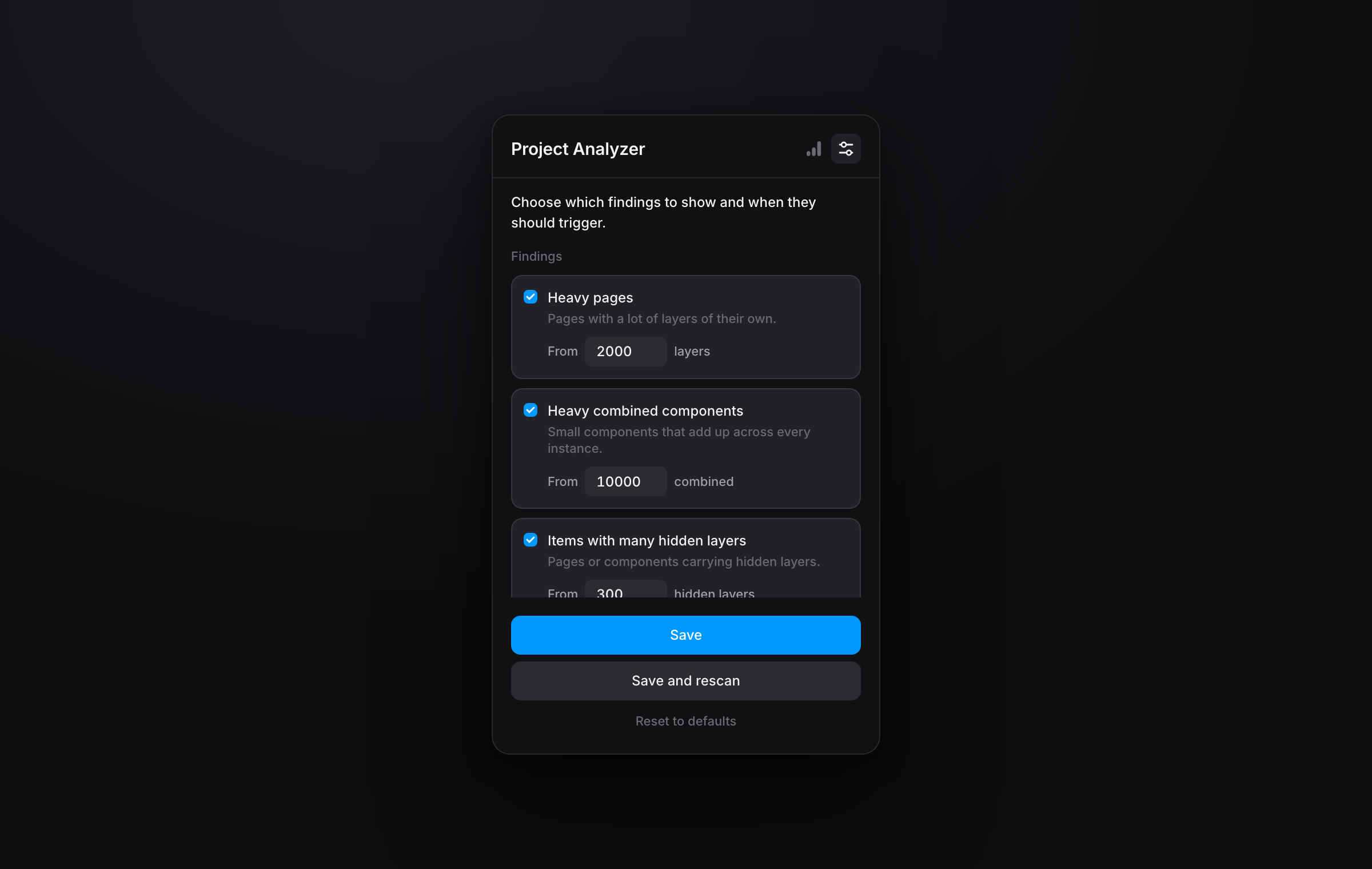
Tune it to your project
Set your own thresholds for every check, or switch off the ones you don't need. What counts as too heavy is different for every project.
Free, fast and completely local
No account, no sign up, no API key, no external service. Project Analyzer reads your open project right there in Framer, scans it in seconds, and nothing ever leaves the editor. It's free.

As a Framer project grows, a few pages and components quietly pile up to hundreds or thousands of layers.
Those are exactly the ones that make the editor lag, slow your published site, and turn a small edit into a wait. Project Analyzer finds them for you and helps you clear them out, making optimizing your project easy.
Run a quick health check before publishing or handing a project off.
Project health at a glance
One bar splits every layer in your project into normal, hidden and unused, so you can see the shape of the problem before reading a single number.
Findings that tell you what to fix
Quick, plain language insights into what is holding your project back the most.
Find what's heavy
See which pages carry the most layers, which components are large on their own, and which small components add up across every instance. A component placed on every page is often the real weight.
Spot hidden layers
Hidden isn't deleted. Those layers still load and still cost you. Project Analyzer shows exactly which pages and components are carrying them, and how many.
Jump straight to the problem
Click any finding to open a filtered list of exactly those items, or go straight to the page, component, code file or collection it is about.
Tune it to your project
Set your own thresholds for every check, or switch off the ones you don't need. What counts as too heavy is different for every project.
Free, fast and completely local
No account, no sign up, no API key, no external service. Project Analyzer reads your open project right there in Framer, scans it in seconds, and nothing ever leaves the editor. It's free.
 Maxime Vandenberge