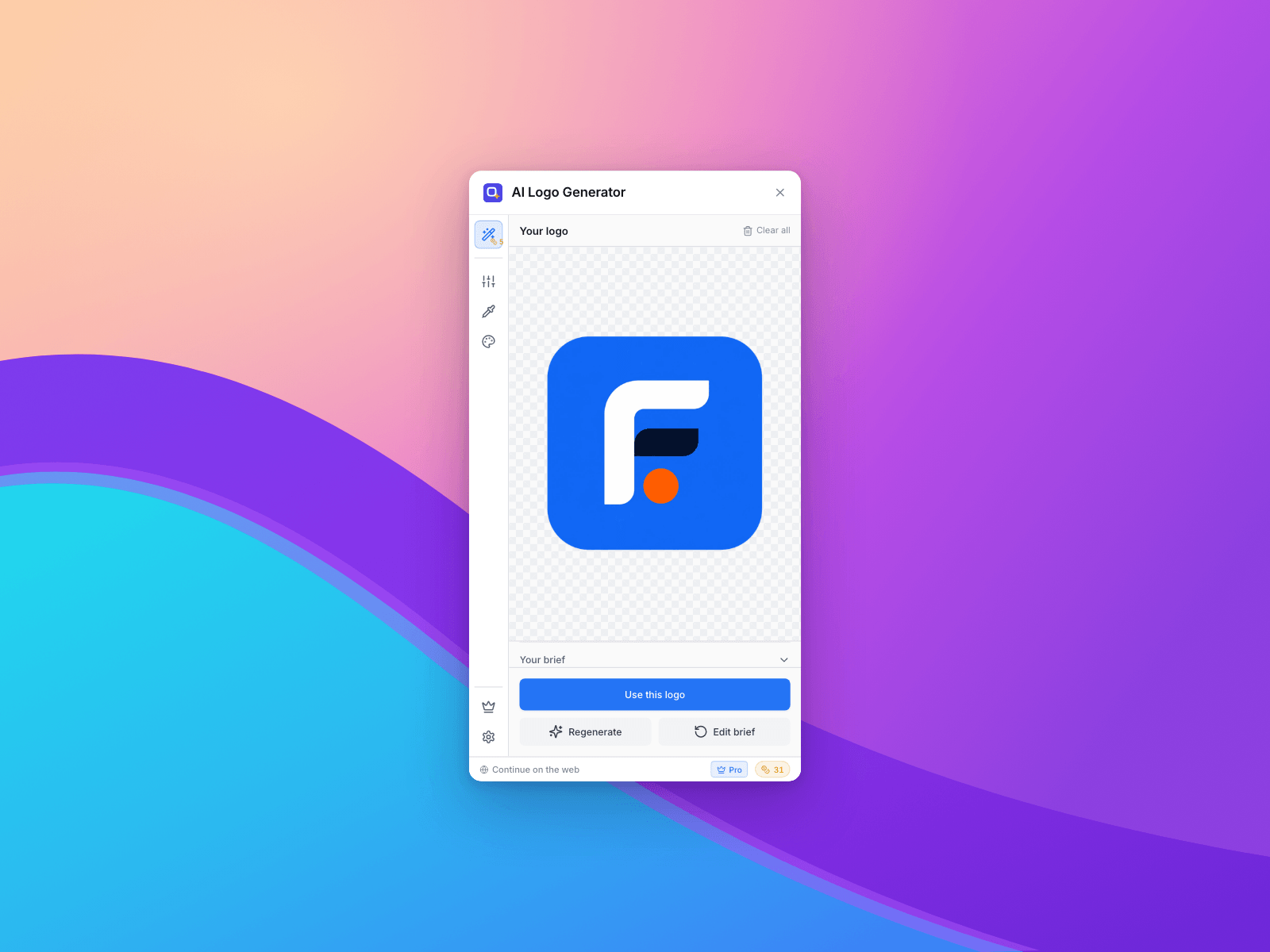
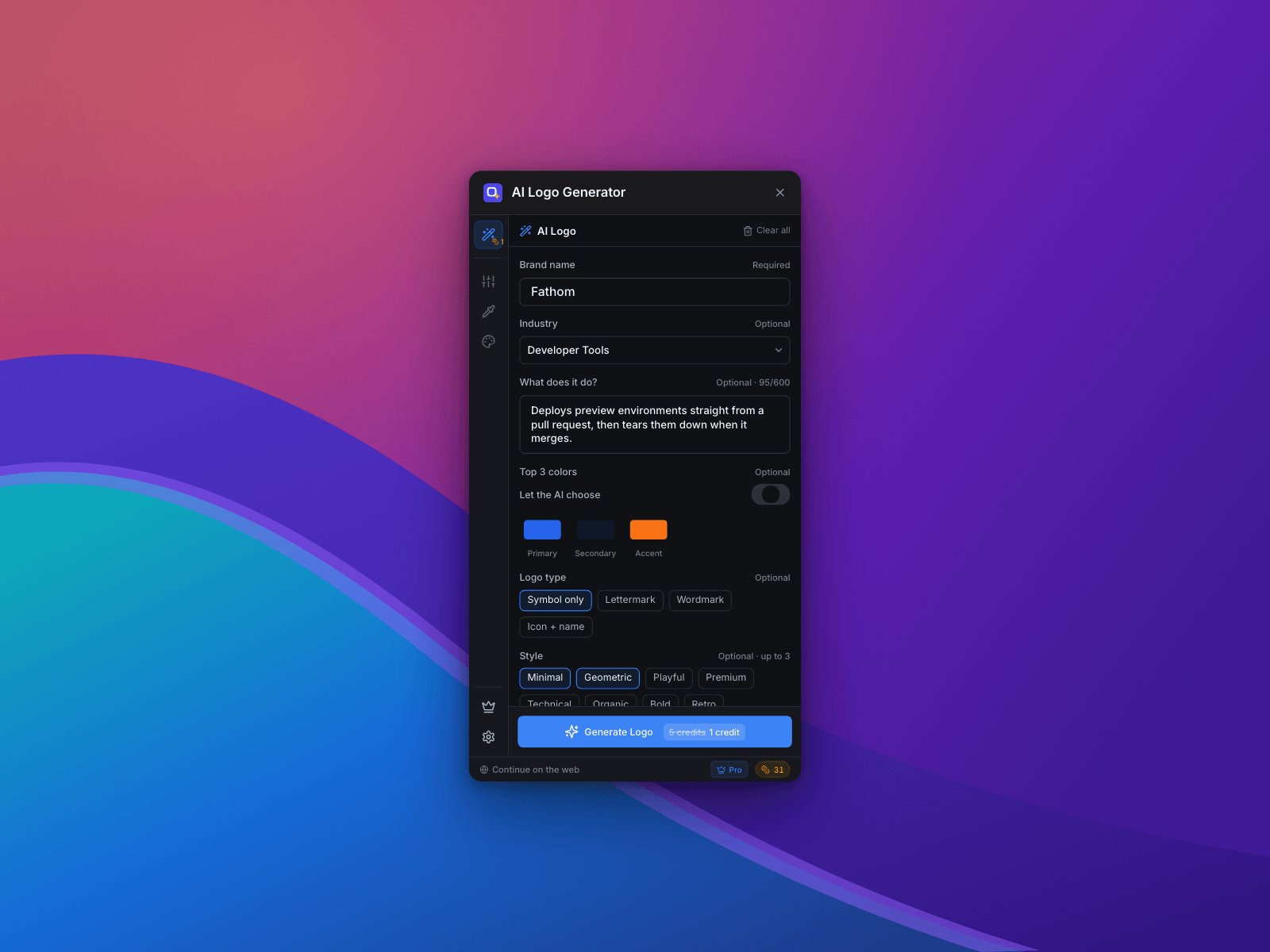
Answer a few questions about your brand — the name, what you do, your colours, the style you're after — and get a logo built for websites, the App Store and Google Play. Then tune it on the spot and drop it onto your canvas.
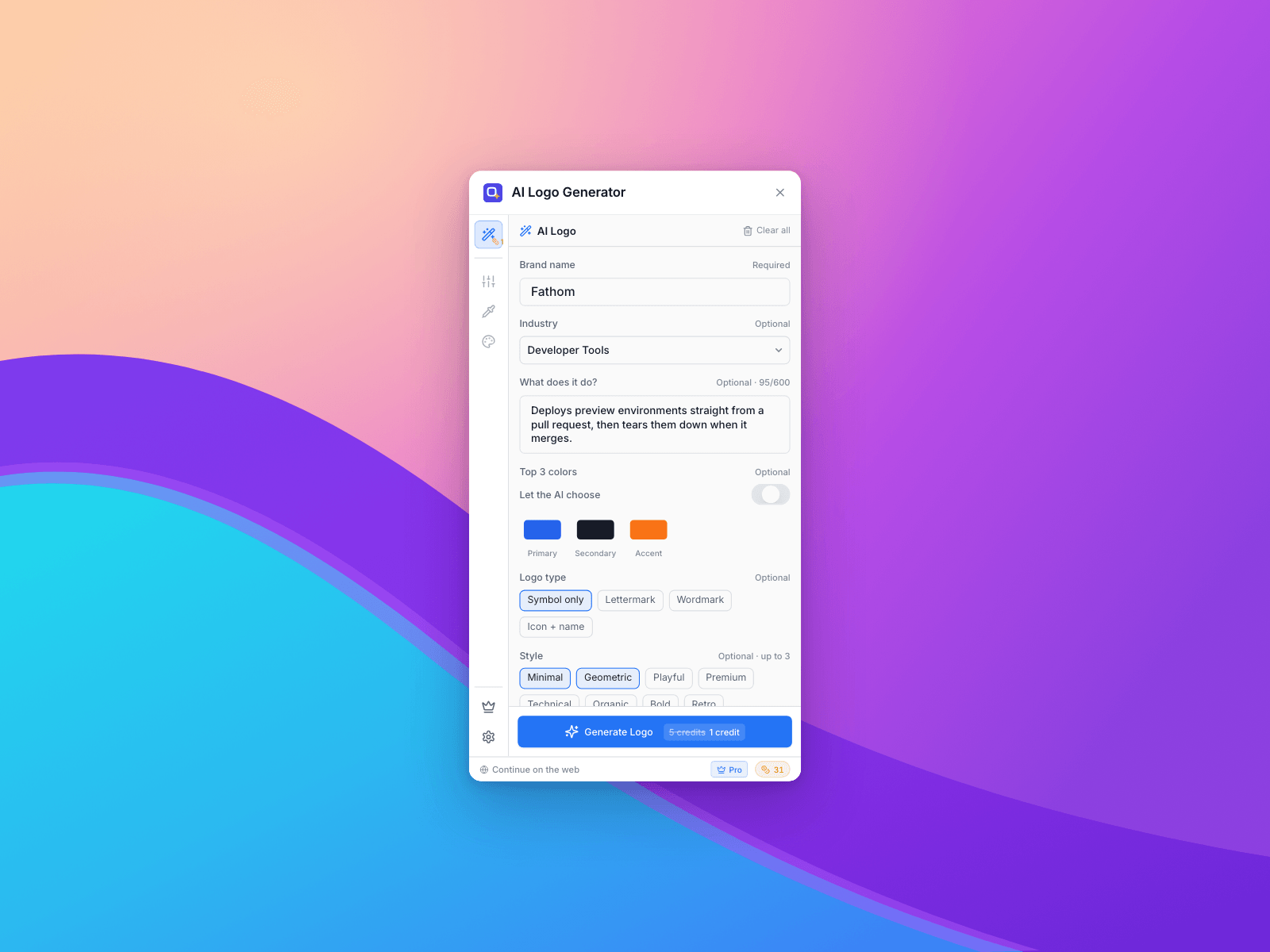
Write a brief, not a prompt. No prompt engineering. Pick from 20 industries, choose a logo type (symbol, lettermark, wordmark, or icon + name), pick up to three style traits from Minimal to Retro, set your three brand colours or let the AI choose them. Attach up to three logos you like as style references. Every answer sharpens the result; only the brand name is required.
Pick the shape you actually need. App icon for a rounded tile with transparent corners, Full square for edge-to-edge, or Mark only for the symbol on its own with no tile.
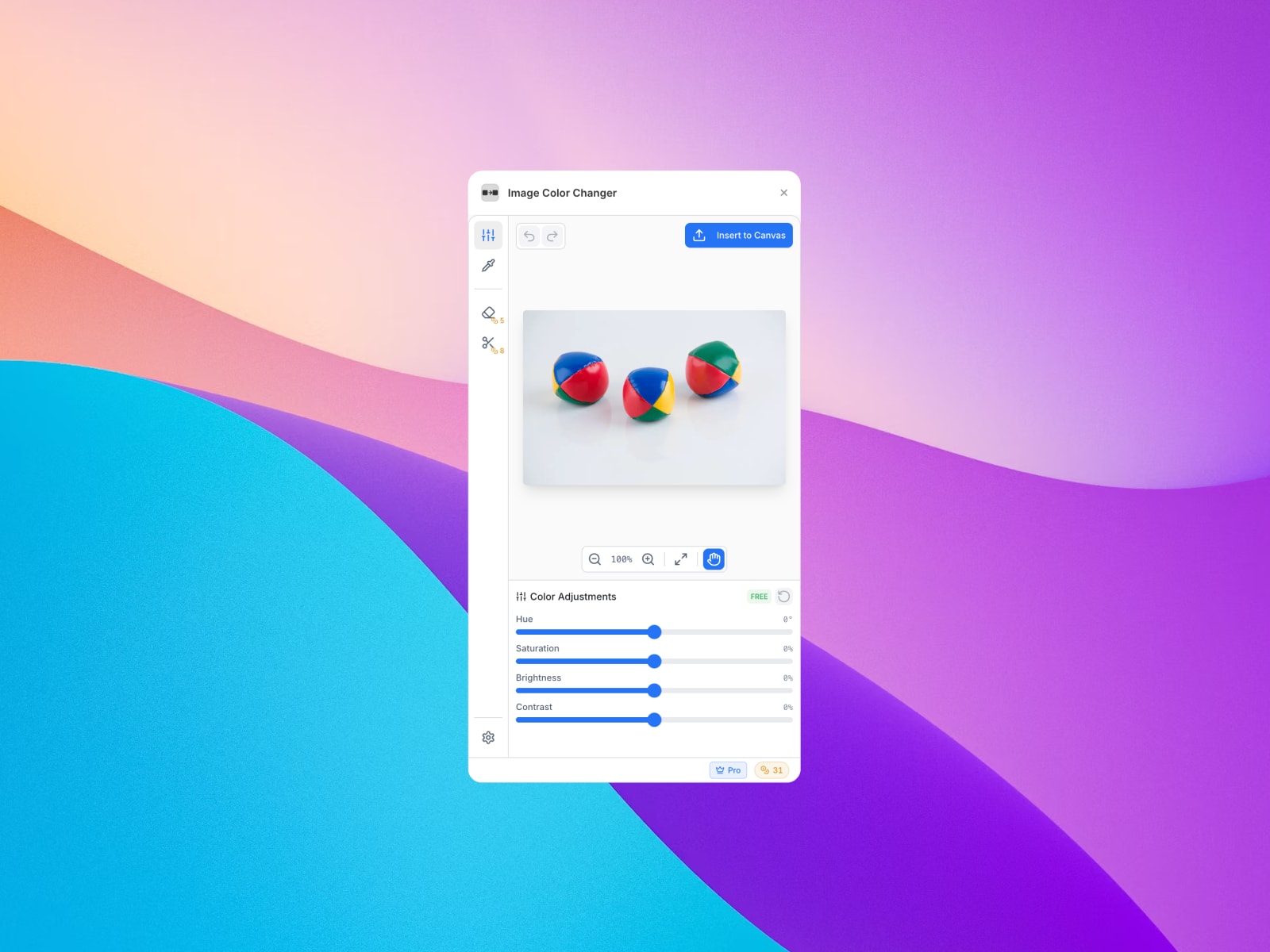
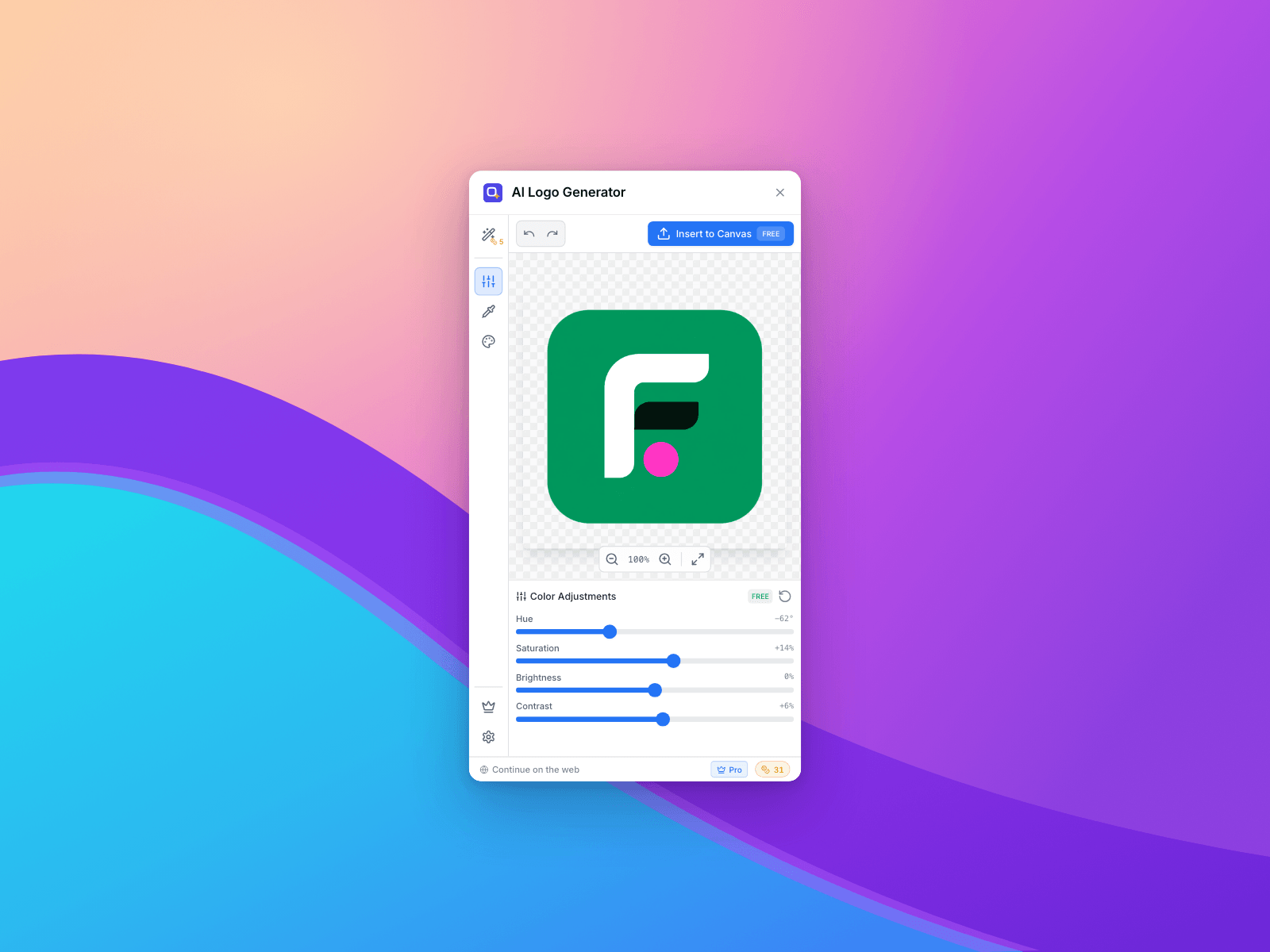
Color Adjust — hue, saturation, brightness and contrast, live on the canvas.
Color Replace — pick any colour out of the image with the eyedropper and swap it.
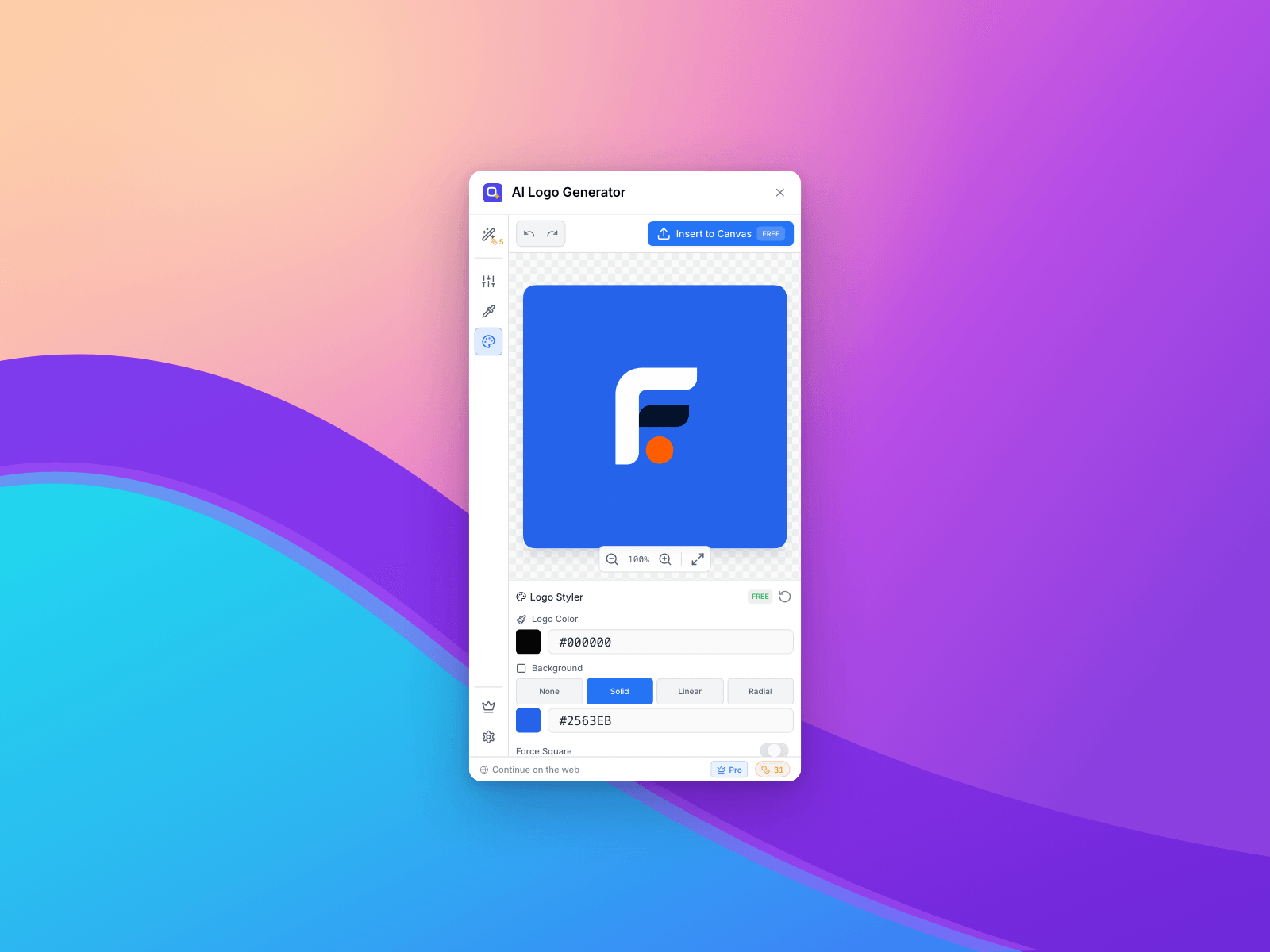
Logo Styler — recolour the mark, add a solid or gradient backdrop, set padding, corner radius and shadow.
Insert it free. Generated logos go onto your Framer canvas at full quality at no extra cost — you only pay to generate. The colour and styling tools are free to use, on your generated logo or on any image you already have selected.
Your account, everywhere. Sign in with Google. The same credits work here and in the web editor at app.image-color-changer.com, so you can start in Framer and finish in the browser.
Your first logo: 1 credit. Every logo after that: 5 credits.
Colour tools, styling and inserting a generated logo: free.
Free account included; top up with credit packs or go unlimited.
A generation takes about a minute — keep the plugin open while it works.
Requires a free account. Logo generation is an AI feature and uses credits.

Answer a few questions about your brand — the name, what you do, your colours, the style you're after — and get a logo built for websites, the App Store and Google Play. Then tune it on the spot and drop it onto your canvas.
Write a brief, not a prompt. No prompt engineering. Pick from 20 industries, choose a logo type (symbol, lettermark, wordmark, or icon + name), pick up to three style traits from Minimal to Retro, set your three brand colours or let the AI choose them. Attach up to three logos you like as style references. Every answer sharpens the result; only the brand name is required.
Pick the shape you actually need. App icon for a rounded tile with transparent corners, Full square for edge-to-edge, or Mark only for the symbol on its own with no tile.
Color Adjust — hue, saturation, brightness and contrast, live on the canvas.
Color Replace — pick any colour out of the image with the eyedropper and swap it.
Logo Styler — recolour the mark, add a solid or gradient backdrop, set padding, corner radius and shadow.
Insert it free. Generated logos go onto your Framer canvas at full quality at no extra cost — you only pay to generate. The colour and styling tools are free to use, on your generated logo or on any image you already have selected.
Your account, everywhere. Sign in with Google. The same credits work here and in the web editor at app.image-color-changer.com, so you can start in Framer and finish in the browser.
Your first logo: 1 credit. Every logo after that: 5 credits.
Colour tools, styling and inserting a generated logo: free.
Free account included; top up with credit packs or go unlimited.
A generation takes about a minute — keep the plugin open while it works.
Requires a free account. Logo generation is an AI feature and uses credits.
 QwertyBit