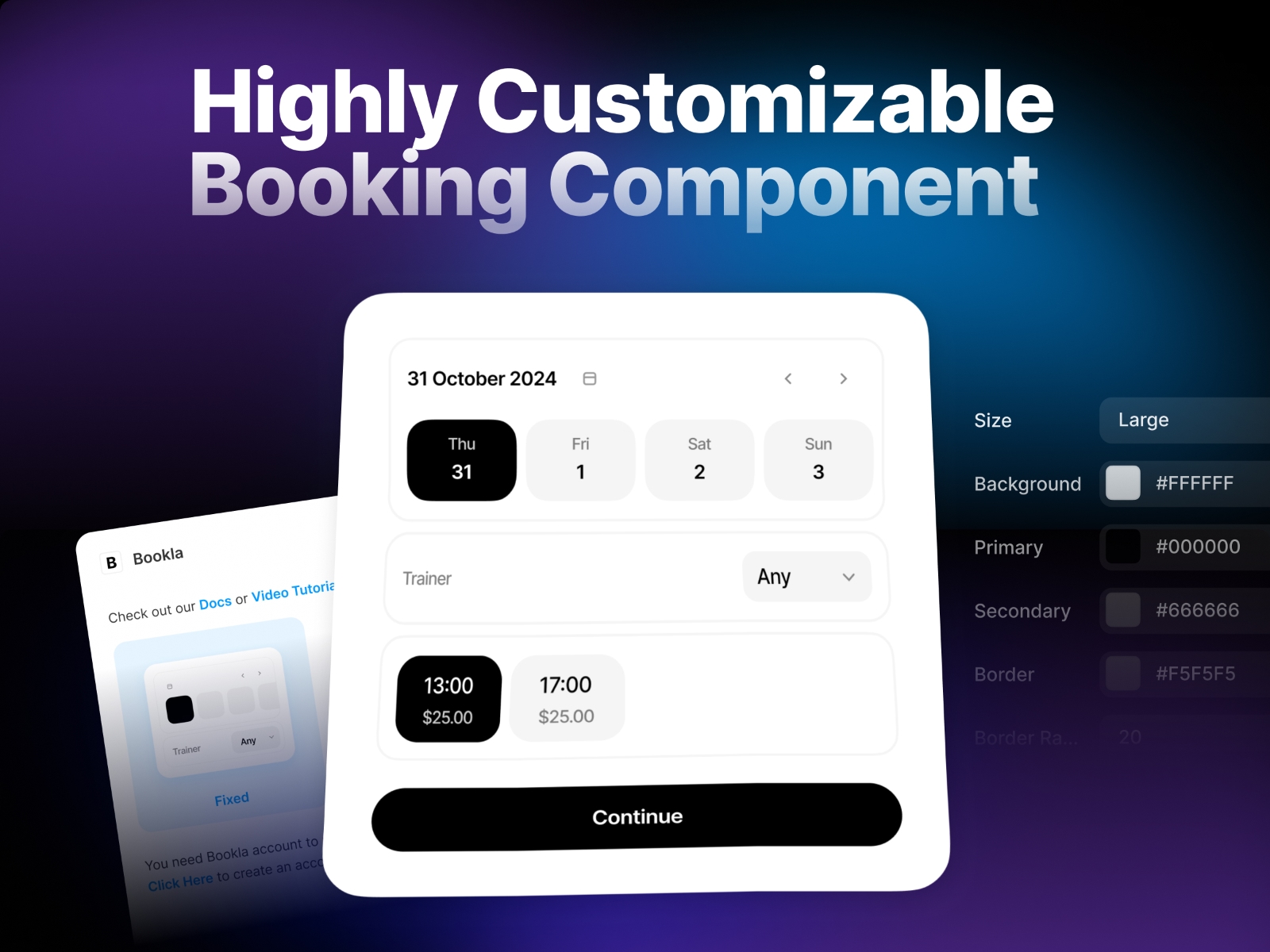
Seamlessly integrate Bookla's powerful booking system into your Framer projects. This plugin enables you to add a fully customizable booking component with just a few clicks, allowing your customers to schedule appointments directly through your website.
This tutorial will help you get started - https://docs.bookla.com/docs/development/no-code/framer
Easy Setup: Simply drag and drop the component into your Framer editor and configure basic credentials (API Key, Company ID, and Service ID)
Complete Customization: Match your brand identity with customizable colors, borders, and fonts
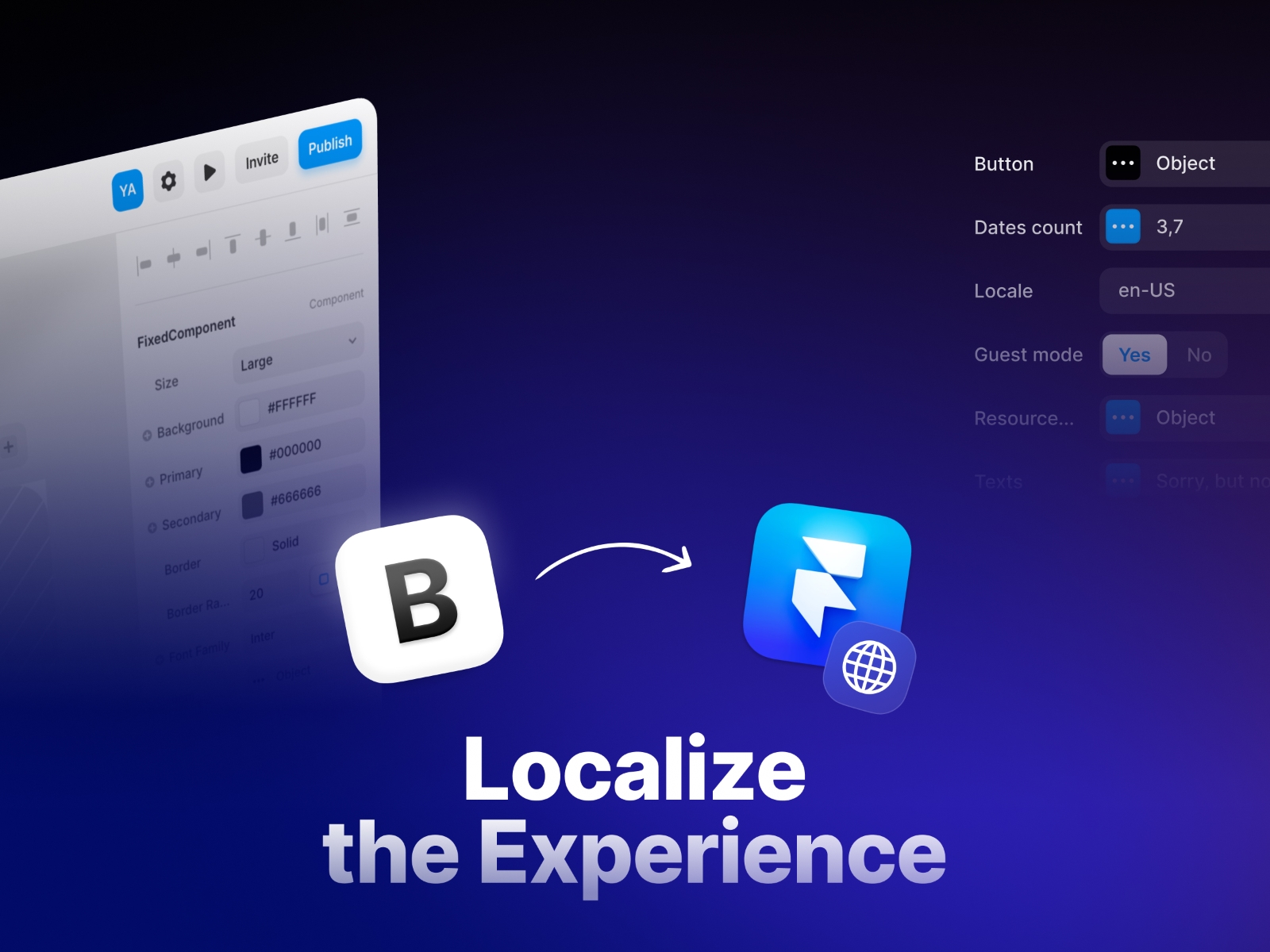
Flexible Text Management: Edit all text elements or implement multi-language support using Framer's built-in localization tools
Guest Checkout Option: Enable quick bookings without requiring user authentication
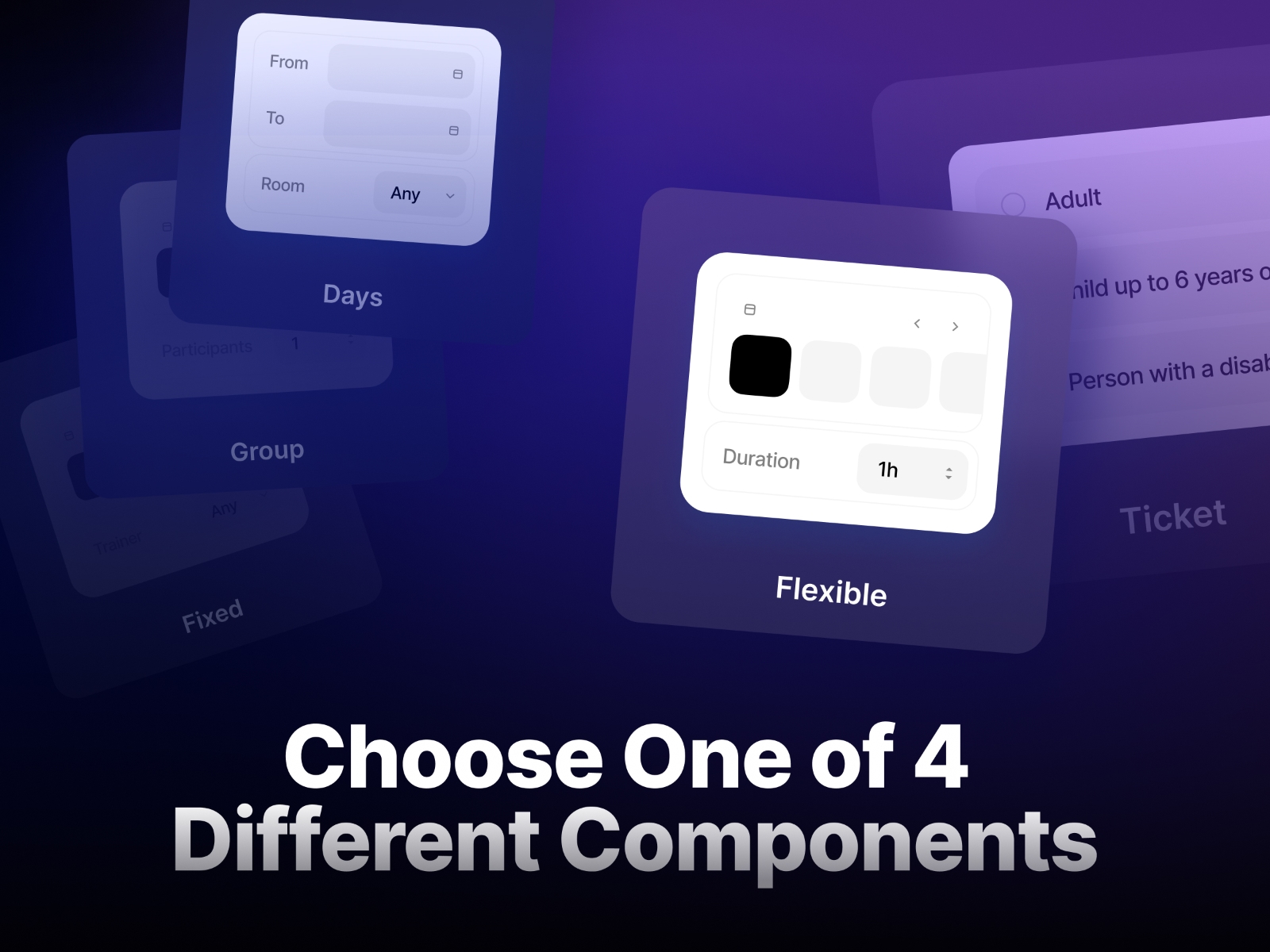
6 Different Components: Choose from four specialized booking components to match your service type:
Fixed Component: Perfect for services with predetermined durations like massages or training sessions
Flexible Component: Ideal for services where clients choose their booking duration, such as tennis courts or wakeboard rentals
Group Component: Designed for services that accommodate multiple simultaneous bookings up to a capacity limit, like group training or excursions
Ticket Component: Specialized for events requiring ticket selection, such as concerts or museum entries
Days component: Perfect for long term bookings.
Memberships/Subscriptions component: Enables the purchase of multi-visit subscriptions that can be applied during the booking process.
Drag the any of Bookla components onto your canvas
Enter your Bookla credentials in the component panel:
Select your region (U.S. or Europe)
Add your API Key
Input your Company ID
Specify your Service ID
Transform your Framer project into a powerful booking platform with the Bookla Booking Component. Perfect for service-based businesses, consultants, and professionals looking to streamline their appointment scheduling process.

Seamlessly integrate Bookla's powerful booking system into your Framer projects. This plugin enables you to add a fully customizable booking component with just a few clicks, allowing your customers to schedule appointments directly through your website.
This tutorial will help you get started - https://docs.bookla.com/docs/development/no-code/framer
Easy Setup: Simply drag and drop the component into your Framer editor and configure basic credentials (API Key, Company ID, and Service ID)
Complete Customization: Match your brand identity with customizable colors, borders, and fonts
Flexible Text Management: Edit all text elements or implement multi-language support using Framer's built-in localization tools
Guest Checkout Option: Enable quick bookings without requiring user authentication
6 Different Components: Choose from four specialized booking components to match your service type:
Fixed Component: Perfect for services with predetermined durations like massages or training sessions
Flexible Component: Ideal for services where clients choose their booking duration, such as tennis courts or wakeboard rentals
Group Component: Designed for services that accommodate multiple simultaneous bookings up to a capacity limit, like group training or excursions
Ticket Component: Specialized for events requiring ticket selection, such as concerts or museum entries
Days component: Perfect for long term bookings.
Memberships/Subscriptions component: Enables the purchase of multi-visit subscriptions that can be applied during the booking process.
Drag the any of Bookla components onto your canvas
Enter your Bookla credentials in the component panel:
Select your region (U.S. or Europe)
Add your API Key
Input your Company ID
Specify your Service ID
Transform your Framer project into a powerful booking platform with the Bookla Booking Component. Perfect for service-based businesses, consultants, and professionals looking to streamline their appointment scheduling process.