Image Library
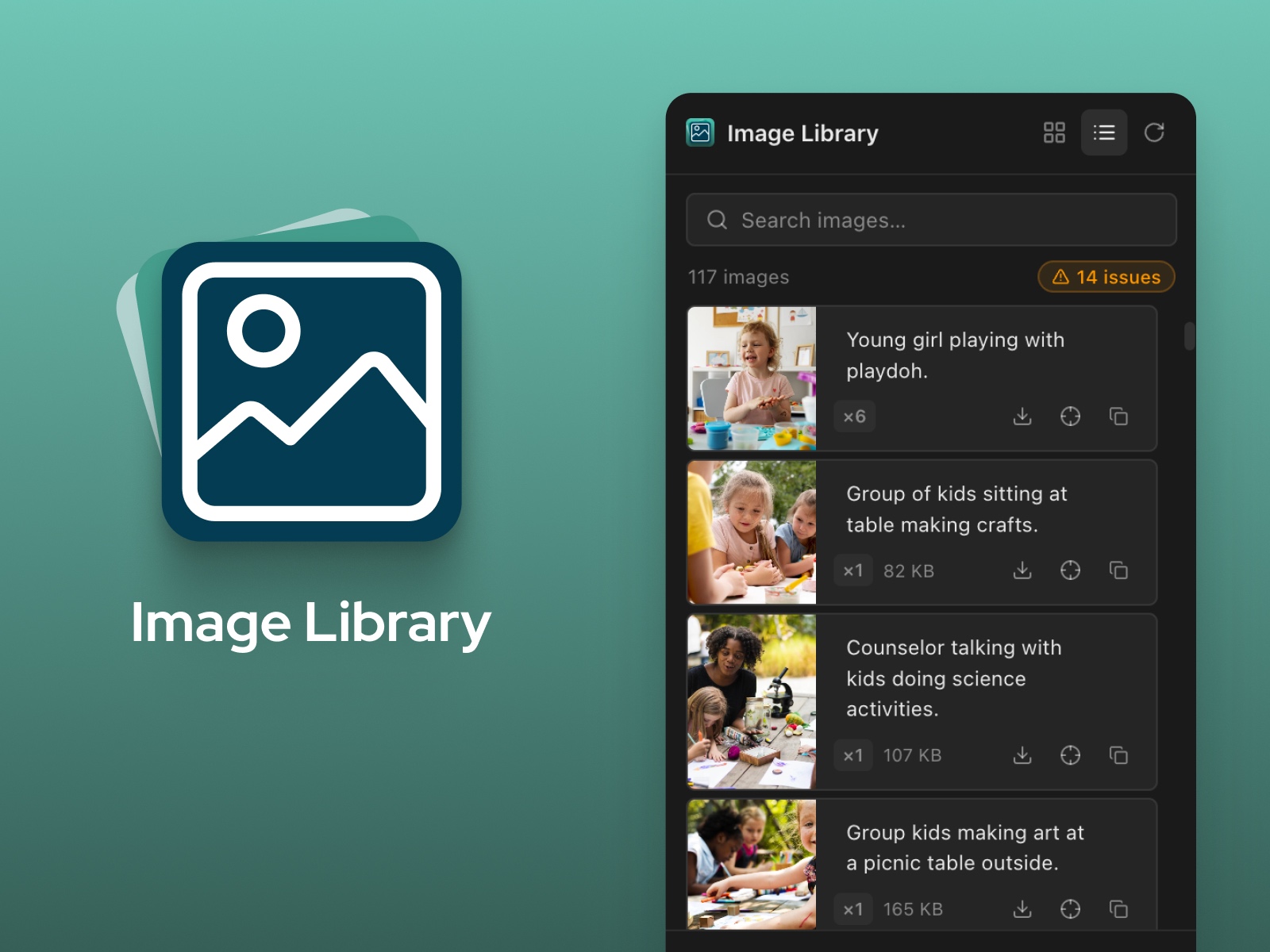
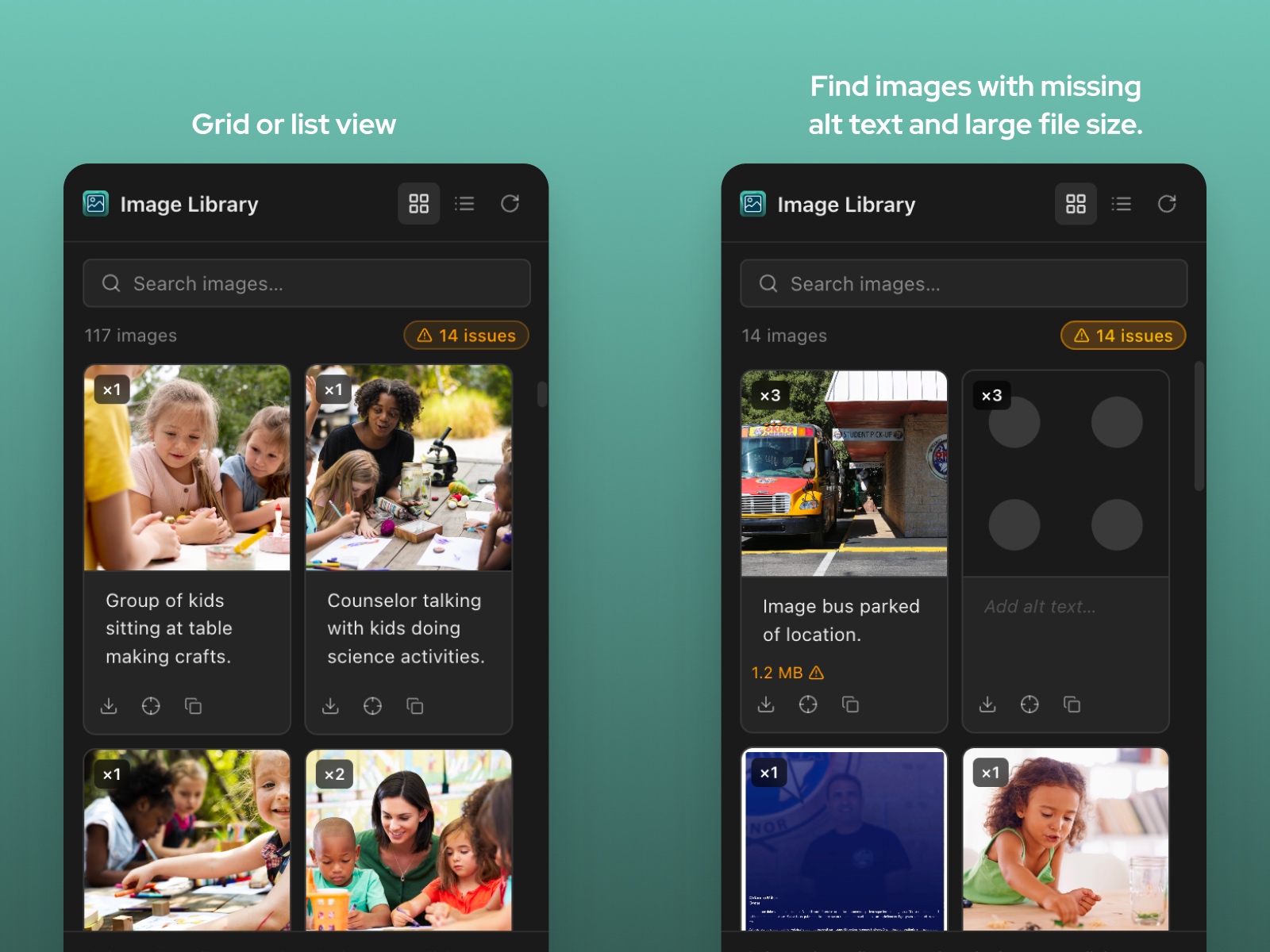
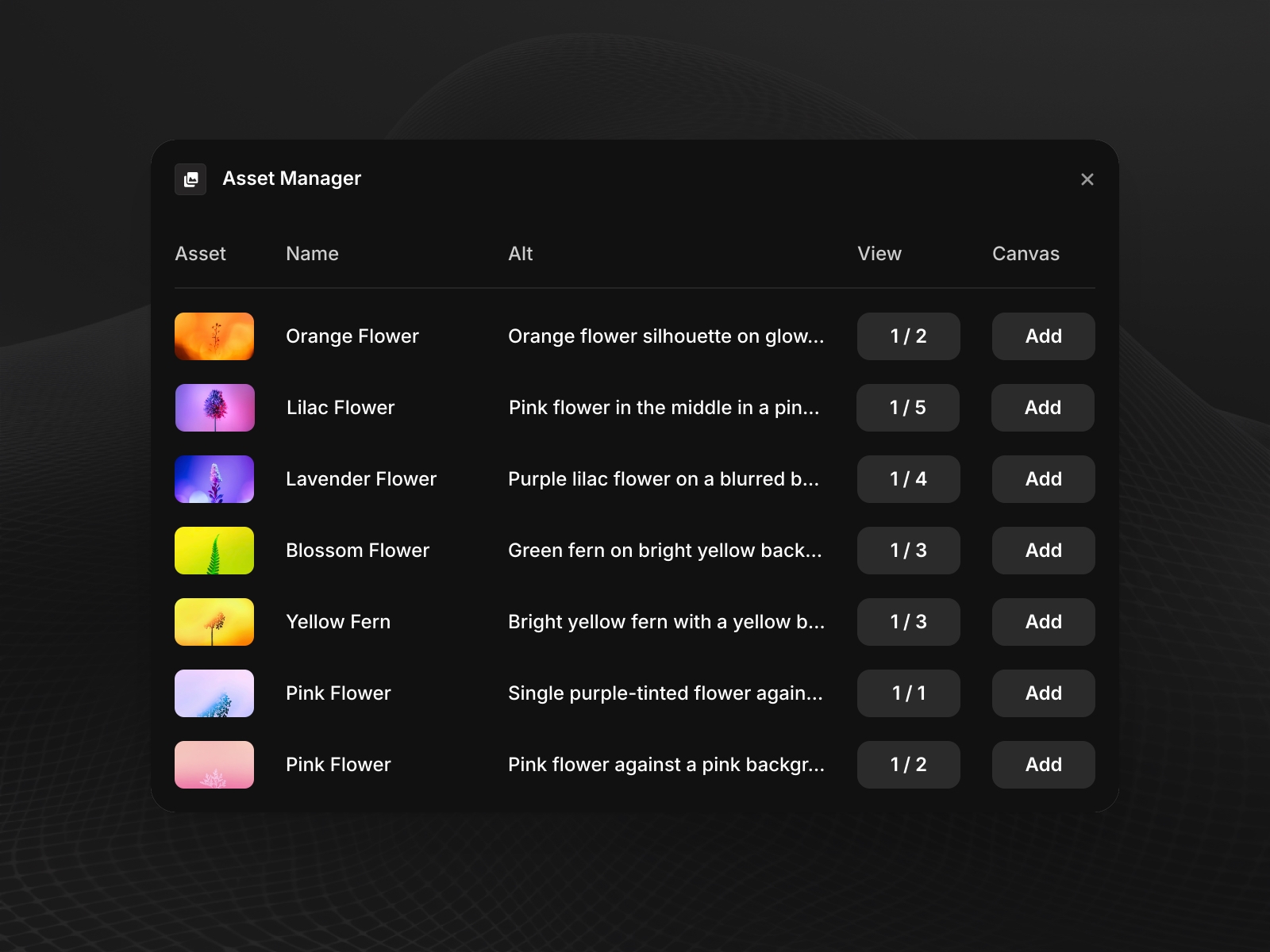
Image Library gives you a complete view of every image in your Framer project. Instead of hunting through layers or re-uploading files you've already used, you get an instant browsable library you can search, filter, and act on directly.
About this Plugin
Image Library gives you a complete view of every image in your Framer project. Instead of hunting through layers or re-uploading files you've already used, you get an instant browsable library you can search, filter, and act on directly.
Browse & reuse without re-uploading Every image in your project is surfaced automatically — deduplicated, searchable, and ready to insert onto the canvas or apply to a selected layer in one click.
Find anything on the canvas Use the Locate button to jump straight to any node using a specific image. If it's used in multiple places, click again to cycle through every instance.
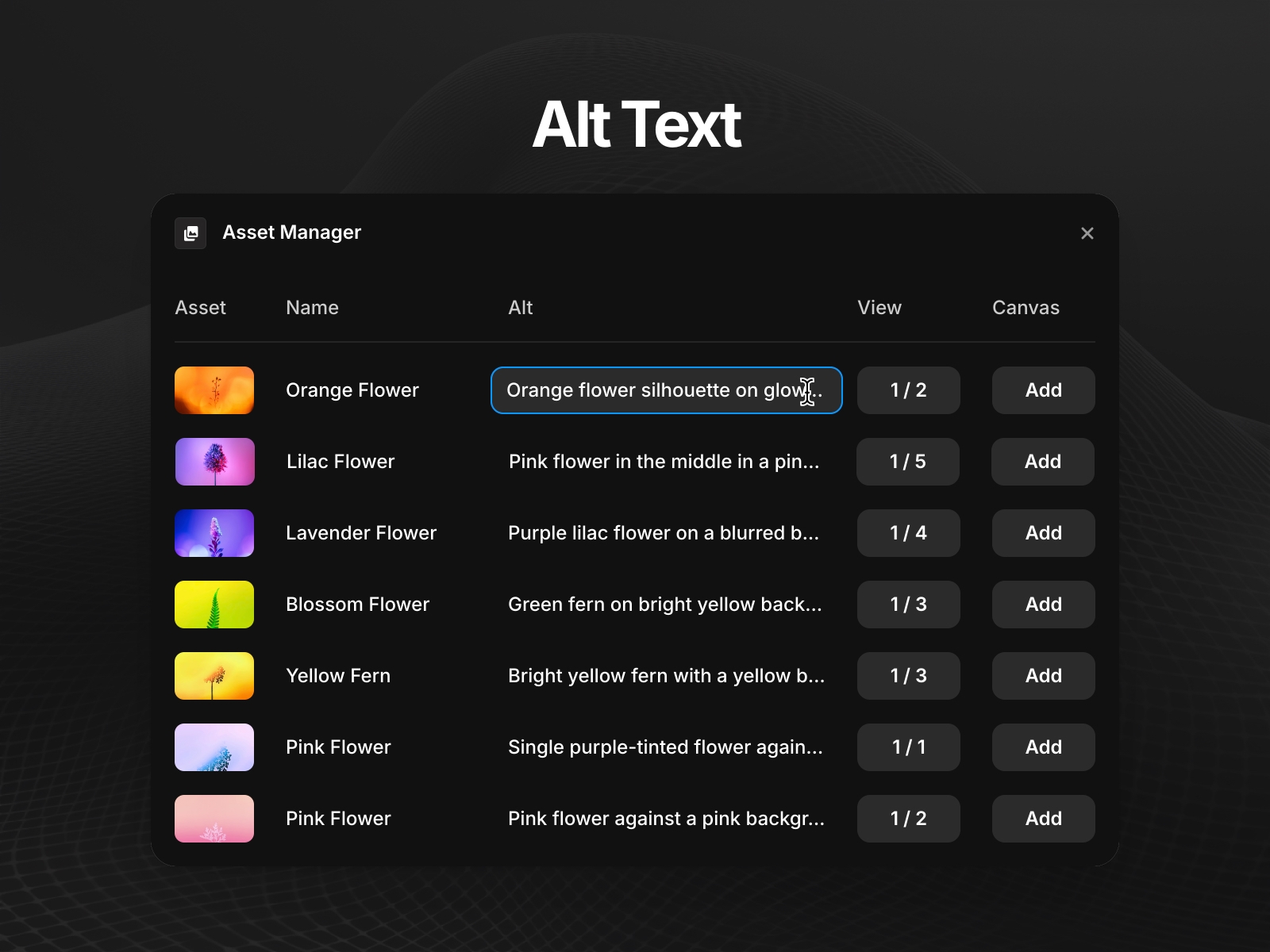
Edit alt text inline Click any image to edit its alt text without leaving the plugin. Changes are saved directly to every node using that image — keeping your project accessible without the manual hunt.
Spot issues before you publish Image Library flags images with missing alt text or large file sizes (over 1MB) so you can fix accessibility and performance problems before they go live.
Grid and list views Switch between a visual grid for quick scanning or a detailed list view showing file size, usage count, and alt text at a glance.
Changelog
AI-powered alt text is here — generate accurate, descriptive alt text for your images without leaving Framer.
AI alt text generation — click Generate Alt Text on any image missing a description (requires a subscription).
Image Preview — Icon to preview the full image.
UI Updates — swapped a few icons.
Details
 Kevin James