Layout Control
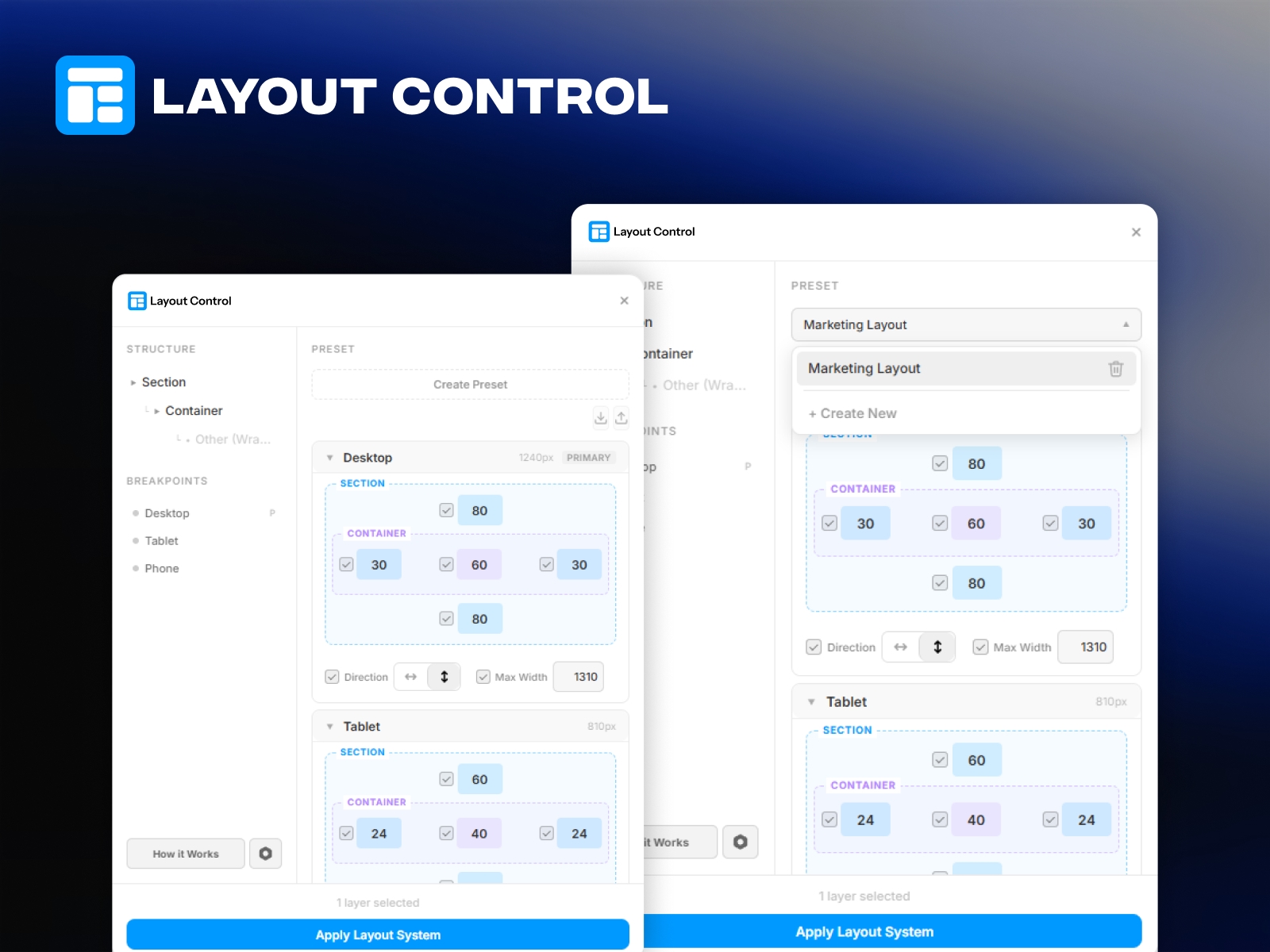
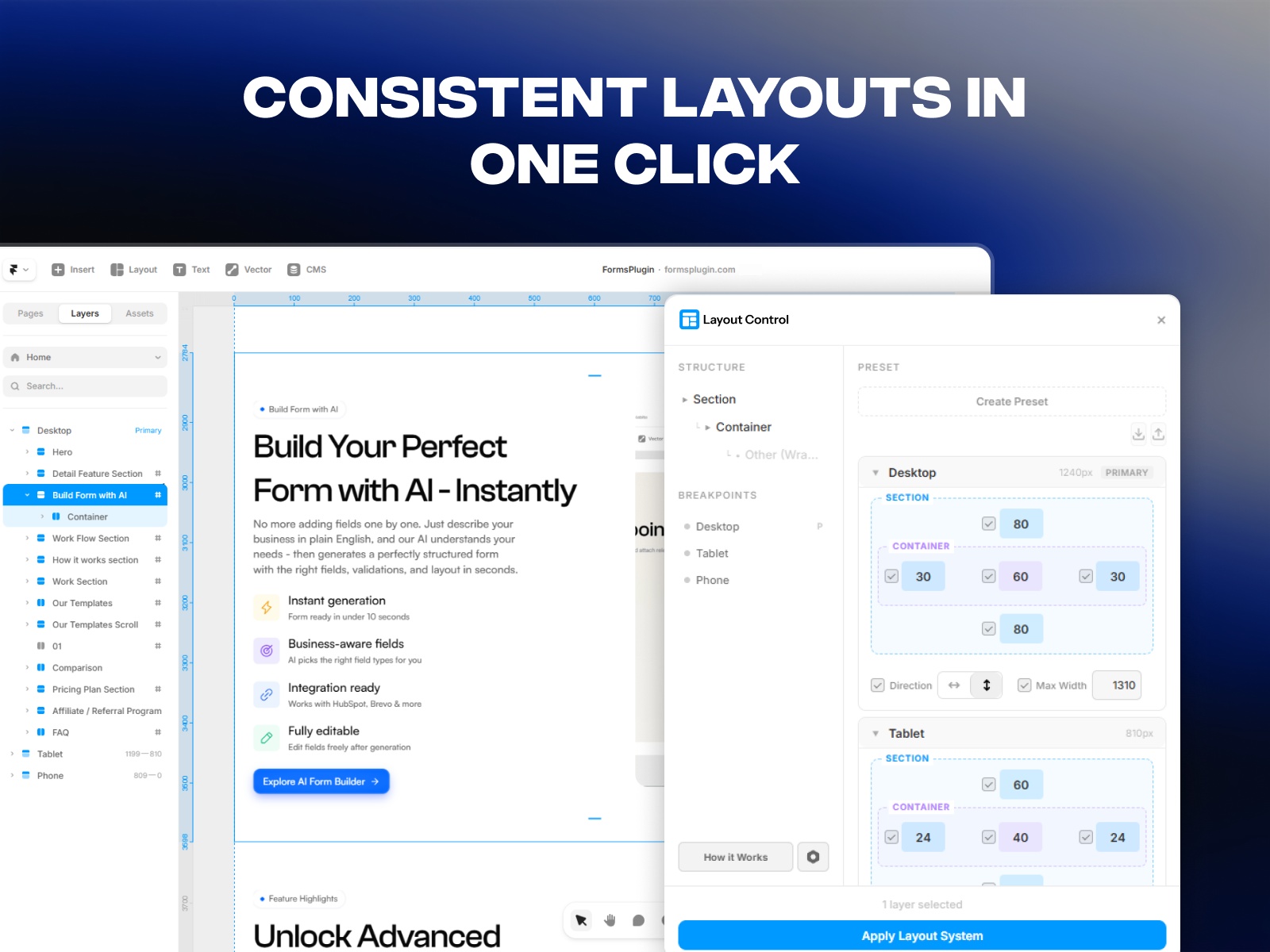
Set padding, gap, direction, and max-width for sections and containers across Desktop, Tablet, and Phone breakpoints - all from one panel. Apply consistent layout systems to selected frames instantly, with per-property control and smart defaults.
About this Plugin
Layout Control gives you a single panel to define and apply consistent layout systems across all breakpoints in Framer.
Stop manually adjusting padding, gaps, and widths on every frame for every breakpoint. Layout Control lets you configure everything in one place and apply it instantly.
What it does:
- Set Section properties: top padding, bottom padding
- Set Container properties: left/right padding, gap, direction (horizontal/vertical), and max-width
- Configure all three breakpoints: Desktop, Tablet, and Phone
- Toggle individual properties on/off — skip any property you don't want to override
- Apply settings to one or multiple selected frames at once
Presets:
- Save your current layout configuration as a reusable preset
- Load presets to quickly apply consistent layouts across projects
- Built-in smart defaults for common layout patterns
How to use:
1. Select one or more frames on the canvas
2. Adjust Section and Container settings for each breakpoint
3. Uncheck any property you want to skip
4. Click "Apply to Selected" to apply your layout
Works with any frame-based layout in Framer. Perfect for design systems, landing pages, and multi-breakpoint projects.
Details
 Framer Geeks