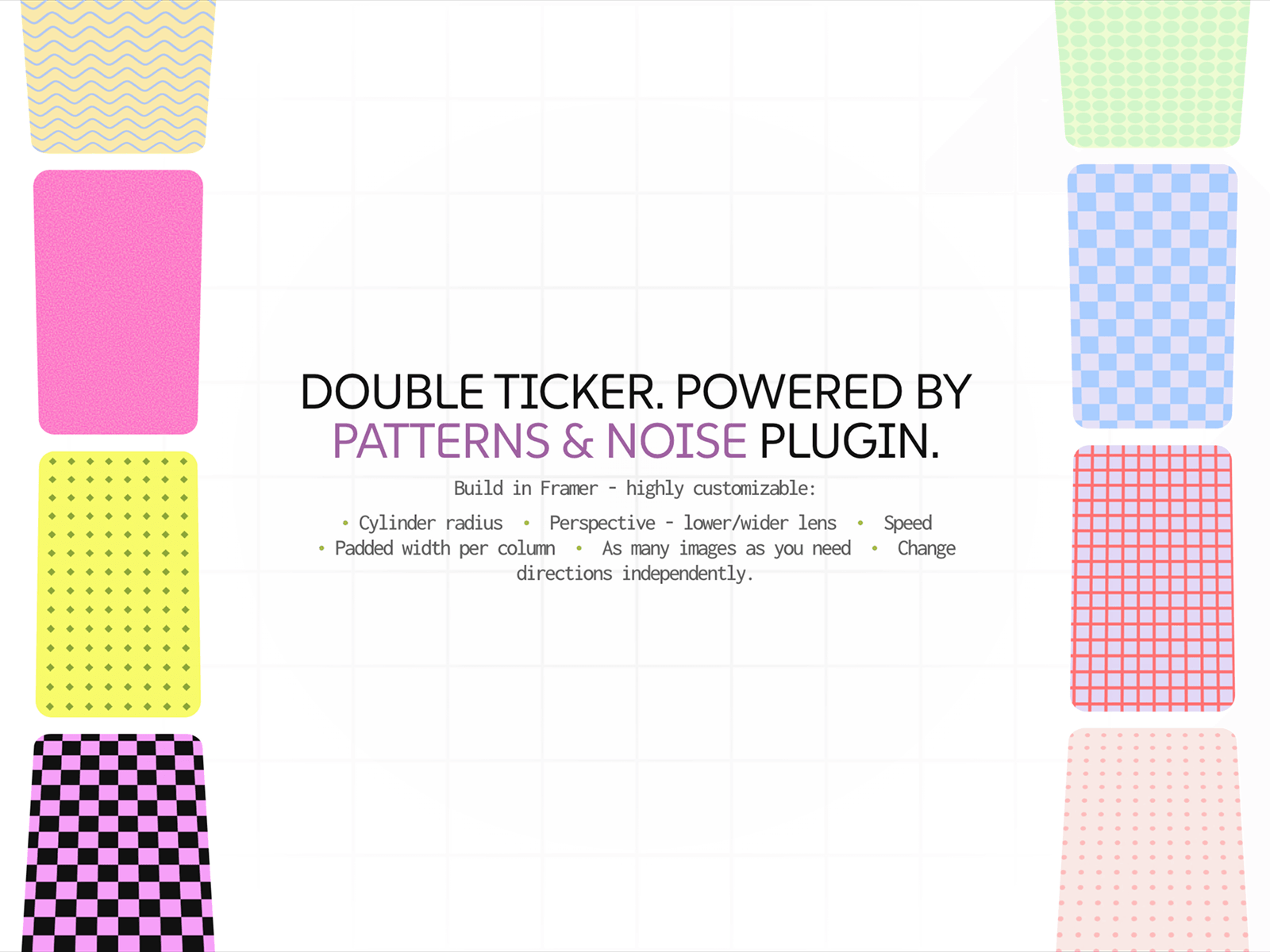
Two columns of images curving away as they reach the top & bottom. The middle stays clear for your heading. Add as many images as you want to each side & run them whichever way you like.
Properties you can control:
• Left images & right images as separate lists;
• Left runs & right runs separate controls;
• Drag effect enable or disable for the columns;
• Concave puts the middle image furthest away, Convex - the nearest;
• Drum - radius of the cylinder, lower values wrap tighter;
• Perspective - viewer distance, lower is a wider lens;
• Speed - how fast the columns travel;
• Column - width of each column as a share of the frame;
• Aspect of image shape;
• Gap & padding - space between images & bottom-top & right-left;
• Radius of images.

Two columns of images curving away as they reach the top & bottom. The middle stays clear for your heading. Add as many images as you want to each side & run them whichever way you like.
Properties you can control:
• Left images & right images as separate lists;
• Left runs & right runs separate controls;
• Drag effect enable or disable for the columns;
• Concave puts the middle image furthest away, Convex - the nearest;
• Drum - radius of the cylinder, lower values wrap tighter;
• Perspective - viewer distance, lower is a wider lens;
• Speed - how fast the columns travel;
• Column - width of each column as a share of the frame;
• Aspect of image shape;
• Gap & padding - space between images & bottom-top & right-left;
• Radius of images.