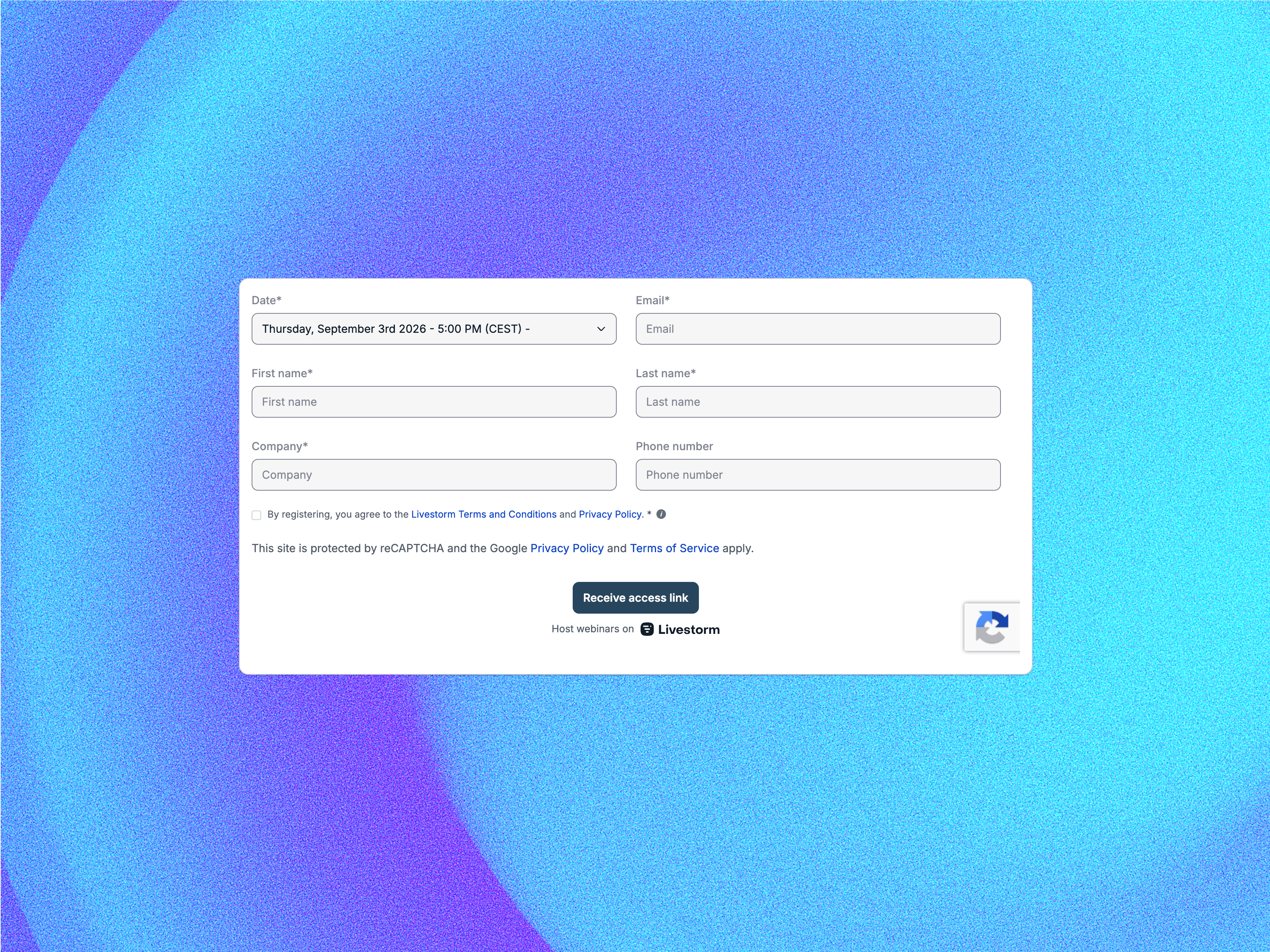
Bring Livestorm registration into your Framer site. Drop this component on any page or CMS detail template, paste your event's form URL (or bind it to a CMS field), and visitors can register without ever leaving your site.
Campaign parameters (utm_*, gclid, li_fat_id) are read from the page URL and forwarded to Livestorm automatically, so your source reporting in Livestorm stays as complete as on a hosted landing page. Works with Framer's query parameter persistence for first-touch attribution across pages, with an optional sessionStorage fallback.
Bind the Form URL property to a CMS field and every webinar detail page gets its own registration form. The component fills its frame: make it wider and Livestorm renders a multi-column form, so you control the layout by simply resizing.
Loading and fallback states, a configurable border radius to match your design system, an accessible iframe title for screen readers, and a clean editor placeholder so your canvas stays tidy.
Add the component to a page or CMS detail template
Set the Form URL: https://app.livestorm.co/p/{event-id}/form (copy it from Livestorm's embed dialog, or bind a CMS field)
Size the frame: width controls the column layout, height fits your form length
Publish — registrations and attribution land in Livestorm
Tip: style the form colors and logo in your Livestorm event settings; branded events blend seamlessly into your page.

Bring Livestorm registration into your Framer site. Drop this component on any page or CMS detail template, paste your event's form URL (or bind it to a CMS field), and visitors can register without ever leaving your site.
Campaign parameters (utm_*, gclid, li_fat_id) are read from the page URL and forwarded to Livestorm automatically, so your source reporting in Livestorm stays as complete as on a hosted landing page. Works with Framer's query parameter persistence for first-touch attribution across pages, with an optional sessionStorage fallback.
Bind the Form URL property to a CMS field and every webinar detail page gets its own registration form. The component fills its frame: make it wider and Livestorm renders a multi-column form, so you control the layout by simply resizing.
Loading and fallback states, a configurable border radius to match your design system, an accessible iframe title for screen readers, and a clean editor placeholder so your canvas stays tidy.
Add the component to a page or CMS detail template
Set the Form URL: https://app.livestorm.co/p/{event-id}/form (copy it from Livestorm's embed dialog, or bind a CMS field)
Size the frame: width controls the column layout, height fits your form length
Publish — registrations and attribution land in Livestorm
Tip: style the form colors and logo in your Livestorm event settings; branded events blend seamlessly into your page.