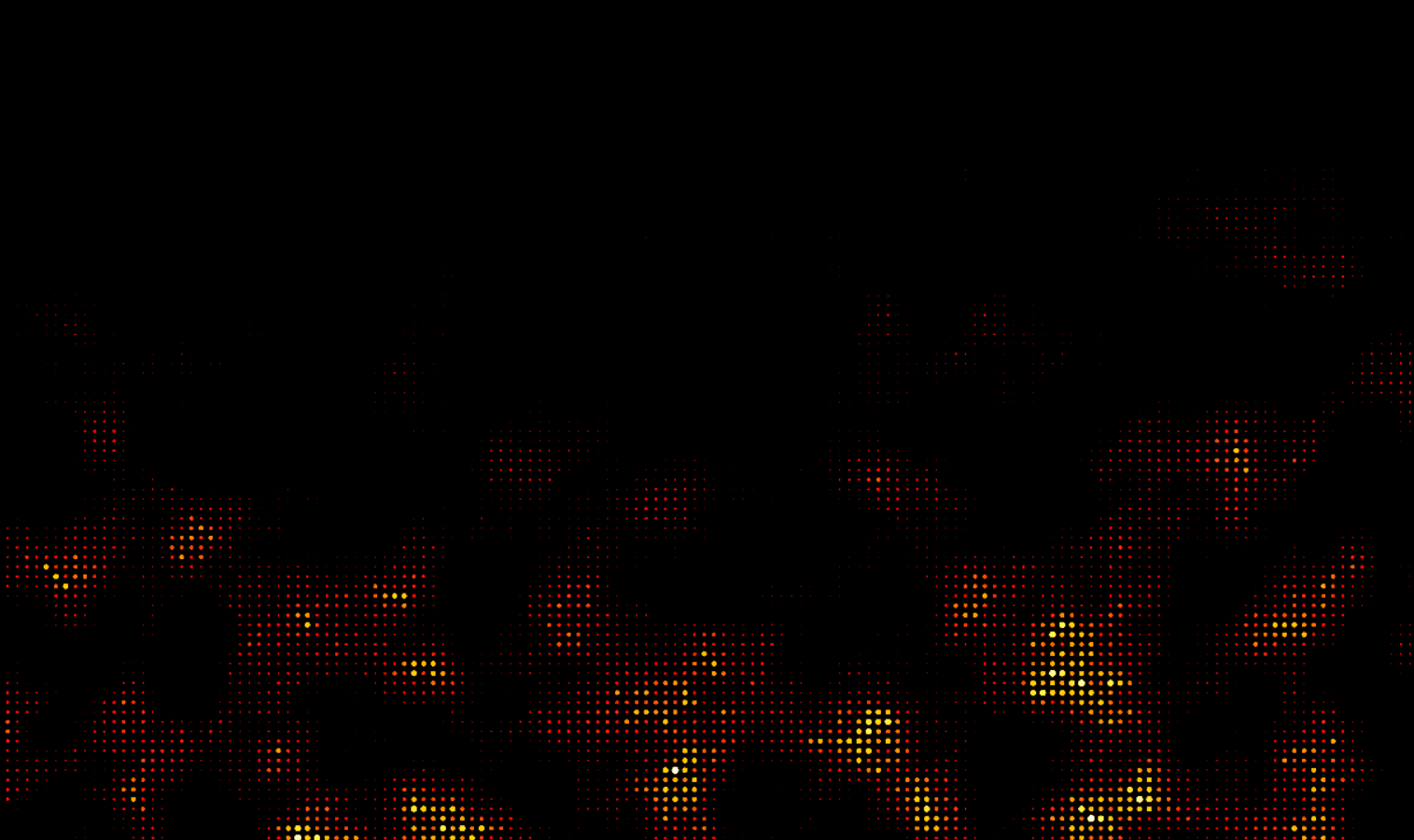
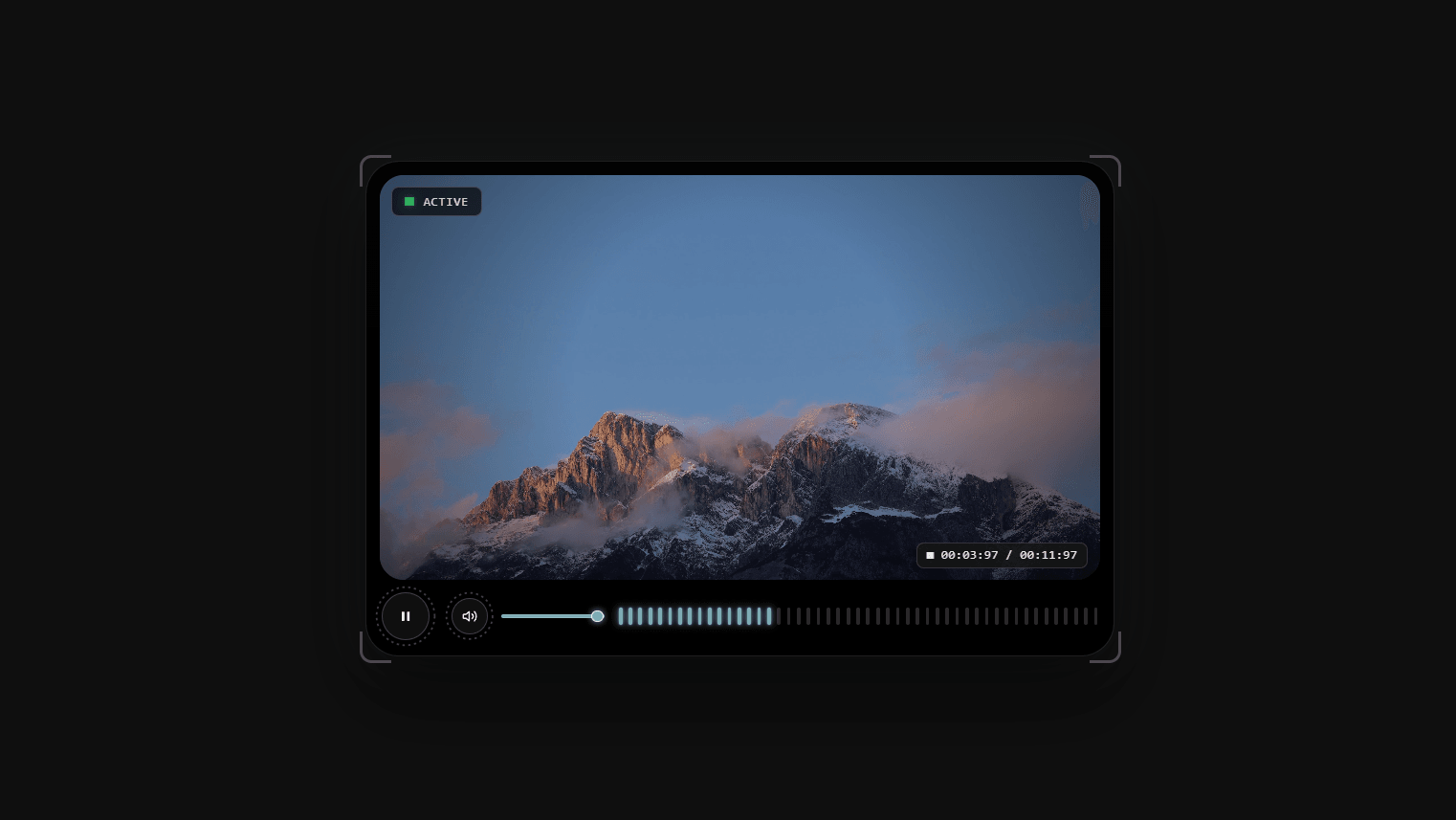
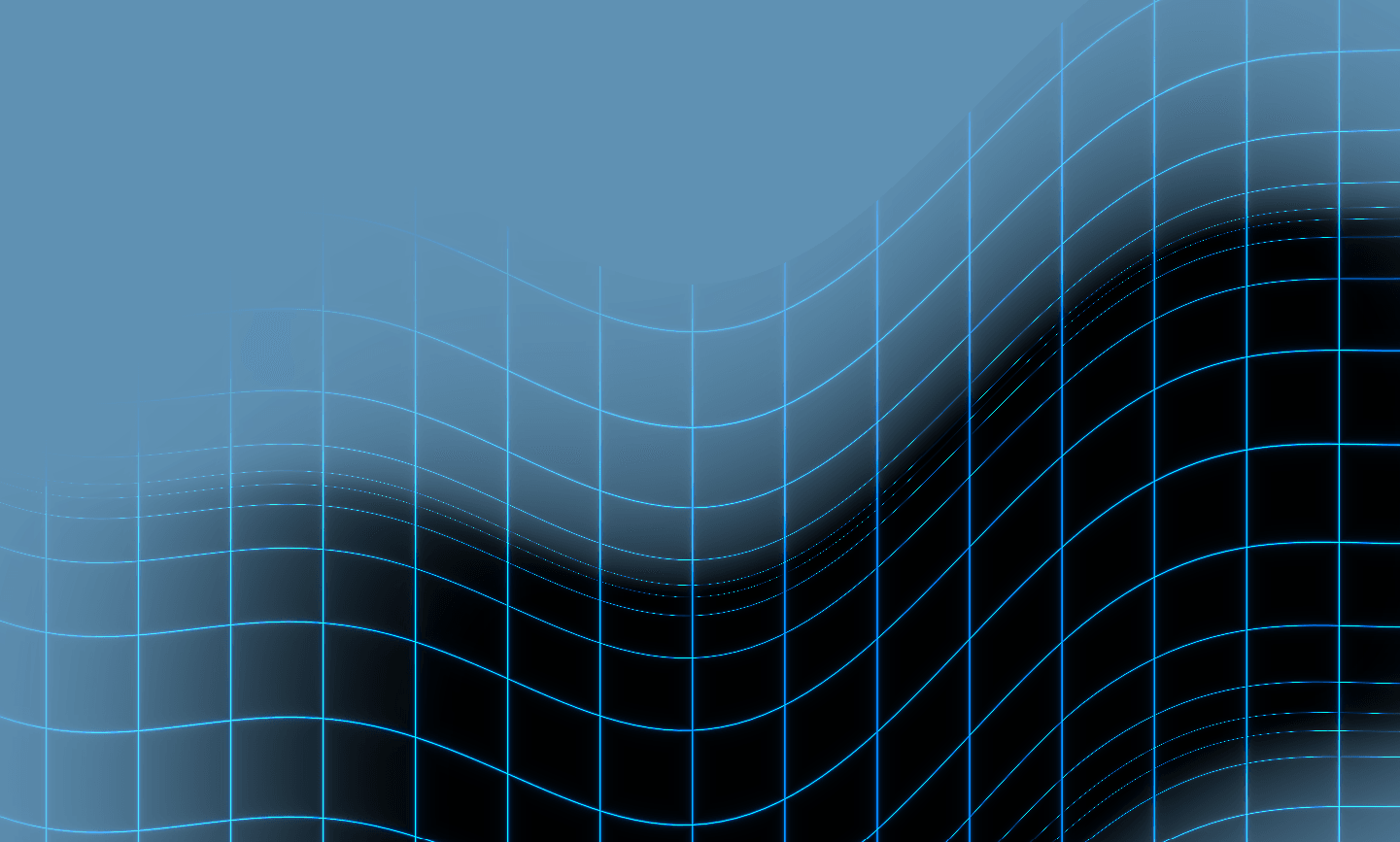
Inject high-end visual depth into your designs with the Acrylic Shader background. Utilizing raw WebGL, this component renders an organic, silk-smooth liquid gradient backdrop that warps and swirls dynamically in reaction to cursor hover and touch movements.
🎨 Vibrant Preset Themes: Select from premium built-in palettes (Midnight Aurora, Jade Forest, Crimson Nova, or Frost Wave) to immediately elevate your page aesthetic.
🎛 Dual-Mode Color Setup: Use the presets out-of-the-box, or toggle Custom Colors to expose four independent color picker inputs and design your own color spectrum.
🖱 Interactive Pointer Swirl: Creates realistic fluid distortion (swirl, push force, and inertia trailing speed) that warps the gradients organically around the cursor.
Custom Colors Toggle: Toggle between dynamic presets and individual color overrides.
Preset Palette: Select your background theme palette.
Colors 1–4: Customize individual color overrides when custom colors are active.
Animation Speed: Control the flow rate of the background wave animations.
Pointer Sensitivity & Swirl/Push Strength: Fine-tune how strongly the fluid ripples bend and push around the cursor.
Density: Control the density of the fluid ripples to adjust the frequency of micro-folds in the gradient.
Vignette Strength: Control the depth of the edge shadows blending into the page.

Inject high-end visual depth into your designs with the Acrylic Shader background. Utilizing raw WebGL, this component renders an organic, silk-smooth liquid gradient backdrop that warps and swirls dynamically in reaction to cursor hover and touch movements.
🎨 Vibrant Preset Themes: Select from premium built-in palettes (Midnight Aurora, Jade Forest, Crimson Nova, or Frost Wave) to immediately elevate your page aesthetic.
🎛 Dual-Mode Color Setup: Use the presets out-of-the-box, or toggle Custom Colors to expose four independent color picker inputs and design your own color spectrum.
🖱 Interactive Pointer Swirl: Creates realistic fluid distortion (swirl, push force, and inertia trailing speed) that warps the gradients organically around the cursor.
Custom Colors Toggle: Toggle between dynamic presets and individual color overrides.
Preset Palette: Select your background theme palette.
Colors 1–4: Customize individual color overrides when custom colors are active.
Animation Speed: Control the flow rate of the background wave animations.
Pointer Sensitivity & Swirl/Push Strength: Fine-tune how strongly the fluid ripples bend and push around the cursor.
Density: Control the density of the fluid ripples to adjust the frequency of micro-folds in the gradient.
Vignette Strength: Control the depth of the edge shadows blending into the page.
 Shivani Das