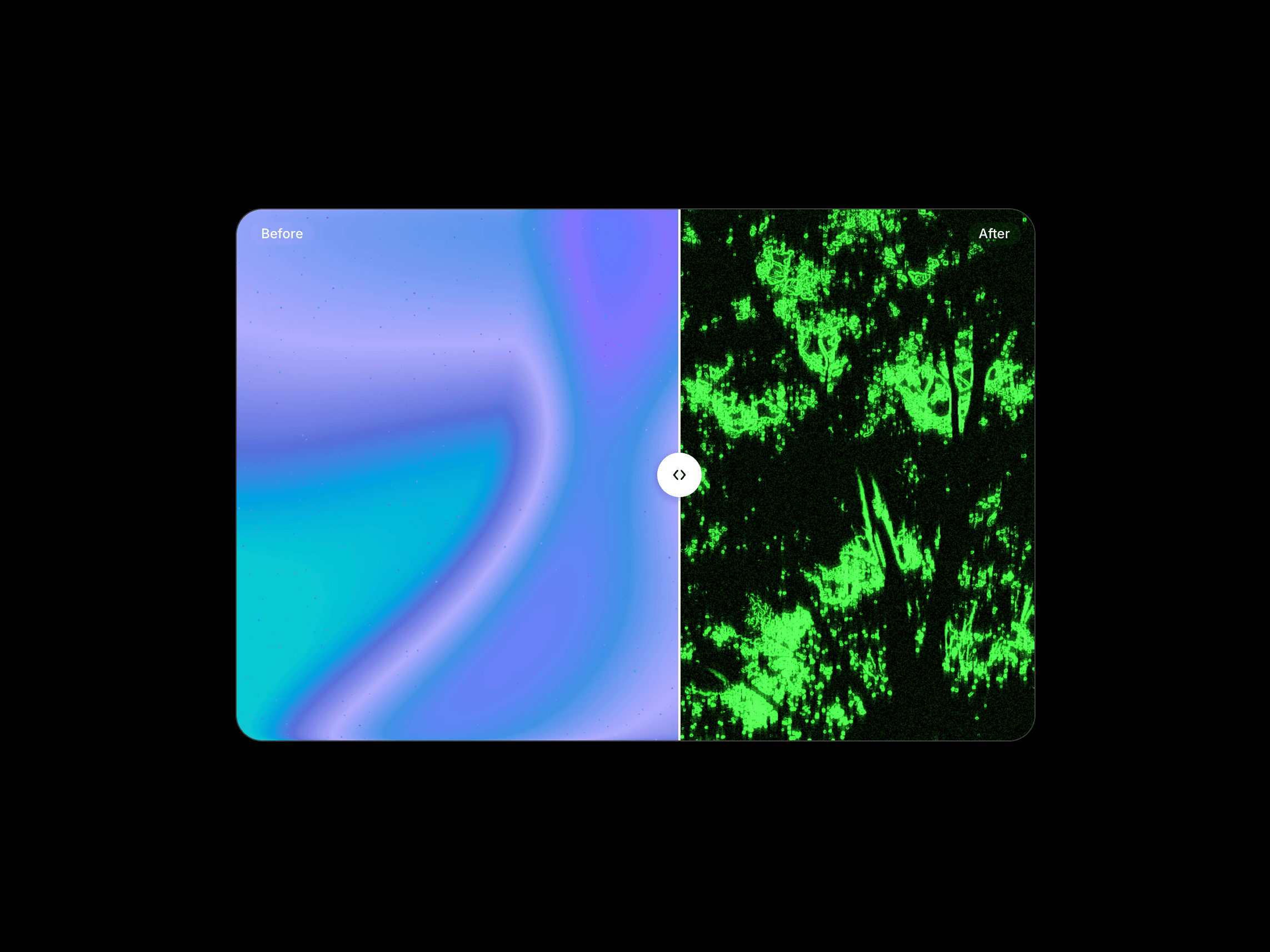
Preview component Compare two images with an interactive before-and-after slider. Before After Slider lets visitors drag across the visual to reveal each version, making it ideal for redesigns, photo edits, product transformations, renovations, case studies, and visual comparisons.
Choose a horizontal or vertical layout, customize the handle and labels, and control exactly how the interaction behaves.
How to use
Drop the component into your layout and add the before and after images. Choose the slider orientation, set the starting position, and decide whether visitors can drag from anywhere or only from the handle.
Customize the image fit, divider line, handle, labels, animation, snapping behavior, radius, border, and shadow directly from the properties panel.
Features
Interactive before-and-after image comparison
Horizontal and vertical orientations
Adjustable starting position
Cover and contain image fit options
Drag from anywhere or from the handle only
Optional custom handle
Adjustable divider width and color
Optional before and after labels
Custom label styling and positioning
Optional automatic animation
Optional snapping behavior
Adjustable corner radius
Custom border and shadows
Responsive across desktop, tablet, and mobile
No setup or coding required
Refund Policy:
Due to the nature of digital products, all sales are final. Once purchased, this component is non-refundable. Please make sure it fits your needs before completing the checkout.
Support: hi@alicorak.com

Preview component Compare two images with an interactive before-and-after slider. Before After Slider lets visitors drag across the visual to reveal each version, making it ideal for redesigns, photo edits, product transformations, renovations, case studies, and visual comparisons.
Choose a horizontal or vertical layout, customize the handle and labels, and control exactly how the interaction behaves.
How to use
Drop the component into your layout and add the before and after images. Choose the slider orientation, set the starting position, and decide whether visitors can drag from anywhere or only from the handle.
Customize the image fit, divider line, handle, labels, animation, snapping behavior, radius, border, and shadow directly from the properties panel.
Features
Interactive before-and-after image comparison
Horizontal and vertical orientations
Adjustable starting position
Cover and contain image fit options
Drag from anywhere or from the handle only
Optional custom handle
Adjustable divider width and color
Optional before and after labels
Custom label styling and positioning
Optional automatic animation
Optional snapping behavior
Adjustable corner radius
Custom border and shadows
Responsive across desktop, tablet, and mobile
No setup or coding required
Refund Policy:
Due to the nature of digital products, all sales are final. Once purchased, this component is non-refundable. Please make sure it fits your needs before completing the checkout.
Support: hi@alicorak.com
 Ali Çorak