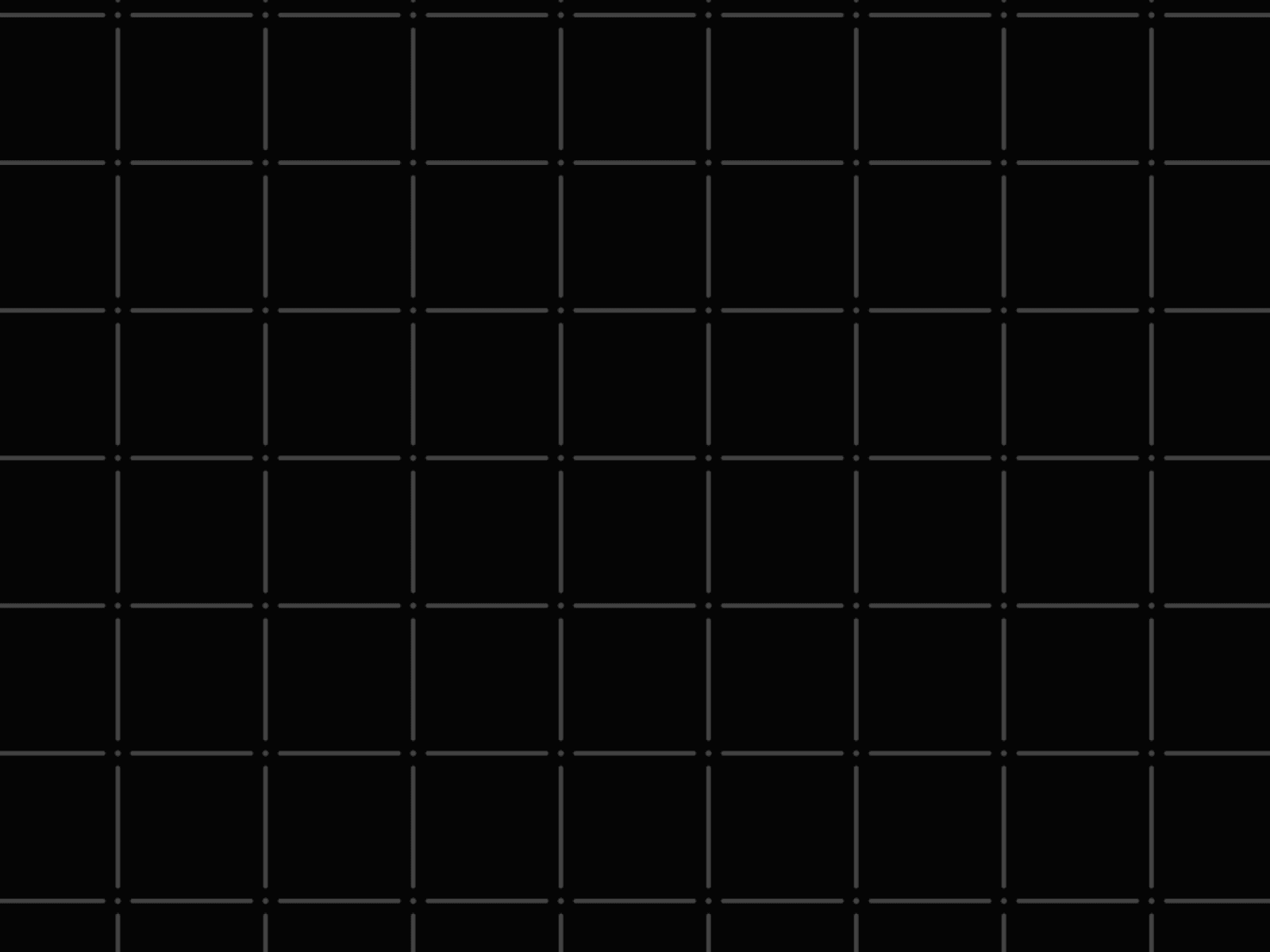
Elevate your website's design with the Blueprint Grid component. This lightweight, SVG-based background brings a highly sought-after technical and architectural aesthetic to your Framer projects. Unlike heavy canvas animations, this component is purely static, ensuring zero performance hit and instant loading times.
It generates an exact, customizable grid pattern featuring precise lines, corner intersection dots, and adjustable line gaps to create a stylized blueprint or schematic look. You have complete control over the visual structure: easily modify the grid size, line thickness, dot radius, and colors to match your brand. Perfect for developer tools, SaaS landing pages, design agency portfolios, or any site aiming for a clean, structural, and modern wireframe vibe.
Functions (Key Features):
📐 Precision SVG Grid: Renders a crisp, infinitely scaling blueprint grid without pixelation.
🎨 Full Color Control: Customize the background color, grid line color, and overall opacity.
🎛 Structural Customization: Adjust grid size, line thickness, and line gaps for a unique geometric effect.
⏺ Corner Dots: Add and scale intersection dots to enhance the architectural schematic look.
⚡ Zero Performance Cost: Built entirely with static SVG patterns, requiring no JavaScript animation loops.
How to Use:
Copy & Paste: Copy the component from the Layers panel and paste it directly into your Framer canvas.
Set as Background: Change its Width and Height to "Fill" (100%) and place it in the absolute background of your section.
Style Colors: Pick your Background Color, Grid Color, and set the Base Opacity to blend perfectly with your content.
Define Structure: Adjust the Grid Size to make the squares larger or smaller.
Fine-Tune Details: Modify the Line Thickness, Line Gap (to detach lines from the corners), and Corner Dot Radius to achieve the perfect technical aesthetic.

Elevate your website's design with the Blueprint Grid component. This lightweight, SVG-based background brings a highly sought-after technical and architectural aesthetic to your Framer projects. Unlike heavy canvas animations, this component is purely static, ensuring zero performance hit and instant loading times.
It generates an exact, customizable grid pattern featuring precise lines, corner intersection dots, and adjustable line gaps to create a stylized blueprint or schematic look. You have complete control over the visual structure: easily modify the grid size, line thickness, dot radius, and colors to match your brand. Perfect for developer tools, SaaS landing pages, design agency portfolios, or any site aiming for a clean, structural, and modern wireframe vibe.
Functions (Key Features):
📐 Precision SVG Grid: Renders a crisp, infinitely scaling blueprint grid without pixelation.
🎨 Full Color Control: Customize the background color, grid line color, and overall opacity.
🎛 Structural Customization: Adjust grid size, line thickness, and line gaps for a unique geometric effect.
⏺ Corner Dots: Add and scale intersection dots to enhance the architectural schematic look.
⚡ Zero Performance Cost: Built entirely with static SVG patterns, requiring no JavaScript animation loops.
How to Use:
Copy & Paste: Copy the component from the Layers panel and paste it directly into your Framer canvas.
Set as Background: Change its Width and Height to "Fill" (100%) and place it in the absolute background of your section.
Style Colors: Pick your Background Color, Grid Color, and set the Base Opacity to blend perfectly with your content.
Define Structure: Adjust the Grid Size to make the squares larger or smaller.
Fine-Tune Details: Modify the Line Thickness, Line Gap (to detach lines from the corners), and Corner Dot Radius to achieve the perfect technical aesthetic.


