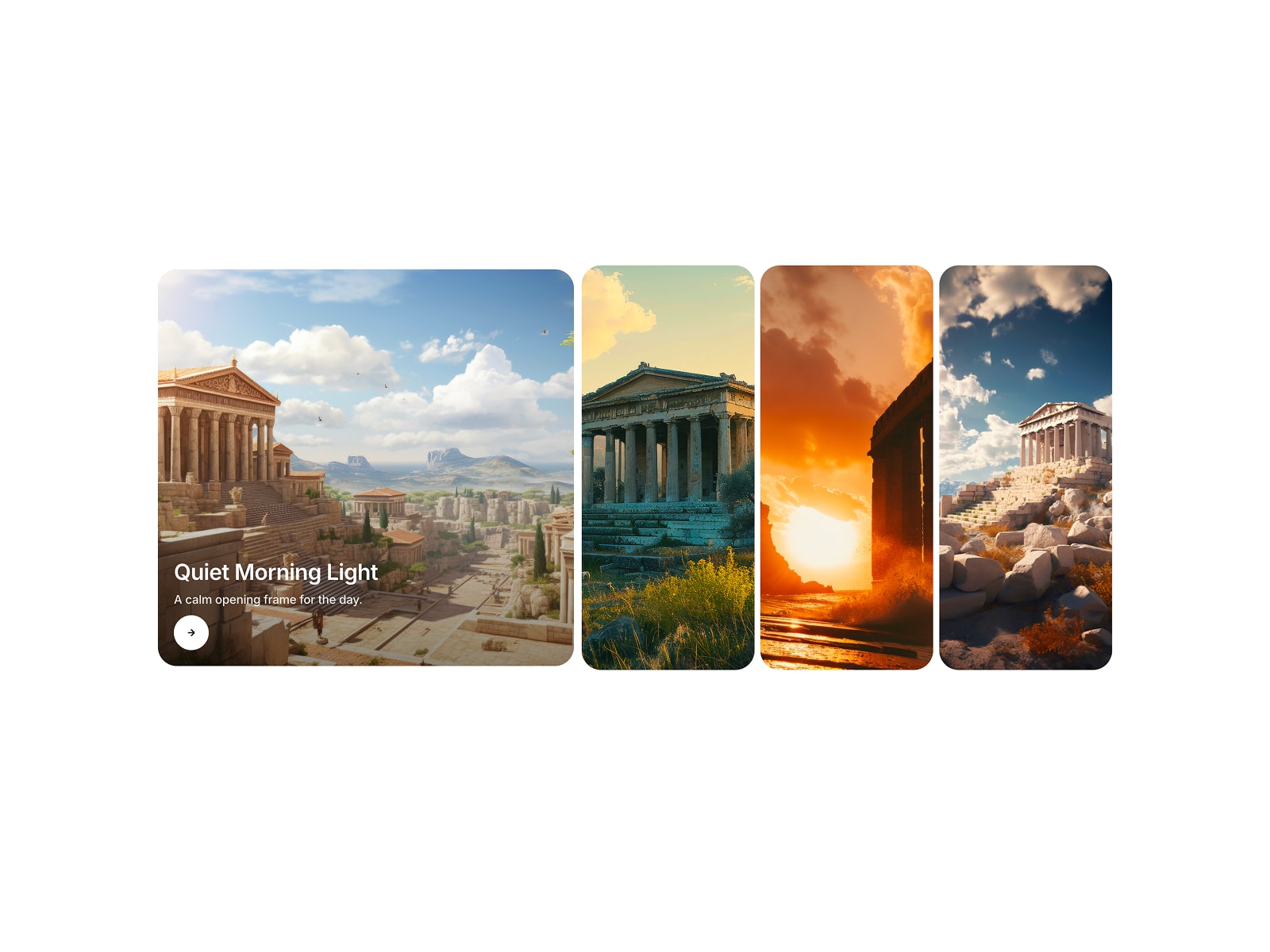
Perfect for editorial landing pages, service menus, pricing tiers, and portfolio showcases.
Card Deck Tabs turns a plain list into a layered deck. Every option stays visible as a stacked tab click one and it glides to the front, expanding into a full showcase panel with a heading, description, call-to-action, and image. It adds motion and hierarchy without burying your content.
Features
Every item stays visible, active item slides forward
Click / tap to switch, with smooth spring easing between layers
Two-column reveal panel: heading, body copy, CTA, and image per item
Set which item opens by default
Separate styling for active vs. stacked (inactive) layers
Optional icon or number per tab
Fully responsive (Coming soon)
Works with any number of items via a repeatable item list
Customizations
Item list: tab label, heading, body, CTA text + link, image (per item)
Colors: active layer, stacked layers, text, CTA ‹verify›
Typography: font, size, weight, transform for heading / body / label
Layout: card radius, overlap/peek distance, panel padding, image aspect ratio
Set up
Add the Stacked Reveal component to your canvas
Fill in the label, heading, body, CTA, and image for each item
Style active vs. stacked layers to match your brand
After copying the component URL, paste it into your Framer project to import it.

Perfect for editorial landing pages, service menus, pricing tiers, and portfolio showcases.
Card Deck Tabs turns a plain list into a layered deck. Every option stays visible as a stacked tab click one and it glides to the front, expanding into a full showcase panel with a heading, description, call-to-action, and image. It adds motion and hierarchy without burying your content.
Features
Every item stays visible, active item slides forward
Click / tap to switch, with smooth spring easing between layers
Two-column reveal panel: heading, body copy, CTA, and image per item
Set which item opens by default
Separate styling for active vs. stacked (inactive) layers
Optional icon or number per tab
Fully responsive (Coming soon)
Works with any number of items via a repeatable item list
Customizations
Item list: tab label, heading, body, CTA text + link, image (per item)
Colors: active layer, stacked layers, text, CTA ‹verify›
Typography: font, size, weight, transform for heading / body / label
Layout: card radius, overlap/peek distance, panel padding, image aspect ratio
Set up
Add the Stacked Reveal component to your canvas
Fill in the label, heading, body, CTA, and image for each item
Style active vs. stacked layers to match your brand
After copying the component URL, paste it into your Framer project to import it.