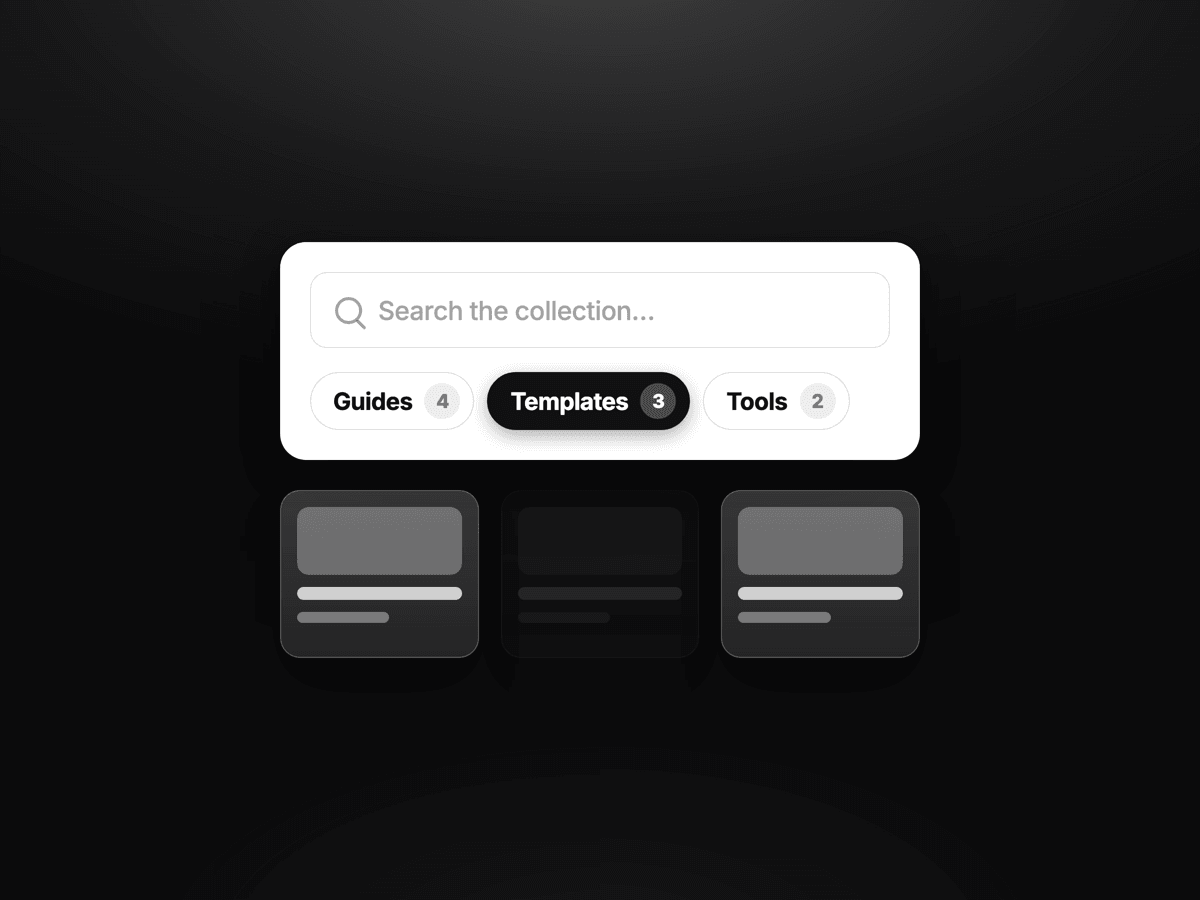
Search any CMS. Keep your cards.
Other Framer filter components make you build cards their way. This one never renders your cards.
You design the card with your own layers. Drop a Discovery Bridge inside it. The controller runs search, facets, sorting and pagination around it — your layout stays yours, still editable in the layers panel.
WHAT YOU GET • Instant client-side search, with synonyms and typo tolerance • Facets that build themselves from your CMS fields, with live counts • Sort by relevance, featured, newest, oldest, A–Z • Saved views, favorites, Load More / infinite / numbered pagination • Shareable filtered URLs • A mobile filter sheet that's a real modal: Escape, focus trap, focus return • Setup Doctor — scores your wiring out of 100 and names the exact fix
PRO ADDS • Operators: contains any, contains all, is set, number range, date range • Multi-field sort profiles with per-field type and direction • Tap a detected CMS key to build a filter, live on the page • Conditional card states driven by a CMS value
SETUP — 4 STEPS
Paste one file into a new Framer code file
Drop the controller above your CMS Collection List
Drop the Bridge inside the repeated card
Bind Item ID to your slug, then Title, Description, and up to six field keys
Set Facets to Auto and your filter groups appear on their own.
HONEST LIMITS Filtering is client-side, so every item has to be rendered. Comfortable under ~200 items. For a 1,000-item catalogue, use Framer's native CMS filtering or a search service instead. Favorites are per-browser (localStorage).
No API keys, no dependencies, no network calls. Around 21 KB gzipped.
Live demo, wired to a real CMS collection: https://cmsdiscoveryos.framer.website/cms-demo

Search any CMS. Keep your cards.
Other Framer filter components make you build cards their way. This one never renders your cards.
You design the card with your own layers. Drop a Discovery Bridge inside it. The controller runs search, facets, sorting and pagination around it — your layout stays yours, still editable in the layers panel.
WHAT YOU GET • Instant client-side search, with synonyms and typo tolerance • Facets that build themselves from your CMS fields, with live counts • Sort by relevance, featured, newest, oldest, A–Z • Saved views, favorites, Load More / infinite / numbered pagination • Shareable filtered URLs • A mobile filter sheet that's a real modal: Escape, focus trap, focus return • Setup Doctor — scores your wiring out of 100 and names the exact fix
PRO ADDS • Operators: contains any, contains all, is set, number range, date range • Multi-field sort profiles with per-field type and direction • Tap a detected CMS key to build a filter, live on the page • Conditional card states driven by a CMS value
SETUP — 4 STEPS
Paste one file into a new Framer code file
Drop the controller above your CMS Collection List
Drop the Bridge inside the repeated card
Bind Item ID to your slug, then Title, Description, and up to six field keys
Set Facets to Auto and your filter groups appear on their own.
HONEST LIMITS Filtering is client-side, so every item has to be rendered. Comfortable under ~200 items. For a 1,000-item catalogue, use Framer's native CMS filtering or a search service instead. Favorites are per-browser (localStorage).
No API keys, no dependencies, no network calls. Around 21 KB gzipped.
Live demo, wired to a real CMS collection: https://cmsdiscoveryos.framer.website/cms-demo
 Mehedi Hasan


