Cursor Drift: an infinite image gallery steered entirely by the cursor.
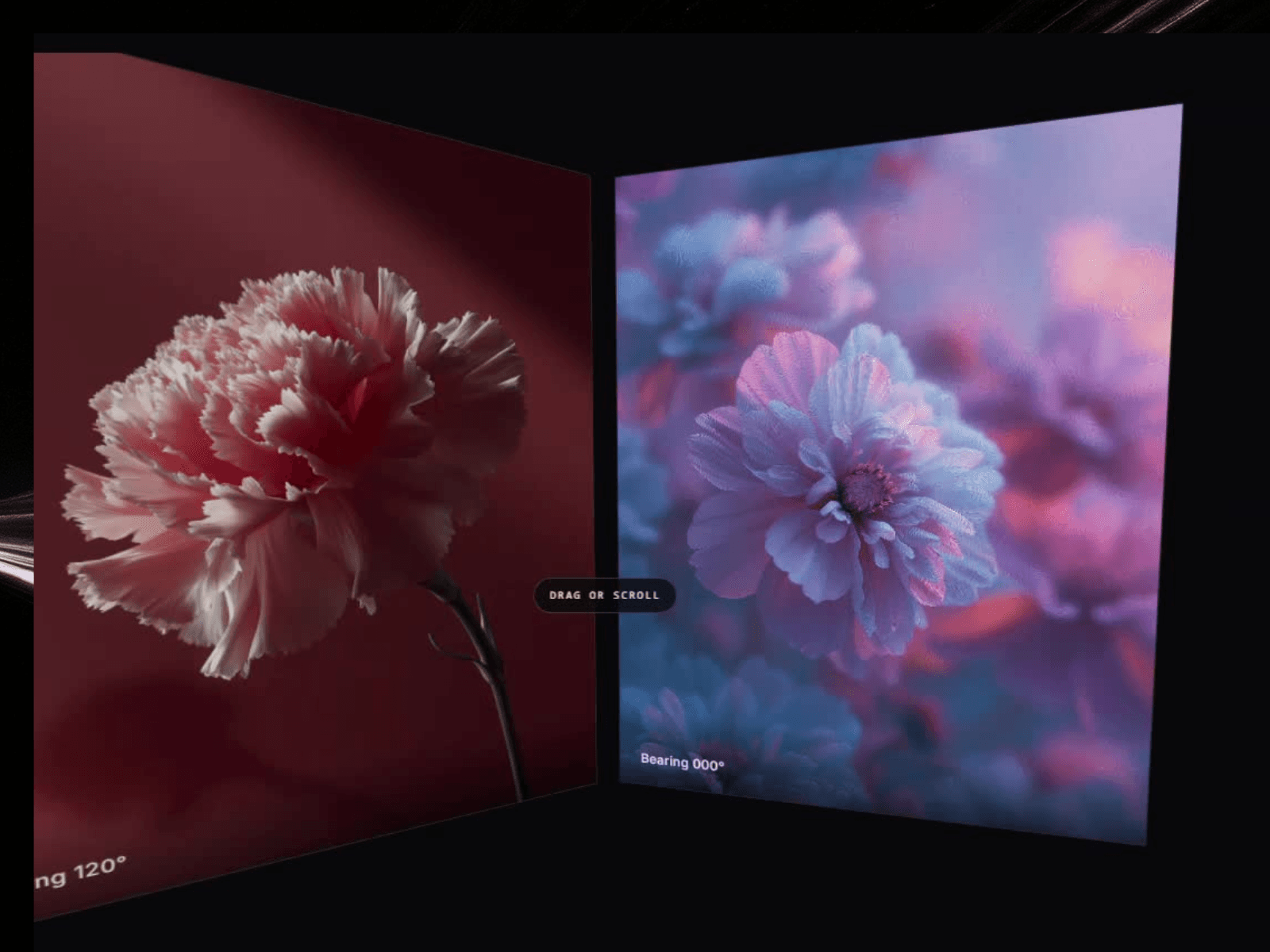
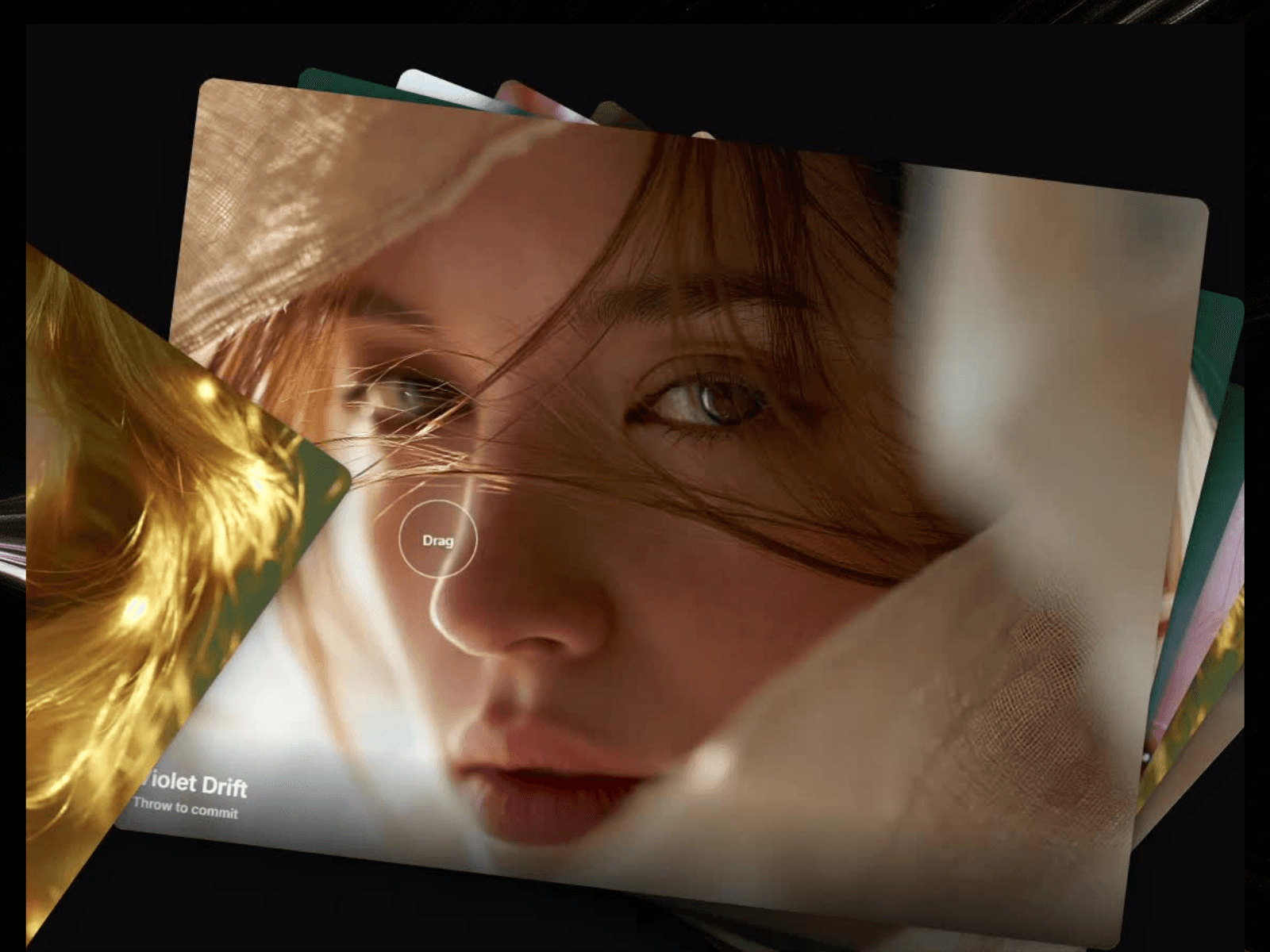
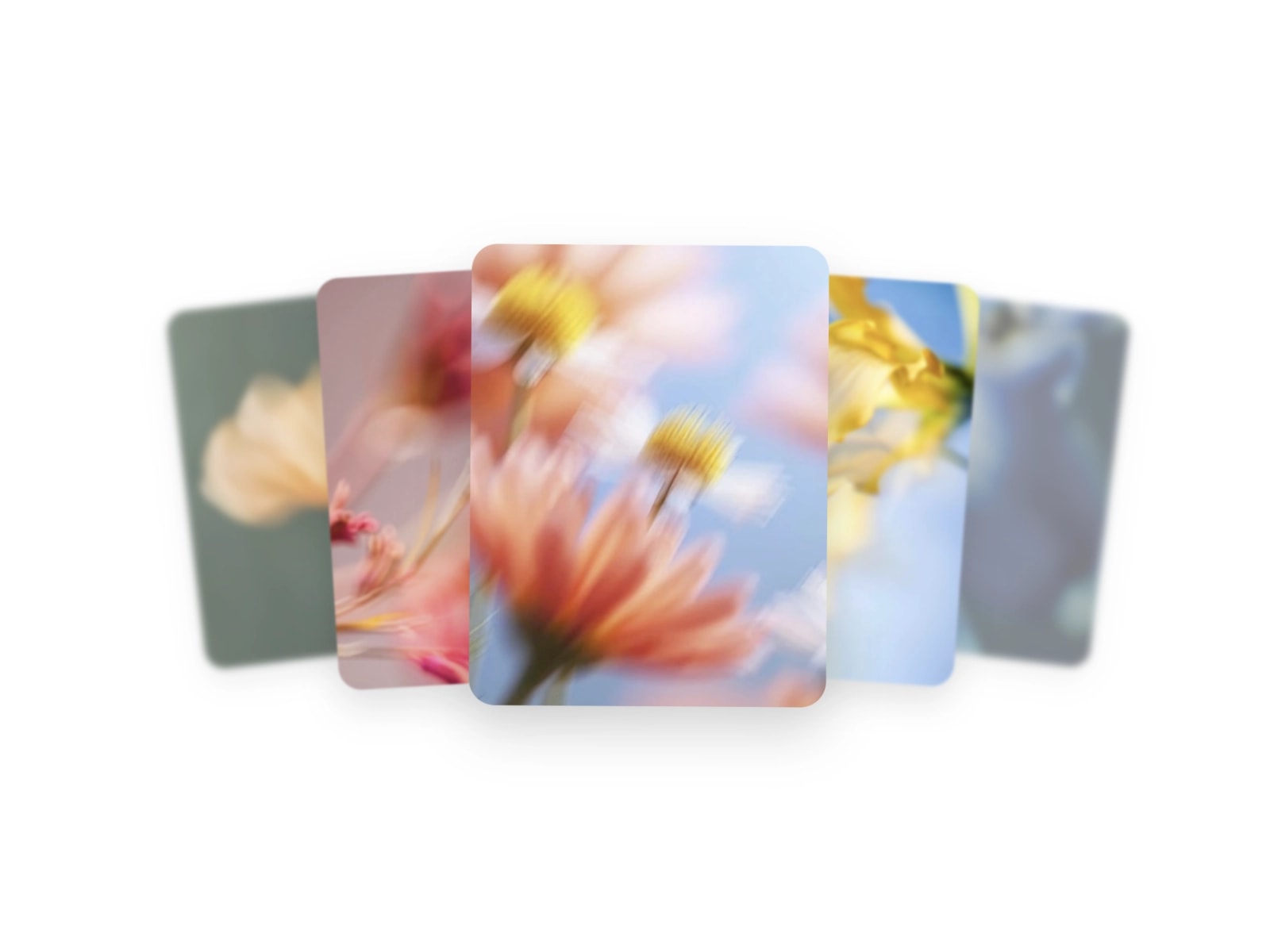
Move the pointer and the whole gallery answers. Direction from the centre of the frame sets the travel axis, distance from the centre sets the speed, and every tile leans into the vector along with its type. No wheel, no dragging, no arrows. It renders live in Framer with nothing to code.
What you get
- 3 steer modes: Axis (the track rotates to any bearing) · Rail (pinned horizontal) · Field (a wrapped two axis plane)
- 8 presets: Vector Drift · Magnetic Rail · Compass Lock · Whiplash · Slow Cinema · Deep Field · Ticker · Nebula
- 8 border presets: None · Hairline · Sharp · Soft · Inset · Double · Glow · Brackets
- Angle snap so the track settles on a clean heading: Free · 4 way · 8 way · 12 way
- Sliders for speed, dead zone, response, idle drift, lean, skew and depth
- Tile width, height, spacing and radius, plus your own images and captions
- Optional vector HUD: dead zone ring, pointer line and a live bearing and speed readout
- Canvas colour, accent colour and label font controls
- An in canvas control panel so visitors can try the presets themselves, with every control mirrored in the properties panel
- Infinite in every direction. There is no first or last slide
- Pauses off screen, respects reduced motion, and draws a crisp static frame in the editor
Drop it into a full-bleed section, a hero, or a single portfolio card.
What's included:
- Remix link to the Component.
- Free updates. The remix link always carries the latest version
- Email support: support@premshandilya.com
License: Single-user license. Use Cursor Drift in unlimited personal and commercial Framer projects, including client work. Reselling, redistributing, or repackaging the component or its source code as your own asset is not permitted.
Refunds: This is a non-refundable digital product, so try the live demo before purchasing. If anything doesn't work as shown, email me and I'll fix it fast.

Cursor Drift: an infinite image gallery steered entirely by the cursor.
Move the pointer and the whole gallery answers. Direction from the centre of the frame sets the travel axis, distance from the centre sets the speed, and every tile leans into the vector along with its type. No wheel, no dragging, no arrows. It renders live in Framer with nothing to code.
What you get
- 3 steer modes: Axis (the track rotates to any bearing) · Rail (pinned horizontal) · Field (a wrapped two axis plane)
- 8 presets: Vector Drift · Magnetic Rail · Compass Lock · Whiplash · Slow Cinema · Deep Field · Ticker · Nebula
- 8 border presets: None · Hairline · Sharp · Soft · Inset · Double · Glow · Brackets
- Angle snap so the track settles on a clean heading: Free · 4 way · 8 way · 12 way
- Sliders for speed, dead zone, response, idle drift, lean, skew and depth
- Tile width, height, spacing and radius, plus your own images and captions
- Optional vector HUD: dead zone ring, pointer line and a live bearing and speed readout
- Canvas colour, accent colour and label font controls
- An in canvas control panel so visitors can try the presets themselves, with every control mirrored in the properties panel
- Infinite in every direction. There is no first or last slide
- Pauses off screen, respects reduced motion, and draws a crisp static frame in the editor
Drop it into a full-bleed section, a hero, or a single portfolio card.
What's included:
- Remix link to the Component.
- Free updates. The remix link always carries the latest version
- Email support: support@premshandilya.com
License: Single-user license. Use Cursor Drift in unlimited personal and commercial Framer projects, including client work. Reselling, redistributing, or repackaging the component or its source code as your own asset is not permitted.
Refunds: This is a non-refundable digital product, so try the live demo before purchasing. If anything doesn't work as shown, email me and I'll fix it fast.
 Prem Shandilya