Droplets Component for Framer
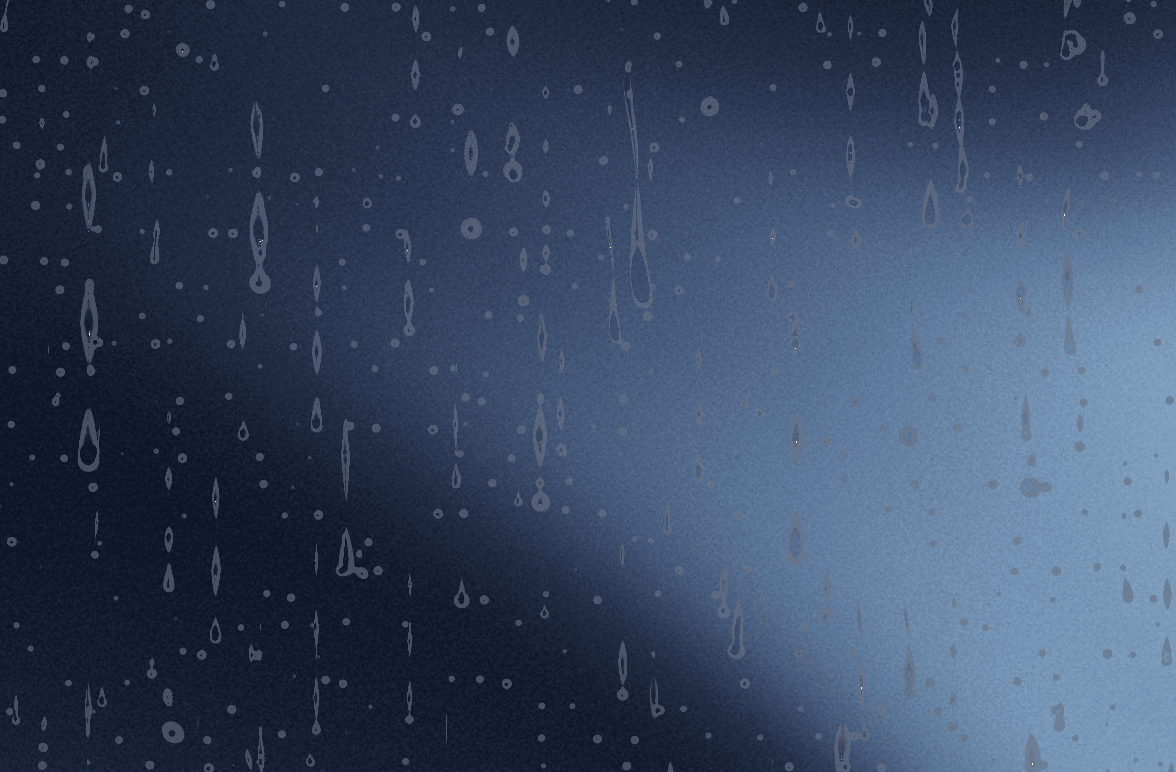
The Droplets component delivers a realistic, high-performance WebGL-powered rain-on-glass visual effect for Framer projects. Designed with interactivity and fluid animations in mind, it creates modern, atmospheric overlays that distort background content with natural refraction, realistic condensation, and pointer interaction.
Key Features
Realistic WebGL Shaders: Simulates sliding drops, trails, static condensation, specularity, and light refraction using custom WebGL2 shaders.
Interactive Wiping Effect: Users can wipe rain off the surface in real-time using their cursor or touch input, leaving transient clear trails that fade over time.
Content Distortion & Blur: Refracts and blurs any underlying UI, images, or elements wrapped within the component.
Reduced Motion & Performance Aware: Automatically pauses when off-screen or when prefers-reduced-motion is enabled to maximize performance and battery life.
Fully Customizable Controls: Directly tweak rain behavior, drop sizes, and optical attributes right from the Framer Canvas property panel.
Component ControlsRain Settings
Intensity (0 to 1.25): Controls the volume of rainfall, ranging from a light drizzle to a heavy downpour.
Speed (0.1 to 5.0): Multiplier for overall animation timing.
Pattern Scale (0.1 to 2.0): Adjusts the density and visual size of the droplet patterns across the surface.
Droplet Properties
Drop Width & Length: Adjusts the scale and elongation of sliding water drops.
Fall Speed: Controls how quickly droplets slide downward across the glass.
Wiggle: Controls the natural horizontal sway of falling drops.
Static Drops: Modifies the overall density of small stationary water droplets.
Made with 💛 by @Karim Saif

Droplets Component for Framer
The Droplets component delivers a realistic, high-performance WebGL-powered rain-on-glass visual effect for Framer projects. Designed with interactivity and fluid animations in mind, it creates modern, atmospheric overlays that distort background content with natural refraction, realistic condensation, and pointer interaction.
Key Features
Realistic WebGL Shaders: Simulates sliding drops, trails, static condensation, specularity, and light refraction using custom WebGL2 shaders.
Interactive Wiping Effect: Users can wipe rain off the surface in real-time using their cursor or touch input, leaving transient clear trails that fade over time.
Content Distortion & Blur: Refracts and blurs any underlying UI, images, or elements wrapped within the component.
Reduced Motion & Performance Aware: Automatically pauses when off-screen or when prefers-reduced-motion is enabled to maximize performance and battery life.
Fully Customizable Controls: Directly tweak rain behavior, drop sizes, and optical attributes right from the Framer Canvas property panel.
Component ControlsRain Settings
Intensity (0 to 1.25): Controls the volume of rainfall, ranging from a light drizzle to a heavy downpour.
Speed (0.1 to 5.0): Multiplier for overall animation timing.
Pattern Scale (0.1 to 2.0): Adjusts the density and visual size of the droplet patterns across the surface.
Droplet Properties
Drop Width & Length: Adjusts the scale and elongation of sliding water drops.
Fall Speed: Controls how quickly droplets slide downward across the glass.
Wiggle: Controls the natural horizontal sway of falling drops.
Static Drops: Modifies the overall density of small stationary water droplets.
Made with 💛 by @Karim Saif