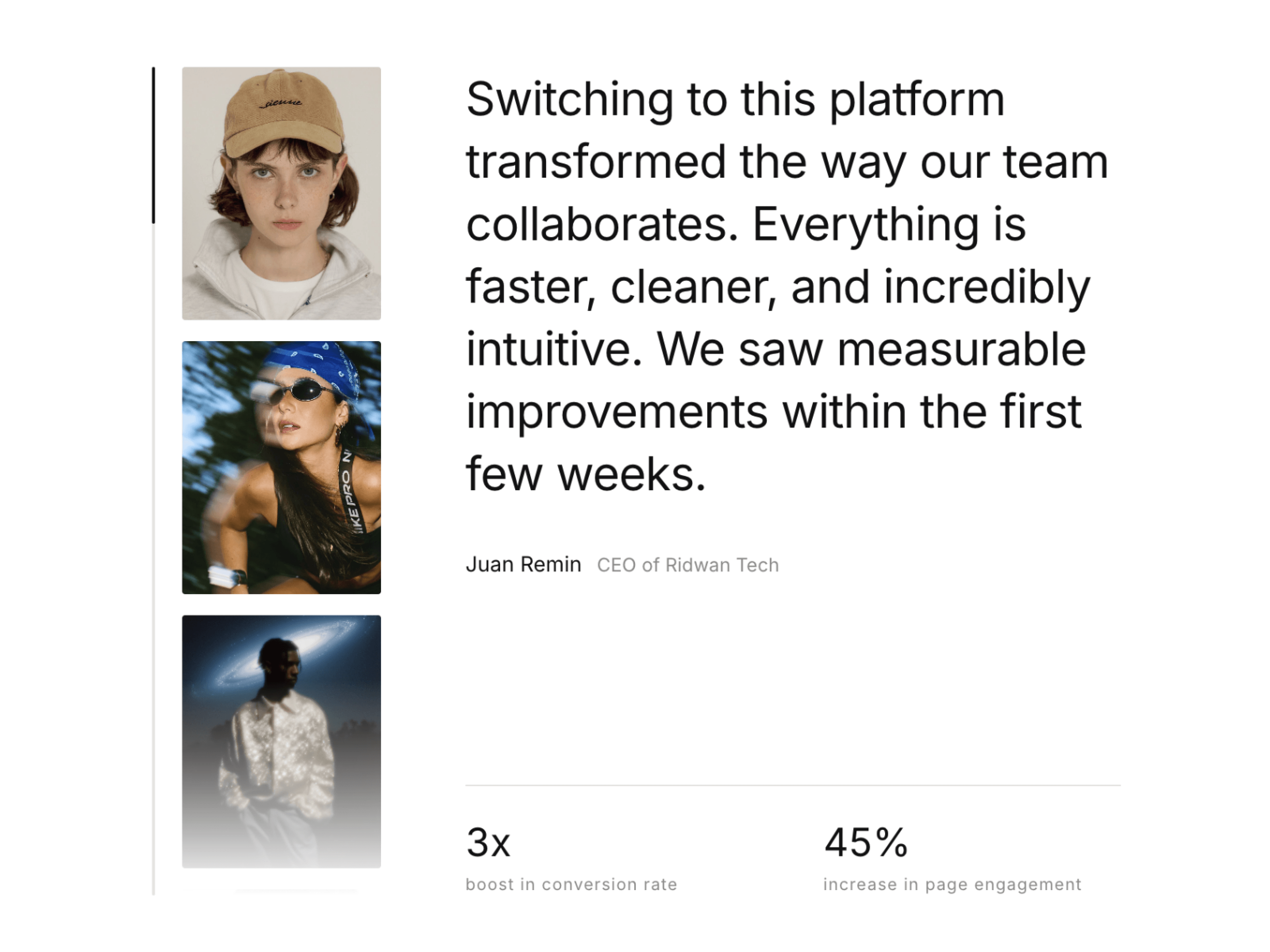
Fake 3D turns flat images and video into interactive depth experiences. Upload your main media file together with a matching depth map, and the component creates a convincing parallax effect that follows the cursor or touch — no 3D software, no complex setup.
The effect is driven by a grayscale depth map: lighter areas appear closer to the viewer, darker areas recede. As the user moves their pointer, pixels shift based on their depth value, creating the illusion of volume and space.
Image mode — pair any photo with a depth map image
Video mode — pair a video clip with a synced depth video for moving 3D scenes
Cursor & touch parallax — smooth interaction on desktop and mobile
Intro animation — fade-in, subtle zoom, and gradual depth reveal on load
Full control — parallax strength, smoothing, fit mode, depth inversion, edge mirroring, and more
Performance-aware — rendering pauses when the component leaves the viewport
Add Fake 3D to your canvas
Choose Image or Video mode
Upload your main media (photo or video)
Upload your depth map (grayscale image or depth video)
Preview and fine-tune in the properties panel
Built-in demo assets are included so the component looks great on the canvas immediately. Replace them with your own files for production.
You need a depth map alongside your photo or video — a black-and-white image (or video) where brightness represents distance: white = close, black = far.
Disclaimer: You do not need to create depth maps manually or pay for expensive tools. There are many free and low-cost online services that generate depth maps from ordinary photos using AI. Search for terms like “AI depth map generator”, “image to depth map”, or “monocular depth estimation”. Popular options include web demos on Hugging Face, open models such as Depth Anything, and various browser-based converters. Quality varies by service and image content — try a few and pick the result that works best with your photo.

Fake 3D turns flat images and video into interactive depth experiences. Upload your main media file together with a matching depth map, and the component creates a convincing parallax effect that follows the cursor or touch — no 3D software, no complex setup.
The effect is driven by a grayscale depth map: lighter areas appear closer to the viewer, darker areas recede. As the user moves their pointer, pixels shift based on their depth value, creating the illusion of volume and space.
Image mode — pair any photo with a depth map image
Video mode — pair a video clip with a synced depth video for moving 3D scenes
Cursor & touch parallax — smooth interaction on desktop and mobile
Intro animation — fade-in, subtle zoom, and gradual depth reveal on load
Full control — parallax strength, smoothing, fit mode, depth inversion, edge mirroring, and more
Performance-aware — rendering pauses when the component leaves the viewport
Add Fake 3D to your canvas
Choose Image or Video mode
Upload your main media (photo or video)
Upload your depth map (grayscale image or depth video)
Preview and fine-tune in the properties panel
Built-in demo assets are included so the component looks great on the canvas immediately. Replace them with your own files for production.
You need a depth map alongside your photo or video — a black-and-white image (or video) where brightness represents distance: white = close, black = far.
Disclaimer: You do not need to create depth maps manually or pay for expensive tools. There are many free and low-cost online services that generate depth maps from ordinary photos using AI. Search for terms like “AI depth map generator”, “image to depth map”, or “monocular depth estimation”. Popular options include web demos on Hugging Face, open models such as Depth Anything, and various browser-based converters. Quality varies by service and image content — try a few and pick the result that works best with your photo.