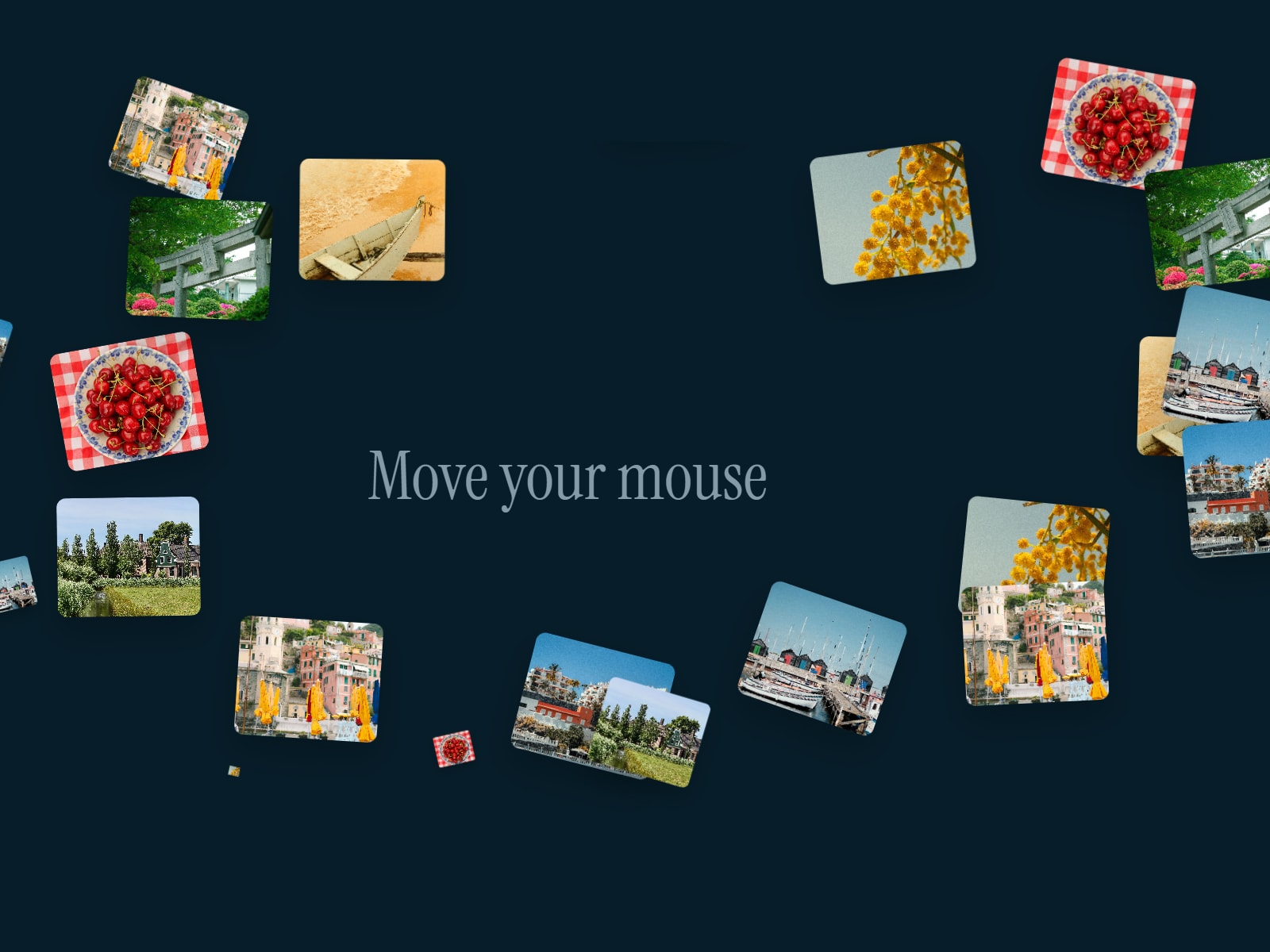
Fluid Image Distort turns a plain static image into a living, liquid surface. It's an image hover effect that ripples and warps in real time as your cursor moves across it, like the photo is sitting under a sheet of water.
How it works
Your image feeds into a real-time WebGL fluid simulation. Velocity, curl, pressure, and divergence are all calculated live, frame by frame, so this isn't some faked shader trick, it's an actual fluid sim running under the hood. Every cursor move injects force into the fluid, making it swirl and flow like real liquid. Stop moving, and the fluid slowly settles back to rest. On top of that, a chromatic RGB split rides along the distortion, giving it a subtle glass-like fringe as the surface shifts.
Controls
Image – the photo the effect distorts
Image Type – fill or fit the image within the frame
Displacement – how strongly the fluid warps the image
RGB Split – intensity of the chromatic aberration
Fluid Strength – how forcefully the simulation reacts to movement
Pointer Force – how much your cursor pushes into the fluid
Splat Radius – size of the ripple each movement creates
Curl – amount of swirl, vortex-like motion
Velocity Diss. / Density Diss. – how fast motion and color settle back down
Pressure Steps – simulation accuracy; higher means smoother fluid behavior
Fluid Res. / Density Res. – simulation and visual quality, balanced against performance
Behavior
The live WebGL effect runs in Preview and on your published site. On the Framer canvas, it just shows your uploaded image as a static preview so the editor stays light and fast. If no image is uploaded yet, you'll see a placeholder prompting you to add one.
Refund Policy
Since this is a digital component, all sales are final, once it's delivered, it can't be returned, exchanged, or refunded. Take a look at the product details and demo before buying, and reach out if anything's unclear.

Fluid Image Distort turns a plain static image into a living, liquid surface. It's an image hover effect that ripples and warps in real time as your cursor moves across it, like the photo is sitting under a sheet of water.
How it works
Your image feeds into a real-time WebGL fluid simulation. Velocity, curl, pressure, and divergence are all calculated live, frame by frame, so this isn't some faked shader trick, it's an actual fluid sim running under the hood. Every cursor move injects force into the fluid, making it swirl and flow like real liquid. Stop moving, and the fluid slowly settles back to rest. On top of that, a chromatic RGB split rides along the distortion, giving it a subtle glass-like fringe as the surface shifts.
Controls
Image – the photo the effect distorts
Image Type – fill or fit the image within the frame
Displacement – how strongly the fluid warps the image
RGB Split – intensity of the chromatic aberration
Fluid Strength – how forcefully the simulation reacts to movement
Pointer Force – how much your cursor pushes into the fluid
Splat Radius – size of the ripple each movement creates
Curl – amount of swirl, vortex-like motion
Velocity Diss. / Density Diss. – how fast motion and color settle back down
Pressure Steps – simulation accuracy; higher means smoother fluid behavior
Fluid Res. / Density Res. – simulation and visual quality, balanced against performance
Behavior
The live WebGL effect runs in Preview and on your published site. On the Framer canvas, it just shows your uploaded image as a static preview so the editor stays light and fast. If no image is uploaded yet, you'll see a placeholder prompting you to add one.
Refund Policy
Since this is a digital component, all sales are final, once it's delivered, it can't be returned, exchanged, or refunded. Take a look at the product details and demo before buying, and reach out if anything's unclear.