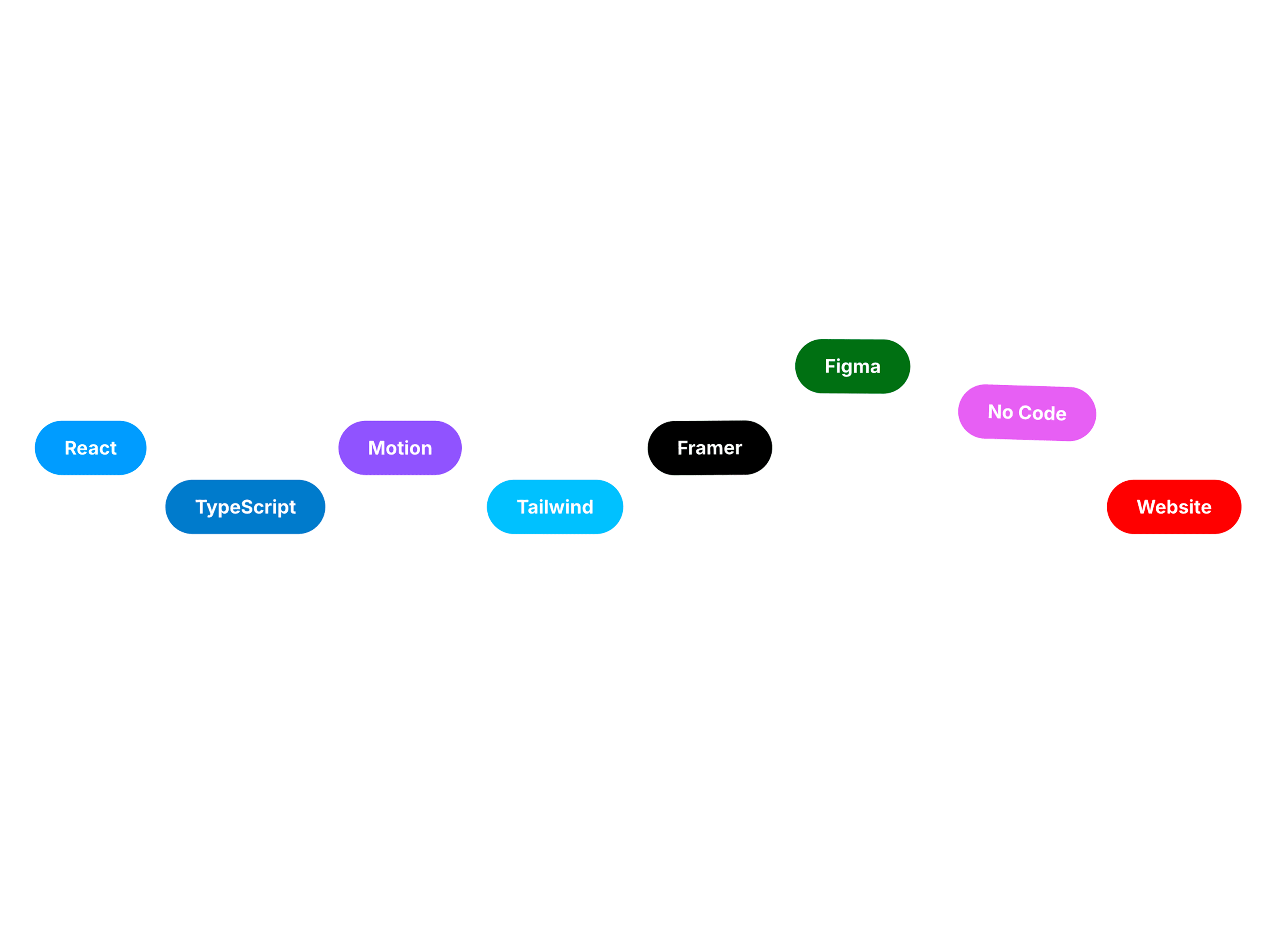
Gravity Tags adds a fun physics-driven interaction to your website by animating tags with gravity behavior. Tags fall, bounce, and settle naturally using customizable physics settings like gravity strength, friction, and bounciness. The component is perfect for skill lists, feature highlights, or keyword clouds. With simple no-code controls, you can adjust typography, padding, animation trigger, and physics behavior directly inside Framer.
Key Features
Physics-based gravity tag animation
Natural bouncing and movement behavior
Customizable gravity, friction, and bounciness
Supports multiple tags
Adjustable padding and layout spacing
Custom tag typography
Animation trigger when component enters view
Lightweight and responsive
No-code customization in Framer
Controls
Animation Trigger – Choose when animation starts (e.g., In View)
Frame Padding – Adjust spacing around the component frame
Tags – Add and manage multiple tag items
Tag Font – Customize typography for tags
Tag Padding – Control padding inside each tag
Gravity Strength – Adjust how strongly tags fall
Bounciness – Control how much tags bounce on collision
Friction – Adjust resistance to slow tag movement
Background color – Set the background color of the component
Refund Policy: Please note that once this component is purchased, it is non-refundable due to its digital nature.

Gravity Tags adds a fun physics-driven interaction to your website by animating tags with gravity behavior. Tags fall, bounce, and settle naturally using customizable physics settings like gravity strength, friction, and bounciness. The component is perfect for skill lists, feature highlights, or keyword clouds. With simple no-code controls, you can adjust typography, padding, animation trigger, and physics behavior directly inside Framer.
Key Features
Physics-based gravity tag animation
Natural bouncing and movement behavior
Customizable gravity, friction, and bounciness
Supports multiple tags
Adjustable padding and layout spacing
Custom tag typography
Animation trigger when component enters view
Lightweight and responsive
No-code customization in Framer
Controls
Animation Trigger – Choose when animation starts (e.g., In View)
Frame Padding – Adjust spacing around the component frame
Tags – Add and manage multiple tag items
Tag Font – Customize typography for tags
Tag Padding – Control padding inside each tag
Gravity Strength – Adjust how strongly tags fall
Bounciness – Control how much tags bounce on collision
Friction – Adjust resistance to slow tag movement
Background color – Set the background color of the component
Refund Policy: Please note that once this component is purchased, it is non-refundable due to its digital nature.