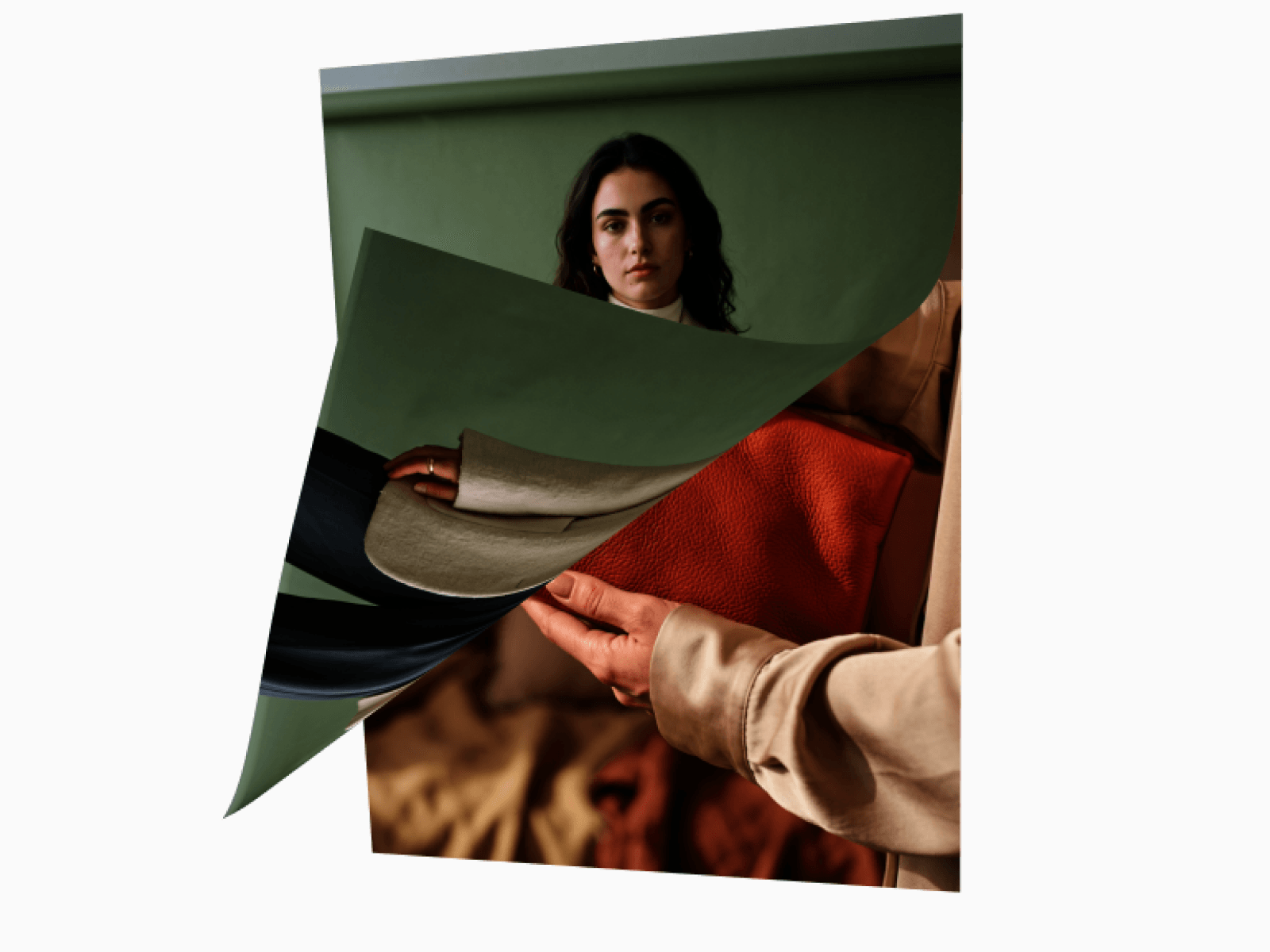
Add a premium interactive WebGL image gallery to your site with smooth grid-based reveals, cinematic Ken Burns zooms, and dynamic pattern transitions.
Features
Real-time WebGL image transition rendering
5 dynamic reveal patterns (Random, Left-to-Right, Diagonal, Center Out, Top-to-Bottom)
Cinematic Ken Burns continuous zoom effect
Customizable grid splits (Rows & Columns)
Stylized grid gaps and custom border lines
Auto-play loop with pause-on-hover interaction
Click-to-next manual navigation
Highly optimized static renderer pattern for smooth editing
Responsive resize handling with aspect ratio cover
Works perfectly for hero sections, portfolios, and showcases
Customization Options
High-resolution images array
Grid rows and columns
Transition reveal pattern
Animation duration and pause intervals
Transition smoothness and dissolve overlap
Cell gap padding
Grid line width, color, and opacity
Canvas background color
Base image fade opacity
Cinematic zoom speed
Pause on hover toggle
Click to next toggle
How to Use
Drop the component onto your Framer canvas
Upload your high-resolution images into the control panel
Choose your preferred transition pattern (e.g., Center Out, Diagonal)
Adjust the rows and columns to structure your grid
Tune the animation duration, pause time, and zoom speed
Publish for a premium, interactive image gallery
Use Cases
Premium photography portfolios
Modern SaaS hero sections
Creative agency landing pages
Architecture and real estate showcases
E-commerce product highlights
Interactive event galleries
Cinematic background visuals

Add a premium interactive WebGL image gallery to your site with smooth grid-based reveals, cinematic Ken Burns zooms, and dynamic pattern transitions.
Features
Real-time WebGL image transition rendering
5 dynamic reveal patterns (Random, Left-to-Right, Diagonal, Center Out, Top-to-Bottom)
Cinematic Ken Burns continuous zoom effect
Customizable grid splits (Rows & Columns)
Stylized grid gaps and custom border lines
Auto-play loop with pause-on-hover interaction
Click-to-next manual navigation
Highly optimized static renderer pattern for smooth editing
Responsive resize handling with aspect ratio cover
Works perfectly for hero sections, portfolios, and showcases
Customization Options
High-resolution images array
Grid rows and columns
Transition reveal pattern
Animation duration and pause intervals
Transition smoothness and dissolve overlap
Cell gap padding
Grid line width, color, and opacity
Canvas background color
Base image fade opacity
Cinematic zoom speed
Pause on hover toggle
Click to next toggle
How to Use
Drop the component onto your Framer canvas
Upload your high-resolution images into the control panel
Choose your preferred transition pattern (e.g., Center Out, Diagonal)
Adjust the rows and columns to structure your grid
Tune the animation duration, pause time, and zoom speed
Publish for a premium, interactive image gallery
Use Cases
Premium photography portfolios
Modern SaaS hero sections
Creative agency landing pages
Architecture and real estate showcases
E-commerce product highlights
Interactive event galleries
Cinematic background visuals
 Ameva
Ameva