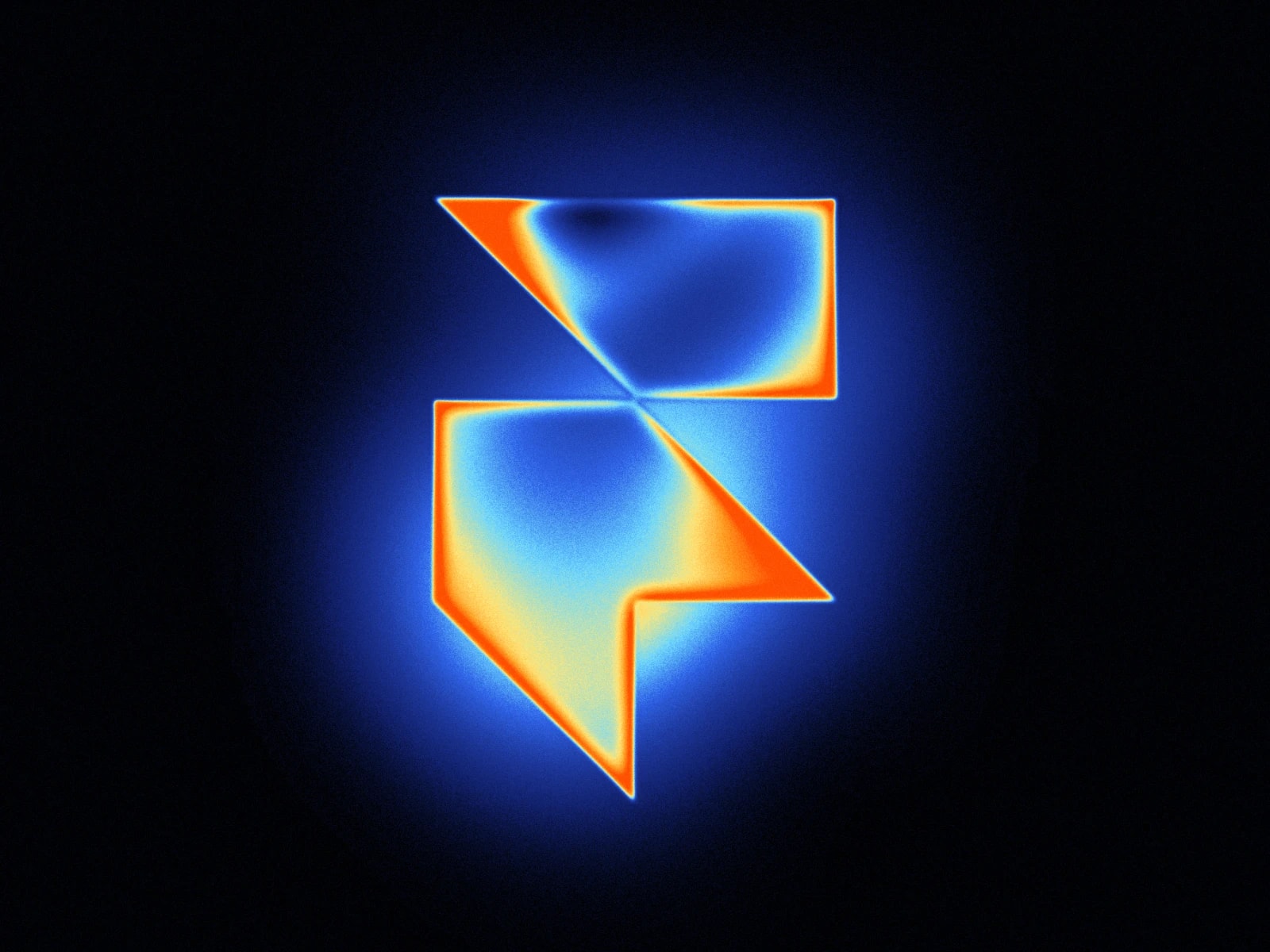
Create Apple-style thermal heatmap visualizations with glowing contours, heat distribution patterns, and smooth color transitions for data visualization.
Copy and paste the component into your Framer project file.
The component renders Apple’s signature heat mapping effect out of the box.
Customize the thermal gradient from the Properties panel:
Define your Color Palette for heat intensity mapping.
Adjust Transform Controls for positioning.
Modify Animation Controls for dynamic heat flow.
Fine-tune Visual Effects for glow intensity.
Add any Image for heatmap shader surface mapping.
This thermal imaging component includes 11 specialized controls across 5 sections.
Color Palette: Define up to 10 gradients for temperature visualization from cool to hot.
Transform Controls: Adjust Scale (10–200%) and Rotation (0–360°) for precise placement.
Animation Controls: Change Animation Speed (0–500%) for dynamic flow and offset patterns.
Visual Effects: Control contour intensity, glow effects, and noise for realistic heat distribution.
Image Section: Add any image in PNG, WEBP, or SVG format.
Authentic Apple Style: Recreates Apple’s iconic thermal visualization aesthetic.
Realistic Heat Physics: Natural gradients with accurate heat distribution patterns.
Real-time Animation: Dynamic thermal simulation powered by WebGL.
Responsive Design: Scales smoothly across all device sizes.
Surface Integration: Texture blending for material-based thermal imaging.
Creative Projects: Futuristic designs, artistic heatmap shader visuals, and sci-fi effects.
Gaming UI: Weapon overheating, environment heat effects, or interactive map overlays.
Product Demos: Thermal-style interfaces for devices, hardware, or concept presentations.
Made with ❤ by Soyeb
Have questions or need a custom Framer component? Reach out at heysoyebali@gmail.com

Create Apple-style thermal heatmap visualizations with glowing contours, heat distribution patterns, and smooth color transitions for data visualization.
Copy and paste the component into your Framer project file.
The component renders Apple’s signature heat mapping effect out of the box.
Customize the thermal gradient from the Properties panel:
Define your Color Palette for heat intensity mapping.
Adjust Transform Controls for positioning.
Modify Animation Controls for dynamic heat flow.
Fine-tune Visual Effects for glow intensity.
Add any Image for heatmap shader surface mapping.
This thermal imaging component includes 11 specialized controls across 5 sections.
Color Palette: Define up to 10 gradients for temperature visualization from cool to hot.
Transform Controls: Adjust Scale (10–200%) and Rotation (0–360°) for precise placement.
Animation Controls: Change Animation Speed (0–500%) for dynamic flow and offset patterns.
Visual Effects: Control contour intensity, glow effects, and noise for realistic heat distribution.
Image Section: Add any image in PNG, WEBP, or SVG format.
Authentic Apple Style: Recreates Apple’s iconic thermal visualization aesthetic.
Realistic Heat Physics: Natural gradients with accurate heat distribution patterns.
Real-time Animation: Dynamic thermal simulation powered by WebGL.
Responsive Design: Scales smoothly across all device sizes.
Surface Integration: Texture blending for material-based thermal imaging.
Creative Projects: Futuristic designs, artistic heatmap shader visuals, and sci-fi effects.
Gaming UI: Weapon overheating, environment heat effects, or interactive map overlays.
Product Demos: Thermal-style interfaces for devices, hardware, or concept presentations.
Made with ❤ by Soyeb
Have questions or need a custom Framer component? Reach out at heysoyebali@gmail.com


