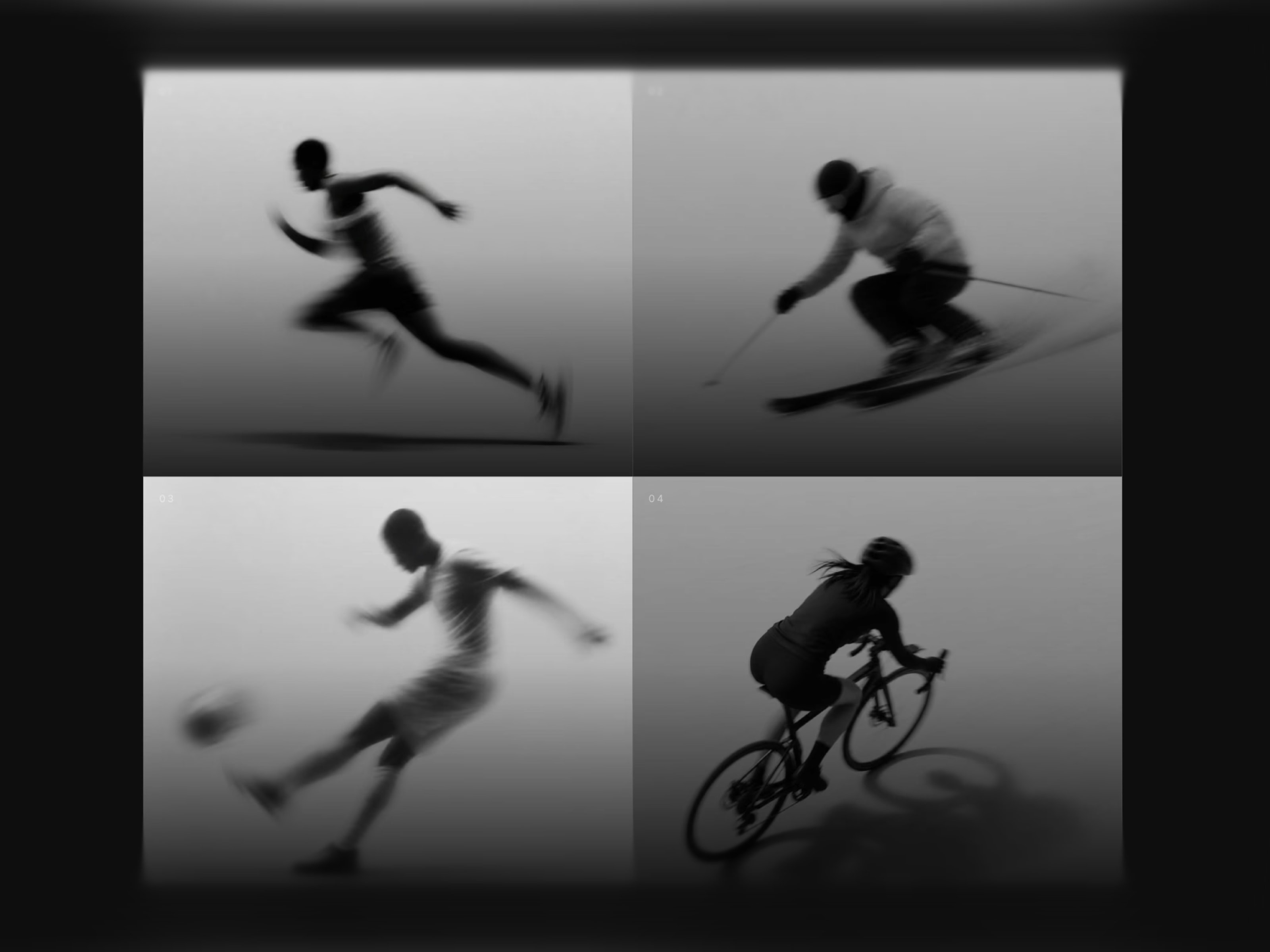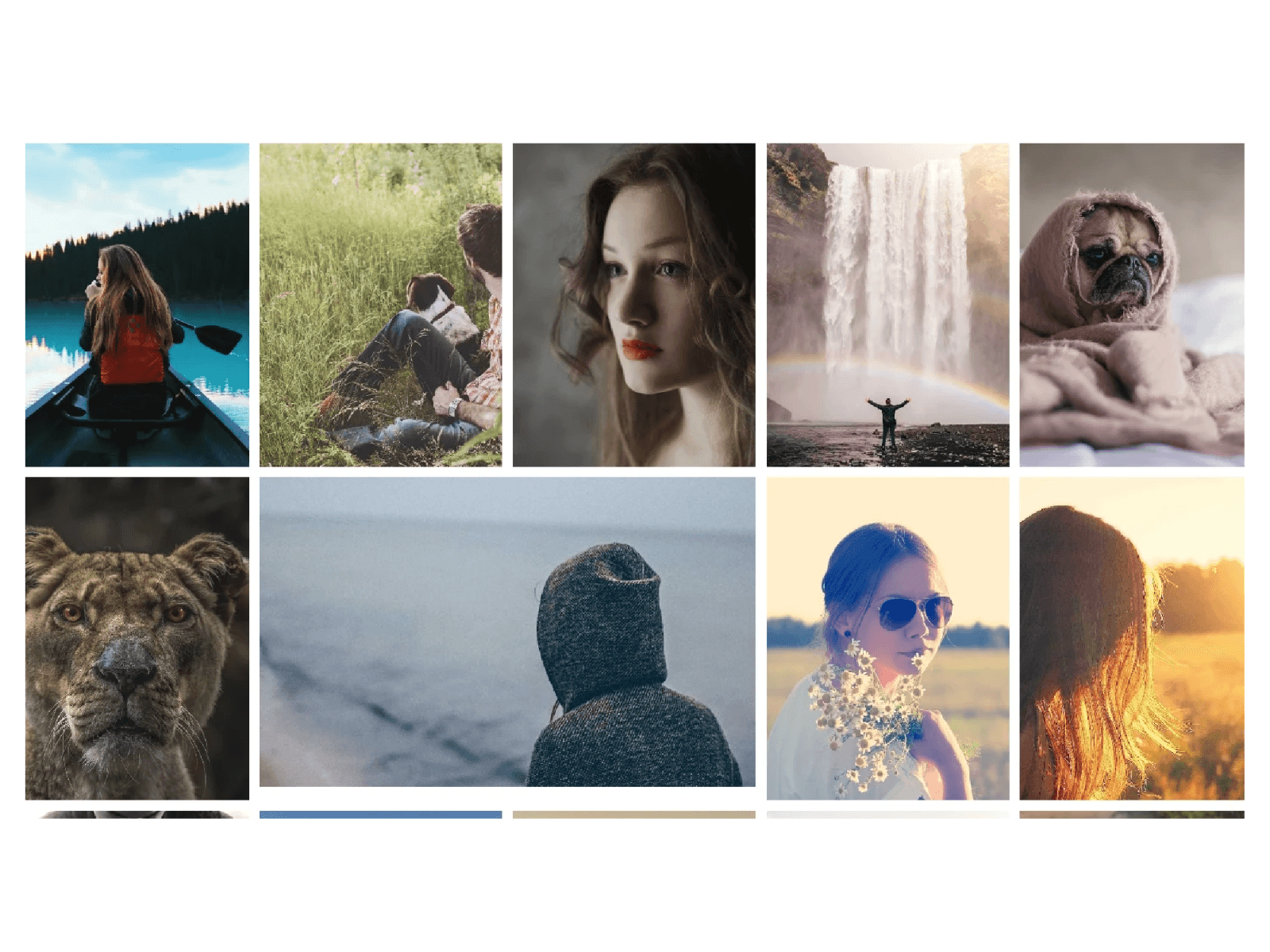
About MediaGrid Pro adds an interactive, high impact media gallery directly to your Framer projects. Drop it into a hero section, portfolio showcase, or creative gallery to display dynamic images and autoplaying videos with fluid animations and hover focus effects.
What it does Renders a custom responsive media grid that smoothly reveals your images and videos with staggered loading effects. It handles interactive hover zoom, automatically dims surrounding elements to focus on hovered media, supports video autoplay, and offers smooth scrolling easing. It also includes an optional fixed UI menu bar and customizable preloader animations.
What you can customize
Layout and spacing: Set column counts independently for desktop, tablet, and mobile, customize grid gap, inner padding, corner radius, image fit modes, and specify wide spanning items.
Animations and reveals: Adjust stagger timings, reveal durations, flash speed, hover zoom intensity, sibling dimming opacity, and preloader load times.
Controls and UI: Toggle smooth scroll easing, video autoplay options, fixed UI navigation controls, menu toggle settings, copyright details, background shades, and UI colors.
Great for
Hero sections and landing pages
Creative agency portfolios and photo galleries
Product showcases and media showcases
Modern studio websites and interactive showcases
Share your build If you ship something cool with it, post it on X and tag me @Dulajweb, or send it over. I would love to see what you create.
Need help? Questions or feedback? Reach me anytime at dulajdilshan766@gmail.com or on X @Dulajweb.

About MediaGrid Pro adds an interactive, high impact media gallery directly to your Framer projects. Drop it into a hero section, portfolio showcase, or creative gallery to display dynamic images and autoplaying videos with fluid animations and hover focus effects.
What it does Renders a custom responsive media grid that smoothly reveals your images and videos with staggered loading effects. It handles interactive hover zoom, automatically dims surrounding elements to focus on hovered media, supports video autoplay, and offers smooth scrolling easing. It also includes an optional fixed UI menu bar and customizable preloader animations.
What you can customize
Layout and spacing: Set column counts independently for desktop, tablet, and mobile, customize grid gap, inner padding, corner radius, image fit modes, and specify wide spanning items.
Animations and reveals: Adjust stagger timings, reveal durations, flash speed, hover zoom intensity, sibling dimming opacity, and preloader load times.
Controls and UI: Toggle smooth scroll easing, video autoplay options, fixed UI navigation controls, menu toggle settings, copyright details, background shades, and UI colors.
Great for
Hero sections and landing pages
Creative agency portfolios and photo galleries
Product showcases and media showcases
Modern studio websites and interactive showcases
Share your build If you ship something cool with it, post it on X and tag me @Dulajweb, or send it over. I would love to see what you create.
Need help? Questions or feedback? Reach me anytime at dulajdilshan766@gmail.com or on X @Dulajweb.
 Dulaj dilshan