MORE FRAMER COMPONENTS LIKE THIS
✦ Browse +38 FREE + 85 premium components: https://frameze.com/components
✦ Gallery Bundle: https://frameze.com/components/category/gallery?ref=bundles
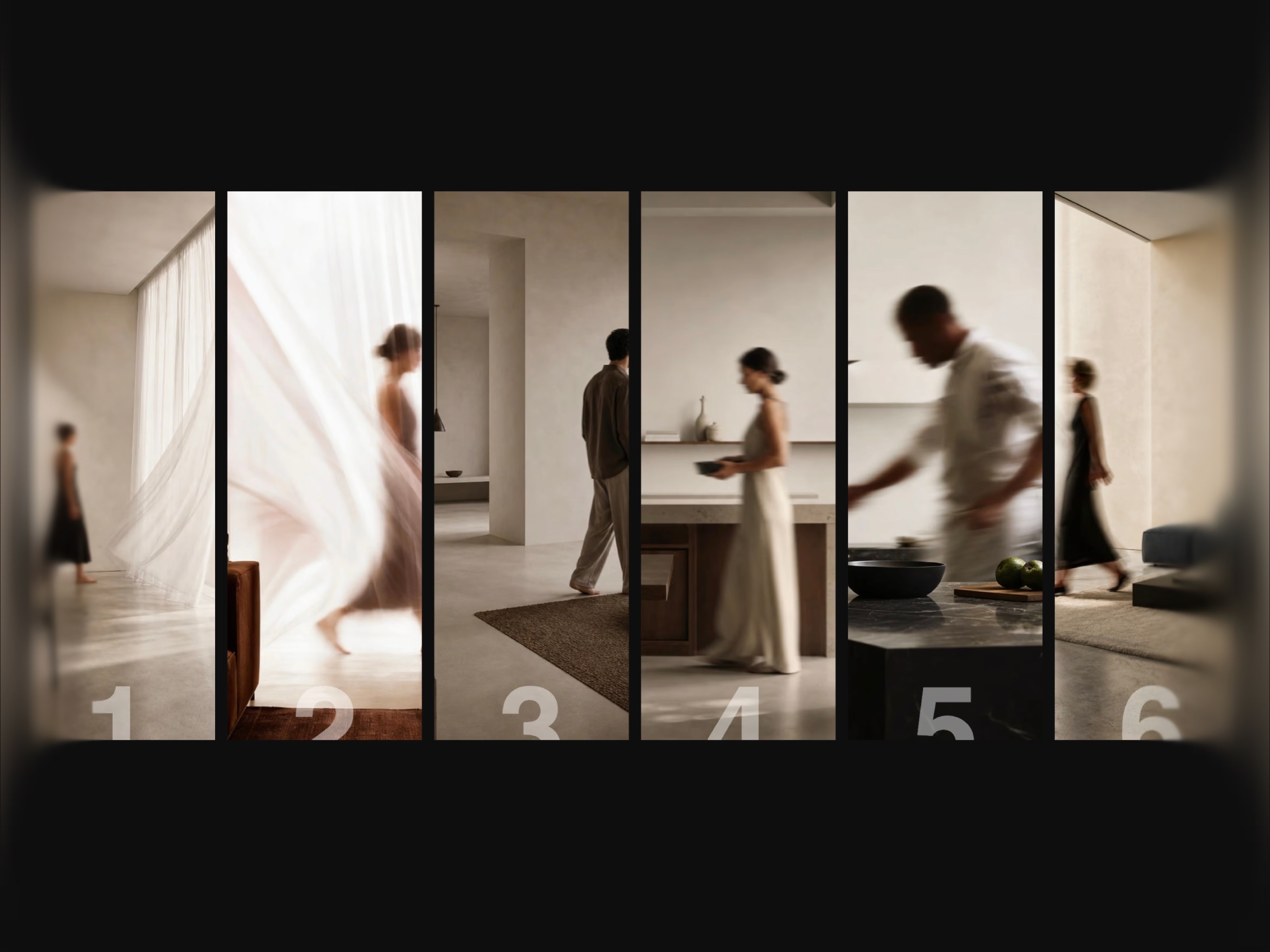
A gallery where images come alive the moment you look at them. LensGallery starts every photo in grayscale — hover over any card and it expands, reveals full color, and tilts toward your cursor with a subtle 3D effect. Neighbors shift to medium size, keeping a natural visual hierarchy without any configuration.
Built for teams, portfolios, and brands that want their gallery to feel like an experience, not just a grid.
Features
Grayscale to full color reveal on hover
Hovered image scales to XL, neighbors shift to medium
3D tilt effect — cards lean toward the cursor
Inner parallax — image shifts inside the card with mouse
5 transition styles: Smooth, Spring, Bounce, Snap, Linear
Click to open modal with title & description
Hover title reveal
Touch & mobile optimized — tap to expand, tap again to open
Horizontal & vertical orientation
Square, portrait and landscape aspect ratio
Up to 6 cards, configurable
Demo mode for live presentations
No external dependencies
Property Controls
Content — up to 6 images with title and description per card
Sizing — default size, hovered size, adjacent size fully configurable
Animation — 5 transition styles with easing control
Layout — orientation, aspect ratio, gap, card radius, background color
Interaction — color reveal, tilt, parallax, click icon, modal on/off
Perfect for
Team introductions and about pages
Portfolio and case study highlights
Product and lookbook showcases
Agency and studio websites
Photography collections
Brand campaign landing pages
SEO Keywords
framer lens gallery · color reveal gallery · framer hover image gallery · framer grayscale to color · interactive gallery · image hover effect · team showcase · portfolio component · framer 3d tilt gallery · focus effect · photo gallery · image reveal · gallery component

MORE FRAMER COMPONENTS LIKE THIS
✦ Browse +38 FREE + 85 premium components: https://frameze.com/components
✦ Gallery Bundle: https://frameze.com/components/category/gallery?ref=bundles
A gallery where images come alive the moment you look at them. LensGallery starts every photo in grayscale — hover over any card and it expands, reveals full color, and tilts toward your cursor with a subtle 3D effect. Neighbors shift to medium size, keeping a natural visual hierarchy without any configuration.
Built for teams, portfolios, and brands that want their gallery to feel like an experience, not just a grid.
Features
Grayscale to full color reveal on hover
Hovered image scales to XL, neighbors shift to medium
3D tilt effect — cards lean toward the cursor
Inner parallax — image shifts inside the card with mouse
5 transition styles: Smooth, Spring, Bounce, Snap, Linear
Click to open modal with title & description
Hover title reveal
Touch & mobile optimized — tap to expand, tap again to open
Horizontal & vertical orientation
Square, portrait and landscape aspect ratio
Up to 6 cards, configurable
Demo mode for live presentations
No external dependencies
Property Controls
Content — up to 6 images with title and description per card
Sizing — default size, hovered size, adjacent size fully configurable
Animation — 5 transition styles with easing control
Layout — orientation, aspect ratio, gap, card radius, background color
Interaction — color reveal, tilt, parallax, click icon, modal on/off
Perfect for
Team introductions and about pages
Portfolio and case study highlights
Product and lookbook showcases
Agency and studio websites
Photography collections
Brand campaign landing pages
SEO Keywords
framer lens gallery · color reveal gallery · framer hover image gallery · framer grayscale to color · interactive gallery · image hover effect · team showcase · portfolio component · framer 3d tilt gallery · focus effect · photo gallery · image reveal · gallery component