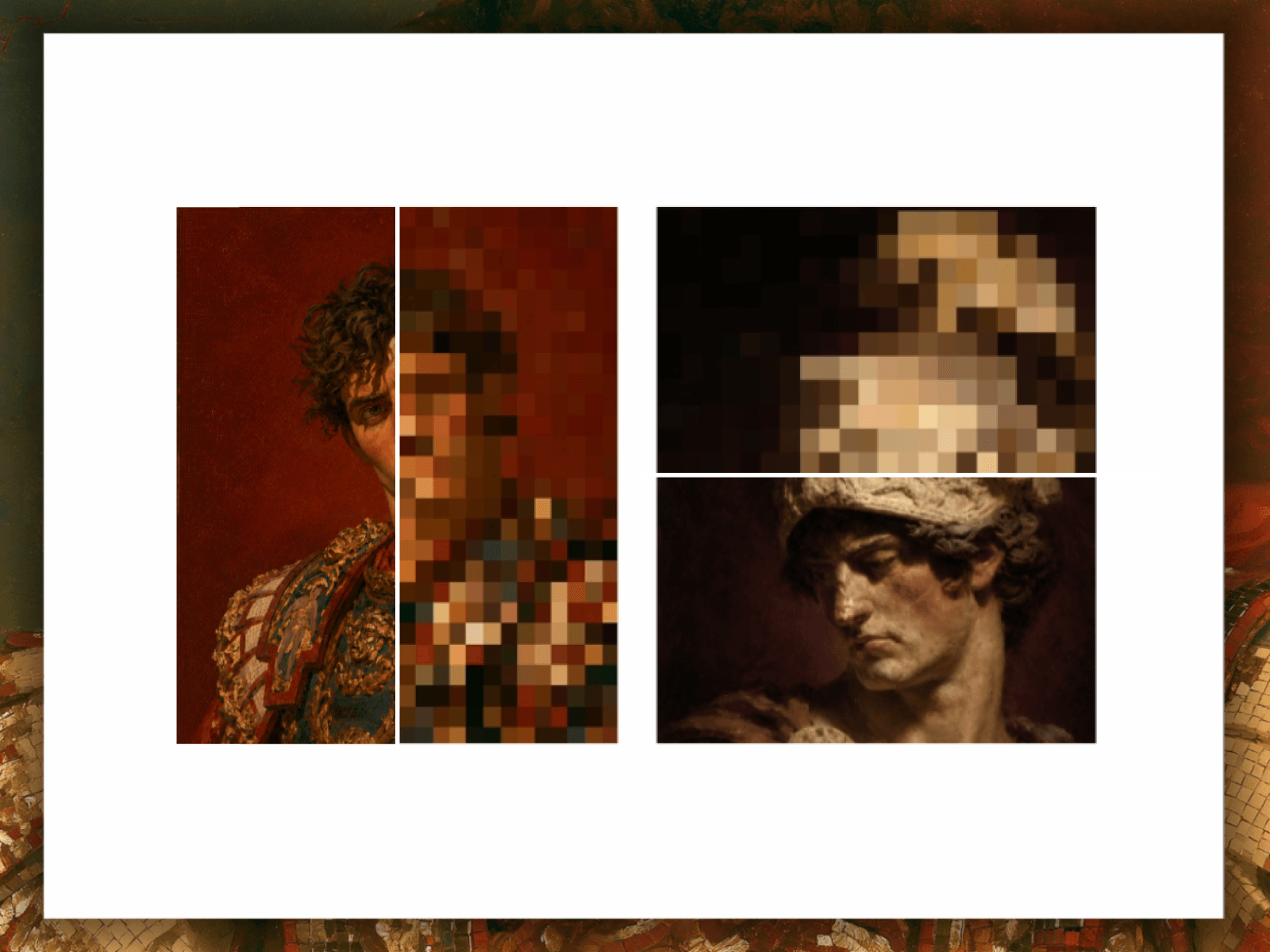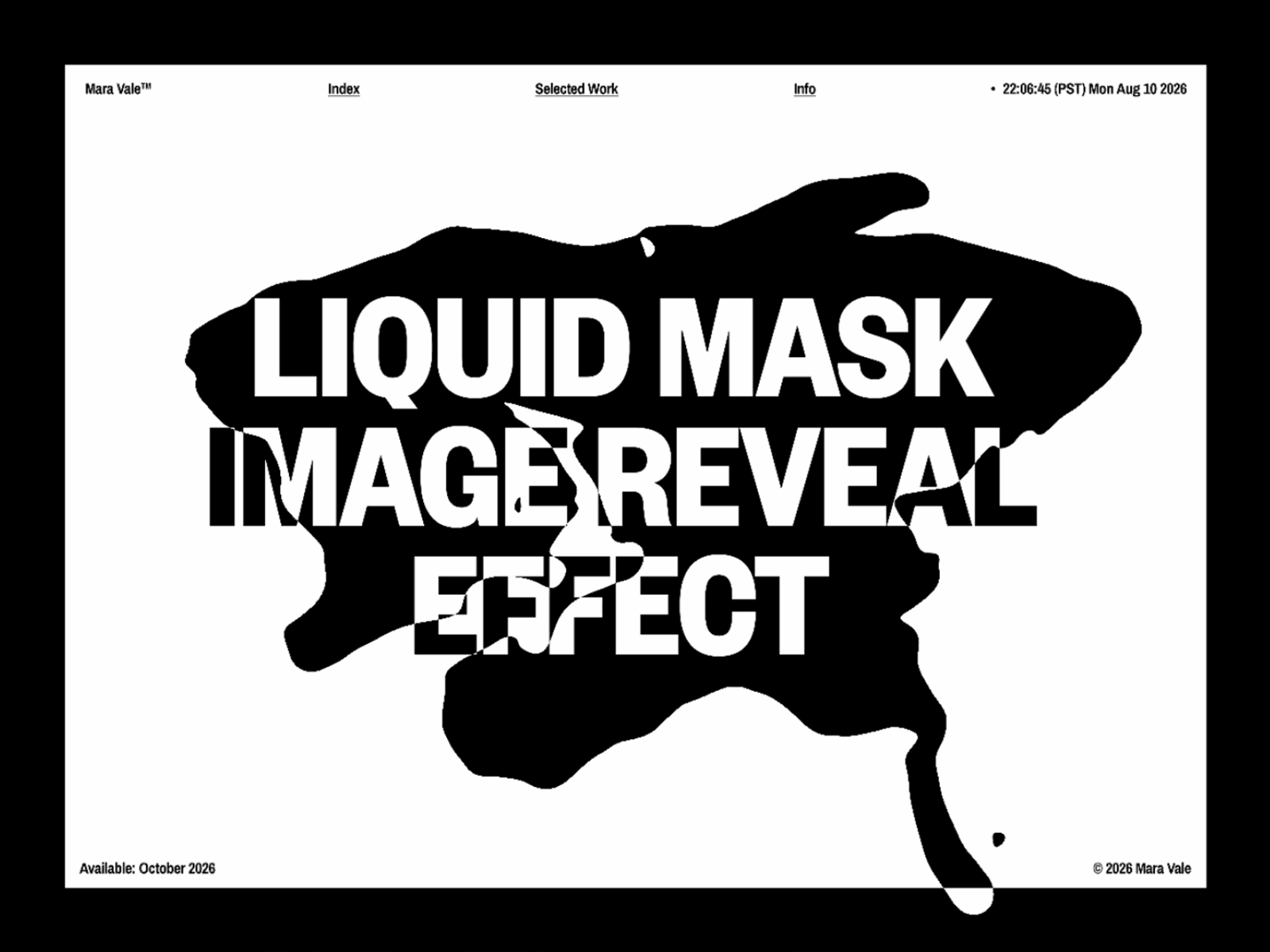
Liquid Image Reveal turns a hidden image into a living, liquid surface. Move your cursor to swirl one image away and reveal a second image underneath through real-time fluid motion.
Two images feed into a real-time WebGL fluid simulation. Velocity, curl, pressure, and divergence are calculated frame by frame to create natural fluid movement.
Every cursor movement injects force into the fluid, pushing dye across the surface and revealing the image beneath. When you stop moving, the fluid settles and the reveal gradually fades back to the base image.
The reveal is edge-controlled, so you can create anything from a sharp liquid wipe to a soft, feathered dissolve.
Base Image — Image shown before the reveal.
Reveal Image — Image revealed through the fluid.
Background — Fallback color while images load.
Simulation — Fluid simulation resolution.
Dye Resolution — Resolution of the visible fluid texture.
Velocity Dissipation — How quickly motion fades.
Dye Dissipation — How quickly the reveal fades.
Pressure — Solver iterations for smoother fluid behavior.
Curl — Amount of swirling motion.
Splat Radius — Size of each cursor ripple.
Splat Force — Strength of the cursor interaction.
Reveal Size — How far the reveal spreads.
Edge Softness — Softness of the transition.
Edge Width — Width of the blend between images.
The live WebGL effect runs in Preview and on your published site. On the Framer canvas, it displays the base image as a static preview to keep the editor fast. Unsupported devices automatically fall back to the static base image.
This is a digital component, so all sales are final. Once delivered, it cannot be returned, exchanged, or refunded. Please review the details and demo before purchasing.

Liquid Image Reveal turns a hidden image into a living, liquid surface. Move your cursor to swirl one image away and reveal a second image underneath through real-time fluid motion.
Two images feed into a real-time WebGL fluid simulation. Velocity, curl, pressure, and divergence are calculated frame by frame to create natural fluid movement.
Every cursor movement injects force into the fluid, pushing dye across the surface and revealing the image beneath. When you stop moving, the fluid settles and the reveal gradually fades back to the base image.
The reveal is edge-controlled, so you can create anything from a sharp liquid wipe to a soft, feathered dissolve.
Base Image — Image shown before the reveal.
Reveal Image — Image revealed through the fluid.
Background — Fallback color while images load.
Simulation — Fluid simulation resolution.
Dye Resolution — Resolution of the visible fluid texture.
Velocity Dissipation — How quickly motion fades.
Dye Dissipation — How quickly the reveal fades.
Pressure — Solver iterations for smoother fluid behavior.
Curl — Amount of swirling motion.
Splat Radius — Size of each cursor ripple.
Splat Force — Strength of the cursor interaction.
Reveal Size — How far the reveal spreads.
Edge Softness — Softness of the transition.
Edge Width — Width of the blend between images.
The live WebGL effect runs in Preview and on your published site. On the Framer canvas, it displays the base image as a static preview to keep the editor fast. Unsupported devices automatically fall back to the static base image.
This is a digital component, so all sales are final. Once delivered, it cannot be returned, exchanged, or refunded. Please review the details and demo before purchasing.