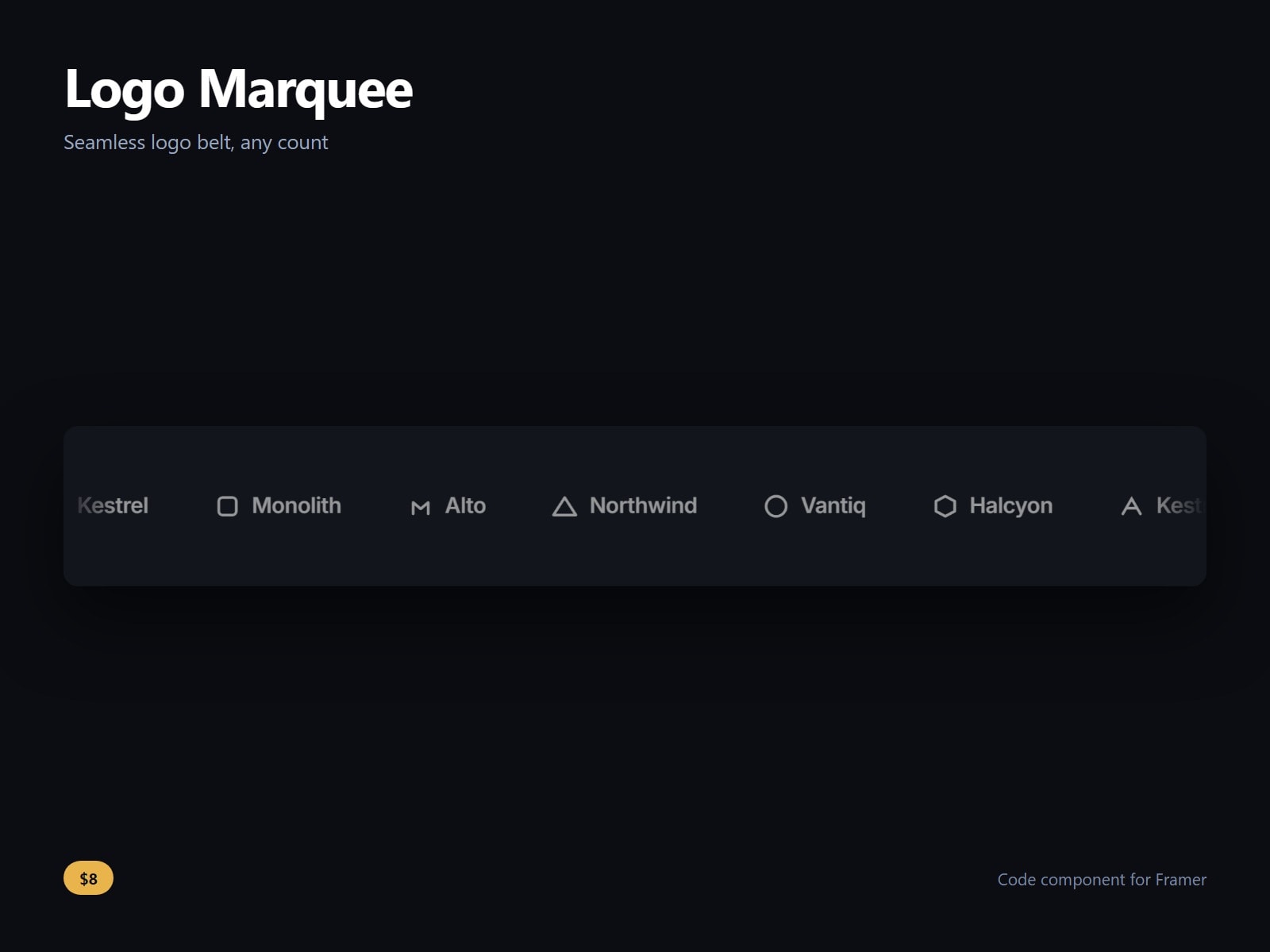
A logo marquee and logo carousel for Framer that stays seamless at any logo count and any screen width.
Add your logos to the array control. Speed, direction, gap, row height, pause on hover, edge fade width, resting opacity and greyscale with colour on hover are controls, and a second row can travel the opposite way.
Most logo belts assume the track is wider than the screen. This one measures the container and duplicates the track until it fills the width plus one full track, then travels exactly one track width, so there is no jump at the loop and no gap on a wide monitor with five logos. It re-measures when the container resizes.
Mixed logo shapes are normalised to a common optical height, so a wide wordmark and a square mark sit together. It holds still for a visitor who has asked for reduced motion.
After purchase you receive the component URL. In Framer, press Insert, choose Add Component URL, and paste it.
Licence: yours to use on your own sites and on client sites, commercially, with no attribution. Not for resale or redistribution: do not share the component URL, and do not publish the component or its code anywhere, paid or free. Full terms arrive with your purchase. Questions: me@majedesigns.dev

A logo marquee and logo carousel for Framer that stays seamless at any logo count and any screen width.
Add your logos to the array control. Speed, direction, gap, row height, pause on hover, edge fade width, resting opacity and greyscale with colour on hover are controls, and a second row can travel the opposite way.
Most logo belts assume the track is wider than the screen. This one measures the container and duplicates the track until it fills the width plus one full track, then travels exactly one track width, so there is no jump at the loop and no gap on a wide monitor with five logos. It re-measures when the container resizes.
Mixed logo shapes are normalised to a common optical height, so a wide wordmark and a square mark sit together. It holds still for a visitor who has asked for reduced motion.
After purchase you receive the component URL. In Framer, press Insert, choose Add Component URL, and paste it.
Licence: yours to use on your own sites and on client sites, commercially, with no attribution. Not for resale or redistribution: do not share the component URL, and do not publish the component or its code anywhere, paid or free. Full terms arrive with your purchase. Questions: me@majedesigns.dev